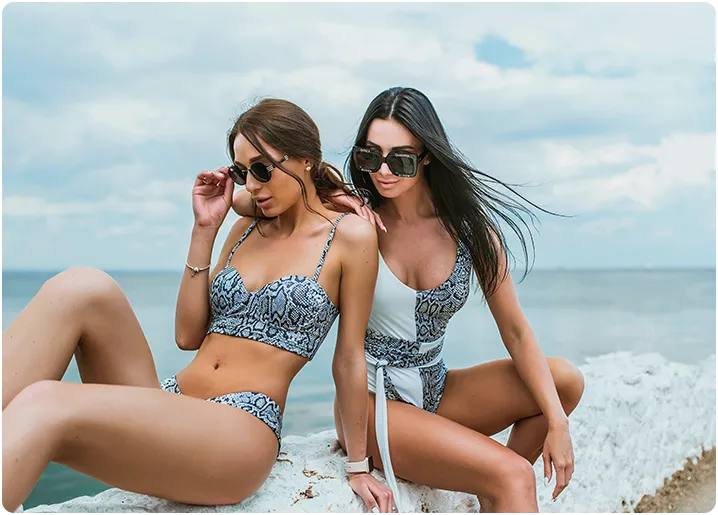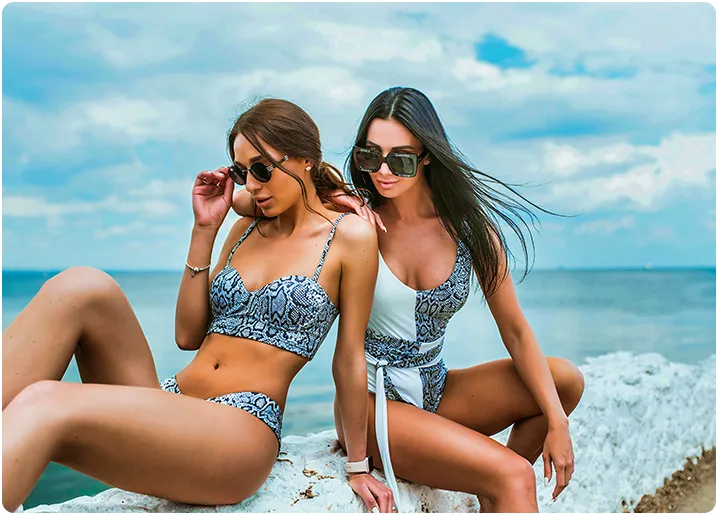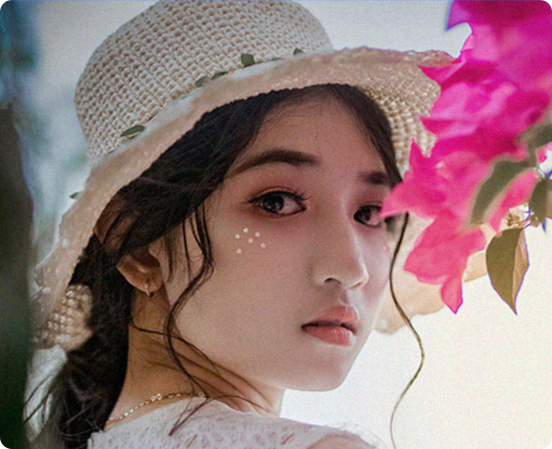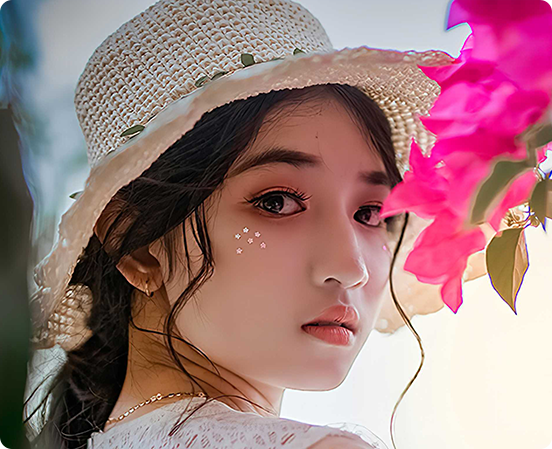
before after
Before
After
AI Portrait Photo Enhancer

Enhance portrait photos easily with advanced AI photo enhancer

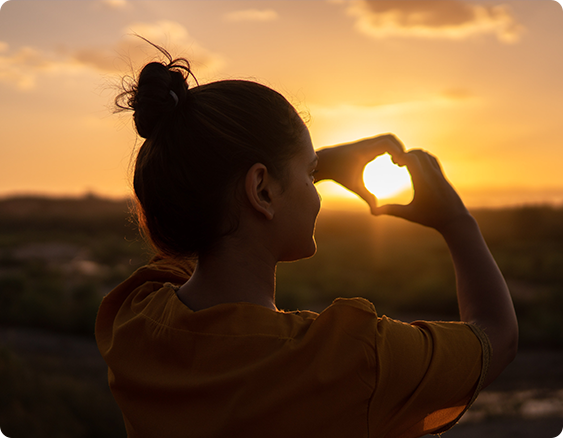
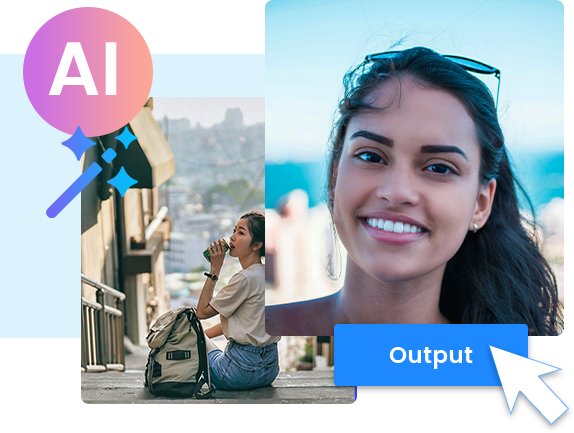
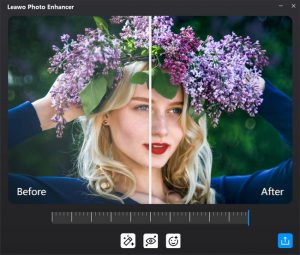
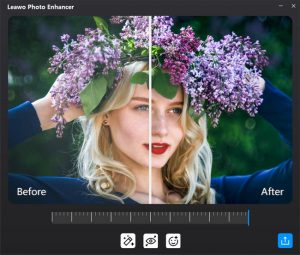
Photo Enhancer is a powerful AI portrait enhancer that beautifies portrait photos instantly. You can use it to do portrait photo enhancement like retouching skin, removing freckles, enhancing eyes, adjusting lighting and more, with only a few clicks.
AI Photo exposure Adjuster

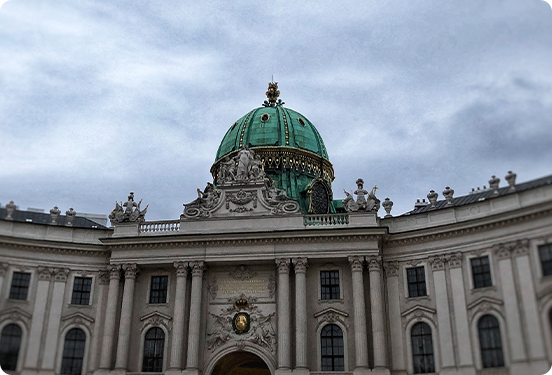
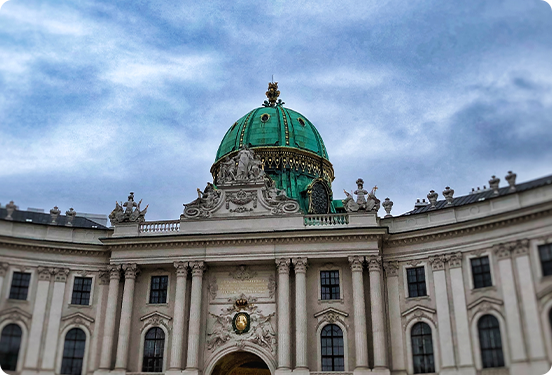
Fix photo exposure issues automatically

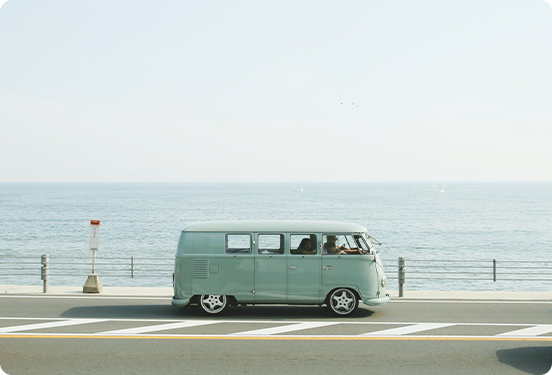
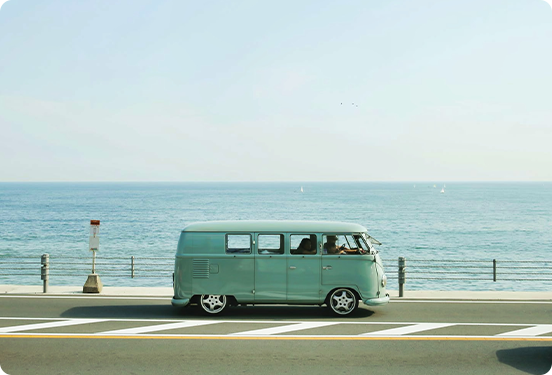
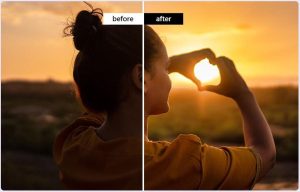
Whether your photo is too dark or too bright, Photo Enhancer can fix it easily. It detects areas that were exposed excessively and then adjusts the brightness, making the highlights and shadows of your photos look more comfortable.
before after
Before
After
before after
Before
After
AI Sky Enhancer

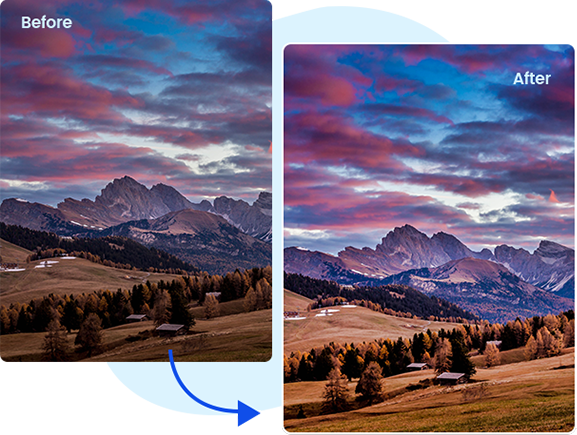
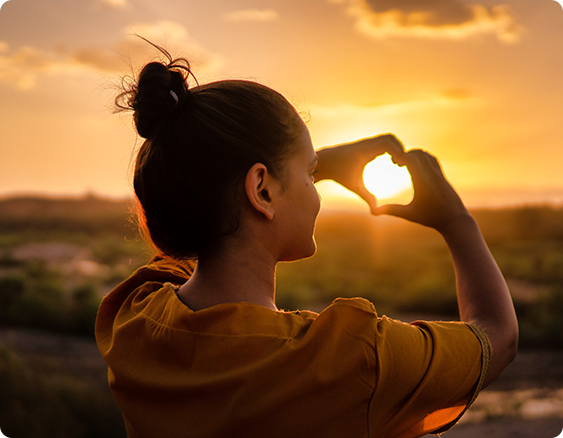
Bring the sky of photos to life

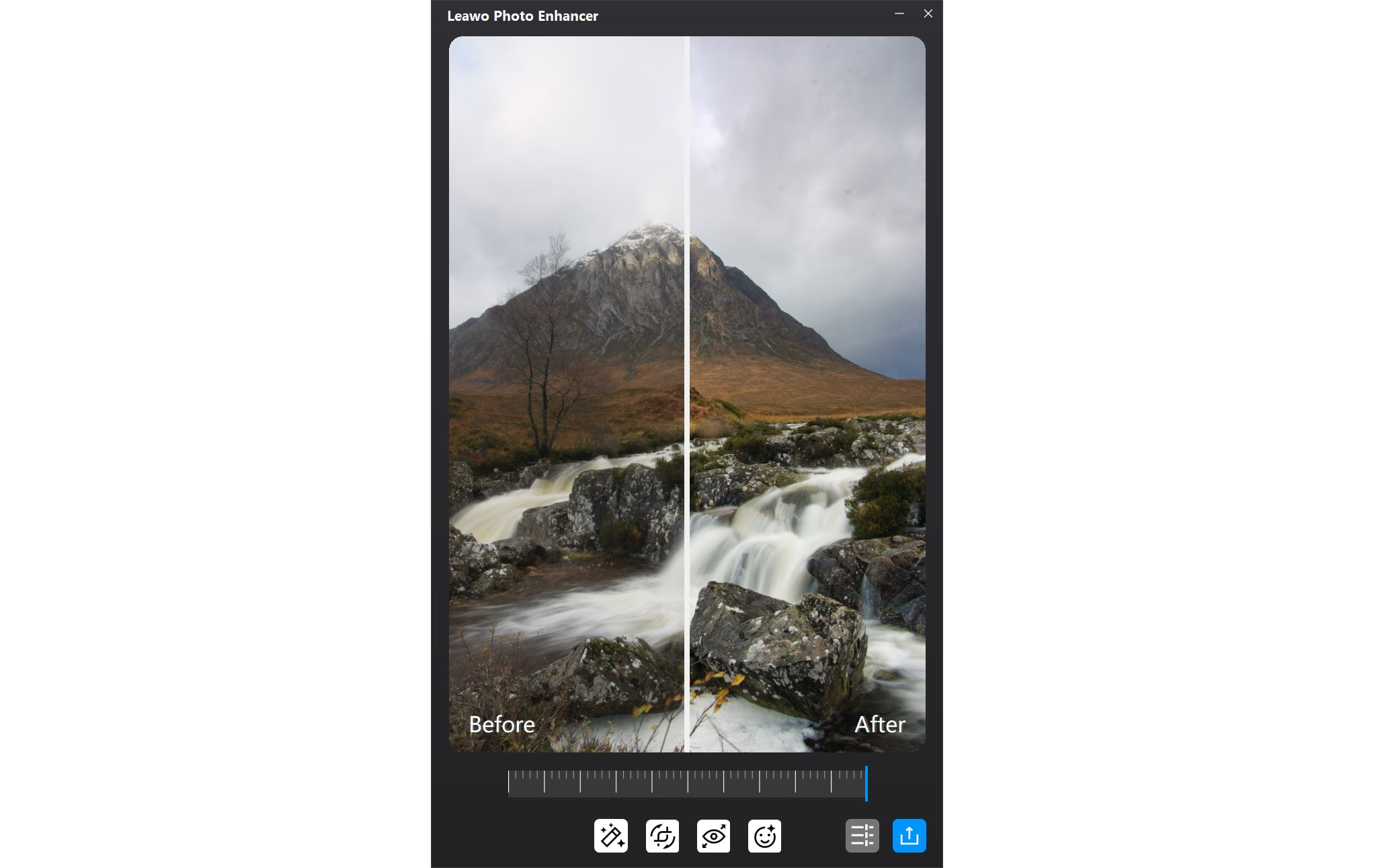
The AI sky enhancer of Photo Enhancer creates beautifully enhanced sky for your landscape photos. It automatically identifies the sky and improves it with vivid colors so the sky looks like the one you see with your eyes in the real world.
Enhance Photo Colors

Optimize photo colors and perfect photo tints

Photo Enhancer is also an AI photo enhancer that is good at enhancing colors. It can fix and improve the colors of your photos, and gives you the right tone and color balance to perfect the tints. After the photo enhancement, the colors of your photos will look just like how they look in nature.
feature
before after
Before
After
AI Photo Dehazer

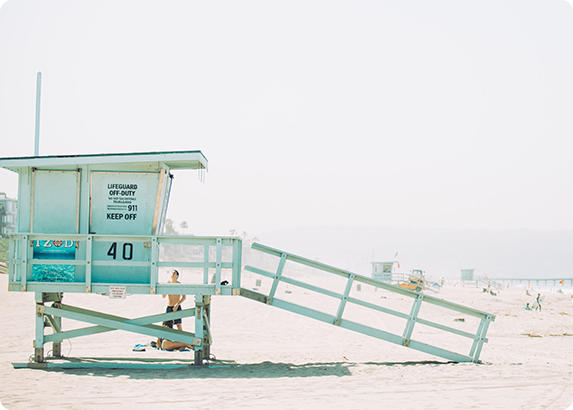
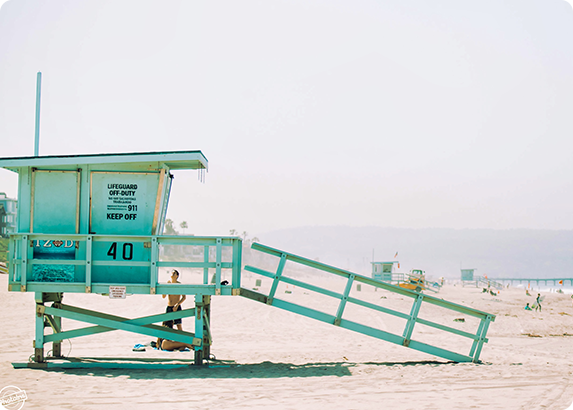
Make photos perfectly clear with smart dehaze

The smart dehaze feature of Photo Enhancer removes the haziness and fogginess from your photos. It enhances the images by bringing them more details and dynamic saturation and contrast, giving the images a clear and striking look.
Enhance Foliage in Photos

Vitalize the foliage of photos

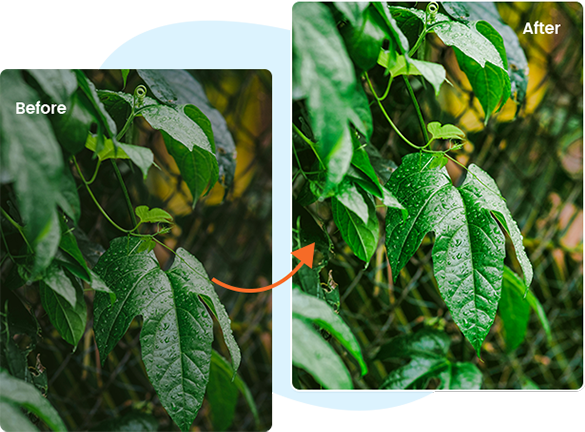
Photo Enhancer can relive the lush foliage landscapes. It automatically optimizes the saturation, contrast and edges of the leaves so you'll see the improved foliage photo quality with more vibrant colors and lighting that match how you would see in nature.
feature
before after
Before
After
Fix White Balance

Boost photo lighting and color quality

The AI photo enhancement features of Photo Enhancer have excellent control over the colors and lighting of an image. It can get the accurate and realistic lighting and color temperature for an image that the camera gave no or incorrect white balance.
Optimize Photo Contrast

Optimize photo contrast for better visual effect

The AI photo enhancer can optimize photo contrast by sharpening the edges and fine-tuning the contrast settings of the photo, delivering a clear and natural visual effect.
before after
Before
After
before after
Before
After
AI Lens Correction

Process RAW files

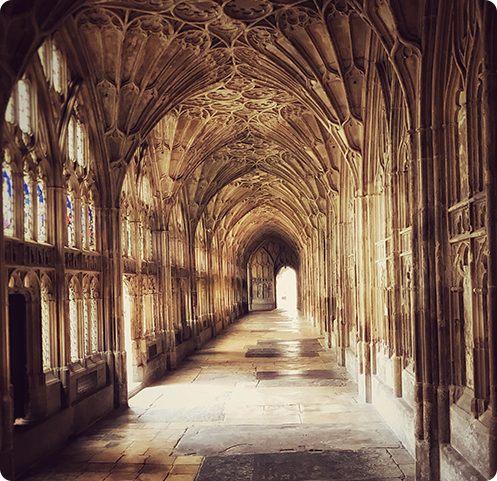
Photo Enhancer supports processing RAW images taken with any camera to obtain the optimal results. Also its auto lens correction feature fixes distortion, chromatic aberration, and vignetting on the images and makes everything look natural.
Enhance JPG Images

Enhance JPG images

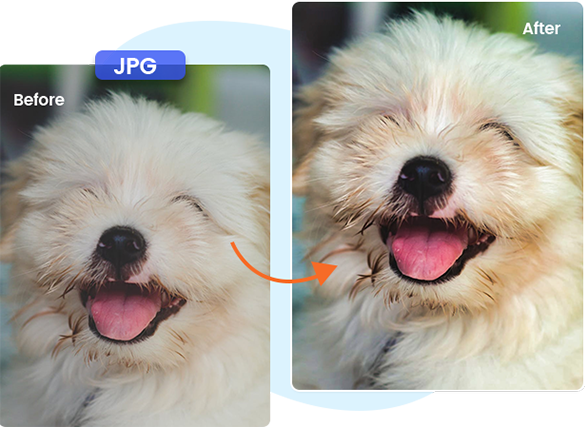
Photo Enhancer can fix your JPG images issues caused by compression. Its advanced algorithm is able to reduce noise and sharpen details, producing JPG images of much better quality.
feature
feature
Process Photos in Batch

Process multiple photos as a batch with one click

Processing multiple photos is very fast in Photo Enhancer. You don't need to edit them one at a time.The batch processing feature of Photo Enhancer is able to automatically enhance your photos all at once.
Download Leawo Photo Enhancer for Mac Now !
  • 20+ Years Experience

  • 10,000,000+ Happy Clients

  • 100% Safe & Clean

  • 100+ Countries

How to Enhance Photos

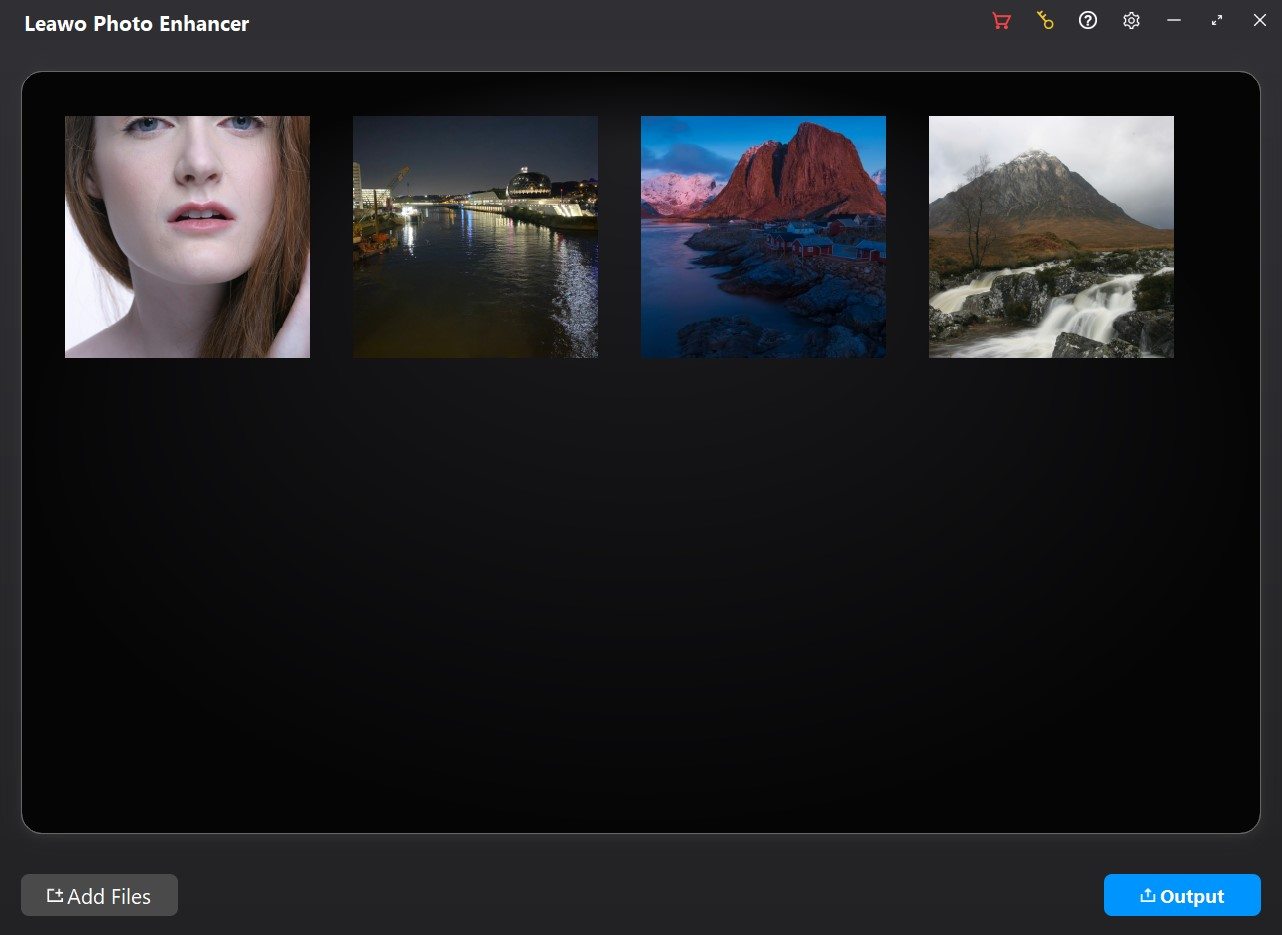
Step 1: Add source photos

Open the Photo Enhancer module and then click “Add Photo” button to add source photo files.

Step 2: Enhance photos

Choose to enhance photos in batch or manually enhance every photo.

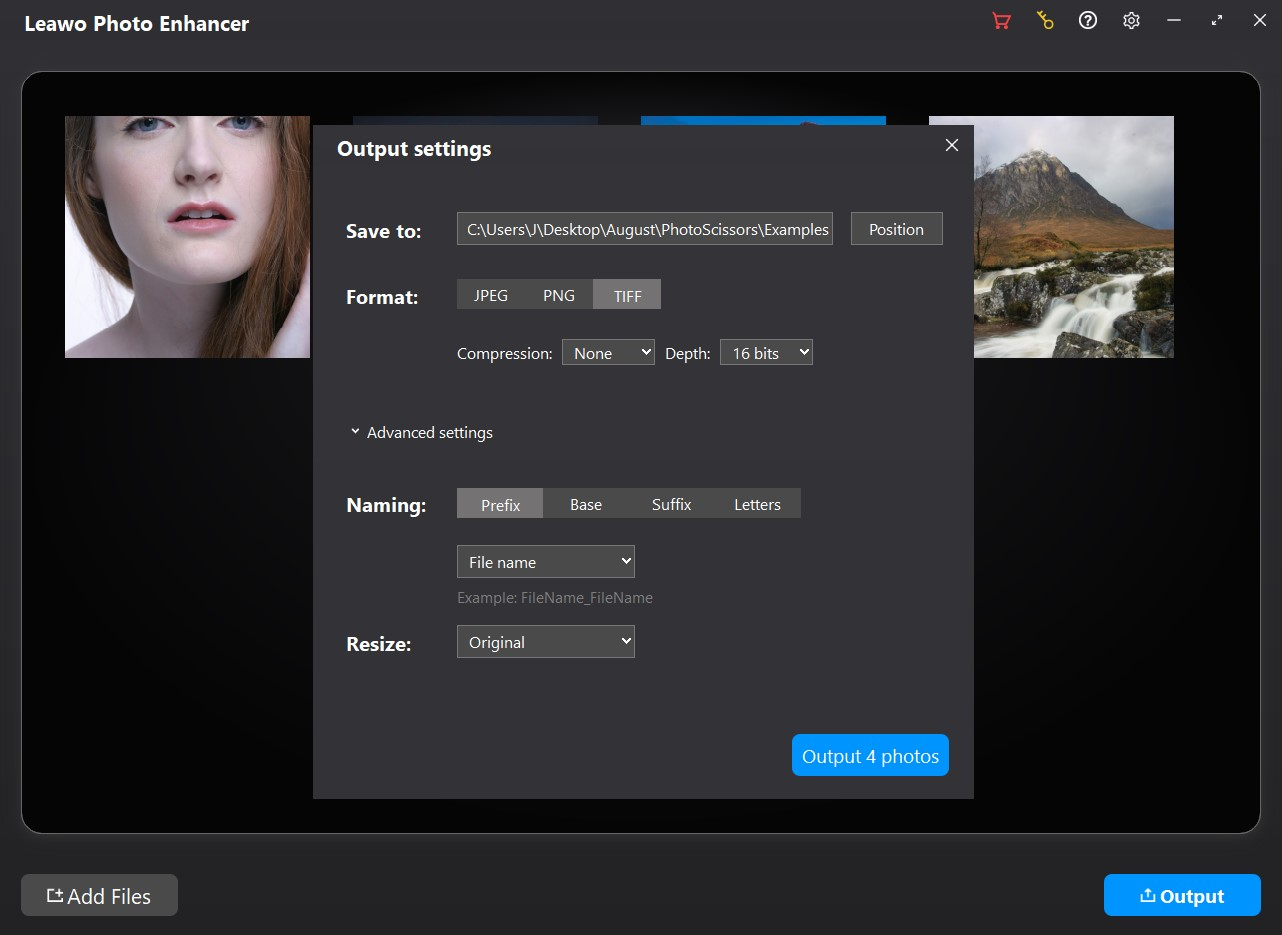
Step 3: Set output

Click the “Output” button to complete output settings.

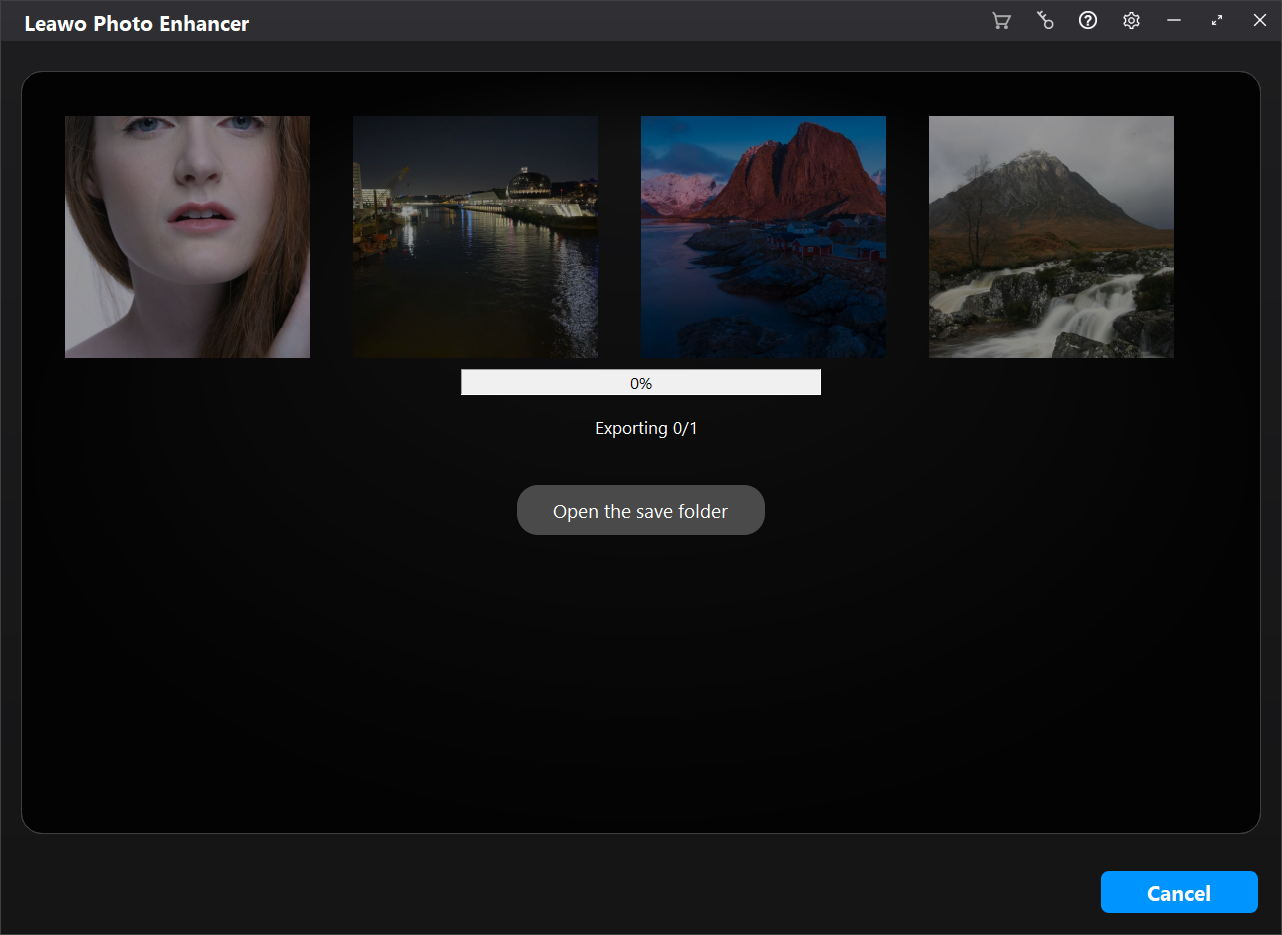
Step 4: Start photo enhancing

Click the blue “Output” button on the Output Settings panel to start enhancing photos.
Visit Full User Guide >
Step1 Step2 Step3 Step4

    System Requirments

    Leawo Photo Enhancer
    Languages
    中文 English Japan deutsch francais Italiano Español 한국어

    Size 3.4 MB

    Version

    Update

    • Supported OS : Microsoft Windows 7, 8,10 (64-bit)
    • Graphics card : Open GL 3.3 or later compatible Graphics Cards
    • Processor : Intel® Core i3 or AMD Athlon® 64 processor; 2 GHz or faster processor
    • RAM : 4 GB of RAM (8 GB recommended)
    • Screen display : 1024 x 768 display (1280x800 recommended)
    • Hard drive space : 4 GB of available hard-disk space, SSD for best performance
    • Adapter : DirectX 10-capable video adapter
    • Others : Internet connection and registration are necessary for required software activation, validation of subscriptions, and access to online services.
    • Supported OS : macOS Yosemite (10.10), macOS X El Capitan (10.11), macOS Sierra (10.12), macOS High Sierra (10.13), macOS Mojave (10.14), macOS Catalina (10.15), macOS Big Sur (11), macOS Monterey(12), macOS Ventura(13), macOS Sonoma (14), macOS Sequoia (15), macOS Tahoe (26)
    • CPU : 1 GHz or above Intel Processor and Apple M1/M2 chip(Rosetta required)
    • RAM : 4GB RAM or more (8GB is recommended)
    • Hard drive space : 4GB of available hard-disk space, SSD for best performance
    • Display : 1440x900 pixels resolution (1920x1080 or better is recommended)
    • Adapter : DirectX 10-capable video adapter
    • Others : Internet connection and registration are necessary for required software activation, validation of subscriptions, and access to online services.
    button

    Testimonials

    What Our Clients Say

    • avatar

      "

      Photolns is perfect for photography, there are a wide variety of options for the quality of photos and the ability to customize my photos. Collecting photos and making small edits to photos is simple and fun.

      • star
      • star
      • star
      • star
      • star

      Josef

    • avatar

      "

      I use google picasa frequently but it isn't available for mac. This Photo app has provided the functionality I really liked. (I'm feeling lucky filter)

      • star
      • star
      • star
      • star
      • star

      Richard Easton

    • avatar

      "

      I didn't really expect much from the free version I got from "Giveaway of the Day", but I am positively stunned by the quality of the output. A nice picture of an Item I put on Ebay was enhanced to professional quality.

      • star
      • star
      • star
      • star
      • star

      Nicole

    button