


 100% Safe & Clean |
 License Instant Delivery |
![Top 5 Free DVD Decoders for Wins & Mac [2026]...](https://www.leawo.org/entips/wp-content/uploads/2019/03/dvd-decoder-for-win-mac-2-300x229.png)
2025-07-07
Top 5 Free DVD Decoders for Wins & Mac [2026]...
Summary: Need to rip and convert DVD discs you have purchased to...
Supported Media Types
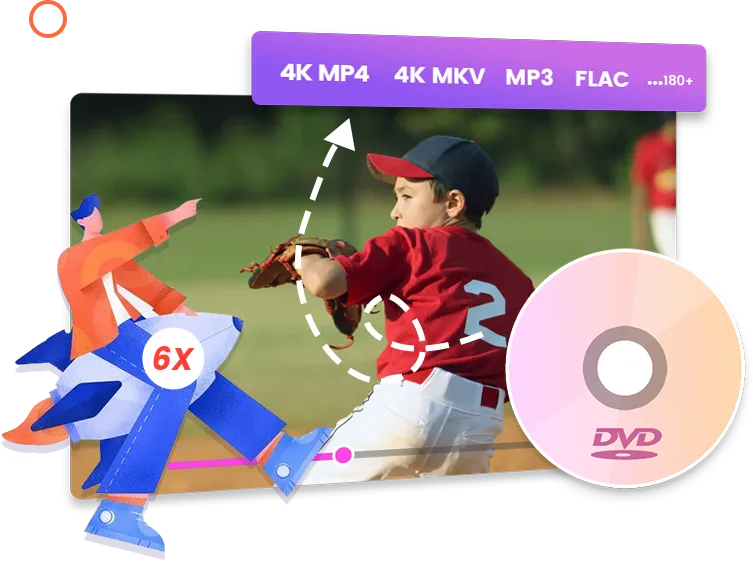
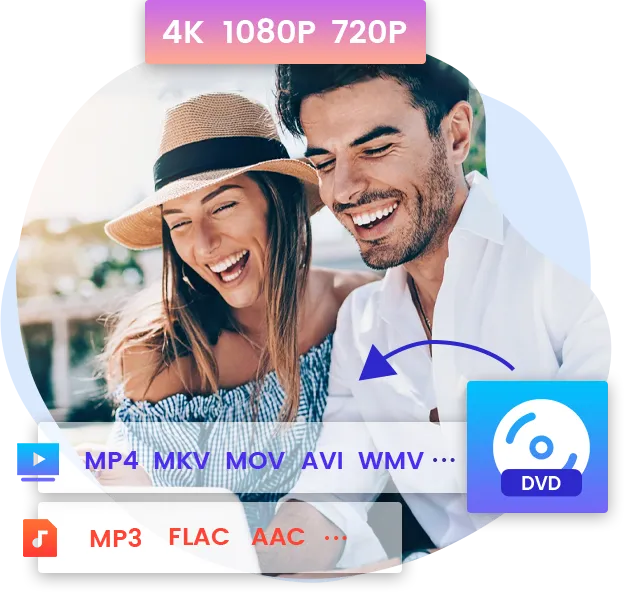
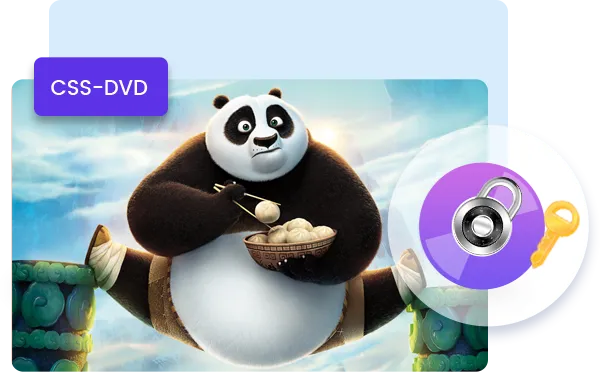
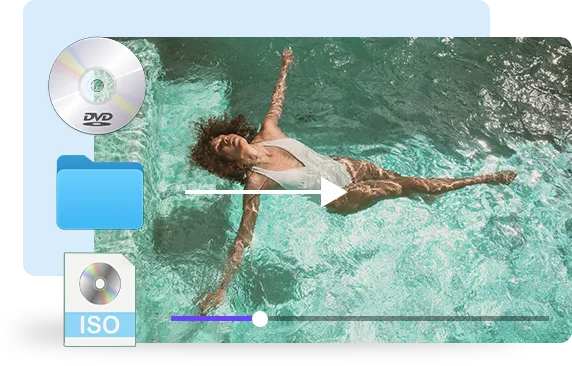
As the best DVD ripper, Leawo DVD Ripper accepts all kinds of DVD discs. DVD discs protected by CSS encryption, from any region and any movie studio can be imported for DVD ripping and converting. Besides DVD discs, this professional DVD converter could also convert DVD folders and DVD ISO image files to video/audio files.



Other Features
For better user experience, Leawo DVD Ripper is designed with many bonus features such as support for multilanguage and batch conversion, subtitle and audio track selectable, internal DVD player, adjustable video and audio parameters, etc.
The easy-to-use interface of Leawo DVD Ripper saves you much time and energy for exploring how to use the program. The ease-of-use interface makes it easily to import and convert DVD content.
Not limited to one kind of language, Leawo DVD Ripper is available in 11 lanuguages: English, German, Japanese, Simplified Chinese, Russian, Hungarian, Armenian, Spanish, French, Portuguese and Dutch.
Leawo DVD Ripper accepts batch conversion of DVD files, which means it can convert multiple DVD files at a single time.
Before DVD conversion takes place, you can freely choose subtitles, audio track, and angle (only for multi-angle DVD discs) for keeping in the output converted file.
The internal region-free DVD player allows you to play DVD regardless of regions, preview DVD content upon editing and subtitle/audio track selecting, snap screenshot, etc.
Leawo DVD Ripper even allows you to set video and audio parameters in detail, including Video Codec, Bit Rate, Video Resolution, Frame Rate, Aspect Ratio, Audio Codec, Sample Rate, Audio Channel, etc.

20+ Years Experience

10,000,000+ Happy Clients

100% Safe & Clean

100+ Countries
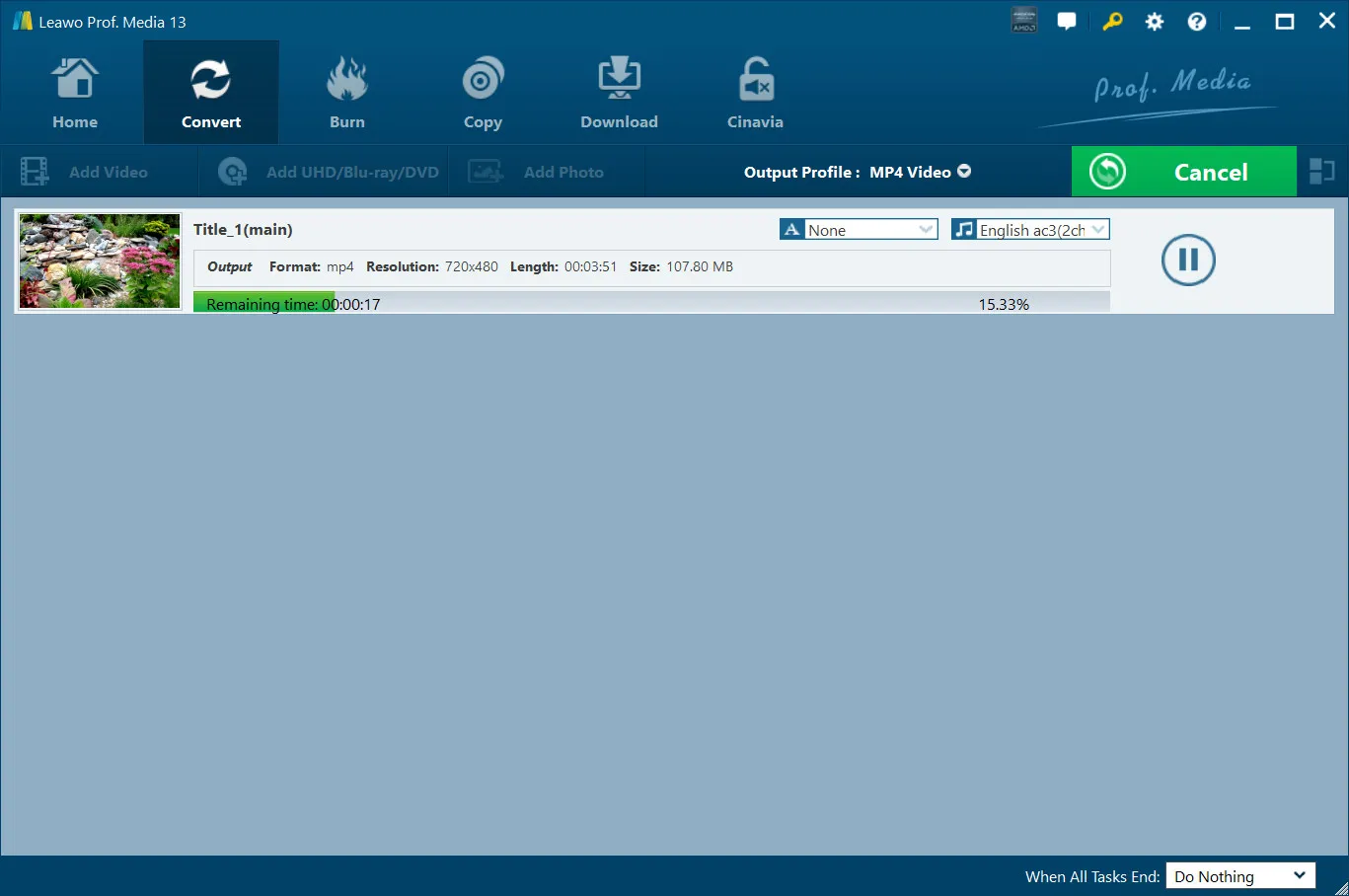
Step 1: Add source DVD
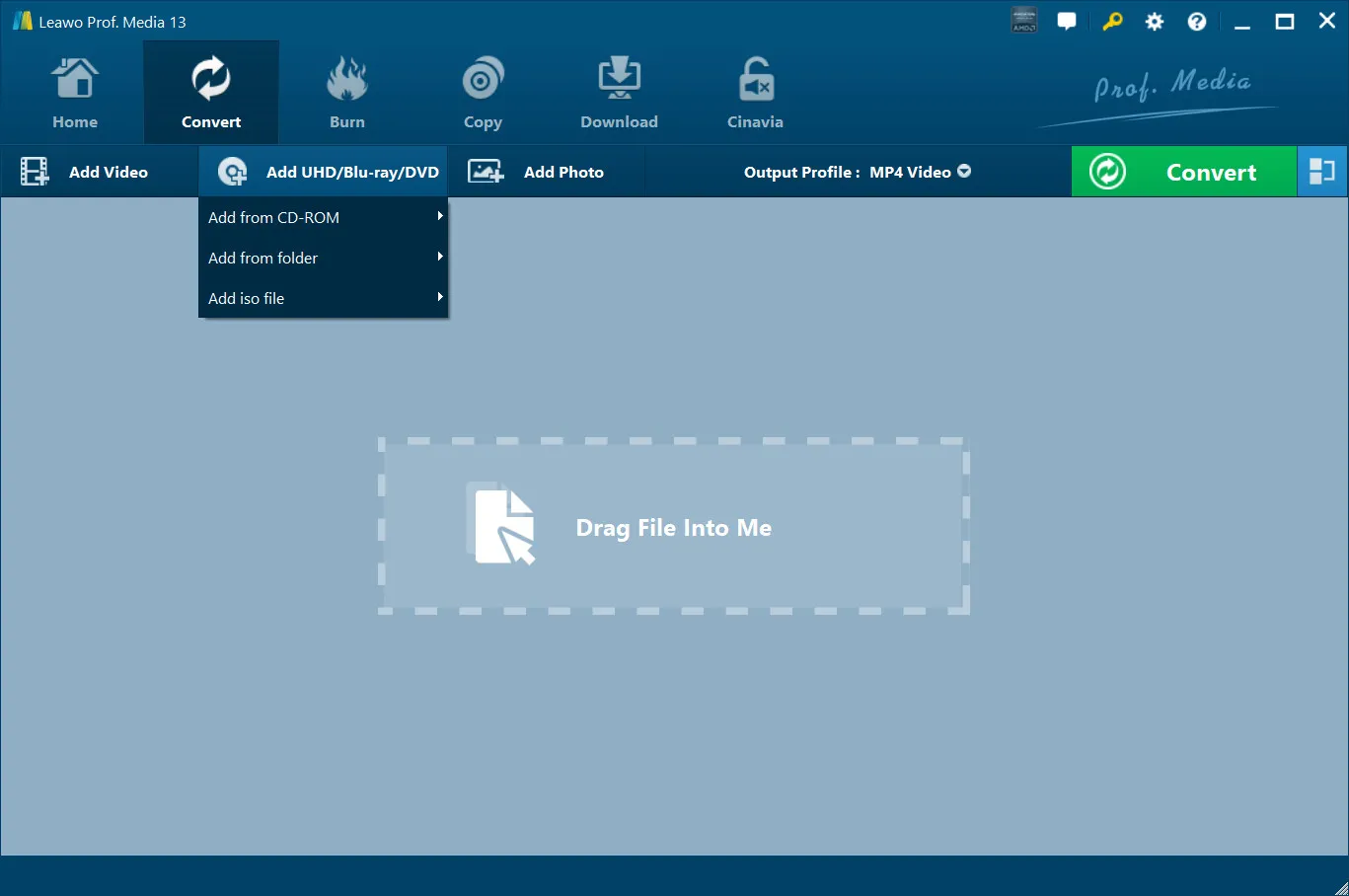
Open the “Convert” tab and then click “Add UHD/Blu-ray/DVD” drop-down button to add source DVD disc, folder or ISO file.
Step 2: Set output format
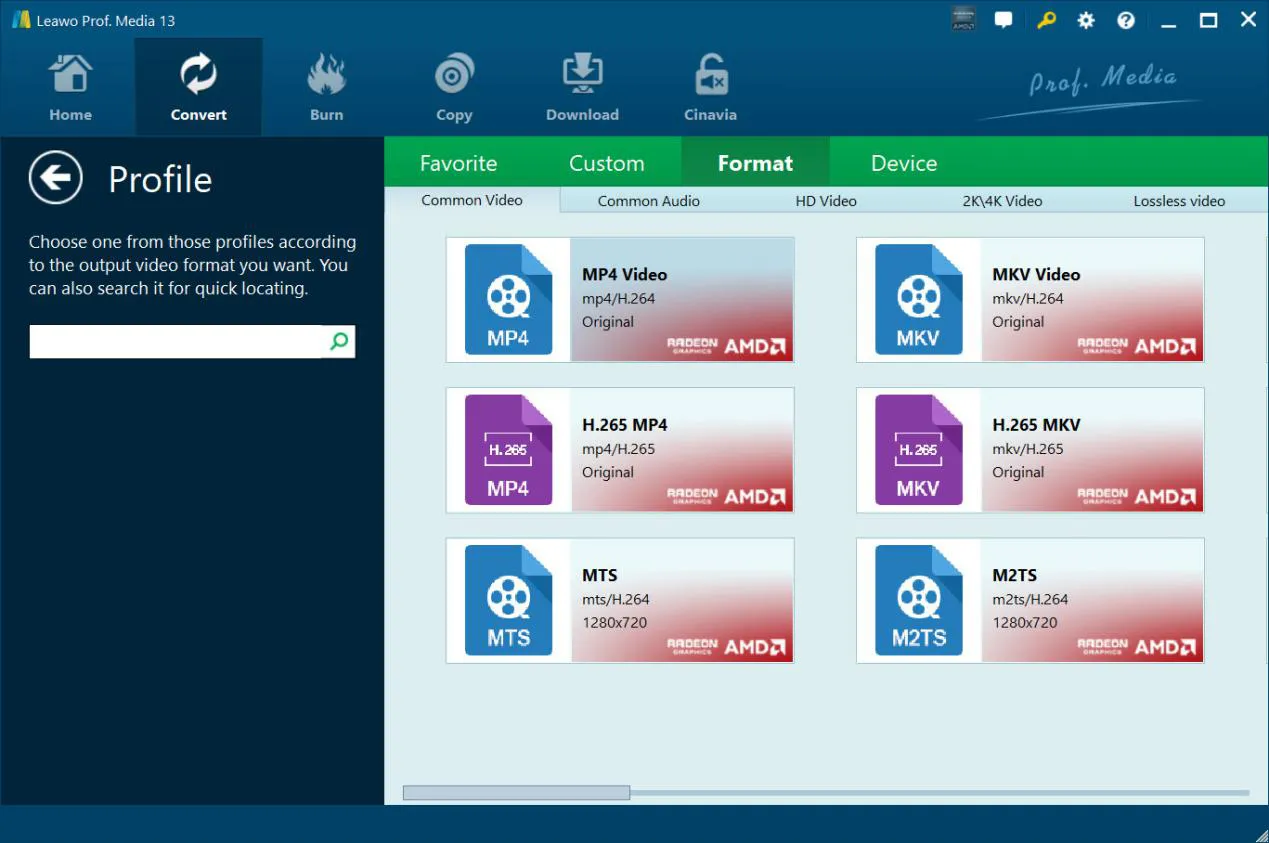
Click the “Output Profile” drop-down button and then choose “Change” option to choose output profile.
Step 3: Set output directory
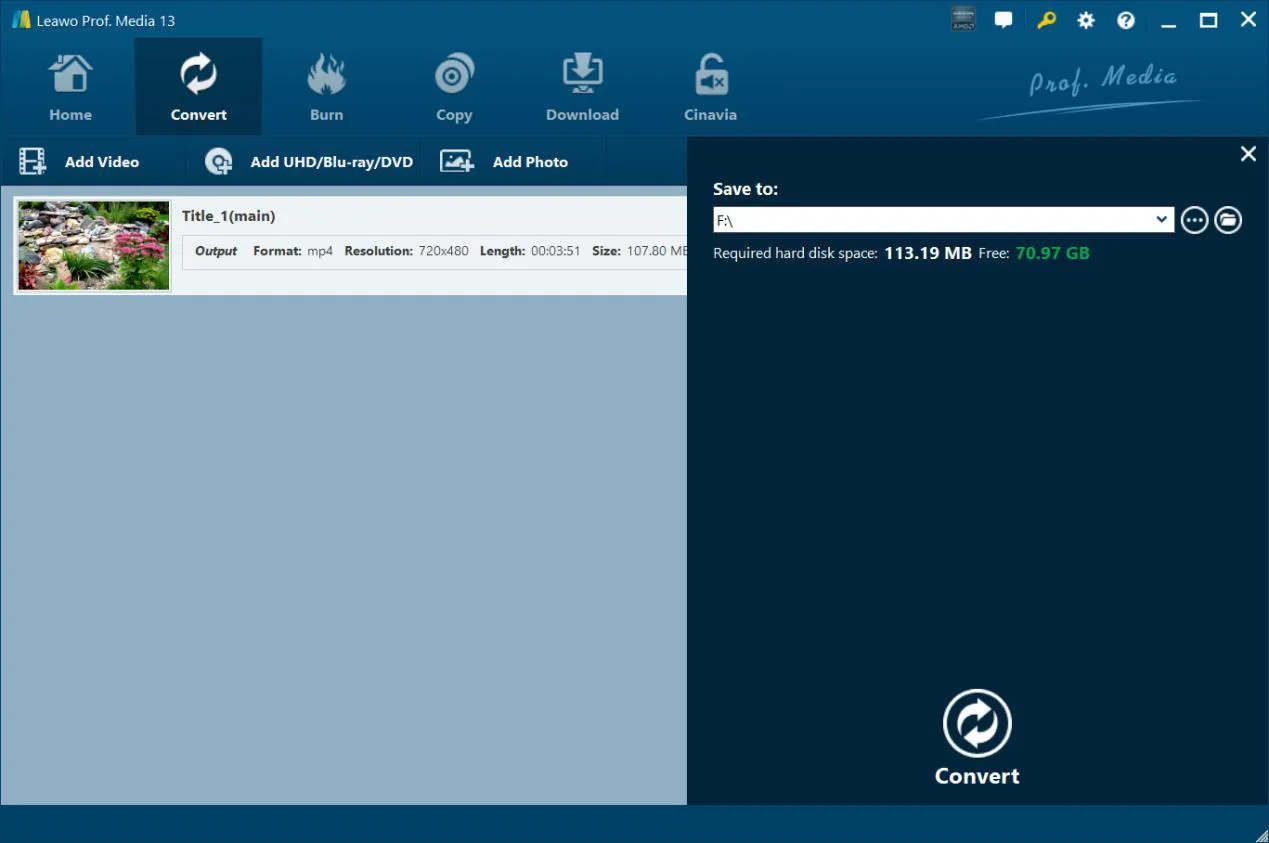
Click the green “Convert” button to call out the sidebar and then set output directory.
Step 4: Start converting DVD
Click the bottom “Convert” button to start converting DVD files.
System Requirments


Size 186 MB
Version
Update

Testimonials

"
This worked very well for me. I used it to copy a DVD to an MP4. The instructions were clear and easy to follow, and the resulting file was excellent. Highly recommended.

Jay Lykins

"
By far, the best that I have ever used. Conversions are clean and the many different files types available for use and viewing on different platforms are outstanding!

Eddie Lusk

"
I love all Leawo Software. It just works better than anything else i have used. It is also the only software that has never ruined a DVD and rendered the disk unusable. Perfect !!!
Ivan
Latest Articles

Purchase Leawo DVD Ripper
$ 29.95

$ 39.95
$ 99.95
 50% OFF
 Includes: DVD Ripper, DVD Copy, DVD Creator, Video Converter, CleverGet Video Downloader


![[Full Guide] How to Convert DVD to OGG...](https://www.leawo.org/entips/wp-content/uploads/2021/06/how-to-convert-dvd-to-ogg-300x200.jpg)

![[Friends Complete Series] Where to Watch Friends Online...](https://www.leawo.org/entips/wp-content/uploads/2022/11/Where-to-Watch-Friends-Online-Free-Paid-300x169.jpg)

Rip protected DVD discs
Rip DVD discs from any region
Rip DVD discs from all movie studios
Rip DVD discs, DVD folders, and DVD ISO image files