


1-click photo slideshow video maker built in
Featuring a photo slideshow video maker,Leawo Prof. Media 13 offers 1-click photo to slideshow video making, and then saves in videos in 180+ formats for easier sharing.


Photos to Media
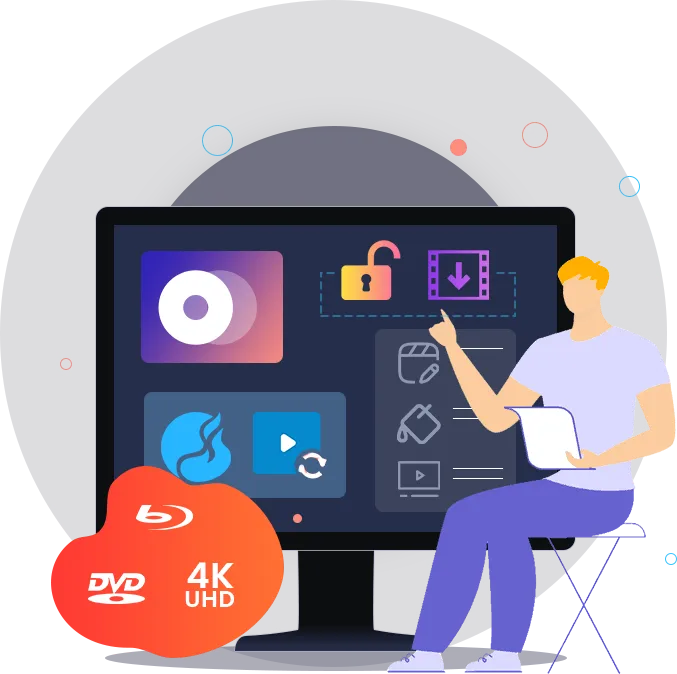
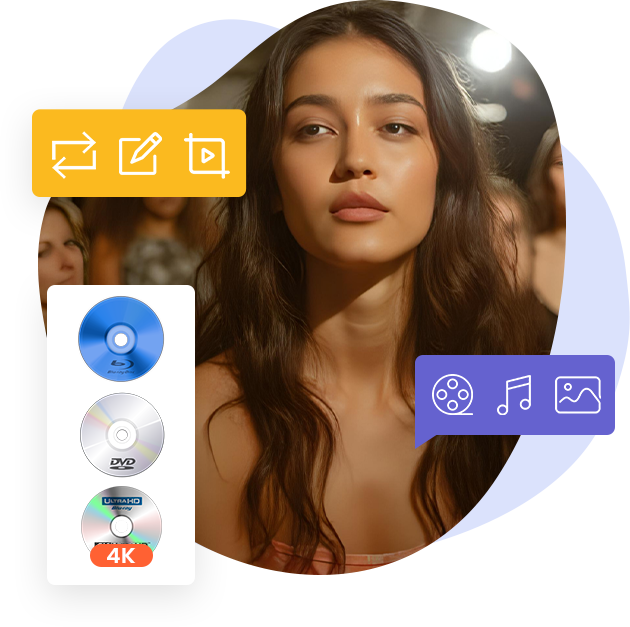
Featuring photo slideshow maker and photo to DVD/UHD Blu-ray/Blu-ray burner, Leawo Prof. Media 13 enables you to convert photo to photo slideshow video and/or burn photo to 4K Blu-ray/Blu-ray/DVD easily.

1-click photo slideshow video maker built in
Featuring a photo slideshow video maker,Leawo Prof. Media 13 offers 1-click photo to slideshow video making, and then saves in videos in 180+ formats for easier sharing.

Burn photo to DVD/Blu-ray/4K Blu-ray
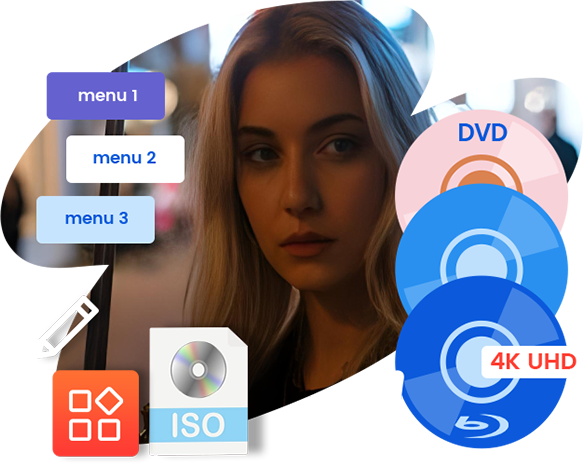
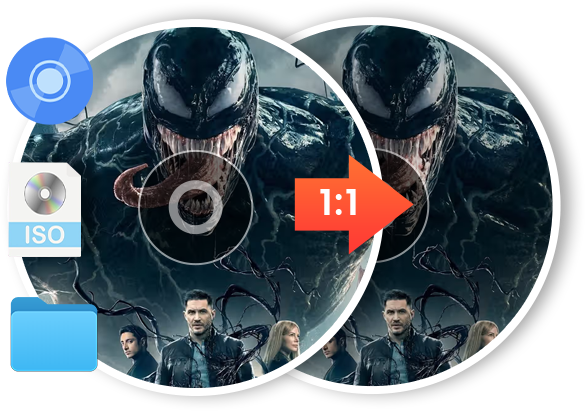
Also, the photo to DVD/Blu-ray/4K Blu-ray burner built in allows you to burn photo to DVD/Blu-ray/4K Blu-ray disc, folder and/or ISO image file for storing. Burn photo to DVD-9/DVD-5/BD50/BD25/BD66/BD100 at will.

Internal photo slideshow editor
Edit generated photo slideshow by adding/removing/repositioning photos, adding background music, setting photo duration and transition duration, setting video and background music effect, etc.
Video Editor
With a video editor built in, Leawo Prof. Media 13 enables you to customize media files and get an output file with your own patent, even create 3D movies, no matter you want to convert media or burn Blu-ray/DVD.

Crop video size
Drag rectangular marquee on video frame to crop the part you want and zoom in video with 6 preset options. What’s more, rotate and flip videos for different angles of view.

Trim video length
Move the starting and ending sliders to select the video part you want to keep. Or just set start and end time to trim and retain the video clips you want.

Create chapter
Create and insert multiple chapters into video automatically by setting chapters’ total number or chapter length or just insert chapter manually.

Adjust video effect
Adjust brightness, saturation, contrast, and zoom volume of the video to apply desired effect to output file.

Apply image or text watermark
Make your special signature to the media file by adding image or text watermark and adjust watermark parameters including position, size, transparency, etc. with ease.

Optimize Video & Audio
Determine the playback speed of video & audio in output files from 1/4 to 4X of normal speed, adjust volume zoom and remove noise for video & audio customization.

Apply 3D effect
Bring 3D effect to 2D media content by applying one of 6 preset 3D effects including Red/Cyan, Red/Green, Red/Blue, Blue/Yellow, and Interleaved, side by side. 3D depth is also adjustable.


Other Features
With multiple other bonus features built in this total media converter combo, Leawo Prof. Media 13 offers you more fun and enjoyment upon media conversions.
Leawo Prof. Media enables you to freely obtain needed subtitles (even only forced subtitle), audio tracks (even 5.1 audio channel), and select any video angle from source media files for output as well as add external subtitles to source video files. You could preview subtitles and audio tracks before selecting.
Leawo Prof. Media 13 adopts could fast decrypt and rip Blu-ray disc with AACS, BD+, Cinavia protection and the latest MKB protection, CSS-DVD disc, and remove disc region restriction of Blu-ray disc in A, B or C and DVD disc from region 0 to 6.
Leawo Prof. Media 13 offers you options to select burning engine from StarBurn and cdrecord, disc region, and CPU cores according to your own situation.
Leawo Prof. Media 13 is available in multiple languages, including: English, German, Japanese, Simplified Chinese, Traditional Chinese, Russian, Spanish, French, Portuguese, Dutch, Italian, and Danish.
The attached camera function on the built in media player enables you to take screenshots and save in PNG, BMP, or JPEG image format.
Leawo Prof. Media 13 comes with NVIDIA CUDA, AMD APP, and Intel Quick Sync GPU accelerating technologies that could speed up disc reading, loading and processing at 6X faster speed.

20+ Years Experience

10,000,000+ Happy Clients

100% Safe & Clean

100+ Countries
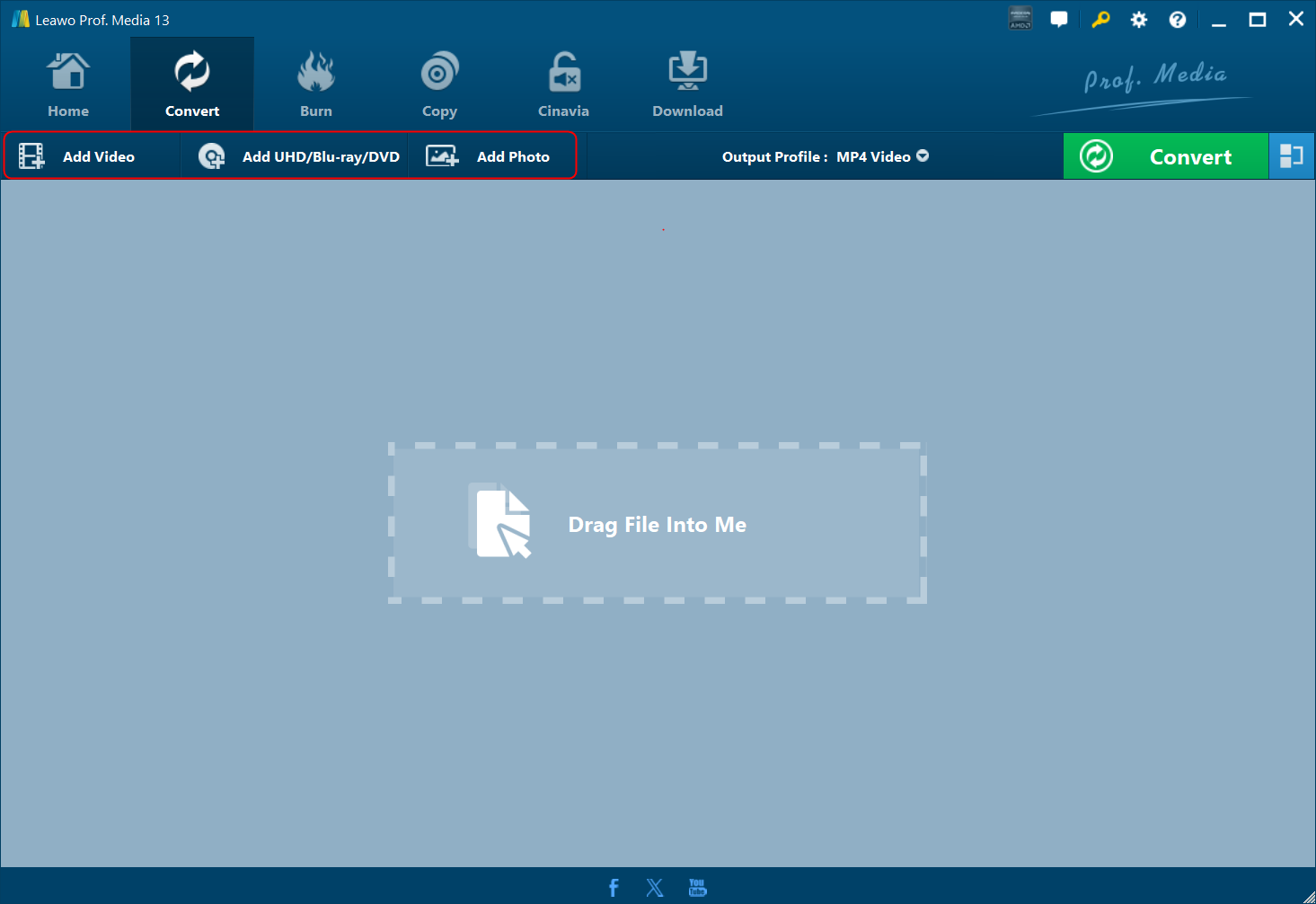
Step 1. Import source files
Open “Convert” tab, and then click related buttons to add corresponding contents.
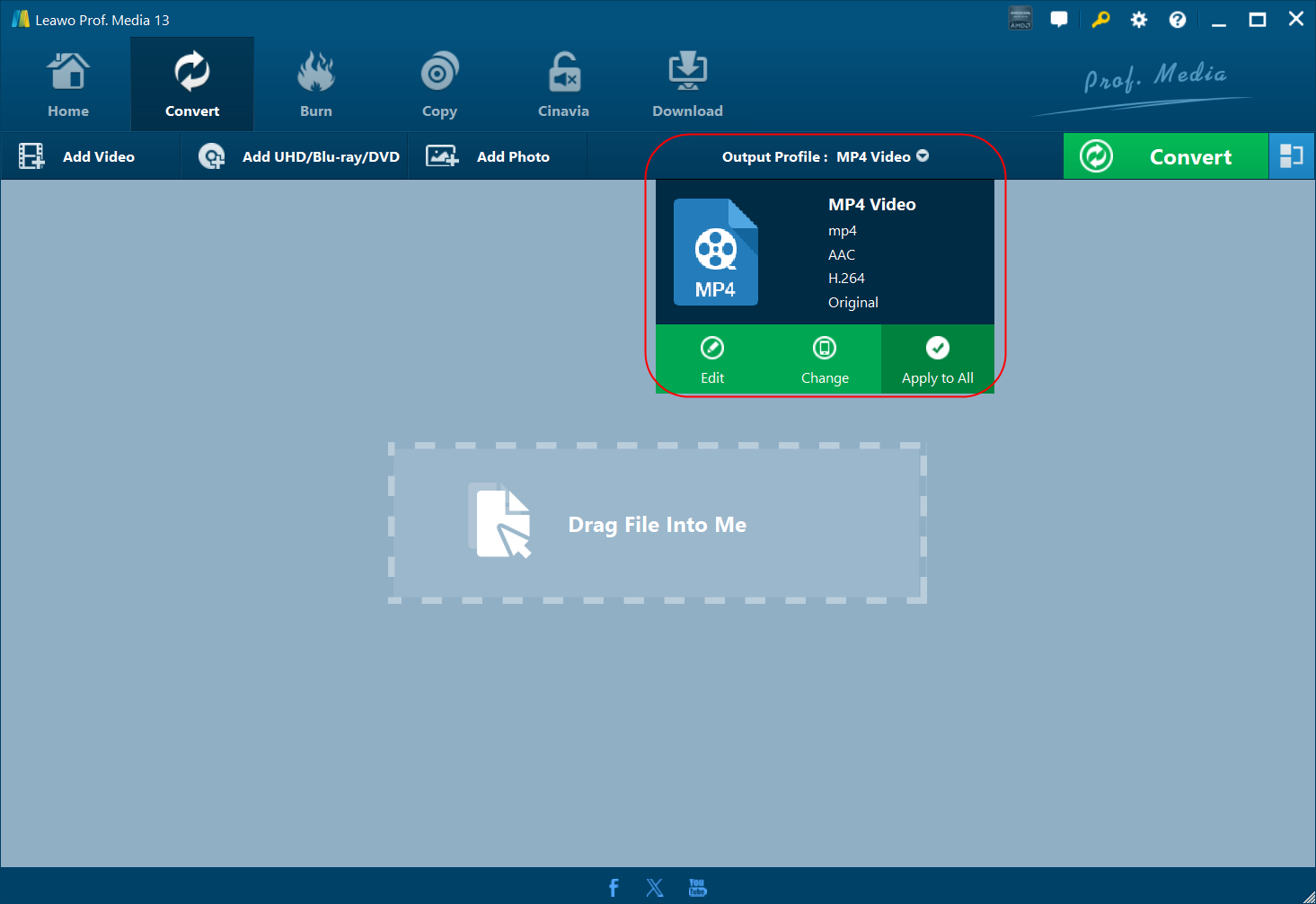
Step 2: Set output format
Click the “Output Profile” button right and then choose “Change” option to set output profile.
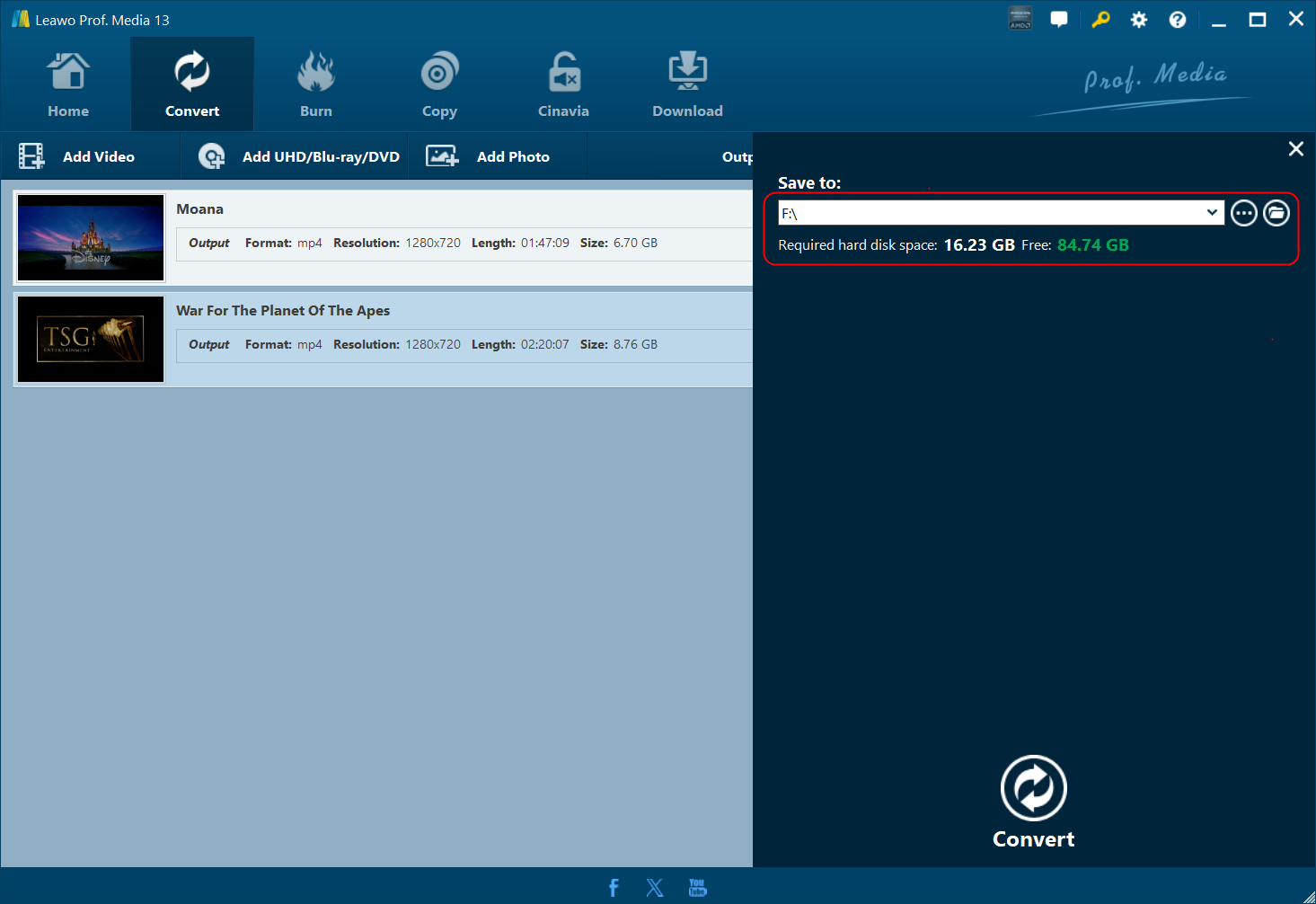
Step 3: Set output directory
Click the green “Convert” button to call out the sidebar to set output directory.
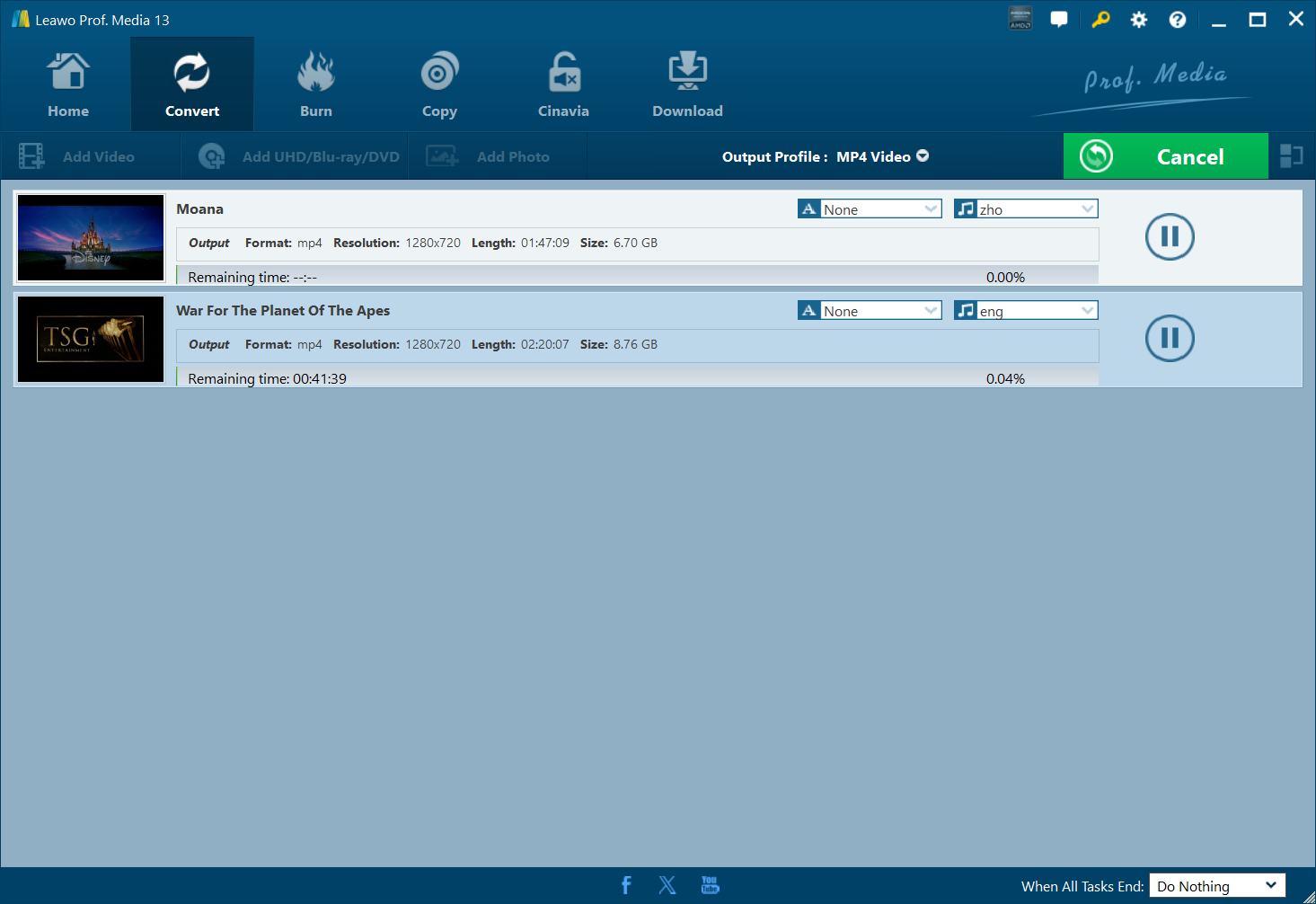
Step 4: Start converting
Click the bottom “Convert” button to start converting media files.
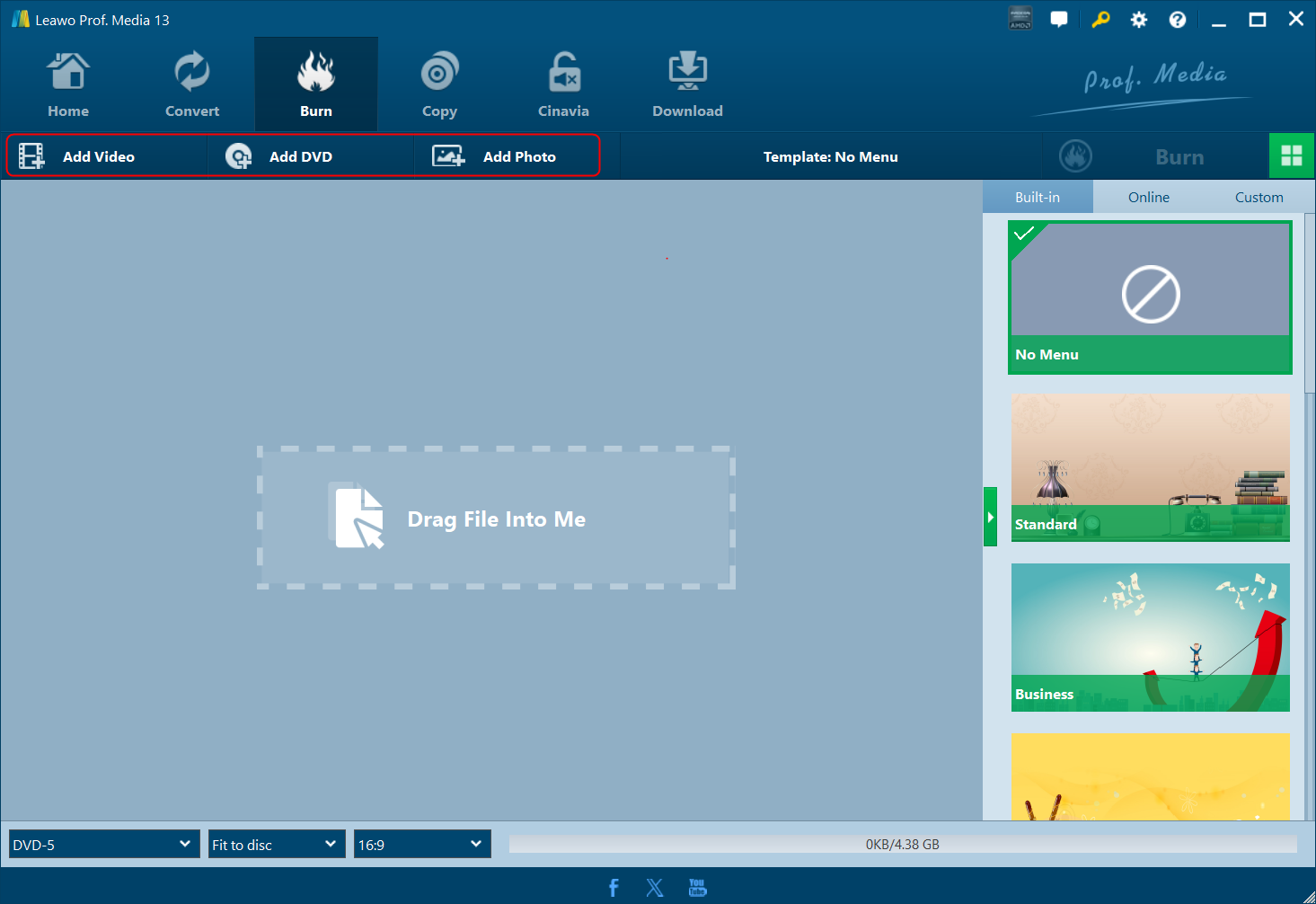
Step 1: Add source media file
Open the “Burn” tab and then click buttons to add corresponding media files for burning.
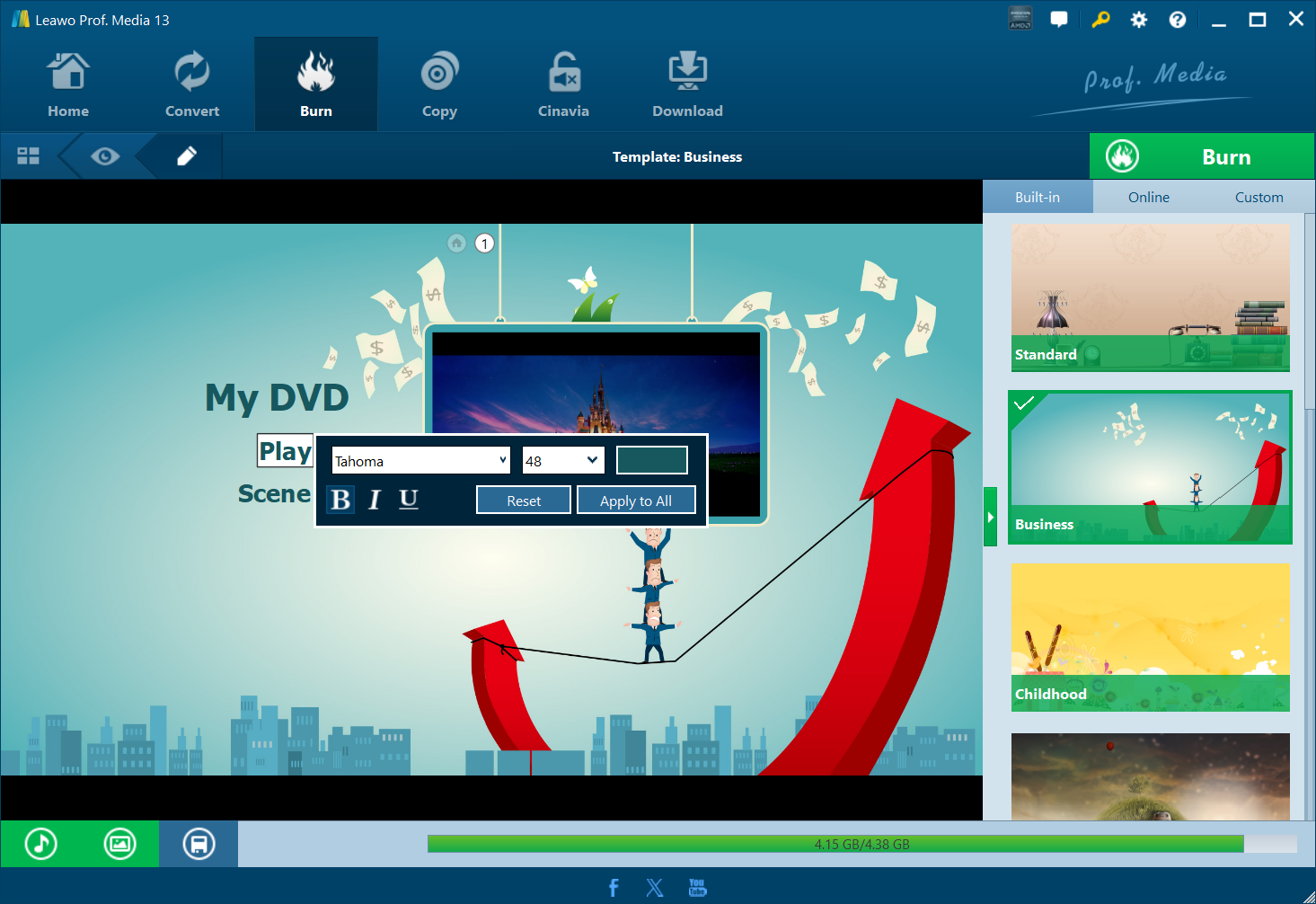
Step 2: Apply menu
On the right sidebar, add a disc menu, and then edit disc menu if needed.
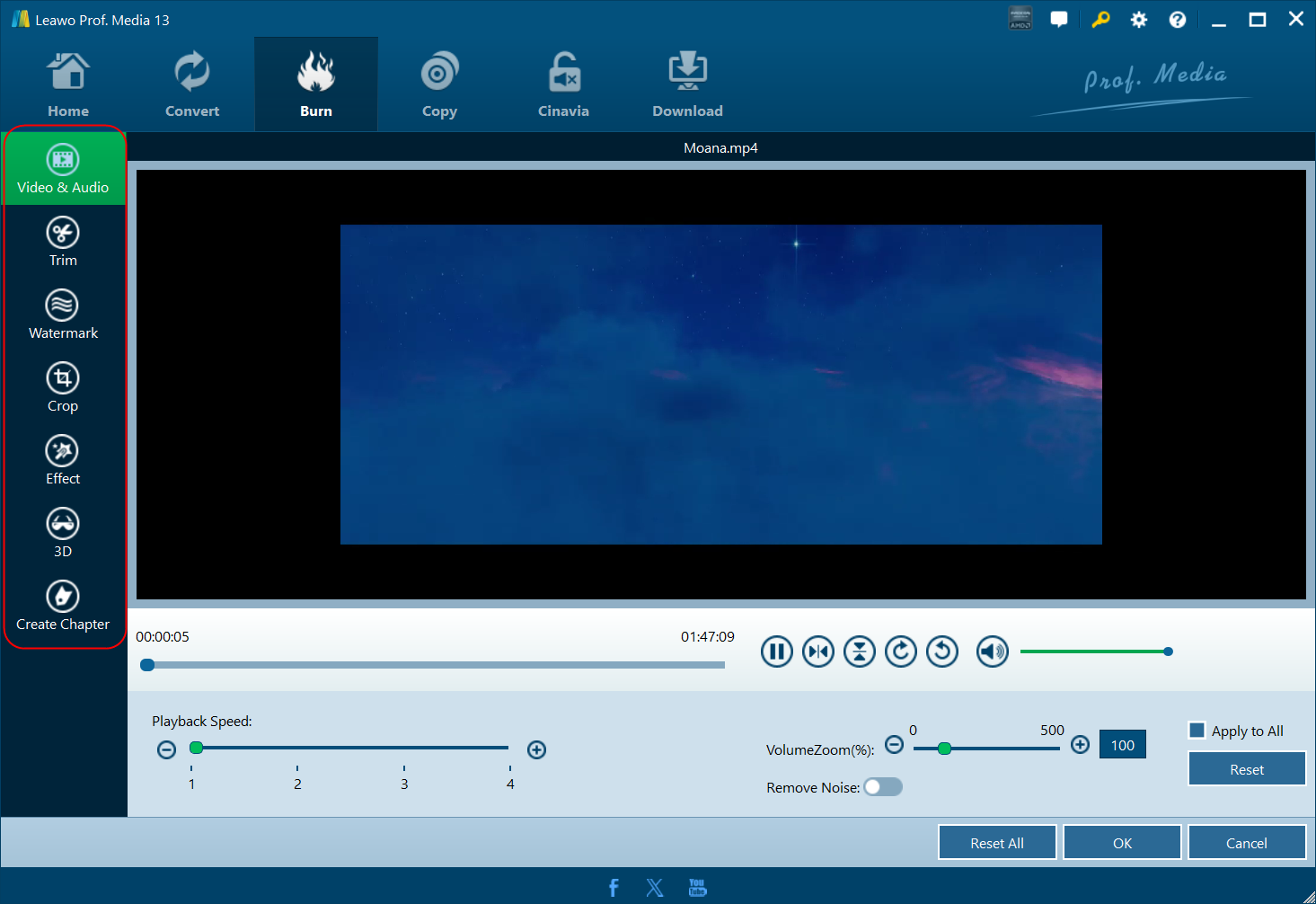
Step 3: Edit media files
Click the Edit button in each loaded media file to edit media files before burning.
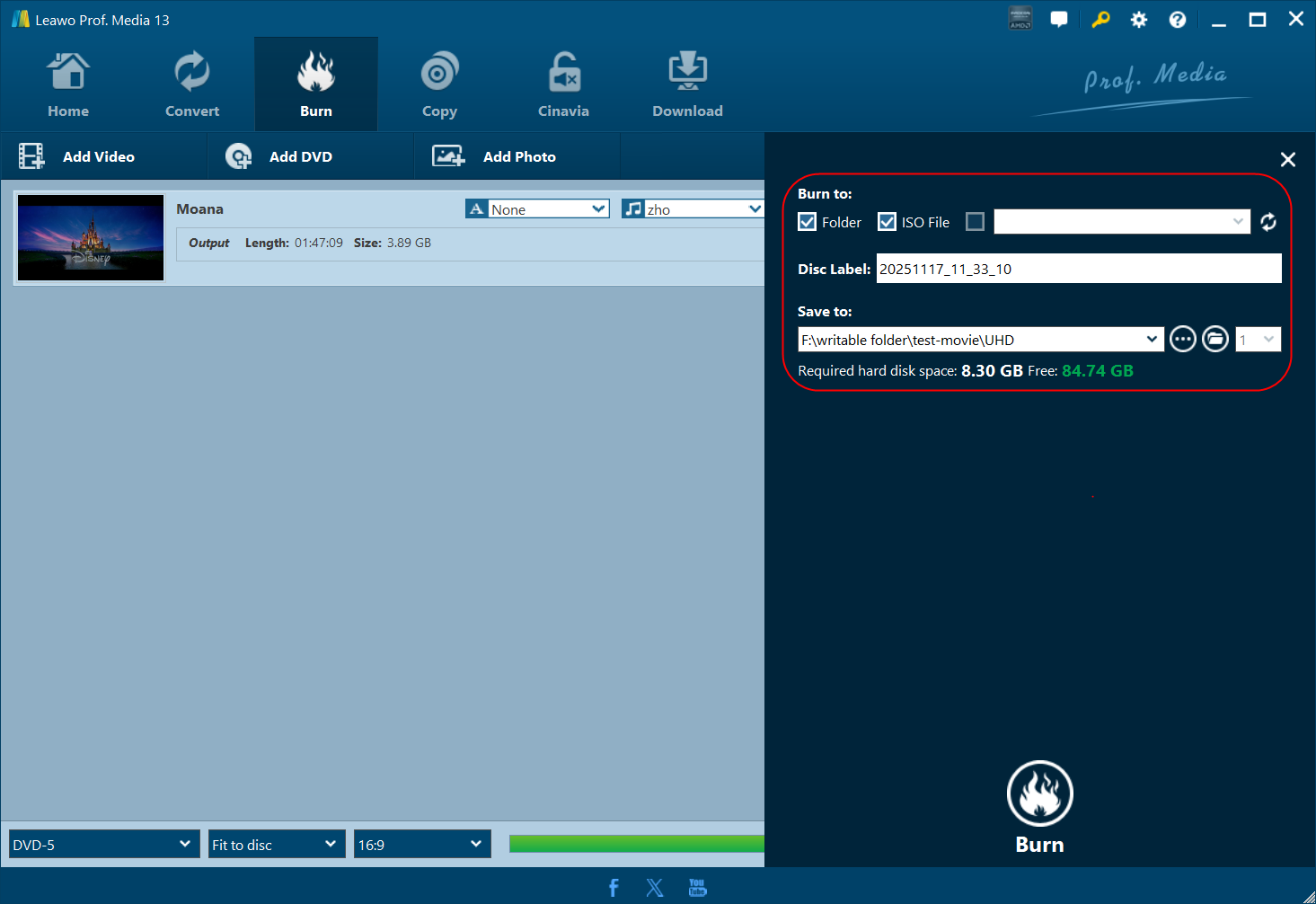
Step 4: Complete burning settings
Click the green “Burn” button to configure basic burning settings.
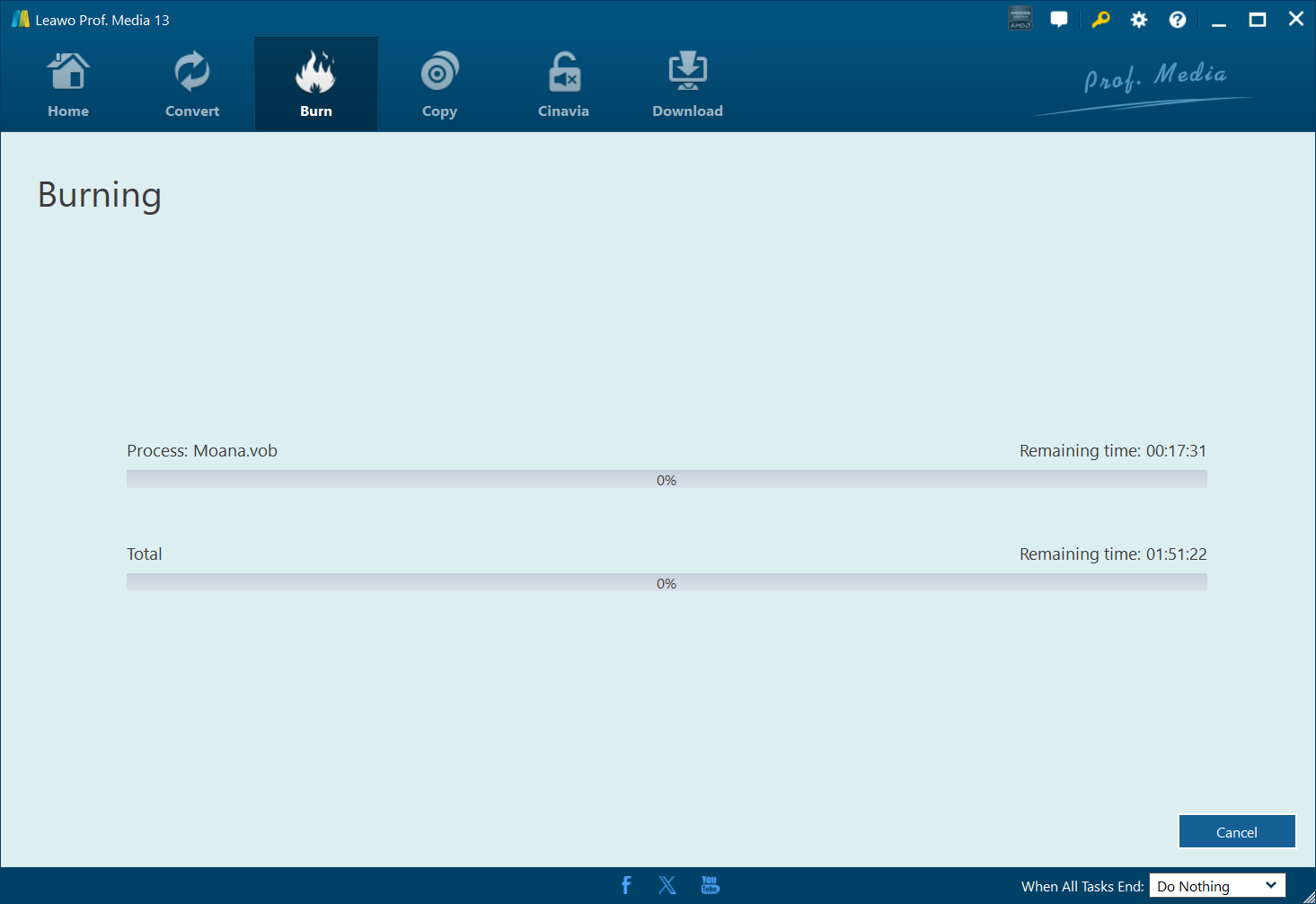
Step 5: Start burning
Finally, click the “Burn” button to start burning media files to 4K Blu-ray/Blu-ray/DVD.
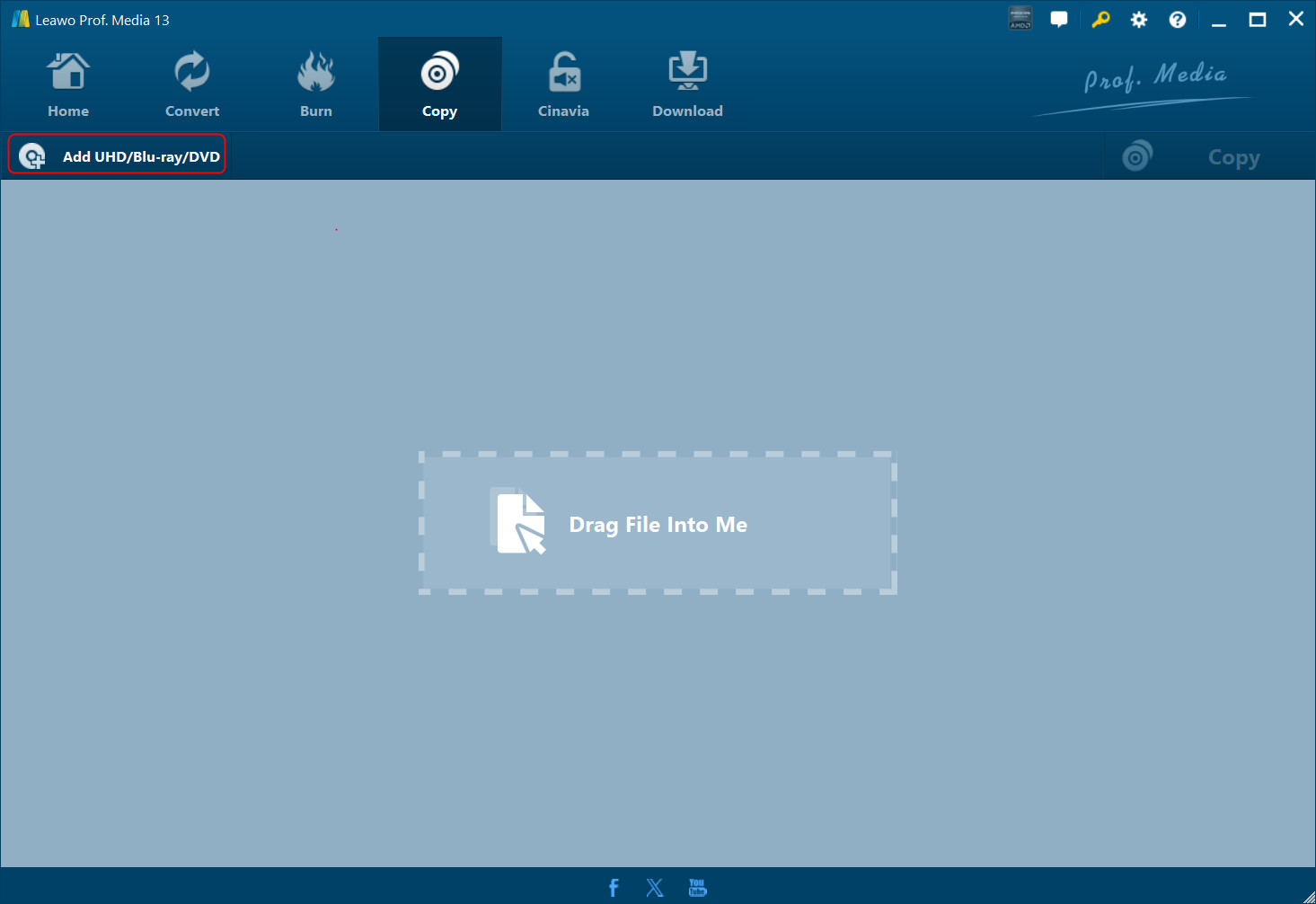
Step 1: Add source UHD/Blu-ray/DVD
Open the “Copy” tab to add 4K Blu-ray, regular Blu-ray or DVD for backup.
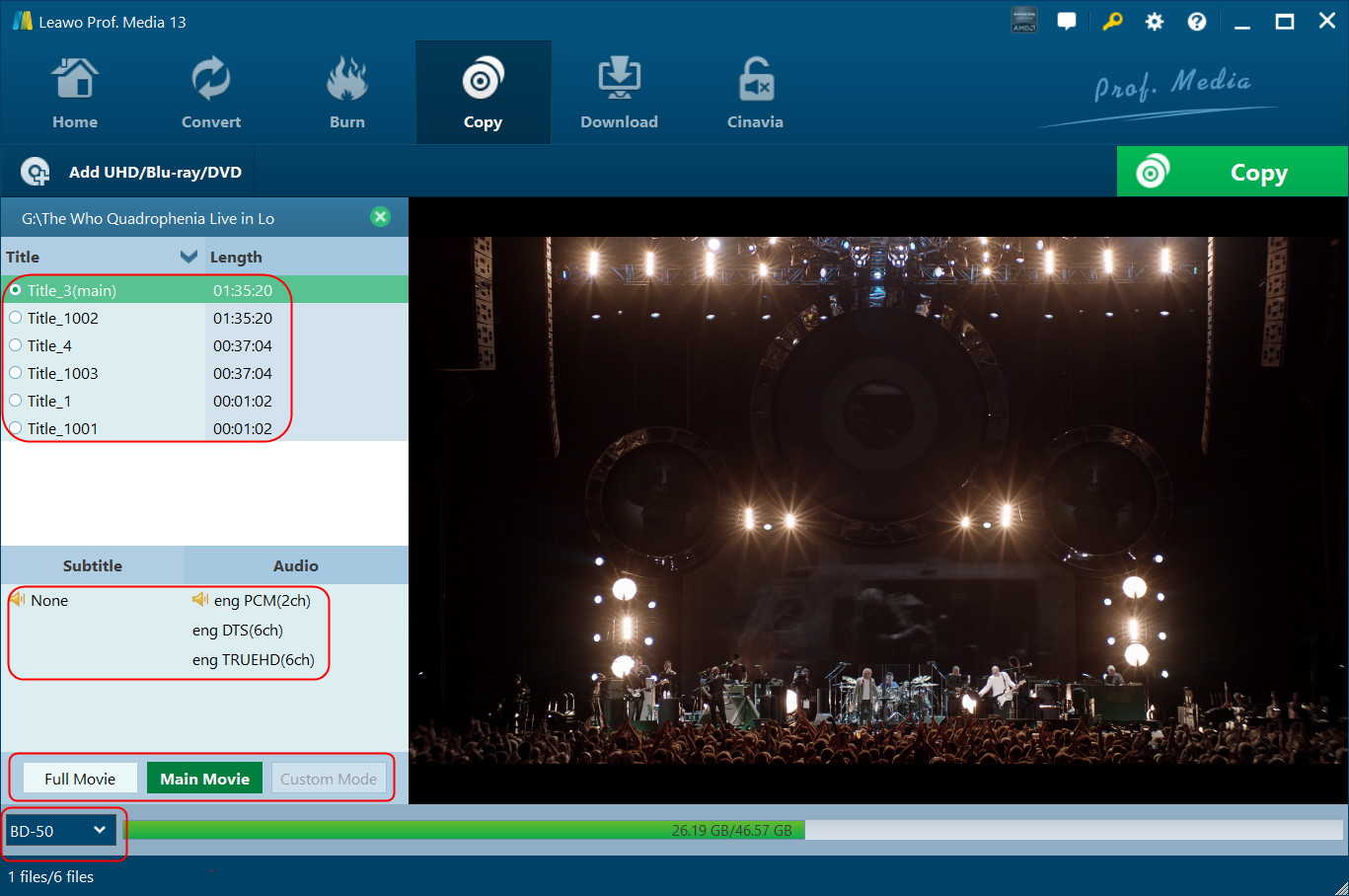
Step 2: Choose copy mode
Choose the copy mode, select copy content and output disc type.
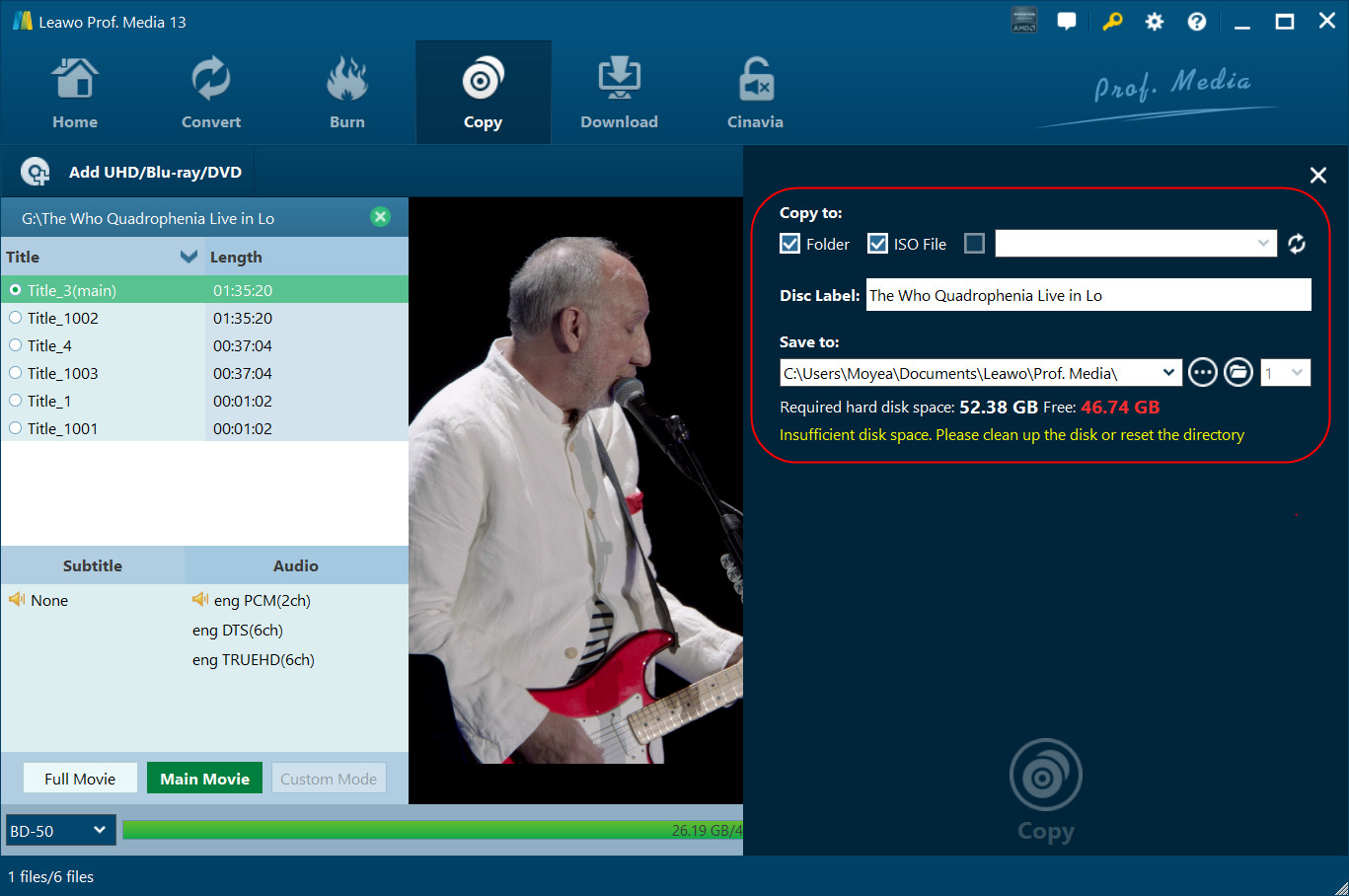
Step 3: Complete copy settings
Click the green “Copy” button to complete more copy settings.
Step 4: Start copying
Finally, click the bottom “Copy” button to start copying 4K Blu-ray, Blu-ray or DVD.
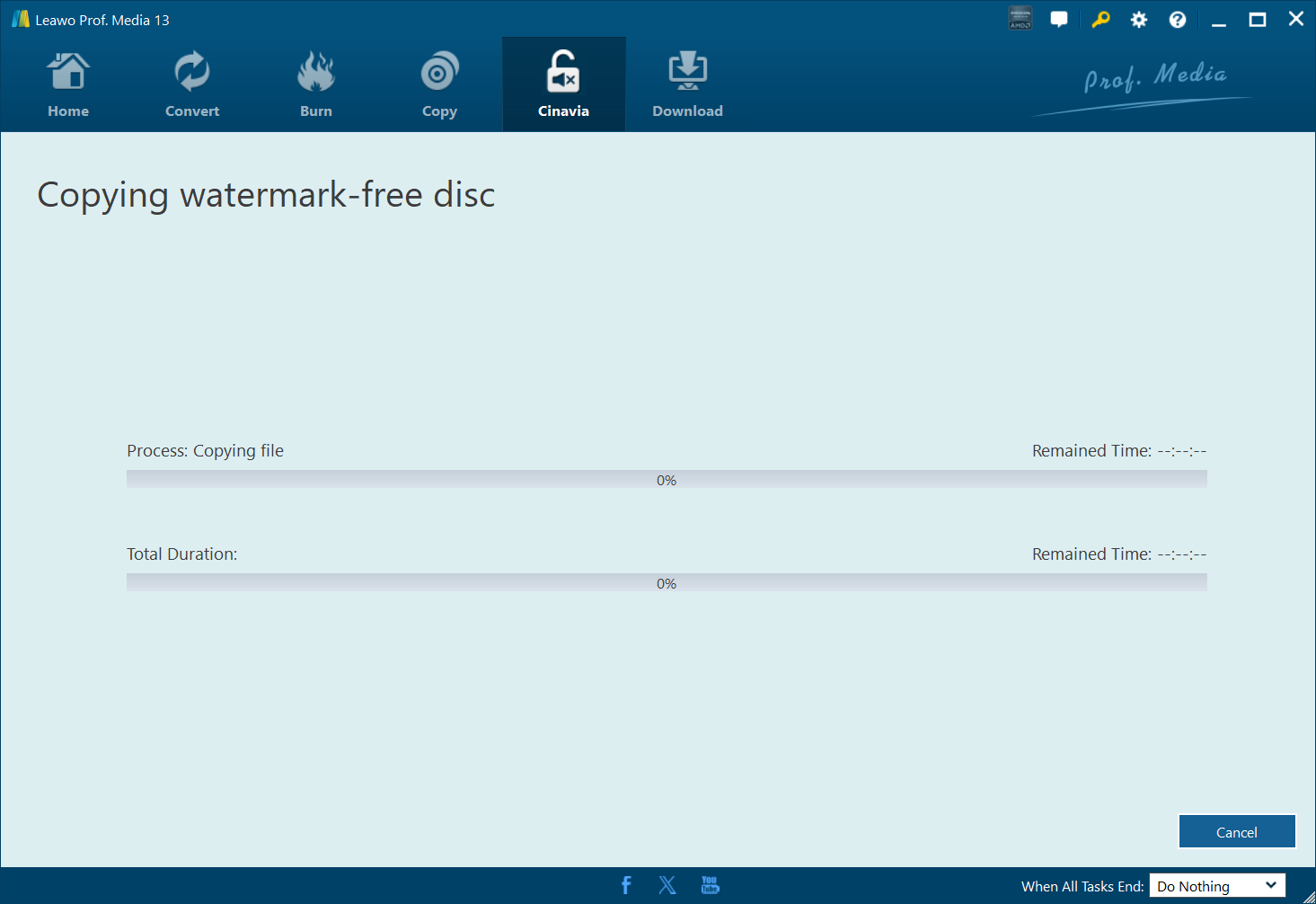
Step 1: Add source Blu-ray/DVD
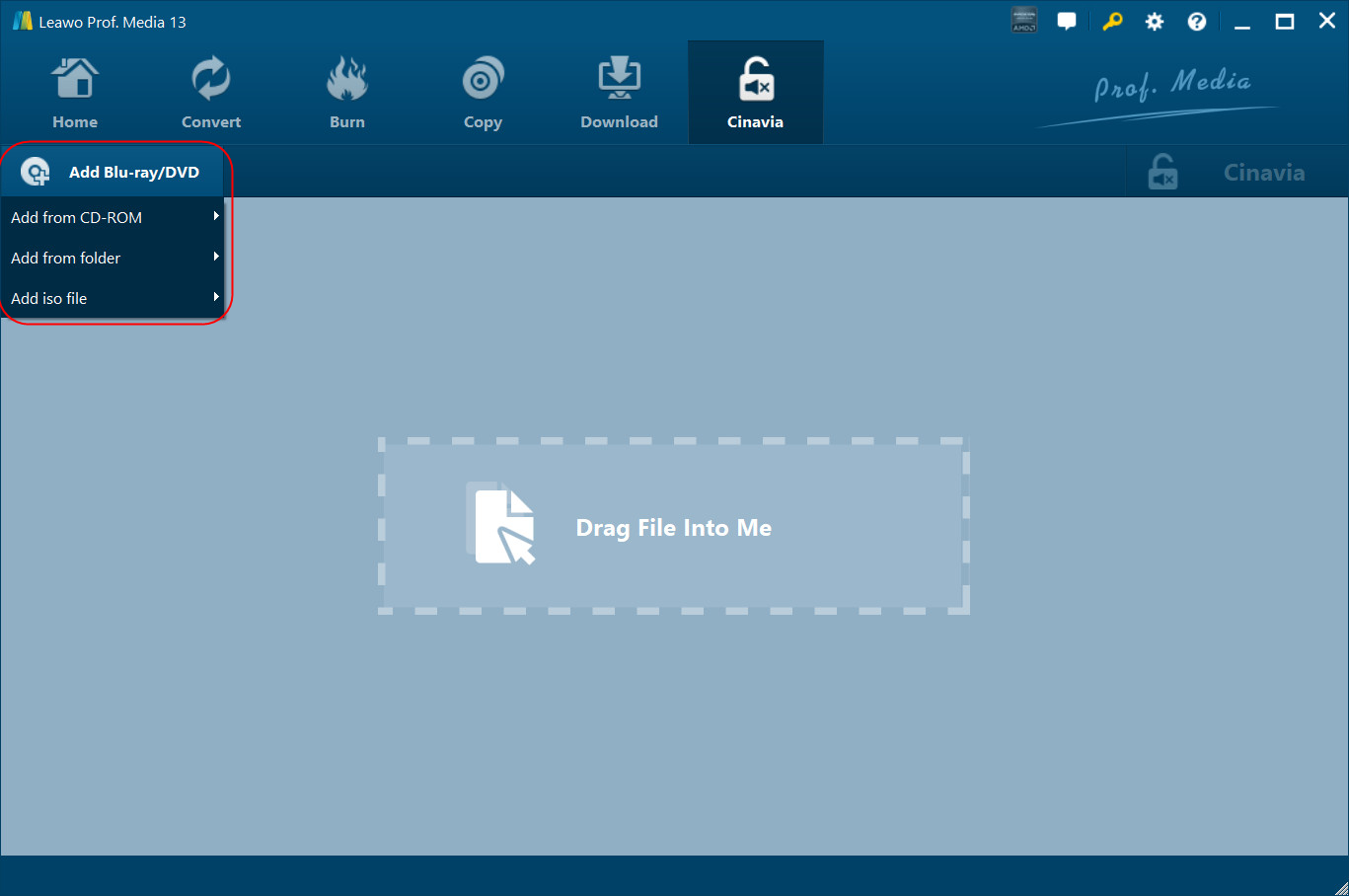
Open the “Cinavia” tab and then click “Add Blu-ray/DVD” button to add source media.
Step 2: Choose copy mode
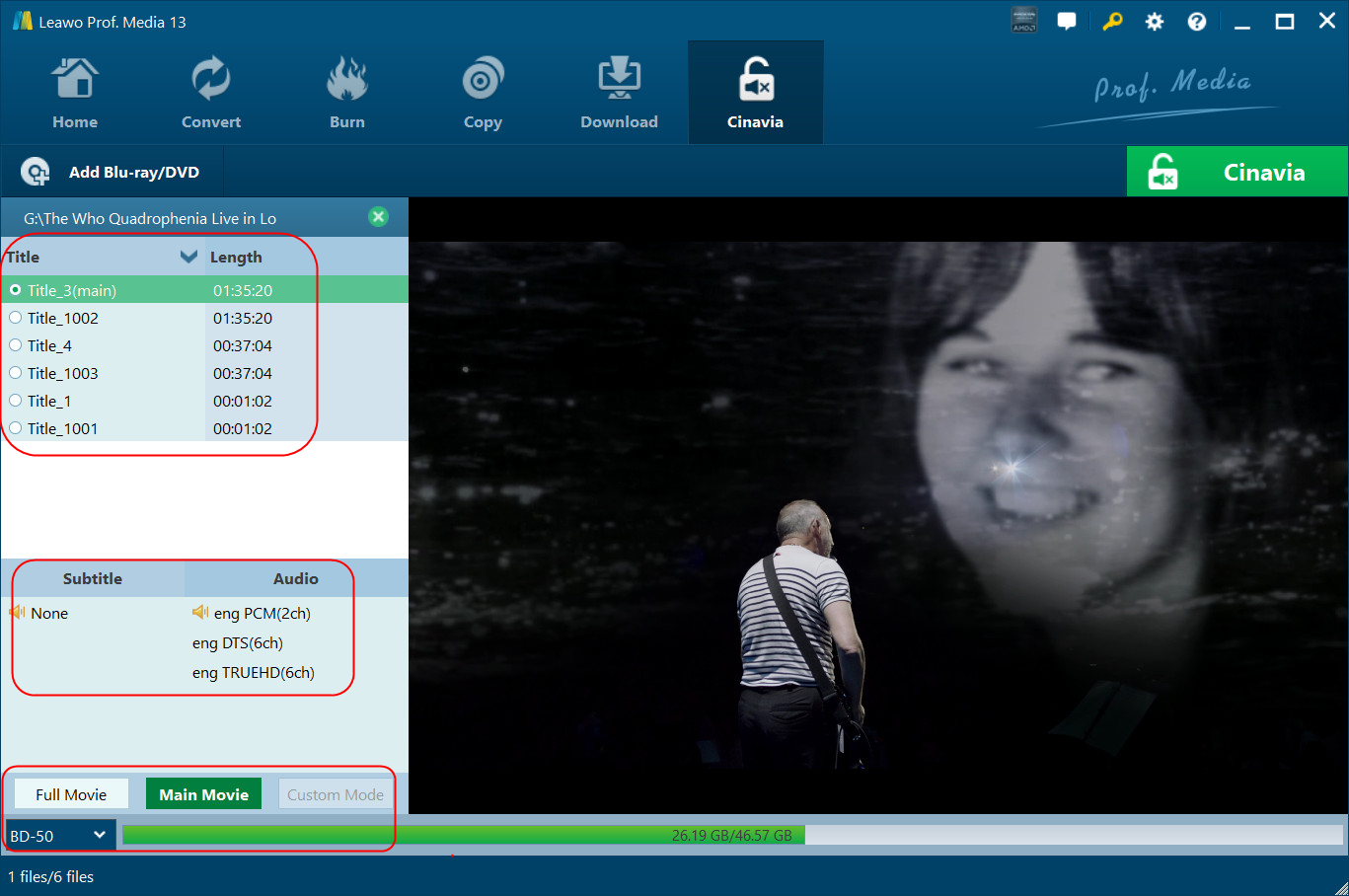
Choose copy media content, copy mode and output disc type.
Step 3: Complete copy settings
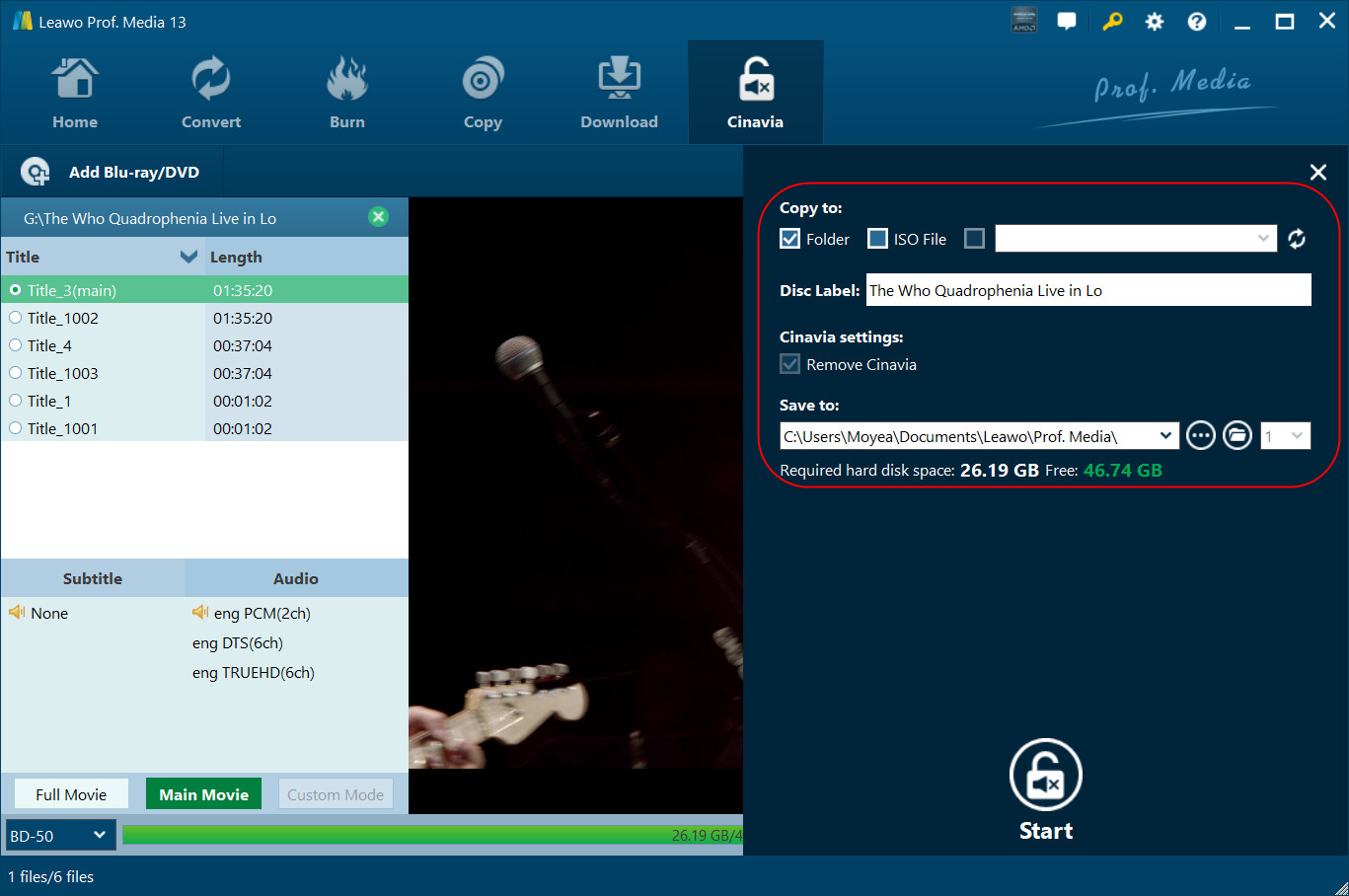
Click the green “Canavia” button to complete more copy settings.
Step 4: Start copying Cinavia content
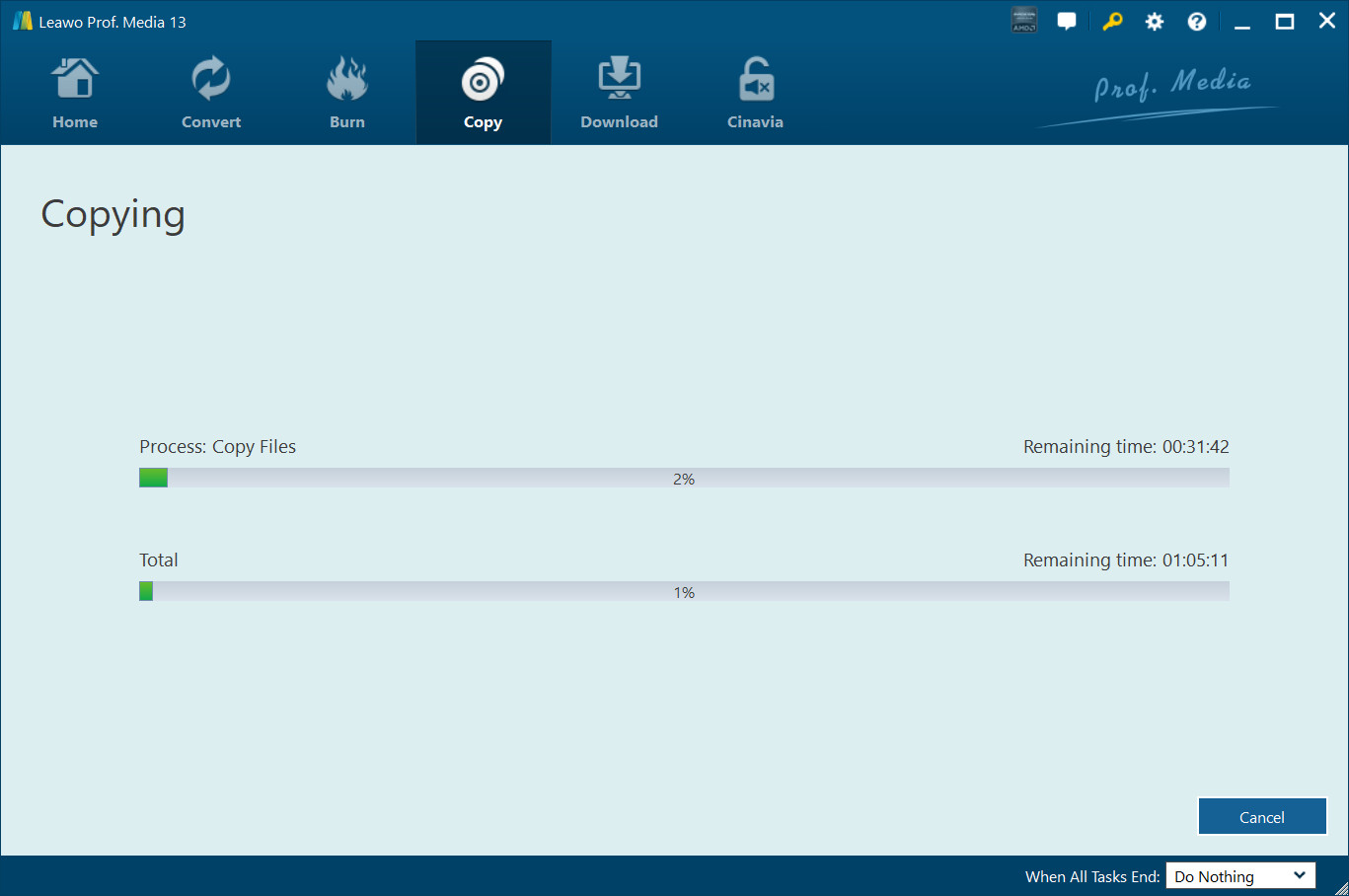
Hit the bottom “Cinavia” button to start copying Cinavia contents to Cinavia-free ones.
System Requirments


Size 186 MB
Version
Update

Testimonials

"
I Love this software. It's a game changer for my media server. Now I can create video playlists of single tracks. Very intuitive and easy to use.

Terry A Weaver

"
I have been using the program off and on for a long time. It works very well and is very easy to use while allowing for extensive choices for output, etc.
RickCAUSA

"
Super programme group. Slightly on the expensive side but occasionally there are good promotions. I have a life-time partial licence for just a few components that I have on my home PC and a FULL-VERSION on my work PC. Very satisfied without any problems.
ivan

| Features | Leawo Video Downloader | CleverGet Video Downloader | CleverGet |
|---|---|---|---|
| Download video from 1000+ video sites |

|
|
|
| Download live streamings |
|
|
|
| Download live videos via M3U8 link |
|
|
|
| Download videos in bath |
|
|
|
| Download YouTube playlist |

|
|
|
| Download YouTube channel |
|
|
|
| Download videos at up to 8K resolution |
|
|
|
| Download videos to audio |
|
|
|
| Download Twitch video |
|
|
|
| Download Netflix video |
|
|
|
| Download Amazon Prime video |
|
|
|
| Download HBO MAX video |
|
|
|
| Download Deisney+ video |
|
|
|
| Download multi-language audio tracks |
|
|
|
| Download multi-language subtitles |
|
|
|
| Download subtitles as independent SRT/SUP files |
|
|
|
| Download speed | Normal | Musch Higher | Musch Higher |
| Continual update |
|
|
|
| Input | Output | |||||||
|---|---|---|---|---|---|---|---|---|
| Blu-ray | 3D Blu-ray disc, Blu-ray Disc, Multi-angle Blu-ray Disc, Blu-ray Folder, ISO image file | Video |
|
|||||
| 4K Blu-ray(Beta Version) | 4K UHD Blu-ray disc, 4K UHD Blu-ray folder, 4K UHD Blu-ray ISO Image File | |||||||
| DVD | DVD Disc, Multi-angle DVD Disc, DVD Folder, ISO image file | |||||||
| Video | AVI, MP4, DAT, WEBM, RMVB, RM, MPG, MPEG, VOB, MOV, M4V, QT, FLV, F4V, NSV, NUT, MKV, MTS/M2TS/TS/TP/TRP(AVCHD, H.264, VC-1, MPEG-2 HD), MOD, TOD, DV, WMV, ASF, 3GP, 3G2, DVR-MS | |||||||
| Audio | FLAC, AAC, AC3, AIFF, AMR, M4A, MP2, MP3, OGG, RA, AU, WAV, WMA, MKA | Audio | FLAC, AAC, AC3, AIFF, AMR, M4A, MP2, MP3, OGG, RA, AU, WAV, WMA, MKA | |||||
| Image (as watermark) |
TIFF,TIF, GIF, PNG, BMP, JPEG, JPG, ICO, EMF, WMF | Image (as screenshot) |
PNG, BMP, JPEG |
| Apple | iPhone 12 series, iPhone 11 models, iPhone X models, iPod Touch 1/2/3, iPod Touch 4, iPod Touch 5, iPod Touch 6, iPod Classic, iPod nano, iPhone 1/2/3, iPhone 4/4S, iPhone 5, iPad 1/2, New iPad, iPad mini, Apple TV, iPhone 5s, iPhone 5c, iPhone 6, iPhone 6S, iPhone 6 Plus, iPhone 6S Plus, iPhone 7, iPhone 7 Plus, iPad Pro, iPad Air, iPad mini 2 |
| Sony | PSP, PSP Go, PS Vita, PS3, Xperia S, Xperia Tablet S, Xperia Z, Xperia Tablet Z, PS4 |
| Samsung | Galaxy S I/II/III/4/5/6/7, Galaxy Note, Galaxy Note II, Galaxy Tab, Galaxy Nexus, Nexus 10, ATIV S, ATIV Tab, Galaxy Note 3, Galaxy Note 7, Galaxy S7 Edge |
| HTC | ONE, One X/X+, Droid DNA, Desire, EVO 4G, Sensation, Windows 8X, One S, Desire HD/S |
| Motorola | Atrix 4G, Droid, Droid RAZR/MAXX/M, Droid RAZR HD/MAXX HD, Droid BIONIC, XOOM/XOOM 2, Moto X |
| LG | Nexus 4, Optimus G, Optimus G Pro, Lucid 2, Optumus 4X HD, Spectrum 2, Nexus 5 |
| Nokia | Lumia 920/925/928, Lumia 520/720/820, Asha 210/501, Lumia 800/900, 808 Pureview, Lumia 1020, Lumia 1520, Nokia 6 |
| Microsoft | Surface RT, Surface Pro, Xbox, Xbox 360, Xbox One, Surface Pro 2, Surface 2 |
| Others | Kindle Fire, Kindle Fire HD, Kindle Fire HDX, Nook HD, Nexus 7, BlackBerry PlayBook, BlackBerry Z10, BlackBerry Q10, Transformer Prime, PadFone Infinity, Wii AVI Video, Wii MOV Video, Android Device, Windows Phone Device, Nexus Pixel, Nexus 6P, Nexus 6 Pro, Nexus 5X, |











16-in-1 All-inclusive Total Media Converter Ultimate Solution Suite