



2023-10-07
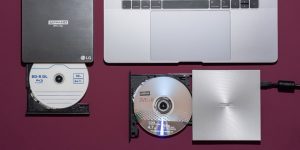
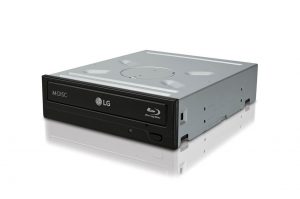
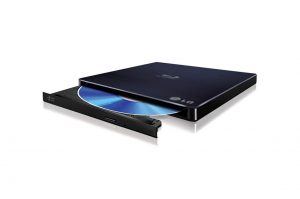
Best 4K Blu-ray Burner to Burn 4K Blu-ray to Disc
As 4K Blu-ray becomes popular in the digital media industry,...




20+ Years Experience

10,000,000+ Happy Clients

100% Safe & Clean

100+ Countries
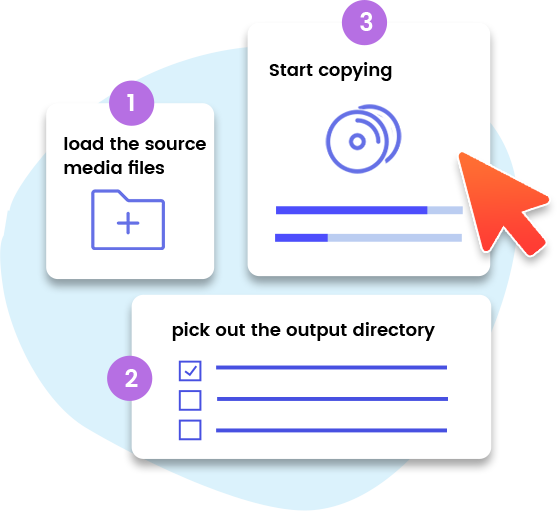
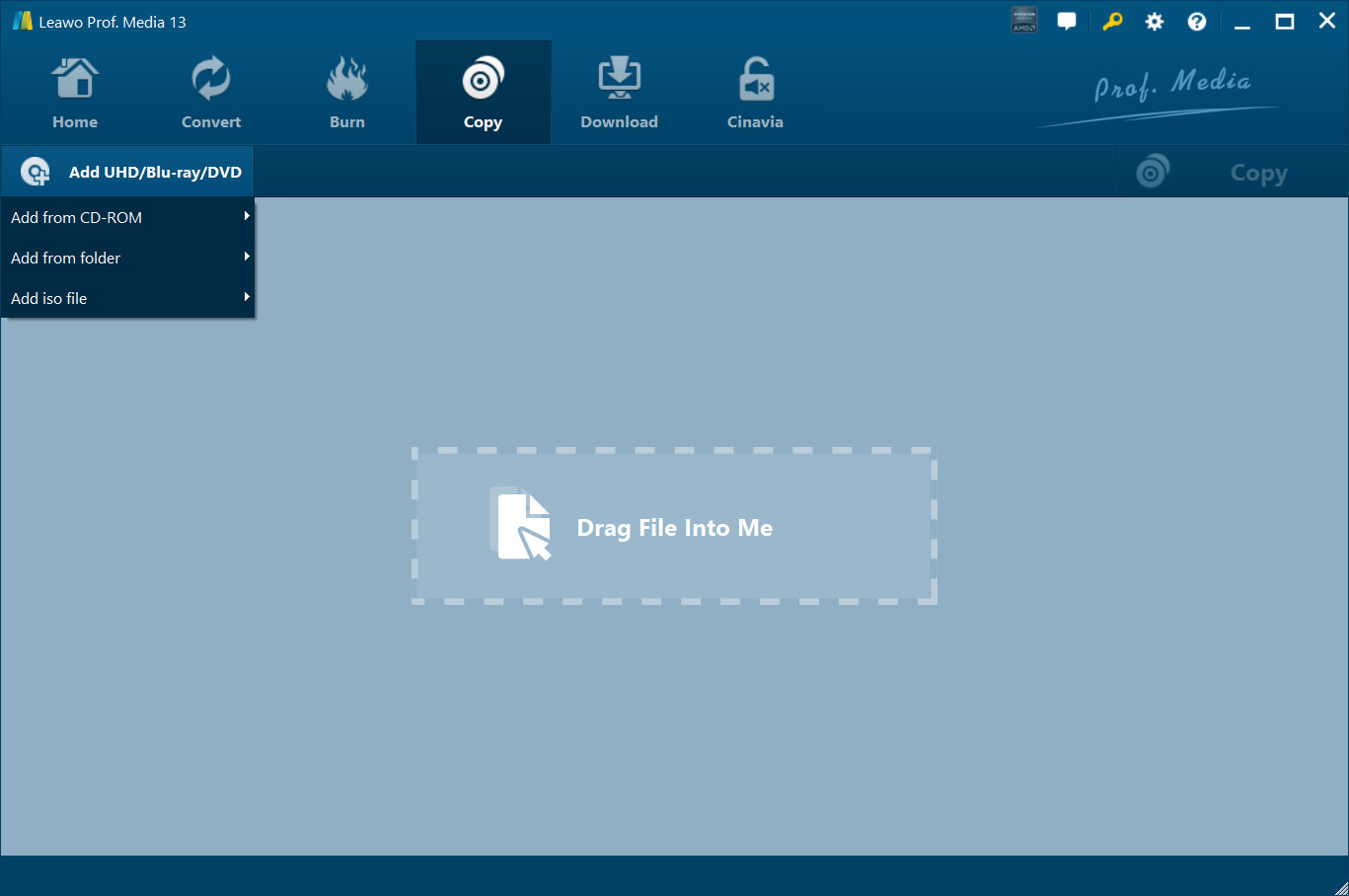
Step 1: Add source 4K Blu-ray
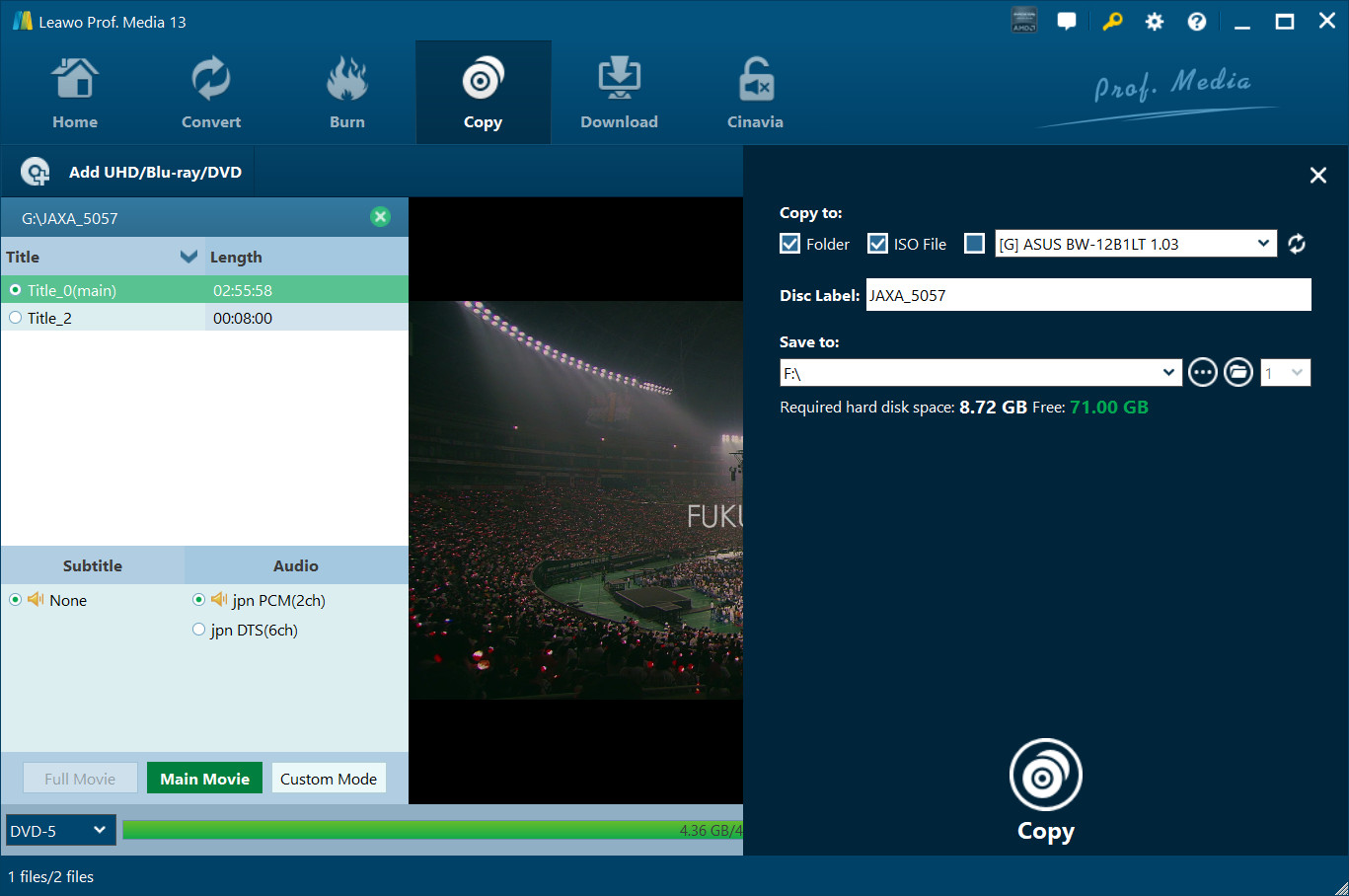
Open the “Copy” tab and then click the “Add UHD/Blu-ray/DVD” drop-down button to browse and add source 4K Blu-ray disc, folder or ISO image file.
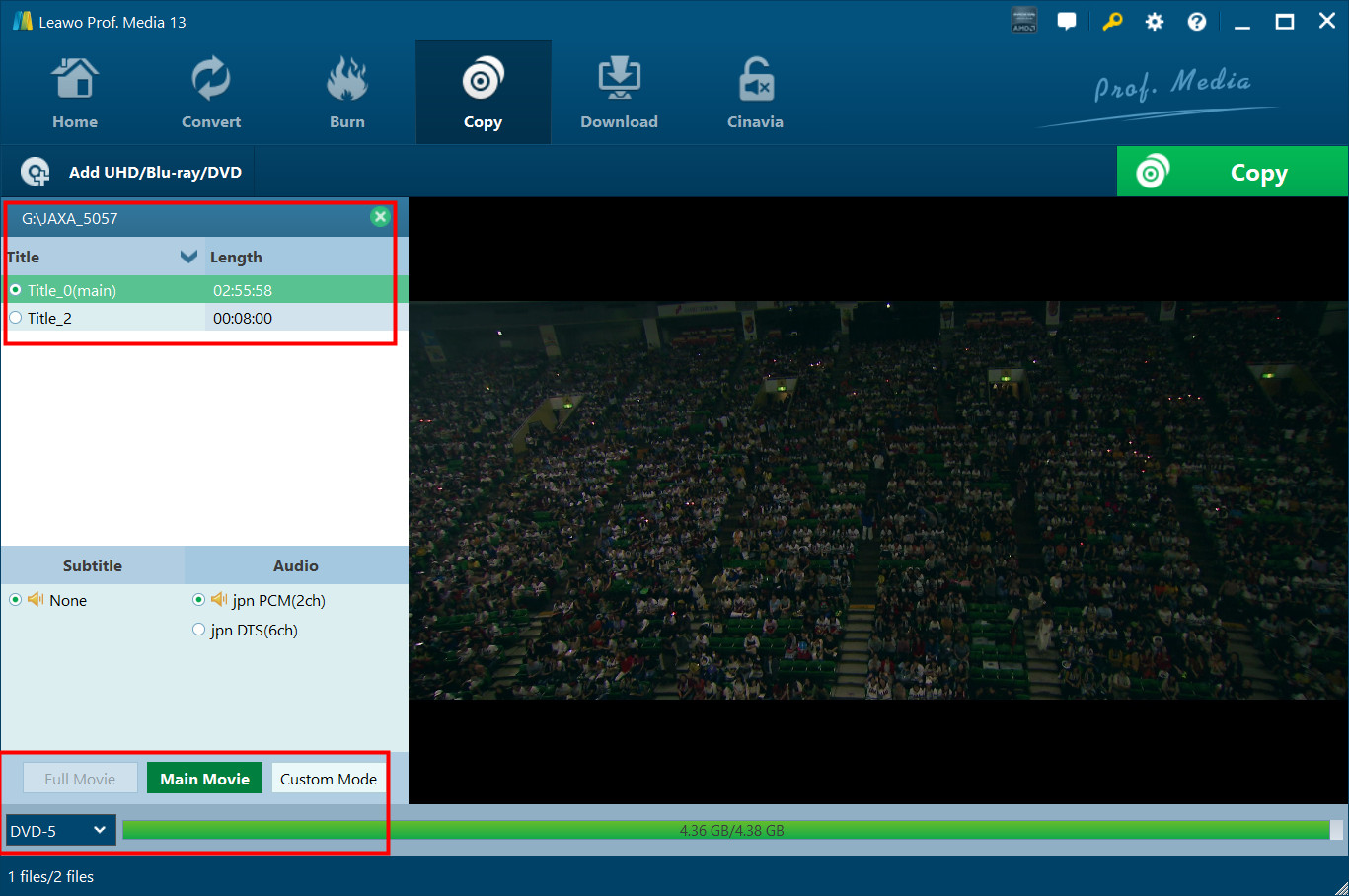
Step 2: Choose copy mode and contents
Select copy mode and then choose Blu-ray titles, audio tracks and subtitles for copying.
Step 3: Output settings
Click the green “Copy” button to call out sidebar, and then choose “Copy to”, “Disc Label” and “Save to” options.
Step 4: Start copying 4K Blu-ray
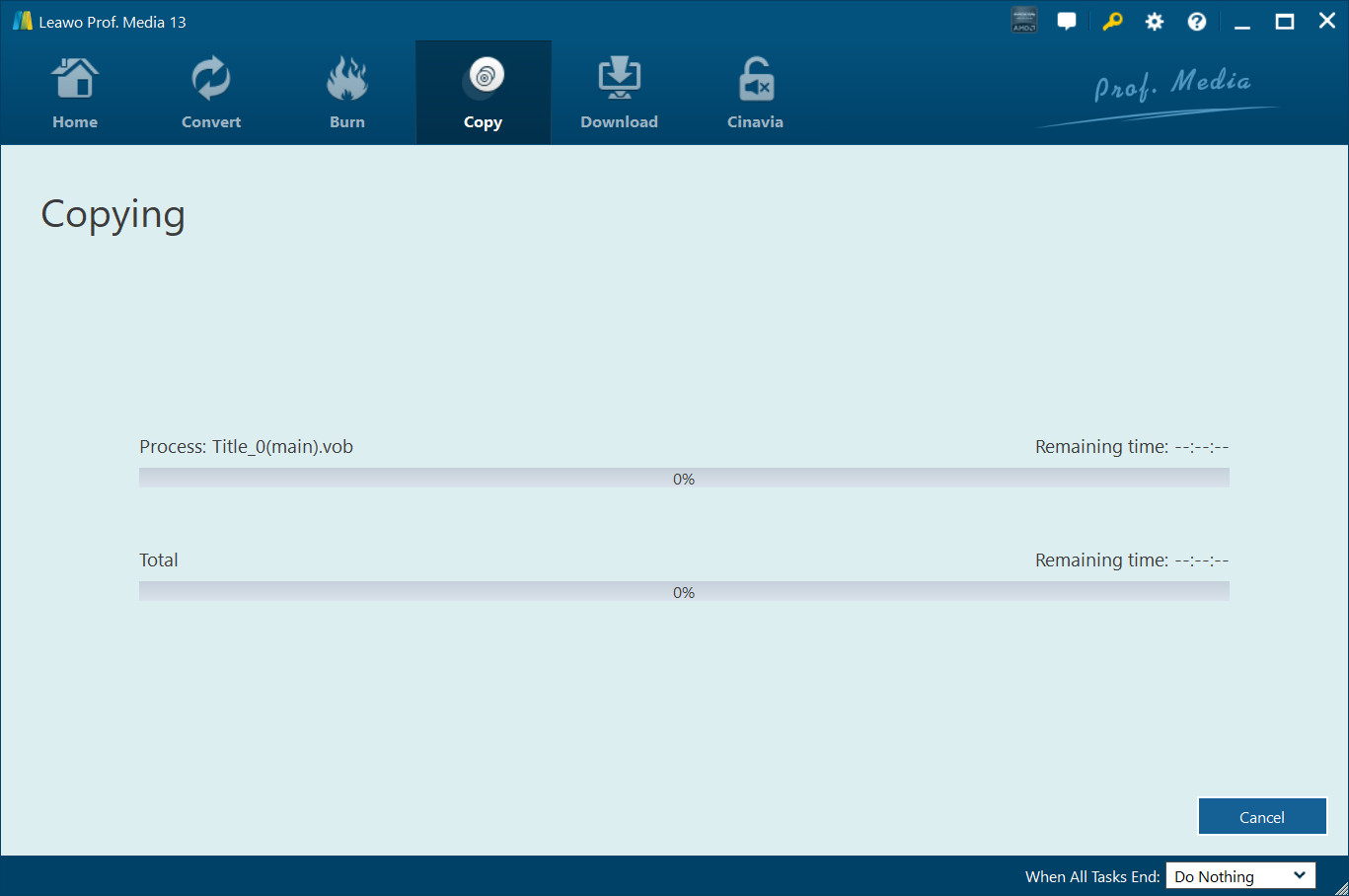
Finally, click the bottom “Copy” button to start copying 4K Blu-ray for backup.
System Requirments


Size 186 MB
Version
Update

Testimonials

"
What a surprising tool! Leawo UHD Copy is able to retain the high-quality of my 4K UHD discs, it helps me to back up my fave movies easily!

From Jacorb

"
If you're wondering how to back up your collection of UHD disc, you might as well try Leawo UHD Copy, it works fine literally.
From Mark

"
This is the ever best 4K UHD Blu-ray copy software I have used in the latest years. It copies 4K Blu-ray disc without any quality loss and the entire 4K UHD Blu-ray copy process is fast. That is awesome.
Elizabeth Lusk

Purchase Leawo UHD Copy
$ 44.95

$ 99.95
$ 119.94 $199.9

All of 17 modules included, provides full Solution to (4K UHD) Blu-ray, DVD and Video



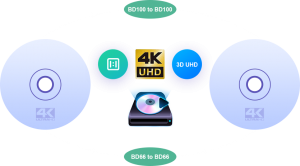

Copy 4K UHD Blu-ray Movies of All Countries