The Installation Was Successful
Thank you for installing Leawo Video Converter Ultimate
Video Converter Ultimate Video Guide
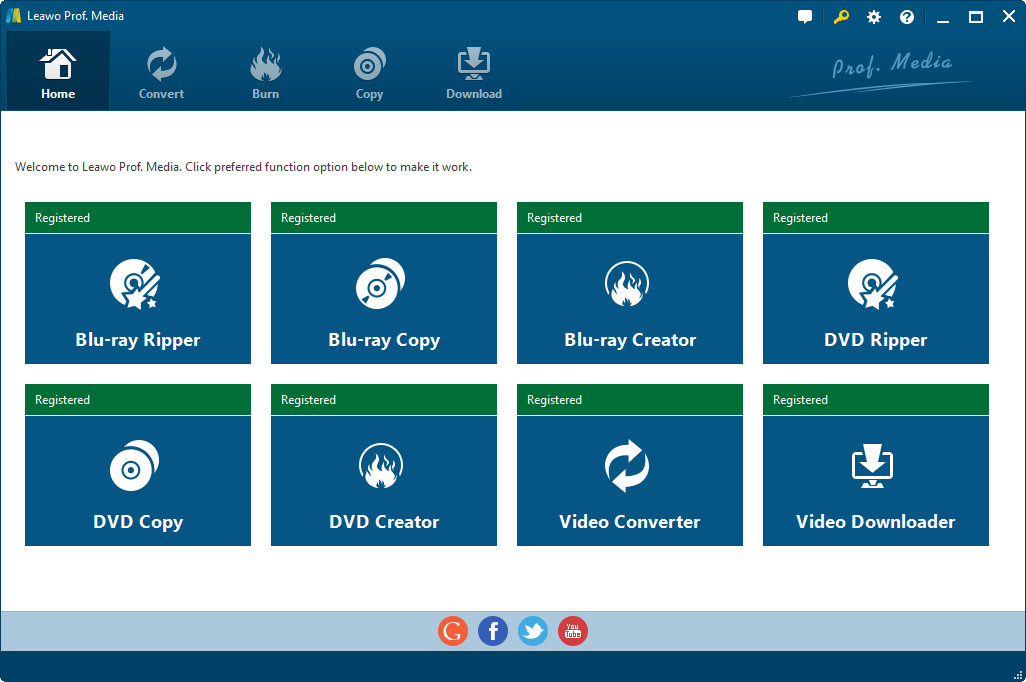
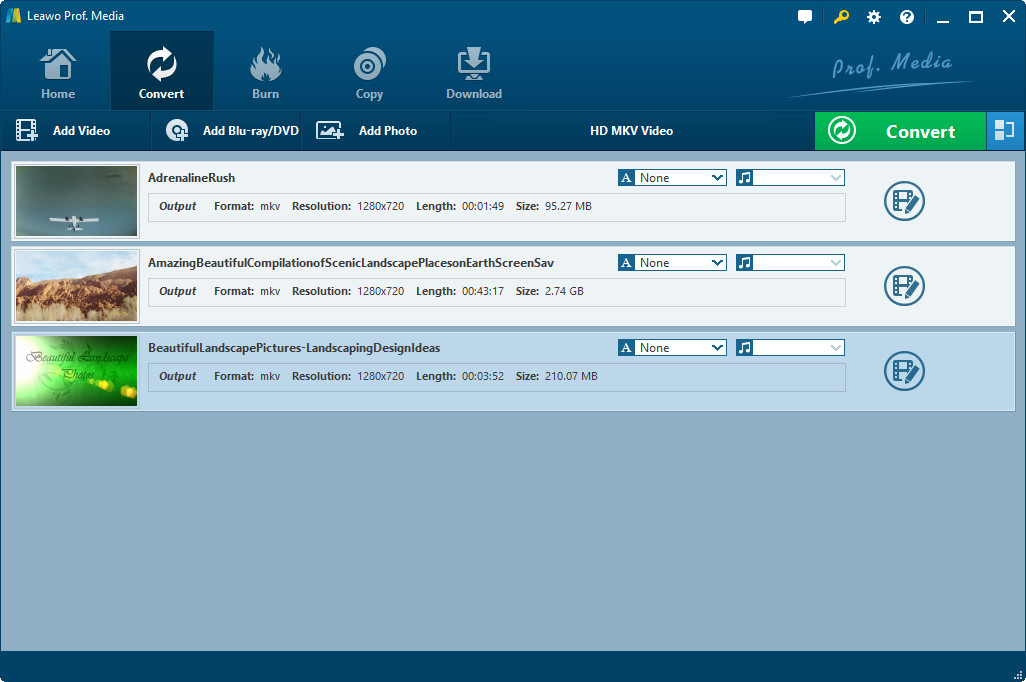
The video displayed on this page is the user guide of Leawo Video Converter Ultimate. It shows you how to use the program to rip Blu-ray/DVD discs, convert video and audio and download videos from video sharing websites.


How to Rip and Convert Blu-ray to MP4
Step 1: Add source Blu-ray.
Step 2: Set MP4 as the output format.
Step 3: Adjust video/audio parameters(optional).
Step 4: Start the conversion.
How to Convert Blu-ray to MKV on PC and Mac
Step 1: Import Blu-ray disc content.
Step 2: Select MKV as the default output format.
Step 3: Tweak the video.(optional)
Step 4: Click the Convert button to start.
How to Rip and Convert Blu-ray to iPad
Step 1: Add Blu-ray content to the program.
Step 2: Set an iPad-compatible format as default.
Step 3: Make adjustments to the video.(optional)
Step 4: Start converting Blu-ray content.
Step 5: Transfer the converted video to iPad.
Burn ISO Image File to USB Drive
Step 1: Add ISO image to the program.
Step 2: Adjust ISO burning settings.
Step 3: Choose USB Drive as the output path.
Step 4: Start burning ISO to USB Drive.
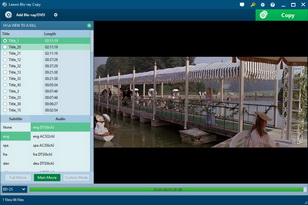
How to copy BD50 to BD25 without quality loss?
Step 1: Import BD50 movie.
Step 2: Set output standard to BD25.
Step 3: Set the output directory for the output.
Step 4: Start copying.
How to copy and back up 3D Blu-ray discs?
Step 1: Import 3D BD movie from the disc.
Step 2: Customize backup settings.
Step 3: Select output directory for the backup.
Step 4: Start the backup process.
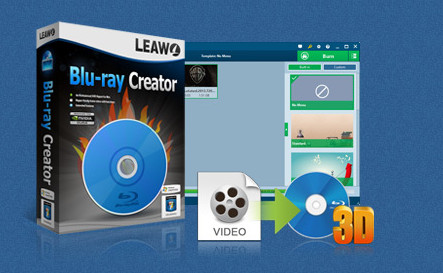
How to burn MKV to Blu-ray with subtitles
Step 1: Add MKV video.
Step 2: Edit MKV video(optional).
Step 3: Choose a disc menu template for the video.
Step 4: Choose the Blu-ray disc as the destination.
Step 5: Start burning.
Step 1: Import MP4 to the burner software.
Step 2: Customize the video.(optional)
Step 3: Customize and select disc menu template.
Step 4: Set Blu-ray disc as default output path.
Step 5: Click Burn to start burning.
Step 1: Import source video to the Blu-ray burner.
Step 2: Make changes to paramters of the videos.(optional)
Step 3: Customize or choose disc menu template from the default templates.
Step 4: Select a Blu-ray disc to burn to.
Step 5: Start burning a Blu-ray disc.

Step 1: Add the JPEG files to the converter.
Step 2: Change video paramters(optional).
Step 3: Choose default output path for the video.
Step 4: Initiate the converting process.
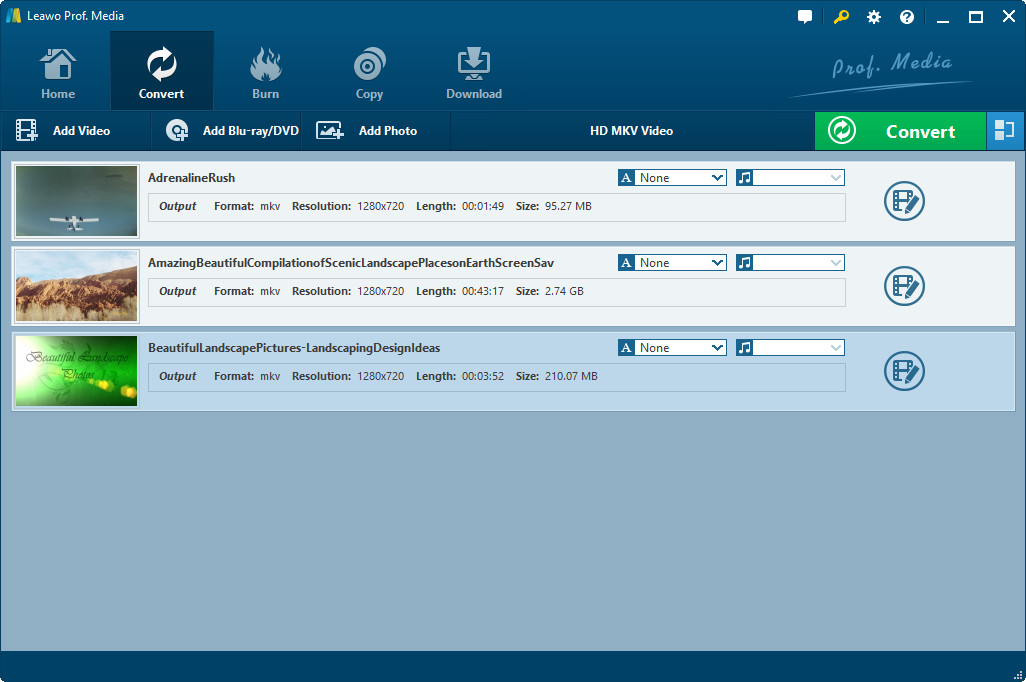
How to Convert 2D movies to Side by Side 3D movies
Step 1: Import 2D movies to the Converter.
Step 2: Add 3D effects on the 2D movie.
Step 3: Tweak video paramters(optional).
Step 4: Choose a folder to save the movie in.
Step 5: Start converting the movie.
How to Convert WMA to AAC format?
Step 1: Import WMA files.
Step 2: Change the default output format to AAC.
Step 3: Select a folder to store the output file.
Step 4: Begin the WMA to AAC conversion.
How to download YouTube Vevo videos
Step 1: Open the YouTube Vevo video you want to download in the program.
Step 2: Download the video.
Step 3: Play the video within the program.
How to download Vevo MP4 on YouTube
Step 1: Use the built-in browser to open the Vevo video.
Step 2: Download the video with the ideal parameters.
Step 3: Play the video with the built-in player.
How to download and convert YouTube video to WMV
Step 1: Open the link of the YouTube video you want to download.
Step 2: Click Download button to download the video.
Step 3: Check out the downloaded video in the program.
