
How to Use Leawo Video Converter Ultimate
Detailed steps to tell you how to use Leawo Video Converter Ultimate to convert DVD/video, copy and back up DVD, burn video to DVD, turn photos into slideshow vieo, burn photos to DVD, etc.


- Home
- /
- Leawo Video Converter Ultimate
- /
- User Guide
Introduction to Leawo Video Converter Ultimate
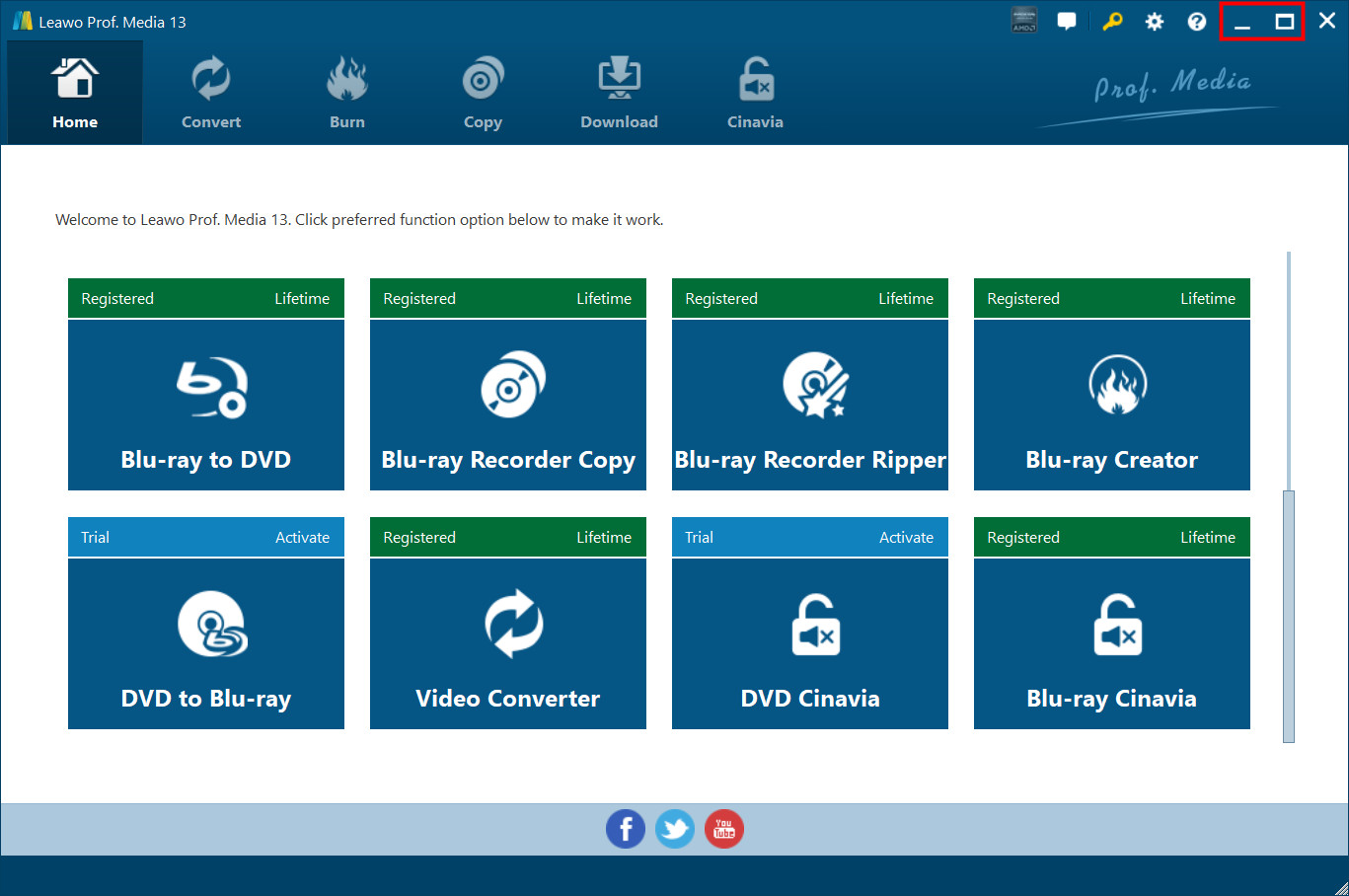
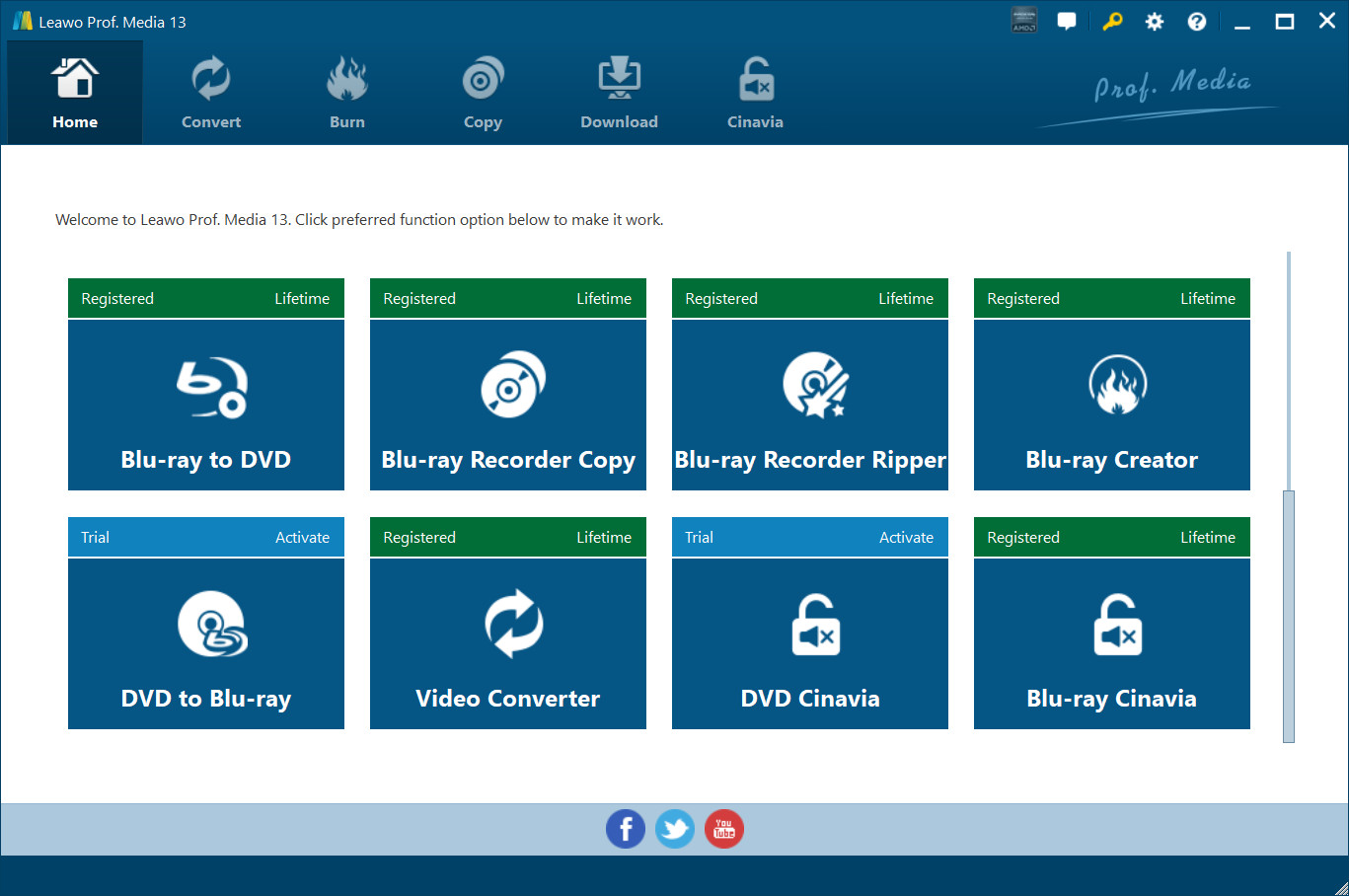
Leawo Video Converter Ultimate provides comprehensive solutions for you to convert video/audio file, rip and convert DVD files, create photo slideshow video, burn video file/photo to DVD, copy and back up DVD movies, and play and download online video file. In other words, Leawo Video Converter Ultimate is a program suite that combines several different modules into one program: Video Converter, Video Downloader, DVD Copy, DVD Ripper and DVD Creator. The program allows you to convert video and audio files between 180+ formats, to achieve format conversion between DVD and video format, to extract only audio content from source DVD file, and to download video file from various online-video sharing sites like YouTube. With the program, you can also edit video files, add 3D video effect, select subtitles and audio tracks, set video and audio parameters, etc. Download and install Leawo Video Converter Ultimate, and then kick it off to enter the main interface as shown below.
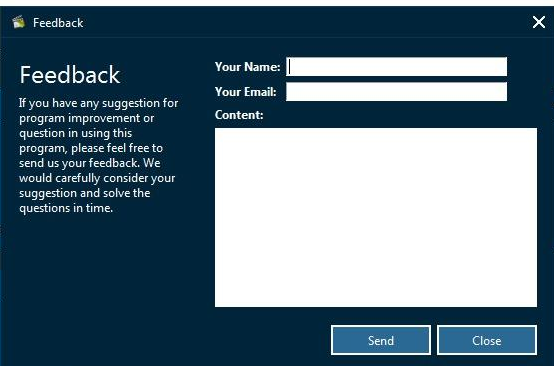
1. Feedback
Click  button to send your precious feedback to Leawo Software for improving the program.
2. Settings
Click the gear icon  to pop up detailed settings panel.
2.1 General Settings
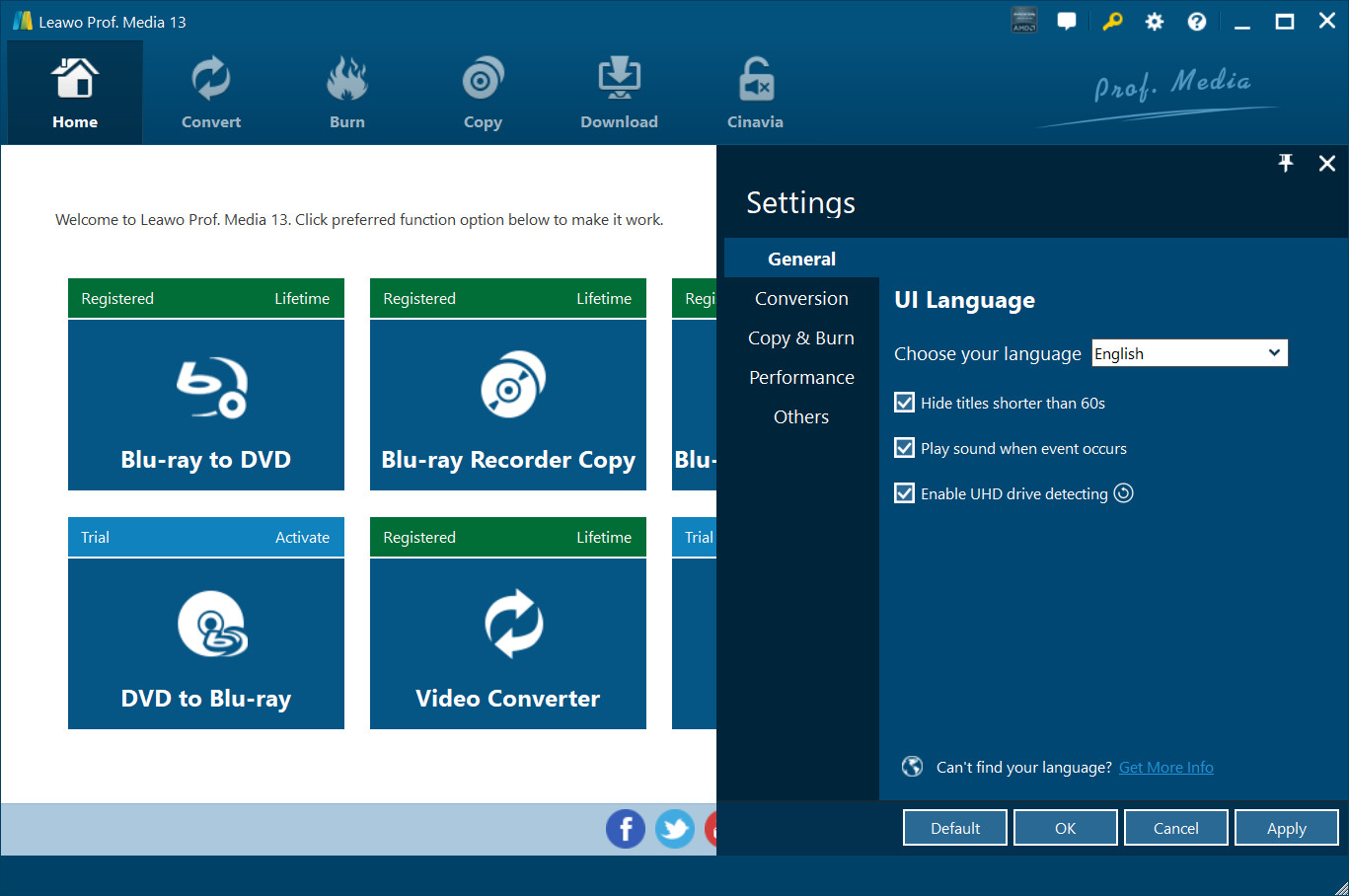
Under "Genera" button, you can freely choose a language for the UI from 11 preset languages: English, German, Japanese, Simplified Chinese, Russian, Hungarian, Armenian, Spanish, French, Portuguese and Dutch.
2.2 Conversion Settings
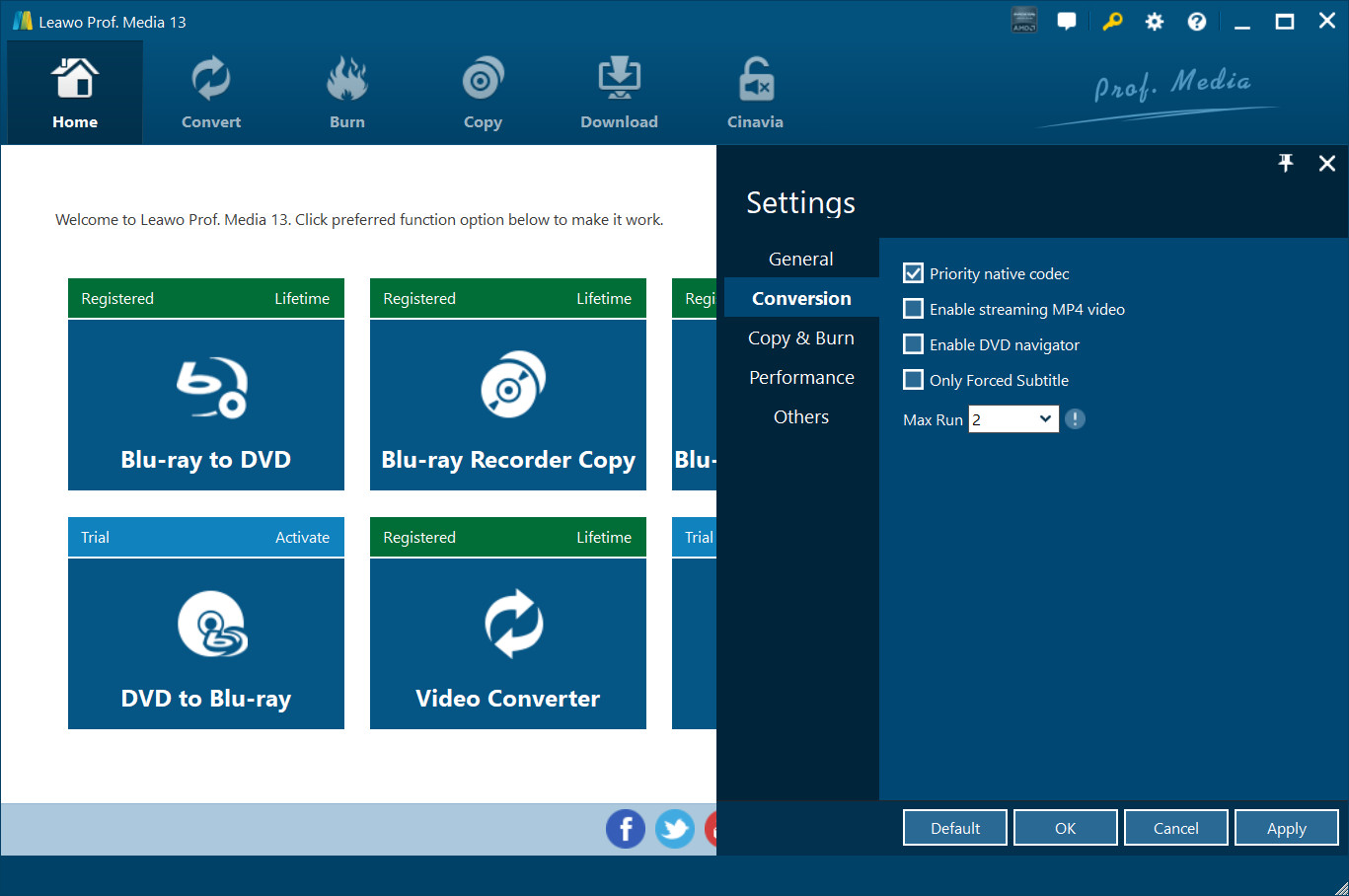
Under "Conversion" button, you can choose whether or not to prioritize native codec, to enable streaming MP4 video, and to enable DVD navigator, and at the same time, you can set the maximum tasks for running.
2.3 Burn Settings
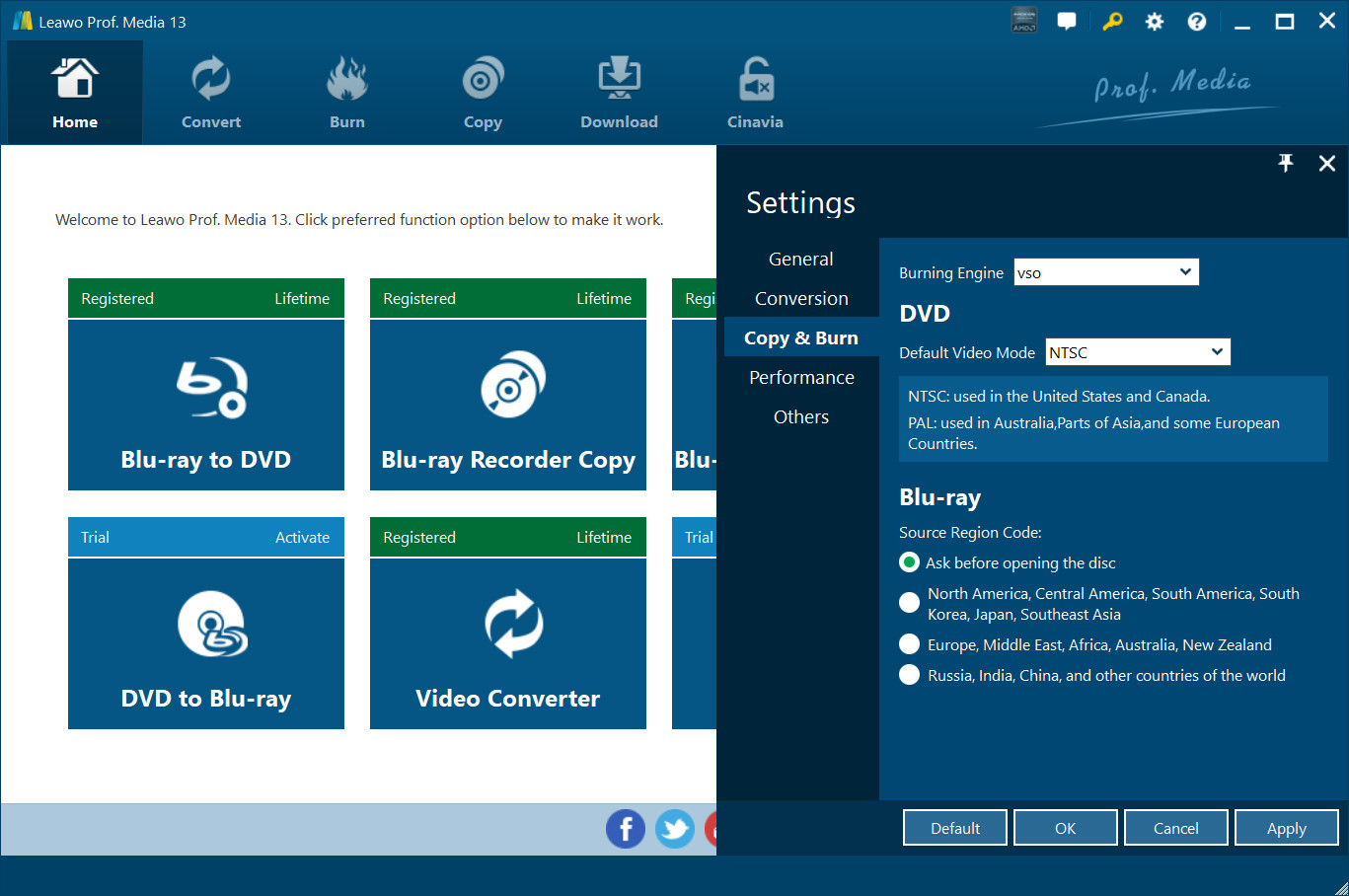
Under "Burn" button, you can choose the burning engine and default DVD video mode.
2.4 Performance Settings
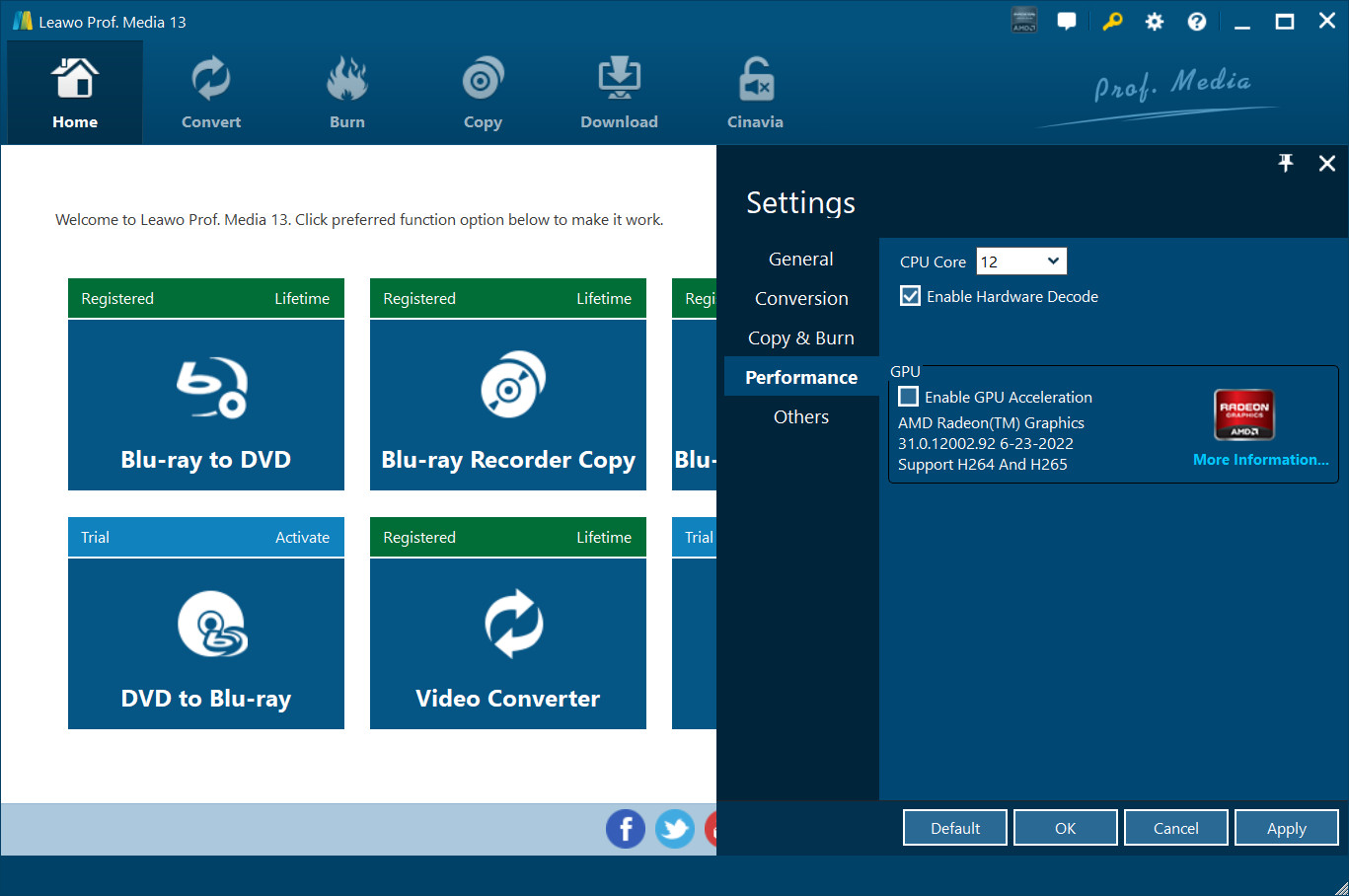
Connection SettingsUnder "Performance" button, you can freely set CPU core.
2.6 Others Settings
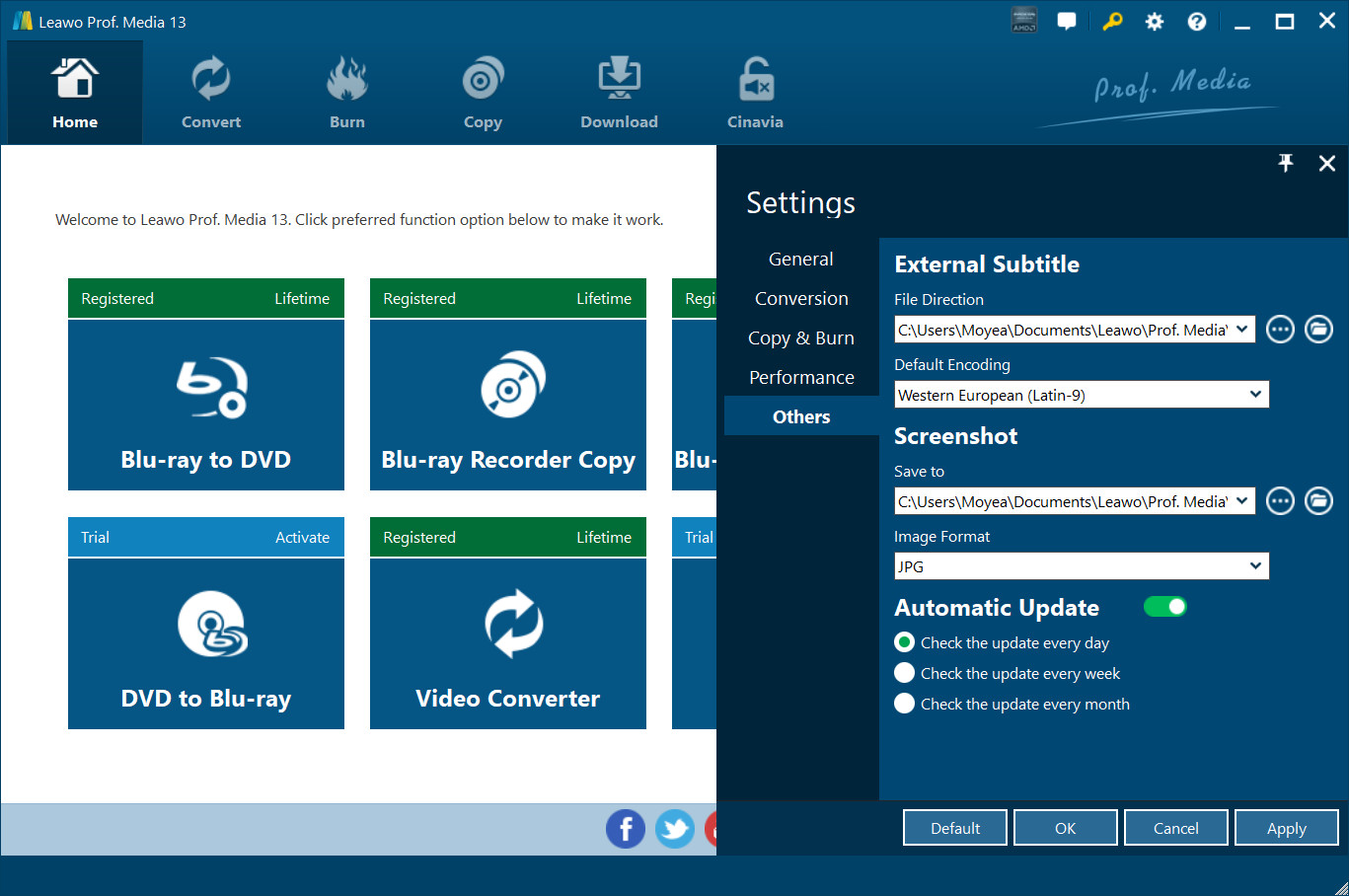
Under "Others" button, you can set the location of external subtitle, default encoding, screenshot image format, and the output directory for saving screenshot images.
3. Help Center
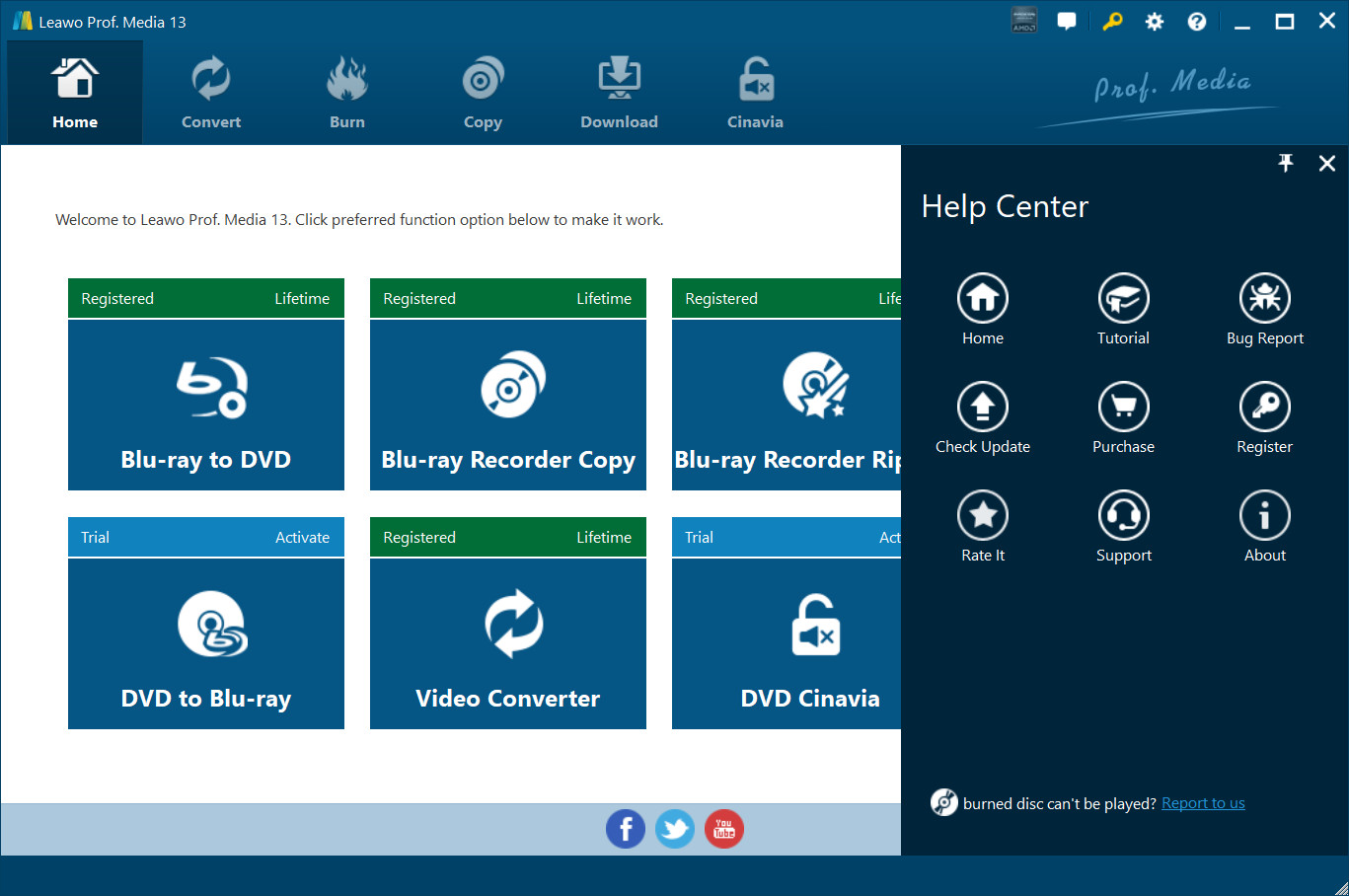
Click the question mark  to enter the Help Center, on which you can visit the product page of Leawo Video Converter Ultimate by clicking "Home"
  , learn how to properly use Leawo Prof. Media by clicking "Tutorial"
  , report problems you encountered during the usage of Leawo Video Converter Ultimate by clicking "Bug Report"
  , click
  to check program update, click
  and
and  to purchase and register the program, click
  to write user review of the program, click
  to get support from Leawo Software team, and click
  to check the version number of Leawo Video Converter Ultimate and other information.
4. Program Window Size Adjustment
Click  to minimize the program window; click
  to maximum the size of the program window; click
  to close the program window.