
Brief Introduction to Leawo iOS Data Recovery
A brief introduction to Leawo iOS Data Recovery before you learn how to use Leawo iOS Data Recovery to recover data from iOS devices (iPhone, iPad and iPod), iTunes and iCloud backups.


- Home
- /
- Leawo iOS Data Recovery
- /
- User Guide
Brief Introduction
Leawo iOS Data Recovery is an all-in-one data recovery tool for iOS devices like iPhone/iPad/iPod. It’s got 3 recovery modes that allow you to recover data from iOS device itself, iTunes backup and iCloud backup. And it’s compatible with all iOS devices ever since iPhone4. Furthermore, it supports recovering in total of 14 types of data including Contacts, Messages, Call History, WhatsApp, Calendar, Notes, Reminders, Safari Bookmarks, Camera Roll, Photo Stream, Photo Library, Message Attachments, Voice Memos and WhatsApp Attachments.
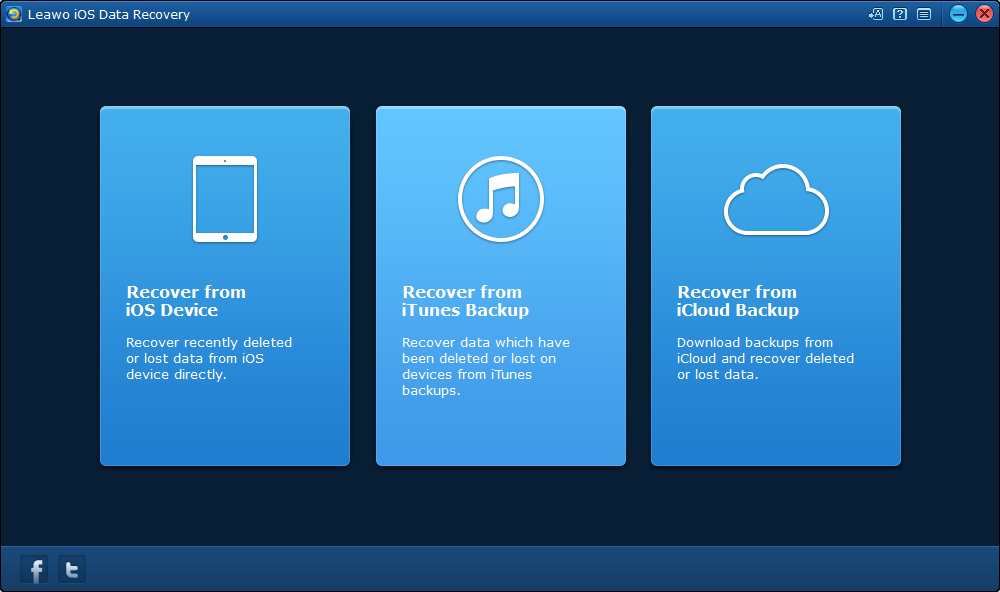
Open Leawo iOS Data Recovery. Before you start recovering data, there are some settings you should know about.
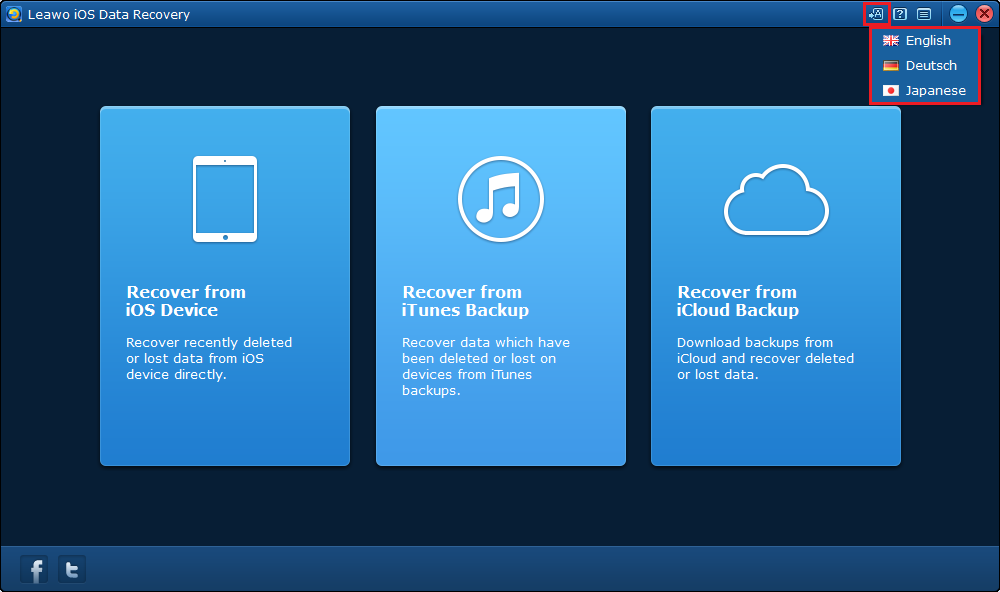
Set the language
Click the first button  from the left on the top-right to set the language, there are 3 languages available, English, Deutsch and Japanese.
Get instructions for Leawo iOS Data Recovery
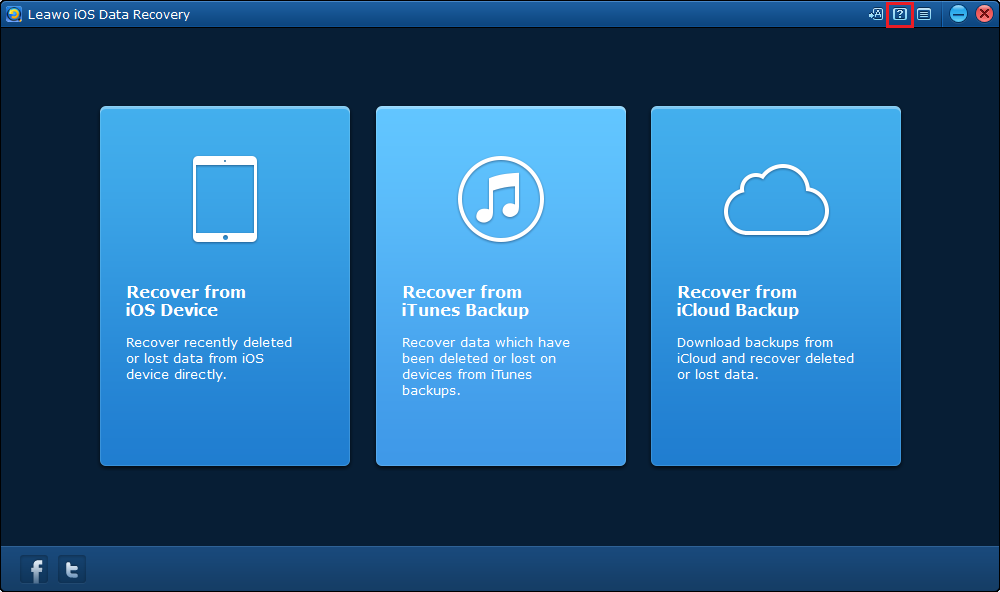
Click the second button  on the top-right to go to the tutorial page of Leawo iOS Data Recovery.
More Options
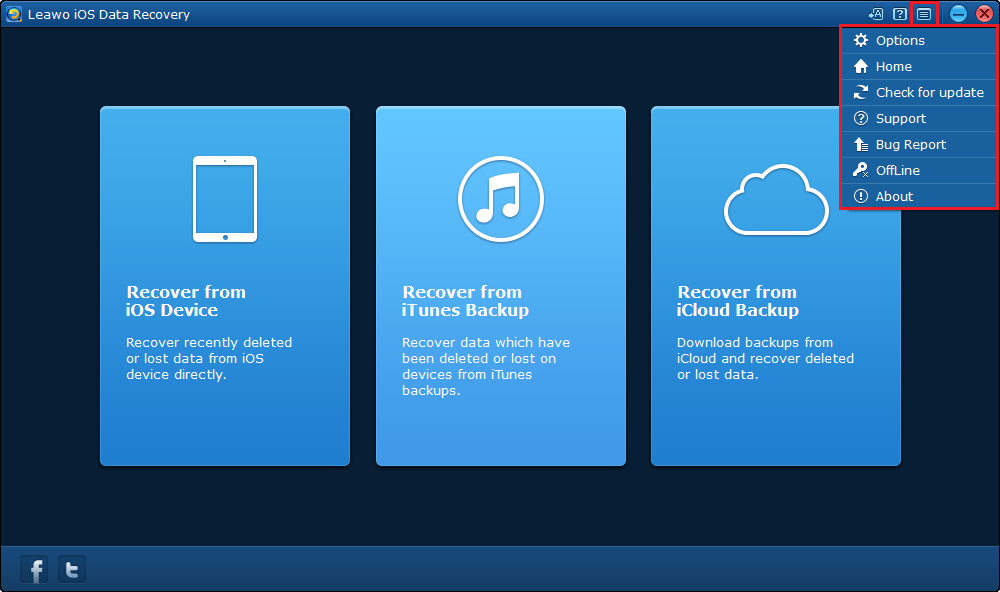
Click the third button  on the top-right to call out the drop-down.
1. Click Options  and there would be a window with 2 tabs:
Update: Set the frequency of the program checking for update automatically.
2. Click Home  to go to the product page of Leawo iOS Data Recovery.
3. Click Check for Update  to check immediately if there’s new update available.
4. Click Support  to go to Leawo’s support center where you can find the user guides and FAQs of Leawo’s products.
5. Click Bug Report  to send us your feedback about the bug you encounter when using our program, you’ll need to write down your name, your e-mail address and your description about the bug.
6. Click Offline  and you will see instructions for activating the program offline.
7. About Offline  to check out some information related to the program.