



 Try for Free
 Try for Free


Tired of only watching your Amazon Prime shows online? Want to watch Amazon Prime movies and shows offline? Downloading Amazon Prime videos to watch offline seems to be perfect. This post explores some top Amazon Prime video downloaders for you. We have tried and tested these Amazon Prime video downloaders before creating this best Amazon Prime downloaders list. Read on to find which downloader meets your needs most.
OutlineCLOSE
- Why Do You Need Amazon Prime Video Download Tools?
- 1: Can you download on Amazon Prime directly?
- 2: How to download Amazon Prime video free?
- 3: What are the Amazon video download limits?
- 7 Best Amazon Prime Video Downloaders
- 1: CleverGet Amazon Downloader
- 2: TunePat Amazon Video Downloader
- 3: MovPilot Amazon Prime Video Downloader
- 4: FreeGrabApp Amazon Prime Downloader
- 5: Kigo Amazon Prime Video Downloader
- 6: Y2Mate Amazon Prime Video Downloader
- 7: SameMovie Amazon Video Downloader
- Comparison of These Best Amazon Prime Video Download Tools
- Conclusion
Part 1: Why Do You Need Amazon Prime Video Download Tools?
In this post, we will introduce several best Amazon Prime downloaders to help you download on Amazon Prime. You might be wondering: why do I need Amazon Prime video downloaders? Can't I directly download video from Prime app? This section will show you the detailed reasons. You could read on to learn why you need an Amazon Prime video downloader to realize Amazon Prime video downloads.

1. Can you download on Amazon Prime directly?
This is the very first question you might ask. The answer is yes: you could download Amazon Prime video free within the Prime app. As long as you have installed Amazon Prime app on supported devices including:Fire tablets, iOS devices, macOS, Android devices and Windows 10/11, you could easily download complete Amazon Prime video download free.
2. How to download Amazon Prime video free?
Once you have Amazon Prime app installed on your devices, how can you download Amazon Prime video free? The entire operation is quite easy and simple. You could follow the below steps to learn how to download video from Prime app for free:
- Kick off Prime app on your device. Make sure you are using the latest version of Prime app.
- Log into the Prime app with your account and then find the target video you want to download on Prime app.
- To download movie on Amazon Prime app, click the download icon on the detail page.
- To download TV series on Amazon Prime app, click the download icon on the TV series page to download entire season, or click the download icon in each episode on the list.
- To play back Amazon Prime video download, click the left navigation menu to choose "Downloads" tab. And then you could choose to play any Amazon Prime video download within the Prime app.
3. What are the Amazon video download limits?
Though Amazon Prime video download is available within Prime app, there are several restrictions and limitations you should know, including:
- Not all titles on Amazon Prime app could be downloaded due to the copyright issue. Only those titles with download icon could be downloaded.
- There exists an expiration upon Amazon Prime video downloads. You could keep the Amazon Prime downloads for no more than 30 days. And once you start watching the Prime video download, you need to finish watching it within 48 hours.
- You could download quite limited titles from Amazon Prime app at a time, from 15 to 25 titles.
- You could play back Amazon Prime video downloads within Prime app only.
- Once you log out of your Amazon account on the Prime app, all downloads will be removed.
All these limitations and restrictions have led to the desire of 3rd-party Amazon Prime video downloaders, which could help you boost your Amazon Prime video download experience. The below section will show you the list of best Amazon Prime downloaders.
Part 2: 7 Best Amazon Prime Video Downloaders
Here is the list of the best Amazon Prime downloaders to help you download Amazon Prime movies and shows on PC or Mac. Read each recommendation and see which one is the best for you.
1. CleverGet Amazon Downloader
One of the most full-featured Amazon Prime video downloaders for PC and Mac is CleverGet Amazon Downloader. You will be really impressed with how easily it will let you save and download Prime Video content. Within just a few clicks, you can search and select shows or movies to download from Amazon Prime to your computer in either MP4 or MKV files. Furthermore, it grabs the highest quality version without any loss, retaining high-quality sound and subtitles too. CleverGet downloads Amazon Prime movies and shows fast. It could batch download TV series across all seasons.

-
- Batch Download Amazon Prime Videos and Shows.
- Download 720p/1080p Amazon HD Videos Without Quality Loss.
- Save Amazon Videos/Movies in MP4 or MKV Format.
- Reserve Multi-Language Audio Track & Subtitles.
- Remux Subtitles to Video.
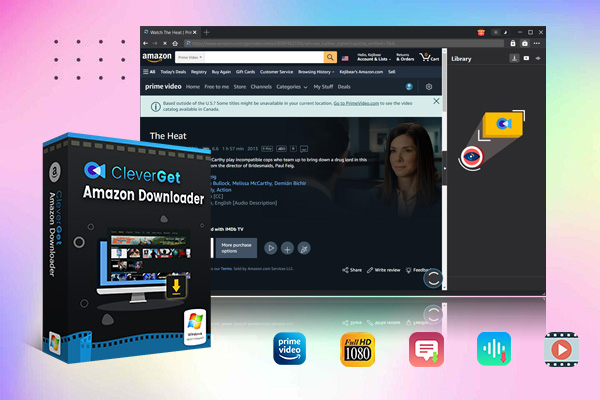
CleverGet Amazon Downloader could download and convert Amazon Prime video to MP4 files so that you can watch Amazon video downloads on any device later. The intuitive interface makes it simple to use. CleverGet Amazon Downloader is a great all-in-one solution for folks who want the best quality downloads with minimum fuss.
2. TunePat Amazon Video Downloader

This Amazon Prime video downloader is really useful, It lets you choose the quality, ranging from 480p up to 1080p. No matter what quality you pick, TunePat keeps all the audio tracks and subtitles. This is great for families that prefer to watch movies in multiple languages. It also lets you download videos in batches, so you can quickly save full seasons or collections of movies with just a few clicks. TunePat makes the downloading process very simple and allows for customization based on your needs and preferences.
|
Pros |
Cons |
|
|
3. MovPilot Amazon Prime Video Downloader
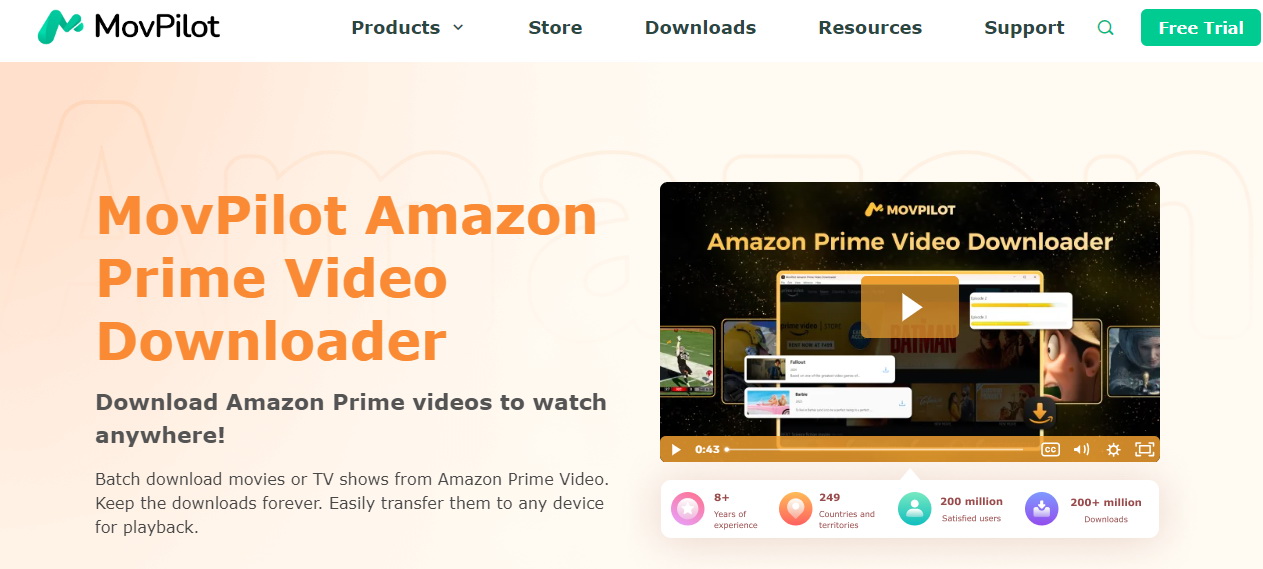
Another best Amazon Prime video downloader option is Movpilot. MovPilot has some great features that make it really user-friendly. The search engine allows you to easily find videos by title, actor, or other keywords. It retains video quality up to 1080p. Subtitles are also preserved in multiple languages up to 6 selections. Downloads are fast thanks to the acceleration software. Videos are converted smoothly to MP4 or MKV formats while keeping the full video and audio quality intact.
|
Pros |
Cons |
|
|
4. FreeGrabApp Amazon Prime Downloader

For basic Amazon video downloads without spending any money, FreeGrabApp is a suitable free option. While you do have to find the URLs yourself rather than search within the app, it allows saving to the common MP4 format without cost. Videos can be saved in resolutions up to 1080p with original audio intact. Batch downloading and its faster speeds also help boost efficiency. The interface is no-frills but very simple to use. Considering its price of $0, FreeGrabApp delivers well on the essential functions of downloading Prime videos to your computer for offline viewing.
|
Pros |
Cons |
|
|
5. Kigo Amazon Prime Video Downloader

Kigo allows access to download from the entire Amazon Prime Video libraries globally. This is great for when you want to explore a wide variety of content. It retains the quality of up to 1080p resolution on downloaded videos. Audio tracks and subtitles are also maintained. Kigo bypasses region restrictions so you can save videos from various country-specific Amazon sites in one place. Both Windows and Mac are supported.
|
Pros |
Cons |
|
|
6. Y2Mate Amazon Prime Video Downloader
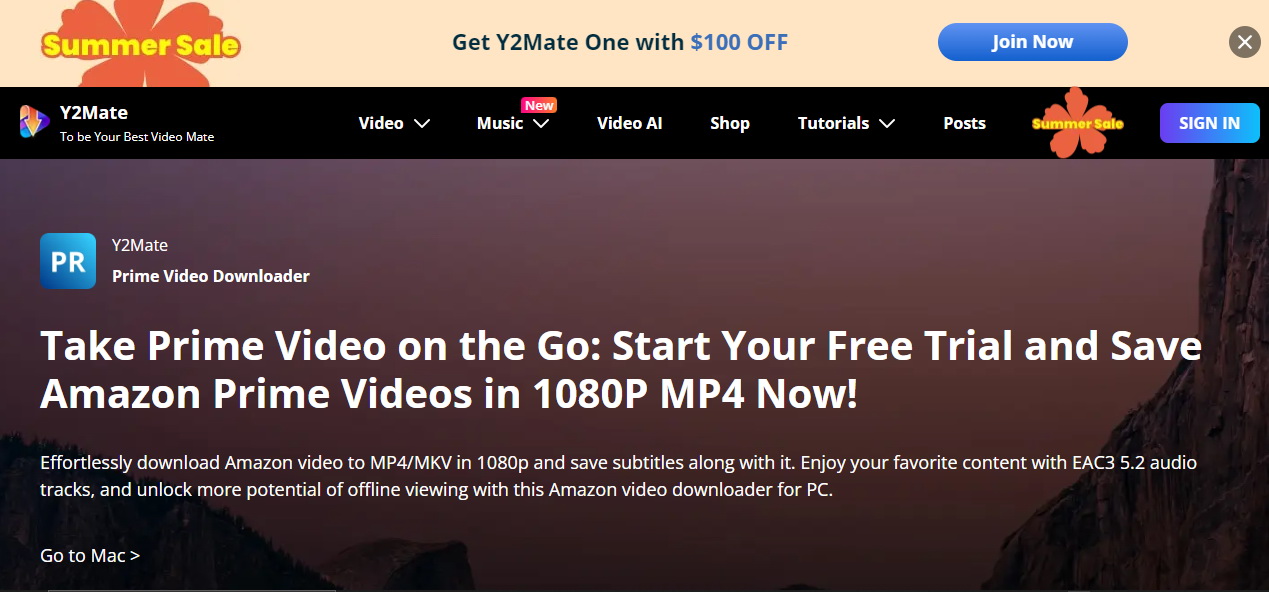
Y2Mate is actually an all-in-one downloader that works for lots of different streaming services, not just Amazon. This is useful if you use multiple platforms and want everything in one place. It grabs videos from places like Netflix, Hulu and more too. The interface is easy enough to use with step-by-step prompts. Videos save to MP4 and MKV formats at Full HD quality along with any subtitles.
|
Pros |
Cons |
|
|
7. SameMovie Amazon Video Downloader

Last but not least, SameMovie was really great for batch-downloading whole seasons of shows all at once. If there's a series you know you'll want to binge, this makes it super quick and effortless. Videos are maintained at 1080p with full audio track and subtitle support no matter the language. There's no more waiting for things to buffer or dealing with data limitations either since you can watch offline. The interface provides a seamless experience from start to finish.
|
Pros |
Cons |
|
|
Part 3: Comparison of These Best Amazon Prime Video Download Tools
The above-mentioned Amazon Prime video downloaders are quite good options if you want to download Amazon Prime videos. What are their differences? Which one is your best choice? Here we have made a comparison table for you to get more information.
| CleverGet | TunePat | MovPilot | FreeGrabApp | Kigo | Y2Mate | SameMovie | |
| Supported OS | Windows & Mac | Windows & Mac | Windows & Mac | Windows | Windows & Mac | Windows | Windows & Mac |
| Cost | $59.95/year | $59.95/year | $59.95/year | Free | $49.95/year | $35.90/month | $59.95/year |
| Batch download Amazon Prime videos | Yes | Yes | Yes | No | Yes | Yes | Yes |
| Remove ads | Yes | Yes | Yes | Yes | Yes | Yes | Yes |
| Download quality | 1080P | 1080P | 1080P | 480P | 1080P | 1080P | 720P |
| Download speed | Fast | Medium | Medium | Low | Medium | Medium | Medium |
| Multi-lingual subs and tracks | Yes | Yes | Yes | Single sub and track | Yes | Yes | Yes |
| Free trial limits | Full function with 3 free downloads | Download the 5-min content | Download the 6-min content | Download the lowest quality | Download the 5-min content | Full function with 3 free downloads | Download the 5-min content |
Most of these Amazon Prime video downloaders provide free trial version, which means you could firstly try to use them before you place an order.
Conclusion
There are many excellent options available today for downloading Amazon Prime videos both on your computer and online. Whether you need simple free software or powerful premium tools, there is a solution for every user. After reviewing and testing all of the top downloaders, we recommend CleverGet as the best overall choice. It offers consistently reliable downloads in high quality, keeps subtitles and audio intact, and has an intuitive interface - making it a great investment if you regularly watch content from Amazon Prime.
-
Best Ways to Watch YouTube Without AdsSunny Wen/2026-04-02
-
How to Cancel Your YouTube TV SubscriptionSunny Wen/2026-03-27
-
YouTube TV vs Fubo for Sports Fans: Which One Wins?Sunny Wen/2026-03-27
-
Is Movavi Screen Recorder Worth It? Full Review and AlternativesSunny Wen/2026-03-26
-
Netflix vs HBO Max: Which Should You Choose?Cassie J./2026-03-11
-
How to DVR on YouTube TV and Fix Recording IssuesSunny Wen/2026-03-11
-
Loom Screen Recorder Guide: How It Works + Free Alternative ToolsSunny Wen/2026-03-26
-
Locoloader OnlyFans Downloader Review: Is It Really Working?Patrick Murray/2026-03-26
-
How to Download YouTube 8K Video Without Quality LossCassie J./2026-03-09
-
Disney Plus 8-Digit Code: How to Activate Your Account on Any DeviceLeia Liu/2026-03-06






-
12 Best Sites Like BestGore for Shocking VideosAugust/2025-03-17
-
12 Best Sites Like BestGore for Shocking VideosAugust/2024-02-22
-
12 Best Free Web Series Download Websites 2026August/2025-02-05
-
Top 10 Sites to Download Anime FreeAugust/2024-12-27
-
Top 5 OnlyFans Viewer Tools to View OnlyFans FreeAugust/2024-04-29
-
Top 10 Websites to Watch Uncensored AnimeAugust/2024-02-21
-
[2026] AudioBookBay Proxy Sites & Alternatives for Free AudiobooksCassie J./2026-01-06
-
How to download videos from MissAV? – Ways to download MissAV JavPatrick Murray/2025-02-08
-
Top 10 OnlyFans Search to Find Someone on OnlyFansAugust/2024-02-29
-
7 Best Free Sites for Pinoy Movies Download in 2026August/2024-10-31


Leave a Reply
You must be logged in to post a comment.