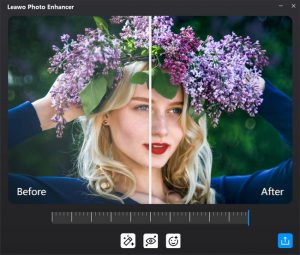
before after
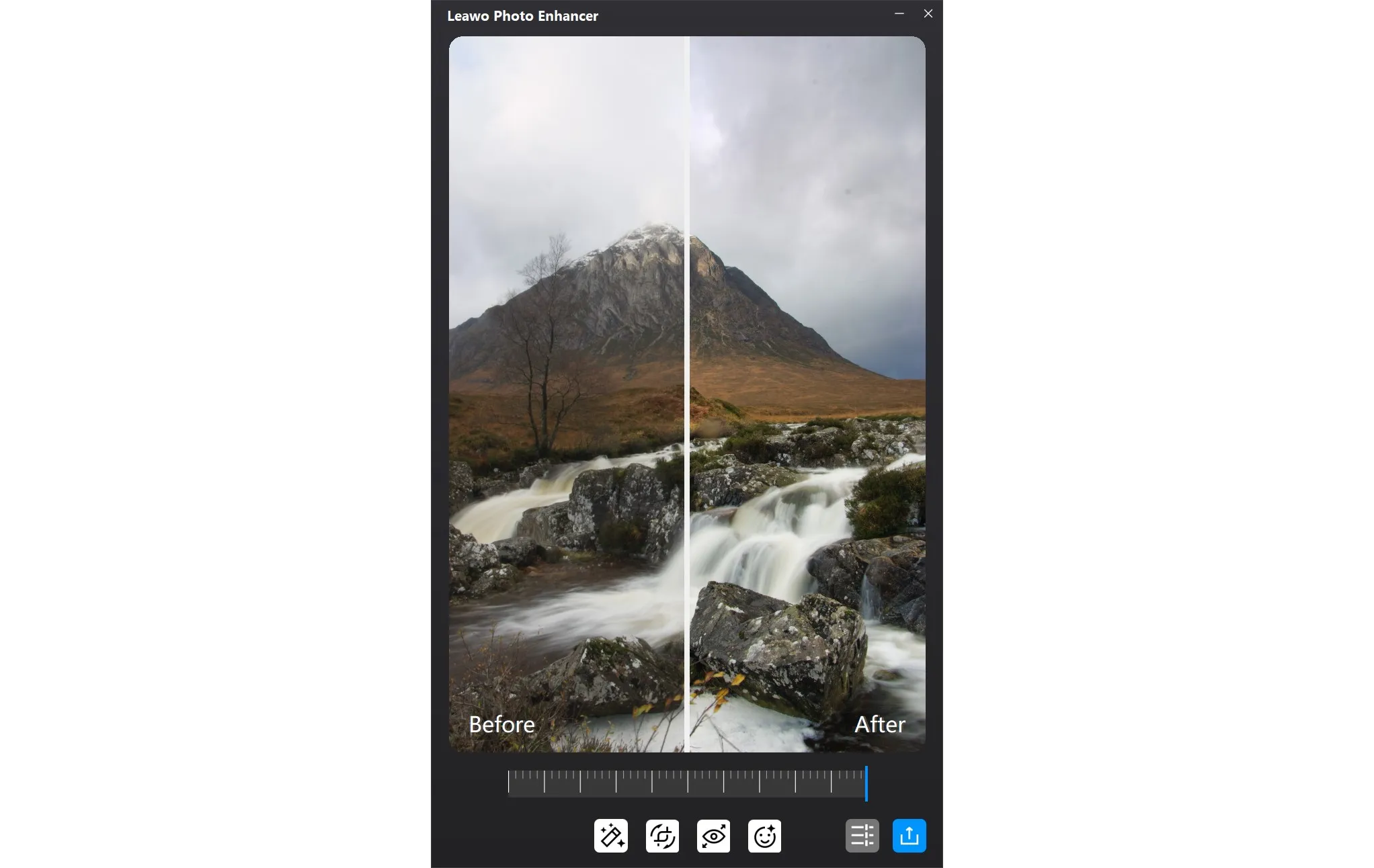
Before
After
AI Photo Enhancer

Automatically Enhance Photo Quality and Fix Photography Issues in Batch by AI

Featured with power AI technology, Photo Enhancer can fix blurry and hazy images by sharpening details and increasing picture resolution without quality loss. Also, it can fix images through white balance adjustment, color improvement, exposure compensation and more. Of course, functions of retouching skin, removing freckles and enlarging eyes are never absent.
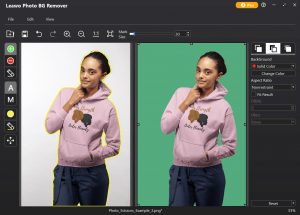
Photo BG Remover

Intelligently Remove / Change Photo Background Like Waving Magic Wand

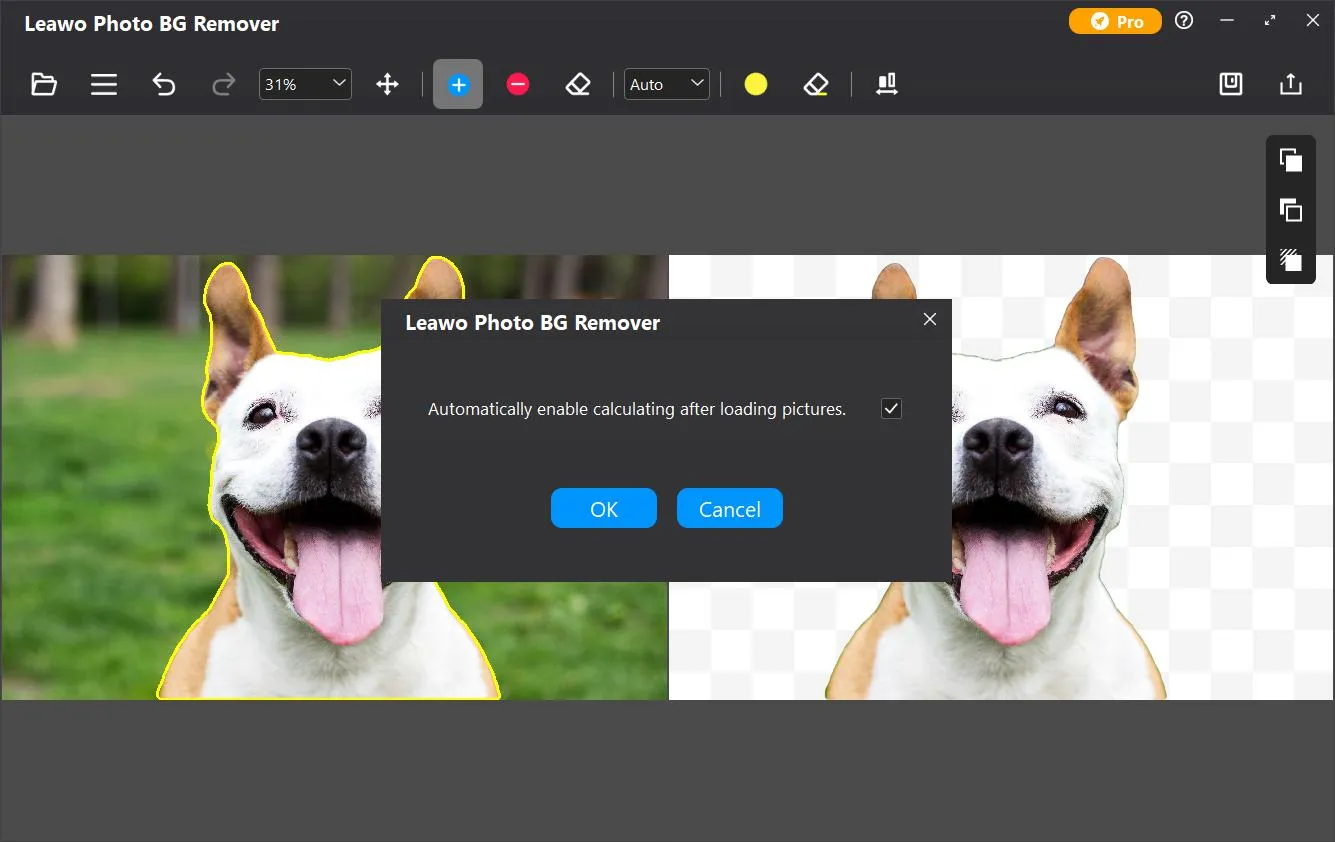
Typically, removing and changing photo background take specialized tools and plenty of experience, but now, with Photo BG Remover, it will cease to exist. Based on the most advanced neural algorithm, Photo BG Remover can magically remove photo background, and make background transparent or change background to different colors or pictures as you wish.
feature
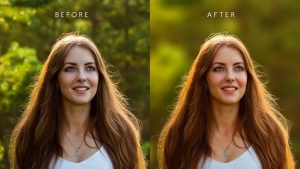
before after
Before
After
AI Photo Enlarger

Up to 40X Quality-lossless Photo Enlarging With Photo Noise, Clarity and Effects Adjustable

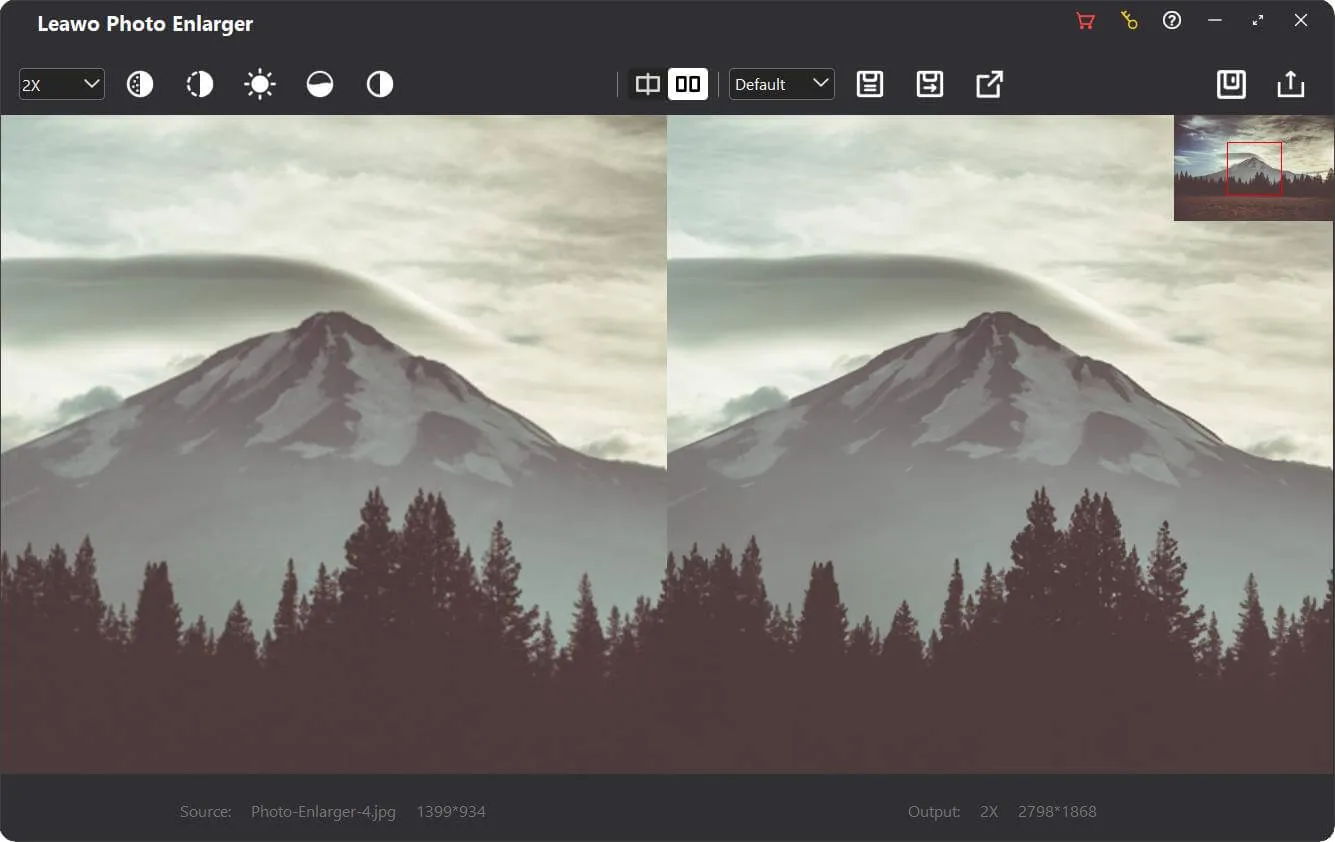
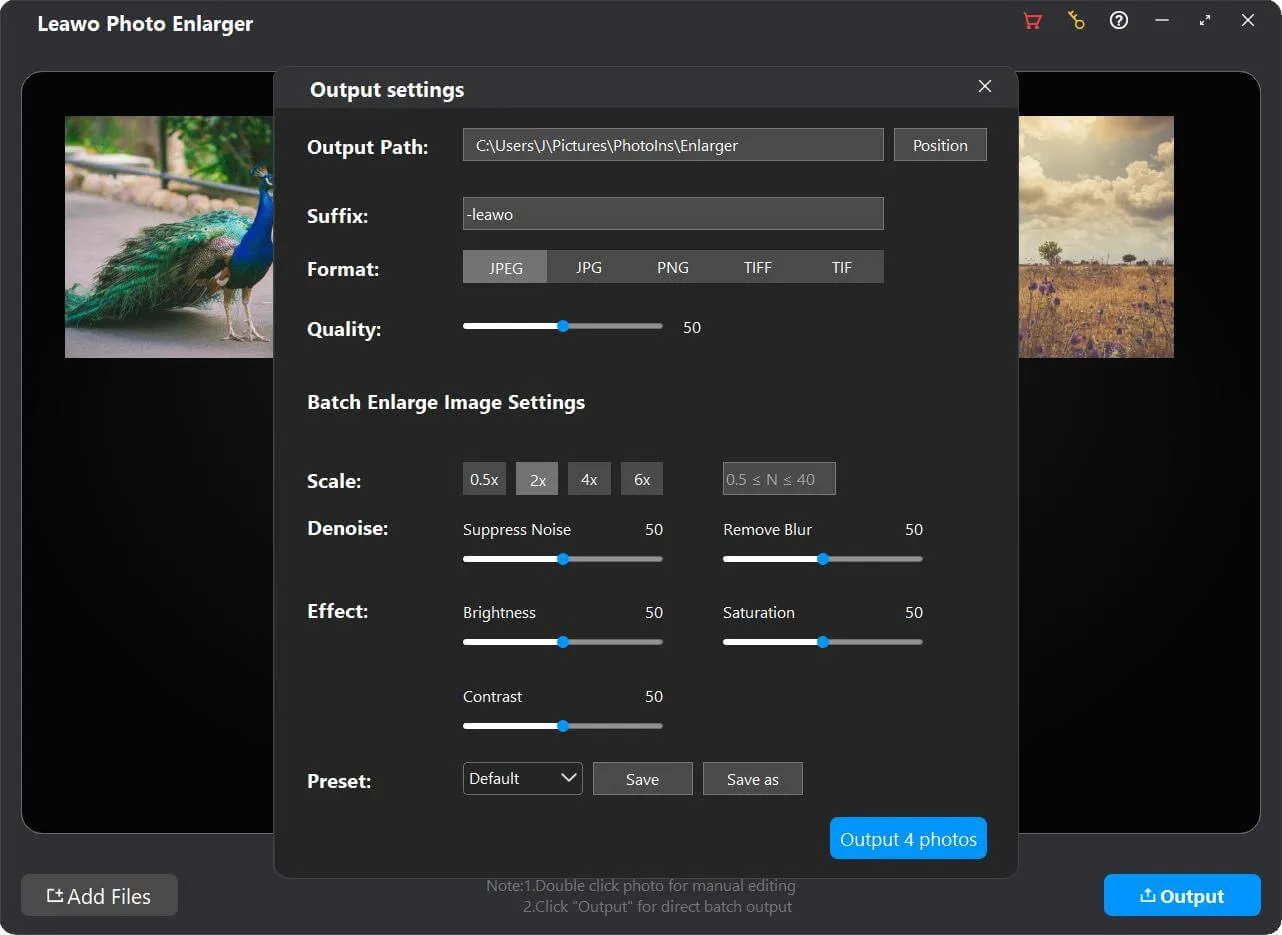
Featuring Photo Enlarger module, Leawo PhotoIns could intelligently upscale images by up to 40X. Rather than single pixel upscaling, Leawo PhotoIns could enlarge photos by improving picture resolution and color rendering, reducing artifacts and enhancing detailed texture. It could remove noise and mist to fix pixelated, grainy and blurry images, and as well optimize picture effect by adjusting saturation, contrast, and brightness.
Process in Batch

Bulk Processing for Photo Enhancing, Background Removing and Enlarging

With advanced AI technology and smart algorithm, Leawo PhotoIns supports both individual and batch processing. It could automatically enhance photos, remove photo background and enlarge photos in batch for time saving, as well as manually enhance photos, change and edit photo background, and upscale photos in simple clicks. Even a massive of photos can be processed in a blink of an eye.
feature
Download Leawo PhotoIns for Mac Now !
  • 20+ Years Experience

  • 10,000,000+ Happy Clients

  • 100% Safe & Clean

  • 100+ Countries

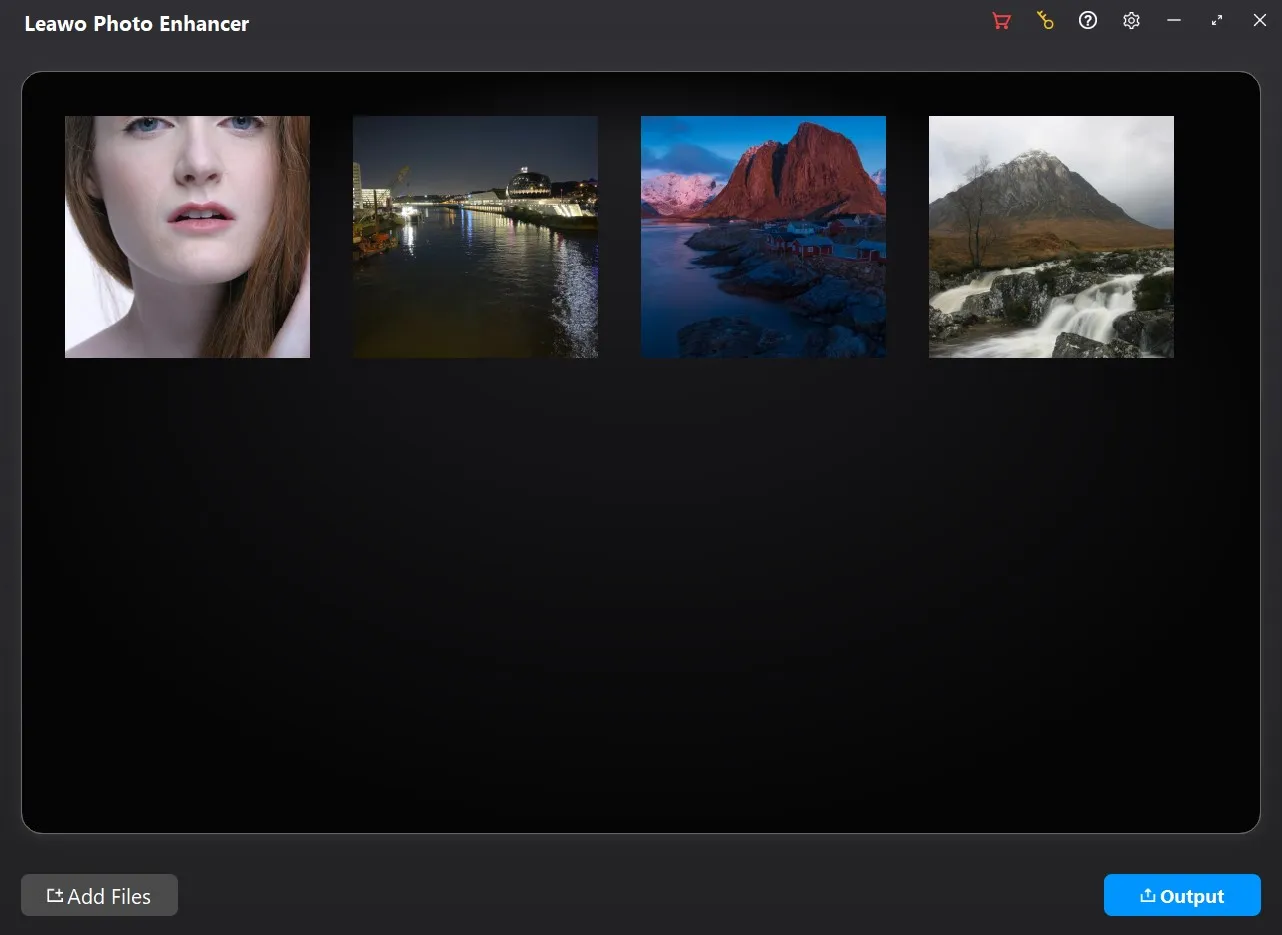
How to Enhance Photos

Step 1: Add source photos

Open the Photo Enhancer module and then click “Add Photo” button to add source photo files.

Step 2: Enhance photos

Choose to enhance photos in batch or manually enhance every photo.

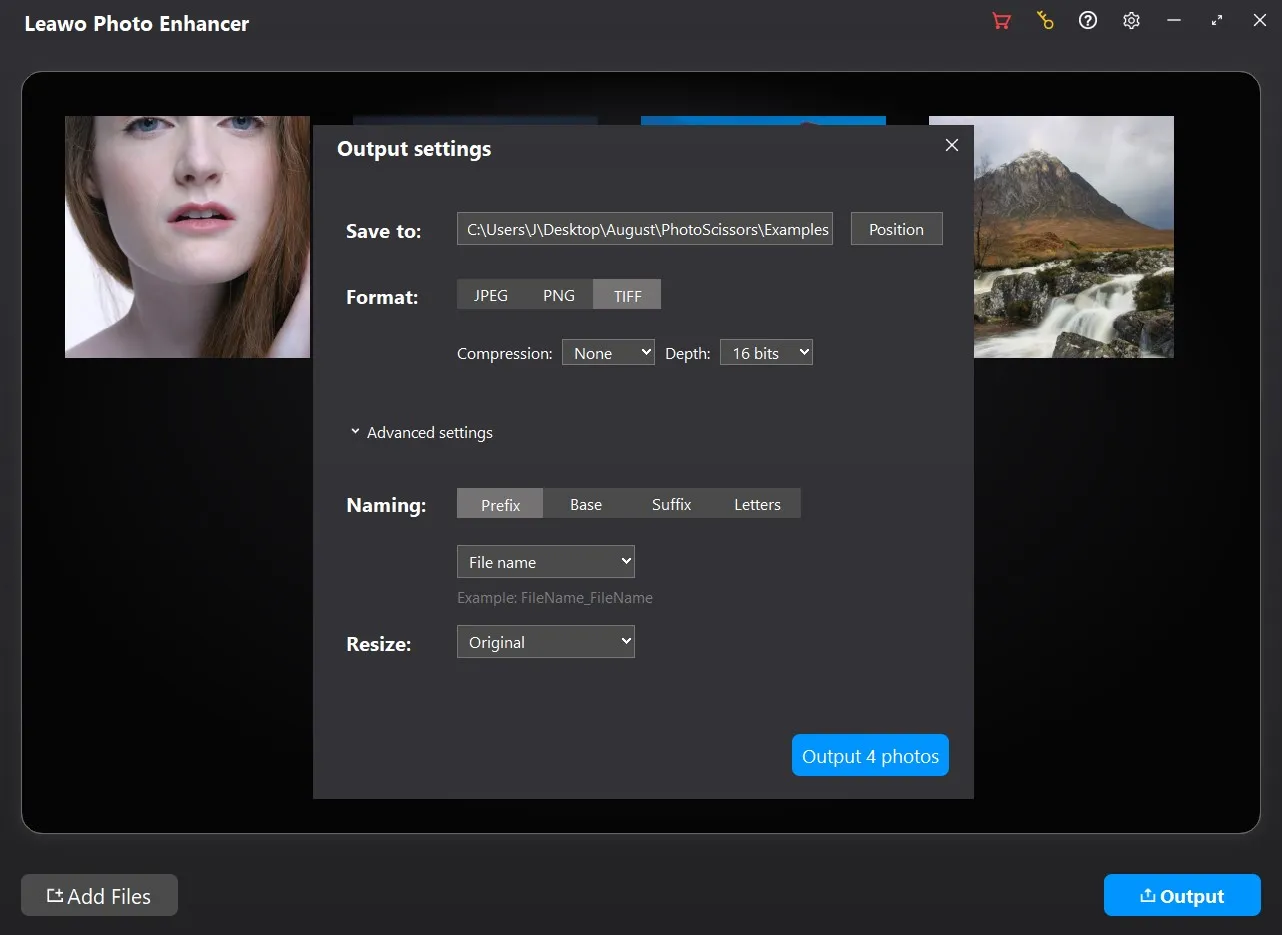
Step 3: Set output

Click the “Output” button to complete output settings.

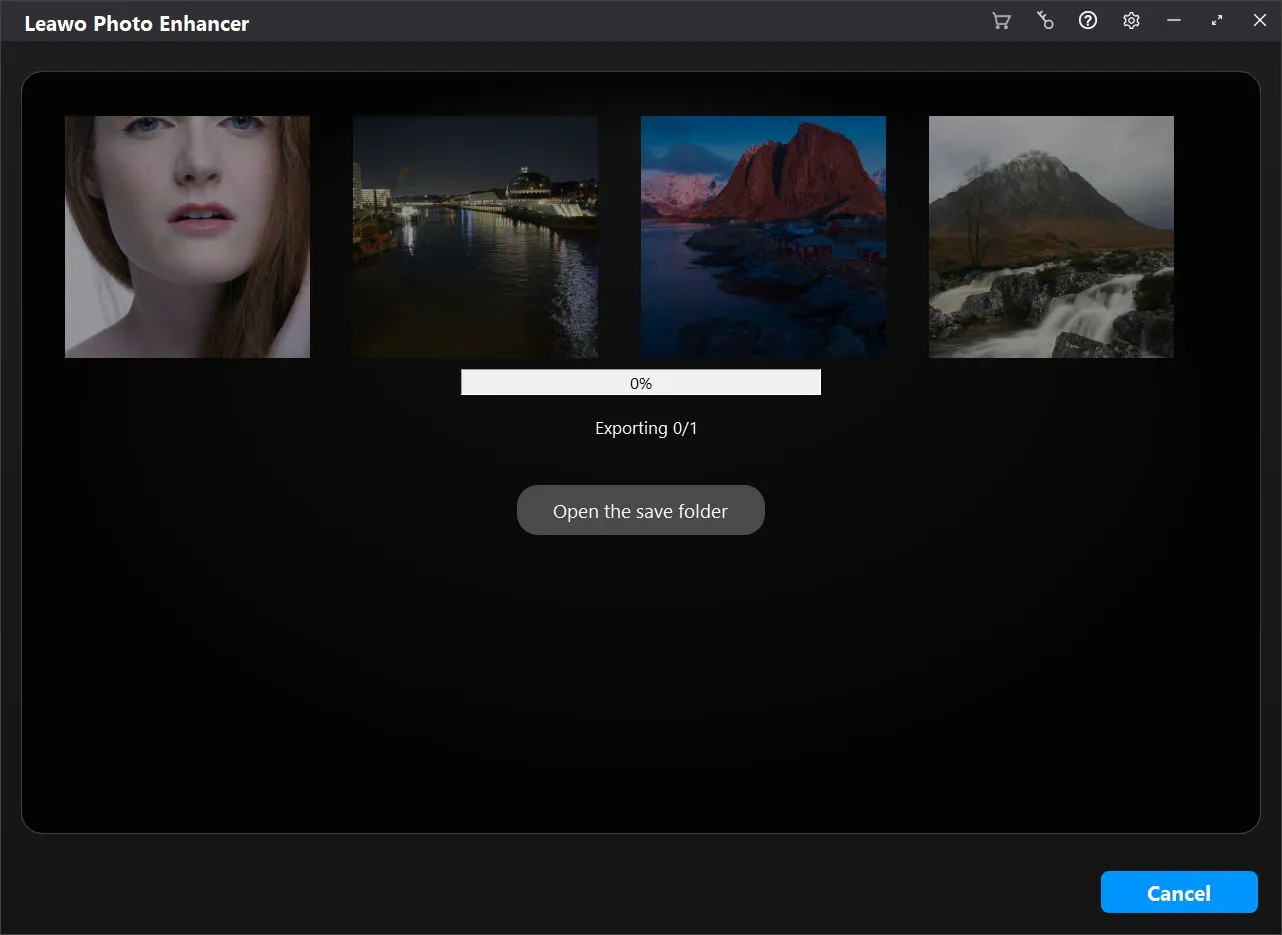
Step 4: Start photo enhancing

Click the blue “Output” button on the Output Settings panel to start enhancing photos.
Visit Full User Guide >
Step1 Step2 Step3 Step4

How to Remove Photo Background

Step 1: Add source photos

Open the Photo BG Remover module and then click “Add Photo” button to add source photo files.

Step 2: Remove photo background

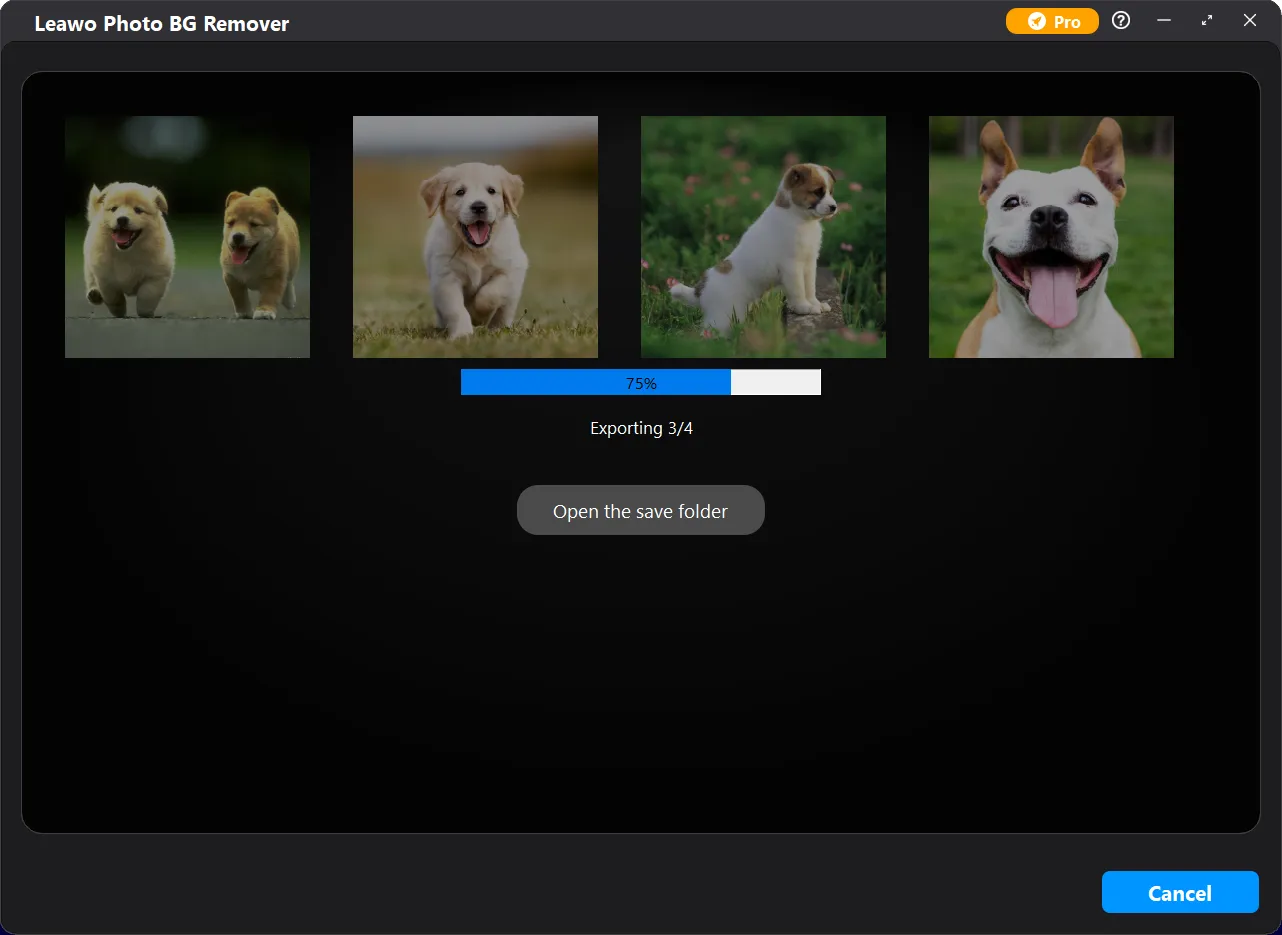
Choose to remove photo background in batch or manually remove/edit photo background one by one.

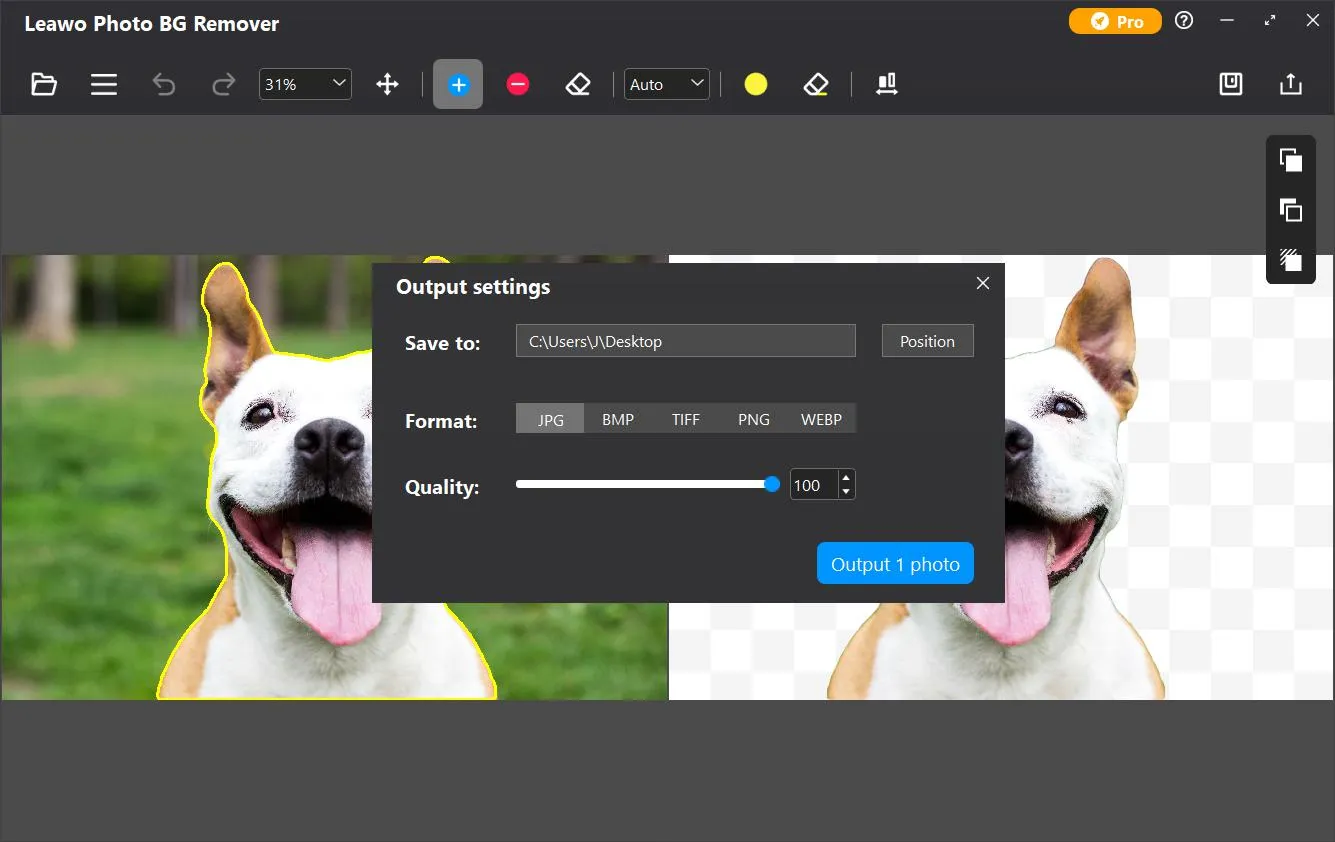
Step 3: Set output

Click the “Output” button to complete output settings for photo background removal/editing.

Step 4: Start removing photo background

Click the blue “Output” button on the Output settings panel to start removing photo background.
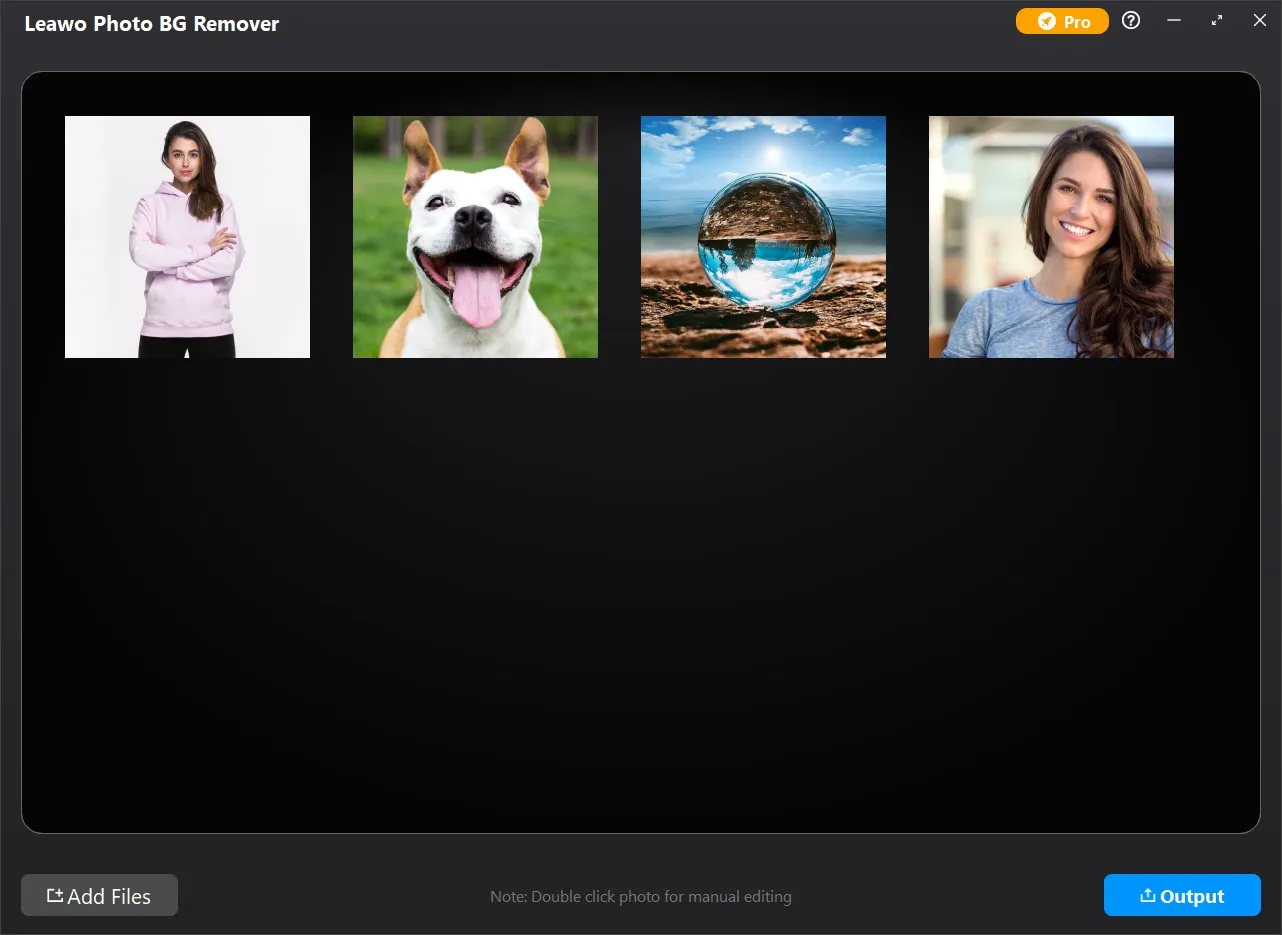
Visit Full User Guide >
Step1 Step2 Step3 Step4

How to Enlarge Photos

Step 1: Add source photos

Open the Photo Enlarger module and then click “Add Photo” button to add source photo files.

Step 2: Enlarge photos

Choose to enlarge photos in batch or manually enlarge photos one by one.

Step 3: Set output

Click the “Output” button to complete output settings recording photo enlargement.

Step 4: Start photo enlarging

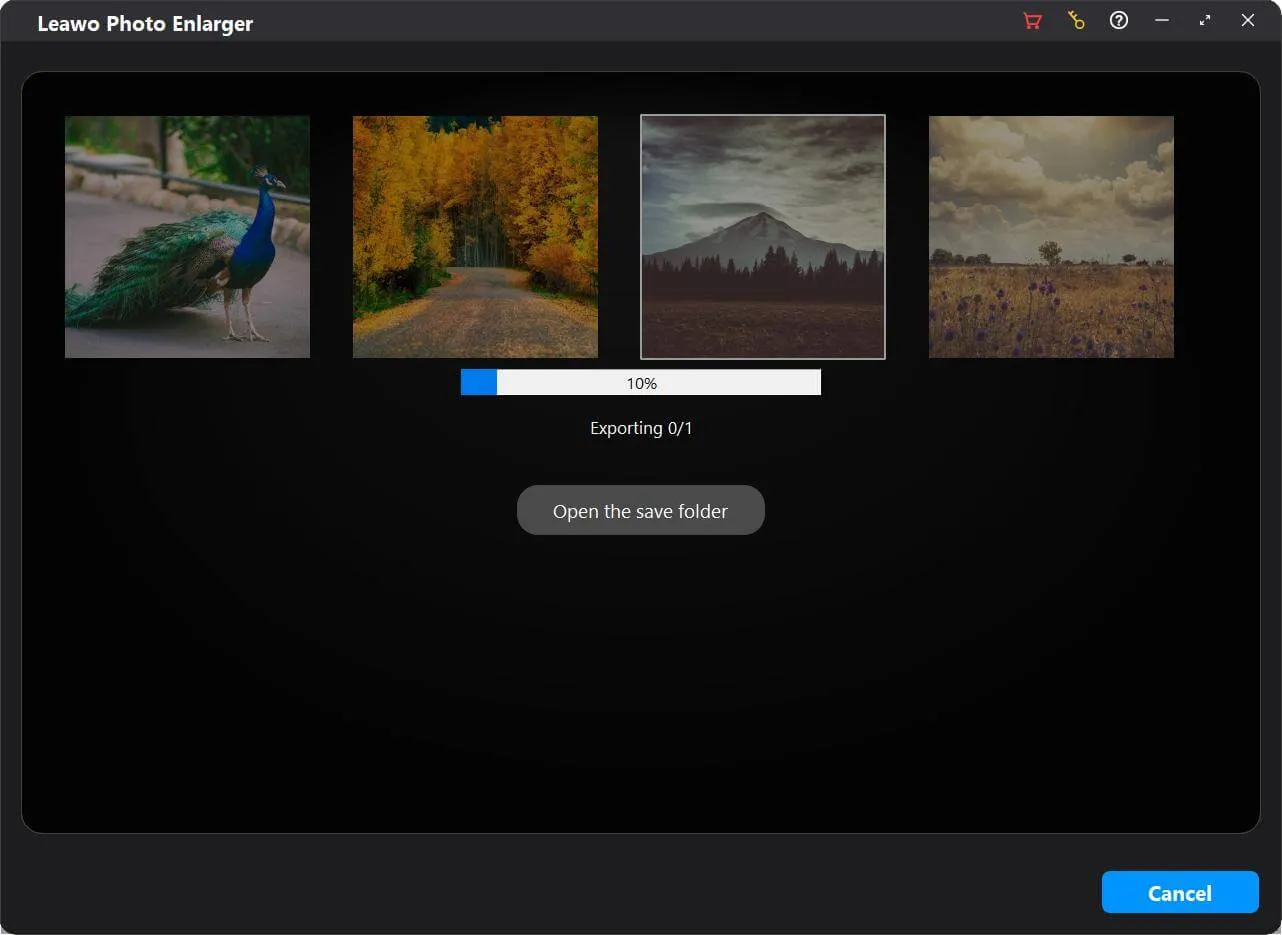
Click the blue “Output” button on the Output Settings panel to start enlarging photos.
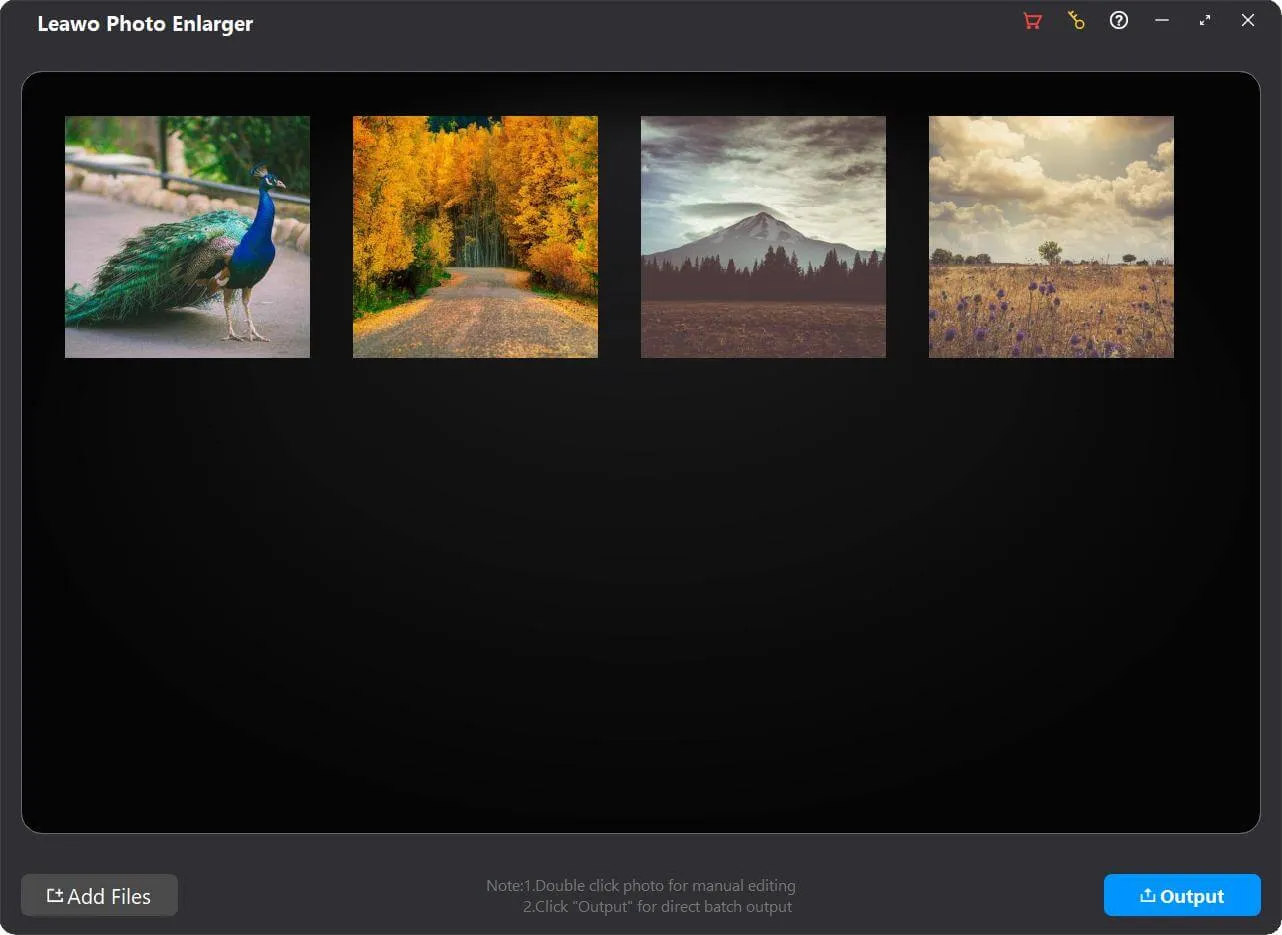
Visit Full User Guide >
Step1 Step2 Step3 Step4

    System Requirments

    Leawo PhotoIns
    Languages
    中文 English Japan deutsch francais Italiano Español 한국어

    Size 3.4 MB

    Version

    Update

    • Supported OS : Microsoft Windows 7, 8,10 (64-bit)
    • Graphics card : Open GL 3.3 or later compatible Graphics Cards
    • Processor : Intel® Core i3 or AMD Athlon® 64 processor; 2 GHz or faster processor
    • RAM : 4 GB of RAM (8 GB recommended)
    • Screen display : 1024 x 768 display (1280x800 recommended)
    • Hard drive space : 4 GB of available hard-disk space, SSD for best performance
    • Adapter : DirectX 10-capable video adapter
    • Others : Internet connection and registration are necessary for required software activation, validation of subscriptions, and access to online services.
    • Supported OS : macOS Yosemite (10.10), macOS X El Capitan (10.11), macOS Sierra (10.12), macOS High Sierra (10.13), macOS Mojave (10.14), macOS Catalina (10.15), macOS Big Sur (11), macOS Monterey(12), macOS Ventura(13), macOS Sonoma (14), macOS Sequoia (15), macOS Tahoe (26)
    • CPU : 1 GHz or above Intel Processor and Apple M1/M2 chip(Rosetta required)
    • RAM : 4GB RAM or more (8GB is recommended)
    • Hard drive space : 4GB of available hard-disk space, SSD for best performance
    • Display : 1440x900 pixels resolution (1920x1080 or better is recommended)
    • Adapter : DirectX 10-capable video adapter
    • Others : Internet connection and registration are necessary for required software activation, validation of subscriptions, and access to online services.
    button

    Testimonials

    What Our Clients Say

    • avatar

      "

      It's not a miracle. I put my photos to Photo Enhancer and let it work automatically. And just in a heartbeat, those photos look like they were made with the most expensive equipment of the world-class photographers.

      • star
      • star
      • star
      • star
      • star

      W.C

    • avatar

      "

      PhotoIns is one of the easiest photo enhancers I've ever gotten and is a perfect complement to other more professional photo-editing software. If I need to deal with batches of pictures urgently, I will pick it.

      • star
      • star
      • star
      • star
      • star

      John

    • avatar

      "

      Photo BG Remover is definitely the most amazing product I've ever used these years. It can accurately cut out the edges of the object, even hair and feather, without making the photo looks jagged.

      • star
      • star
      • star
      • star
      • star

      Jacob.W

    button