


 100% Safe & Clean |
 License Instant Delivery |
 4.9(
4.9(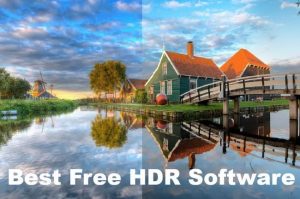
2024-02-22
10 Best Free HDR Software Without Watermark...
Author says: What is the best free HDR software? To save your ti...













20+ Years Experience

10,000,000+ Happy Clients

100% Safe & Clean

100+ Countries
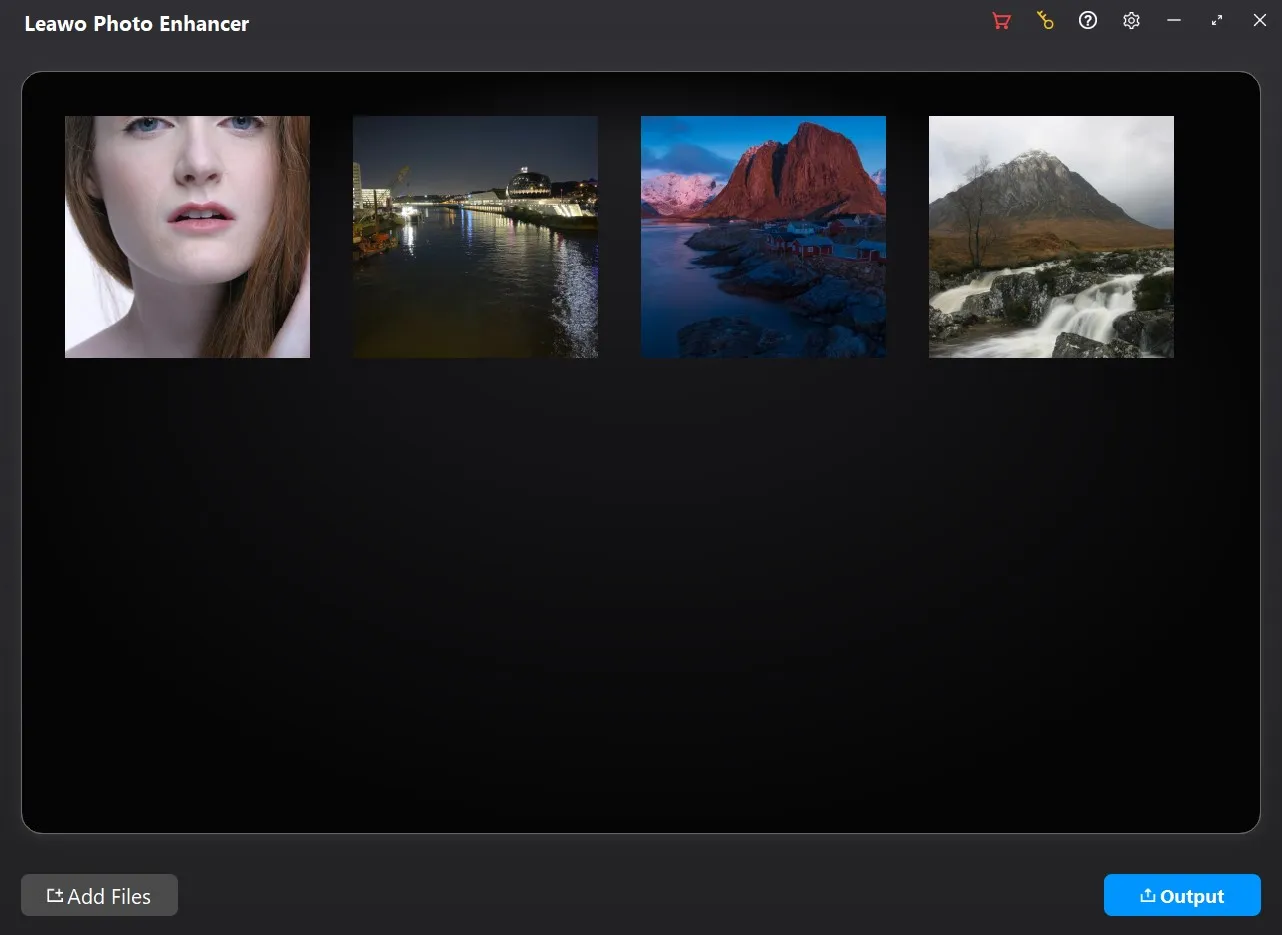
Step 1: Add source photos
Open the Photo Enhancer module and then click “Add Photo” button to add source photo files.
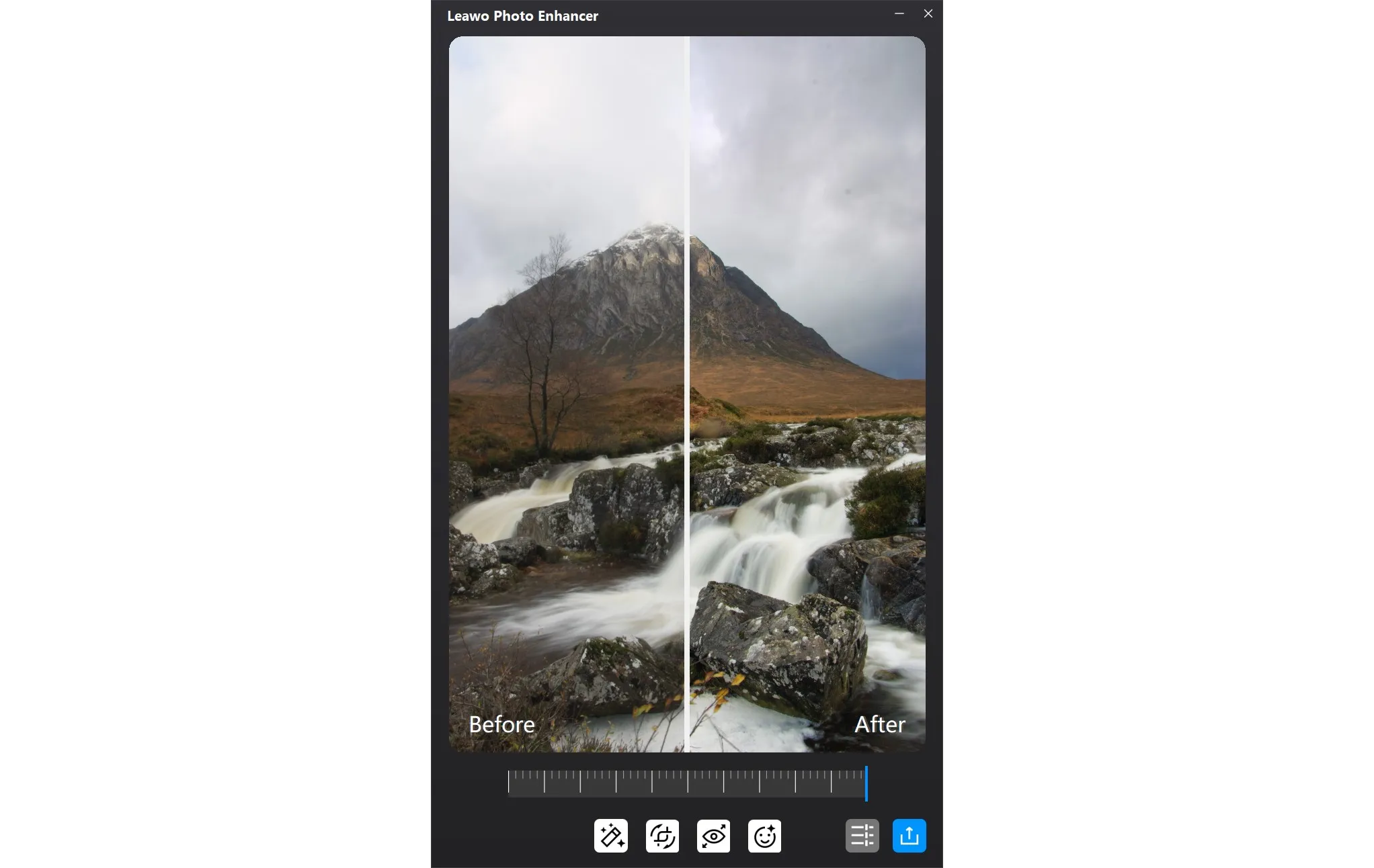
Step 2: Enhance photos
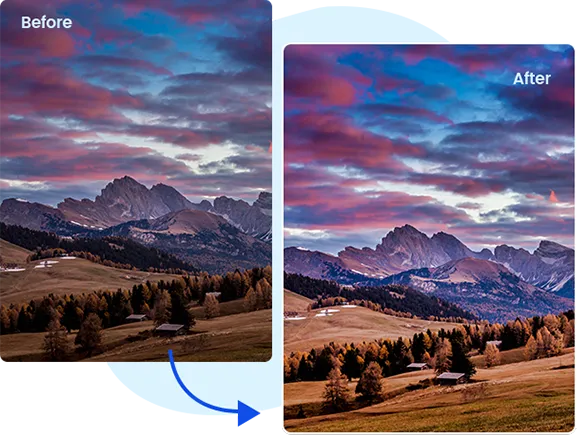
Choose to enhance photos in batch or manually enhance every photo.
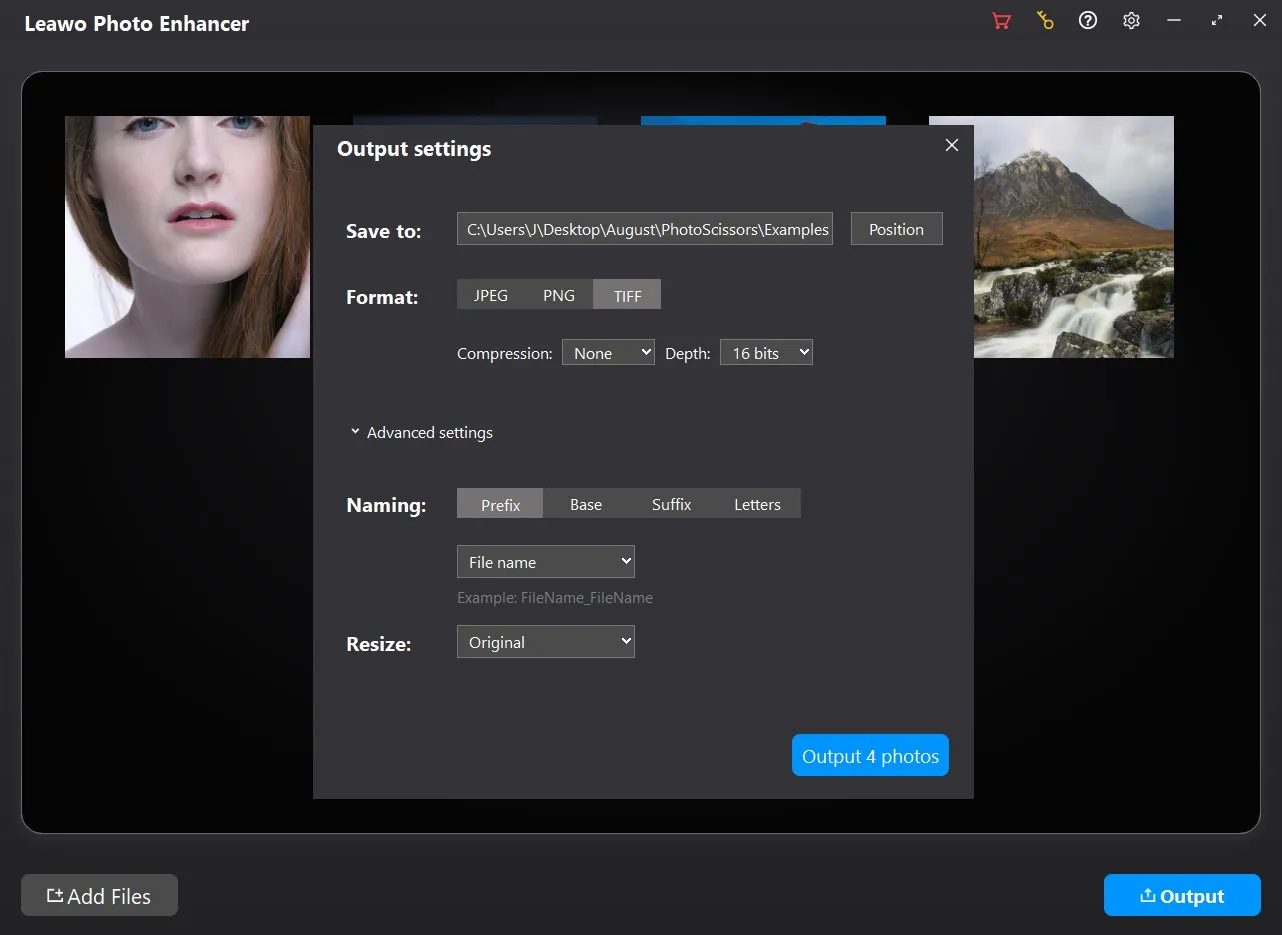
Step 3: Set output
Click the “Output” button to complete output settings.
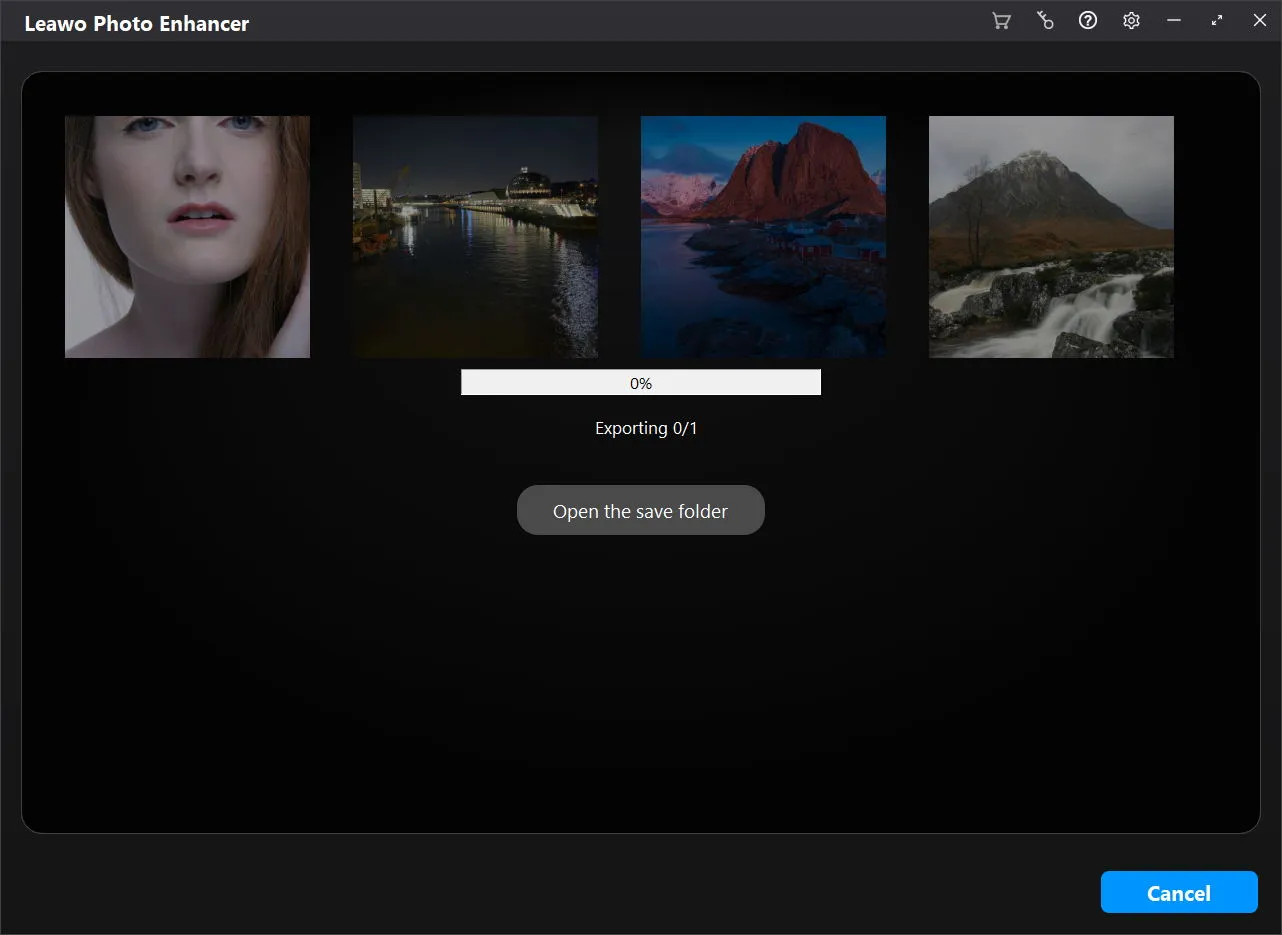
Step 4: Start photo enhancing
Click the blue “Output” button on the Output Settings panel to start enhancing photos.
System Requirments


Size 3.4 MB
Version
Update

Testimonials

"
Photolns is perfect for photography, there are a wide variety of options for the quality of photos and the ability to customize my photos. Collecting photos and making small edits to photos is simple and fun.

Josef

"
I use google picasa frequently but it isn't available for mac. This Photo app has provided the functionality I really liked. (I'm feeling lucky filter)
Richard Easton

"
I didn't really expect much from the free version I got from "Giveaway of the Day", but I am positively stunned by the quality of the output. A nice picture of an Item I put on Ebay was enhanced to professional quality.
Nicole
Latest Articles




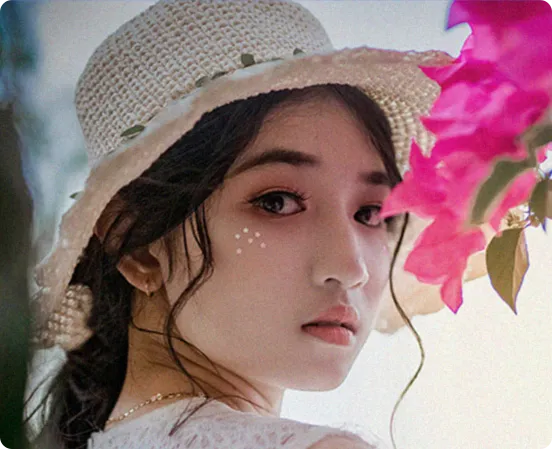
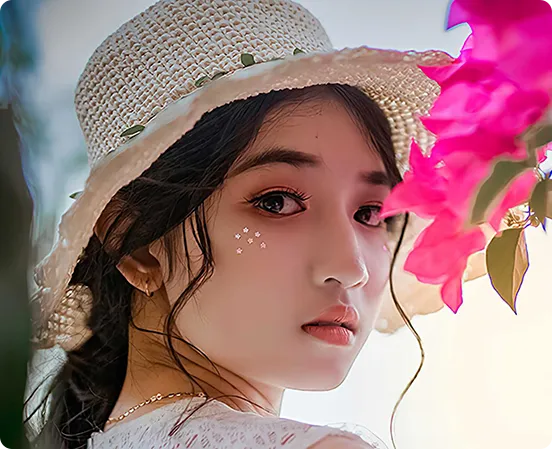
Enhance portrait photos easily with advanced AI photo enhancer