



 Try for Free
 Try for Free


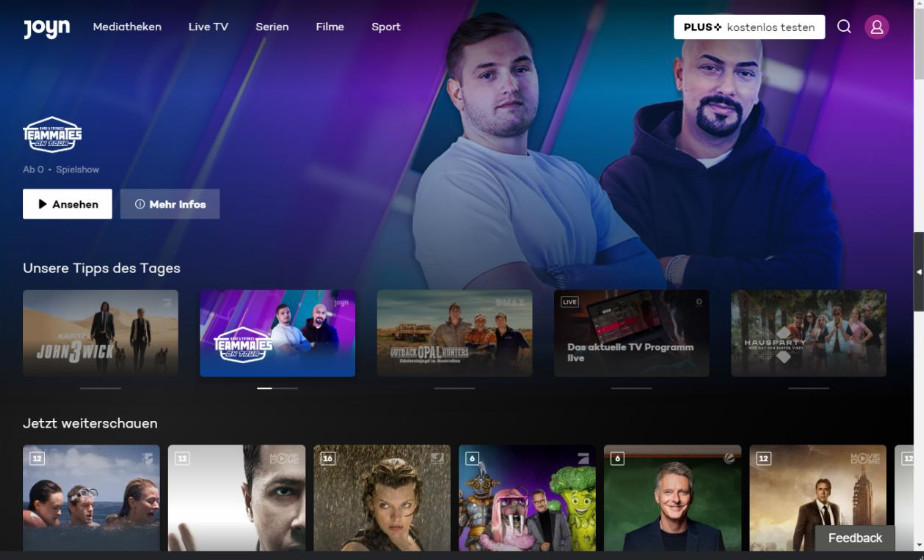
As one of the largest streaming platforms in Germany, Joyn offers more than just live TV channels; it also allows users to stream a wide range of entertainment genres online on demand, such as variety shows, TV series, movies, and more. However, as far as we know, most of the content on the streaming platform is currently laced with advertisements. When we watch long videos, we are often dissuaded by long advertisements at the beginning and from time to time in the middle of the episode. Their presence very much affects everyone's viewing experience. So, does the Joyn platform also suffer from such problems? When we encounter ads, is there a suitable program that can help us remove them? Don't worry. In this article, we'll consolidate all the information you need, including the ad policy introduced by the Joyn platform and how to watch Joyn without ads. We are absolutely detailed and give solutions that cut through multiple angles. Whether you prefer to use official methods, third-party plugins, or third-party software, you'll find the ideal solution here.
Outline
Part 1: Does Joyn Have Ads?
First, let's take a look at Joyn's official claim to fame regarding its advertising policy. The content on the Joyn platform is currently divided into two main sections - the resource area that can be unlocked with the free version and the Joyn PLUS+ content that can only be viewed with a paid subscription. Obviously, the first part of the content does not require users to pay anything to watch it, but we will encounter a lot of ads while watching it. Cooperation with advertisers can bring more revenue to the platform, which can support the smooth operation of the platform and provide capital for the platform to buy the rights to more movie and TV resources. So, most of the time, we can understand that the free version will see Joyn ads.
If we want to enjoy a smoother viewing experience, i.e., to avoid ads as much as possible, we need to pay to upgrade our account to Joyn PLUS+ with no ads. Of course, in addition to enjoying fewer ads, Joyn PLUS+ gives users a larger library of resources, more exclusives, and a wider selection of live TV, including 70+ TV channels, compared to the free version. And PLUS+ users can enjoy the highest picture clarity achievable.
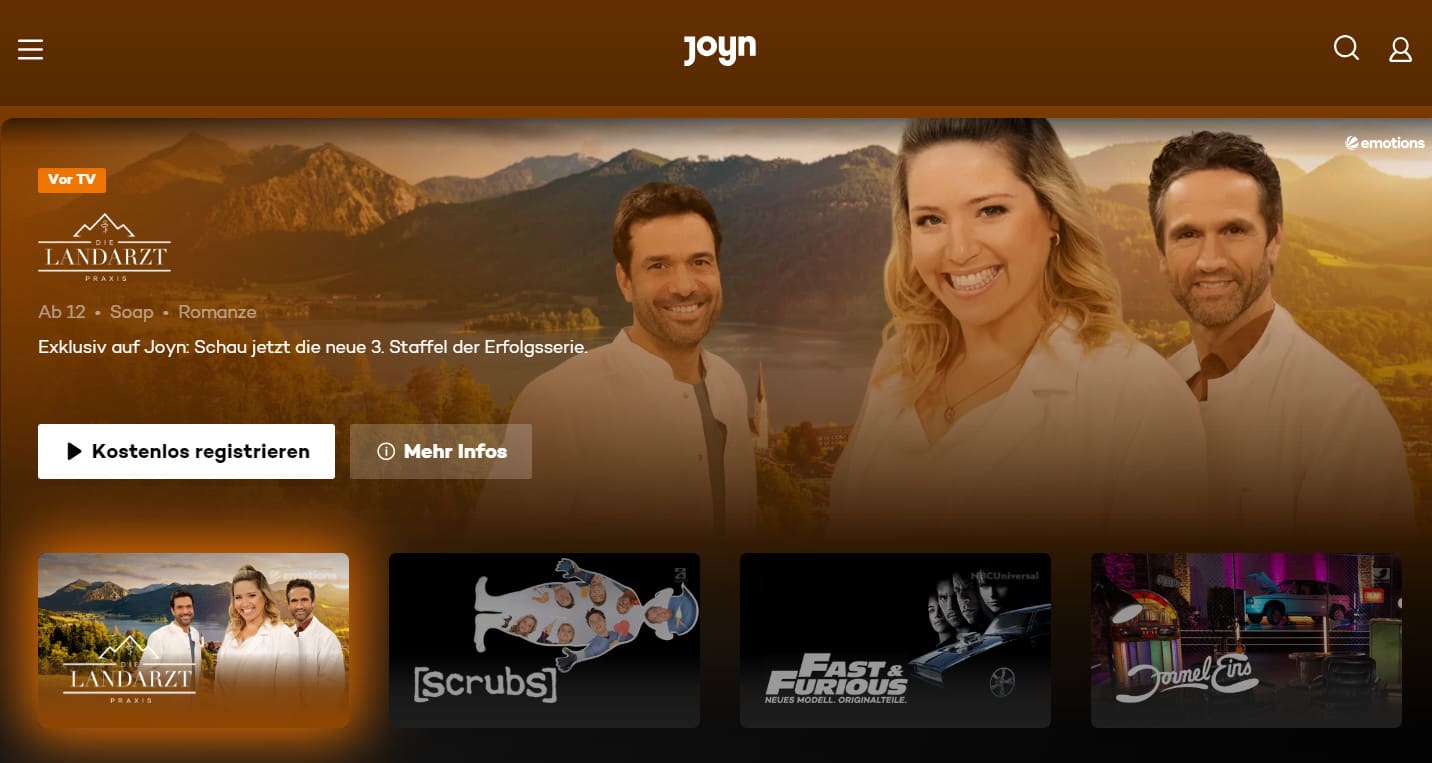
But will upgrading your account solve all the problems? Judging by the current performance of the Joyn platform and the feedback from many users, the answer is no. Users who pay to upgrade their account will not encounter any ads when watching Joyn PLUS+ exclusive content. This type of content often carries the PLUS logo to help us differentiate. However, when we watch free with ads content using a paid account, there will still be some ads encountered, just fewer. Therefore many users are angry about this and consider it a scam.
Overall, it is not possible to achieve ad-free enjoyment by simply using the upgraded account, which is an officially offered option. Then we need to look for solutions provided by third parties. In the next section, we will offer two kinds of tools that are worth trying out for our users.
Part 2: Two Solutions to Block Ads on Joyn
Solution One: Try to Block Joyn's Ads with Ad Blockers
The first method that can help us filter Joyn PLUS+ ads is to use an ad blocker. They come in two forms: apps that can be downloaded and installed on your device, and third-party plug-ins that can be added directly to your browser. Next, we'll recommend three that are worth trying.
1. AdGuard
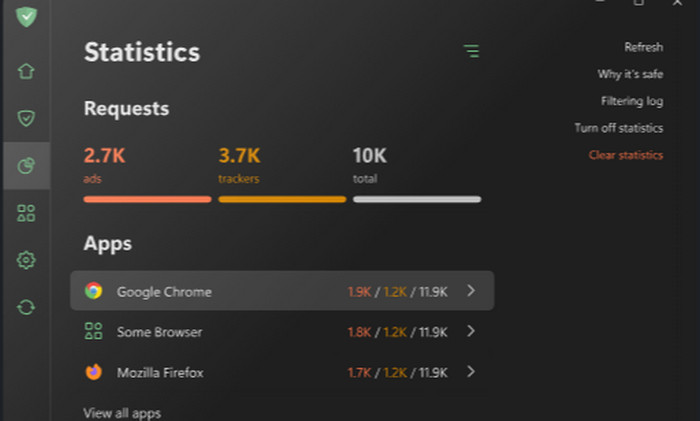
AdGuard is a very authoritative ad filter that helps us block any kind of advertisement that appears on the web, and it also removes those messy web elements. This way, we will never have to worry about jumping to other pages by mistake and enjoy the cleanest viewing experience on Joyn. Without these advertisements, we would consume less traffic when opening web pages and our internet speed would be improved. In addition, AdGuard also ensures our privacy and prevents advertisers from collecting our browsing data. If users have children at home, parents can also set it so that it filters out adult content to protect youngsters.
The tool is currently available as a desktop version for Windows and Mac computers, as an app for Android and iOS mobile devices, and as a plug-in that can be added directly to the browser. It definitely meets the needs of all types of users.
2. UBlock Origin
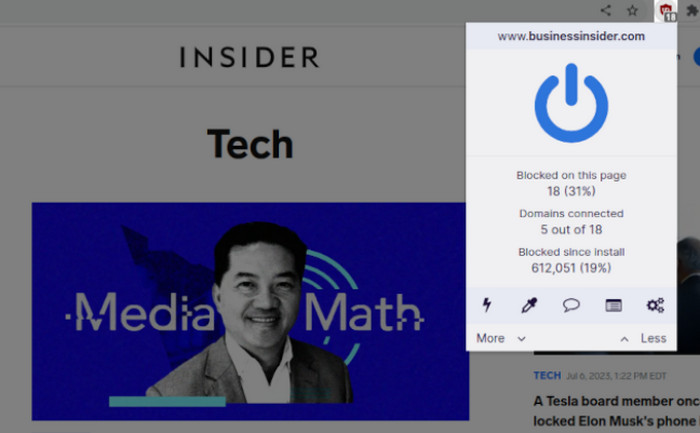
Unlike the multiple versions of AdGuard, UBlock Origin is a pure browser extension, so it has relatively few features. But that doesn't take away from the fact that it excels when it comes to blocking ads, and it's more than enough for Joyn users. We don't need to perform download and installation steps when using UBlock Origin. We just need to add it to the extension. Thus, invoking it is also easier and faster. Being a free and open-source tool, it is friendly to all users. If you are using Joyn With Ads, just enable this plugin while watching a video, and it will automatically filter out all the ads for you.
Combining the actual trial experience and many users' testimonials on the forum, we think UBlock Origin is definitely the most popular Joyn with ads filtering tool. It's worth mentioning that the extension currently has the best compatibility with the Firefox browser.
3. Adblock Plus
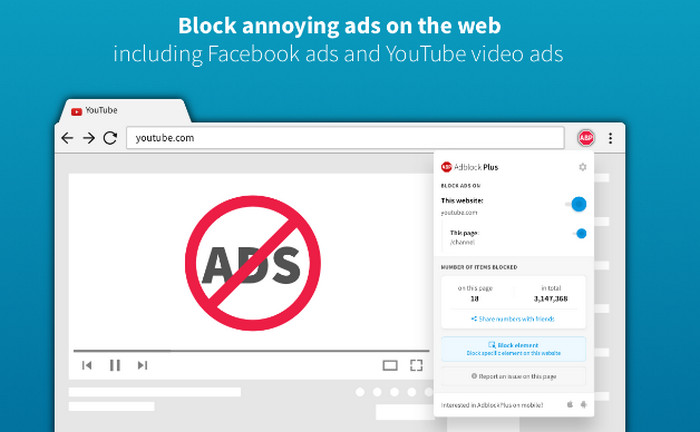
The third tool worth mentioning is Adblock Plus, which is also currently one of the most trusted ad filters by users all over the world, with more than 500 million downloads so far. It filters for pop-up ads, banner ads, and video ads and also supports the organization of third-party trackers. By using it, we definitely don't need to worry about our personal information being violated by advertisers or our devices being compromised. Adblock Plus has the fastest customer service team to help us solve all kinds of problems. Adblock Plus is currently most widely used on YouTube, but it can be freely used on other websites as well.
After installing this extension, we can also customize its settings and stop using it at any time. The interface of Adblock Plus is simple enough to enable it in no time, no matter if you have used this tool before or not.
- Overall, ad blockers are still very easy to use, especially those with extended program versions. We don't even have to complete the steps of downloading and installing the program; we can just add them to our browser and use them directly.
- However, one of the problems with ad blockers is that they are not very stable, sometimes they don't block the ads on the web page in time and they stop responding. To avoid such problems, we need to prepare a more stable program. In the following, we will give a detailed description.
Solution Two: Watch Joyn Without Ads with CleverGet Joyn Downloader
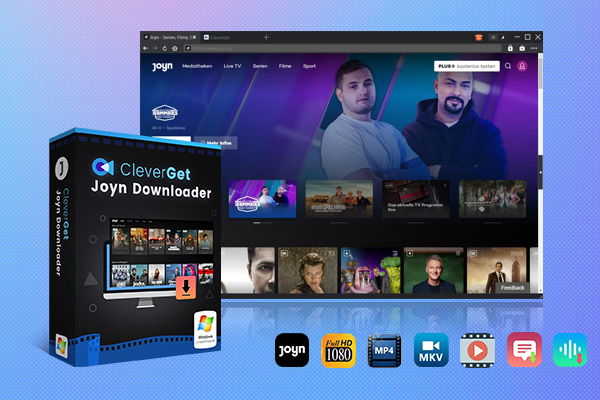
Now, let's get to the most once-and-for-all solution: download Joyn shows directly to our device using a third-party downloader. This will ensure that we get the purest video possible. CleverGet Joyn Downloader is our best assistant. It can download videos from the Joyn platform in 1080p resolution without any loss of quality, and there are two output formats to choose from: MKV and MP4. During the download process, CleverGet Joyn Downloader filters and removes all the ads on the platform, giving us the best viewing experience. Users of different languages can also choose the output subtitle and audio track versions according to their needs or save the subtitles as separate files in SRT or SUP format.
Main Features of CleverGet Joyn Downloader
○ Download Joyn videos in MP4 or MKV format.
○ Save Joyn shows in 1080p resolution with no quality loss.
○ Delete and filter Joyn ads while downloading videos.
○ Save multi-language subtitles and audio tracks.
○ Pack subtitles into downloaded videos or save them as external SRT or SUP files.
Part 3: How to Watch Joyn Without Ads Using CleverGet Joyn Downloader
If you are trying to download Joyn videos with CleverGet Joyn Downloader, follow the guide below.
Step 1. Download and install CleverGet Joyn Downloader on your computer.

-
CleverGet Joyn Downloader
- Download on-demand Joyn TV series, films, sports videos at up to 1080 resolution.
- Batch download several videos from your target playlists or channels.
- Download Joyn videos to MP4 or MKV files.
- Download selected audio tracks and subtitles, or save subtitles as SRT/SUP files.
- Remove ads and pop-ups from downloaded videos for smooth watching.
Step 2. Enter the Joyn platform within CleverGet Joyn Downloader.
Step 3. Search for the Joyn video you want to download and play it on the web page.
Step 4. Now, you will see a blue arrow-down download icon. Click on it.
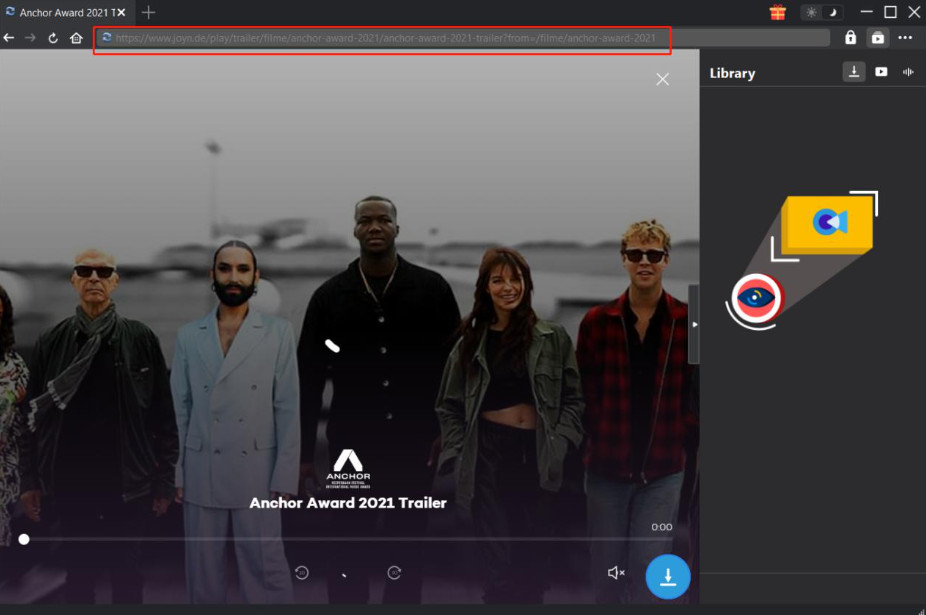
Step 5. After launching the download window, choose the output quality and format for your video. Finish the settings of the audio track and subtitle.

Step 6. Finally, click Download.
Part 4: FAQs
Q1: Why is there still have ads on Joyn Plus+?
When upgrading to a paid account, we won't encounter any ads when watching Joyn PLUS+ content. However, due to the official licensing rules, we still can't avoid ads when watching free content, except that there will be far fewer of them.
Q2: What is the difference between Joyn FREE and Joyn PLUS+?
If you are using Joyn Free, you will be able to watch content from the free area, except that you will face more ads. Joyn PLUS+ users, on the other hand, can unlock the entire site and watch movies and TV shows with the PLUS logo without ads. However, due to license issues, they won't be able to completely avoid ads when watching free content. Though there will be far fewer of them with Joyn PLUS+.
Part 5: Conclusion
In this article, we explain in detail the rules of the Joyn platform in this aspect of advertising. Users of the free version will see more ads, but even after upgrading your account to the PLUS+ version, we still can't filter them out completely. We therefore recommend two ways to help you solve this problem. The first option is to use ad filters; they are quick to start and easy to use but not very stable to run. The second option is to use a third-party downloader like CleverGet Joyn Downloader to download the ad-free version of the video directly to your device for viewing. In comparison, the second method is the more stable and capable of solving the problem once and for all.
-
Netflix vs HBO Max: Which Should You Choose?Cassie J./2026-03-11
-
How to DVR on YouTube TV and Fix Recording IssuesSunny Wen/2026-03-11
-
Loom Screen Recorder Guide: How It Works + Free Alternative ToolsSunny Wen/2026-03-10
-
Locoloader OnlyFans Downloader Review: Is It Really Working?Patrick Murray/2026-03-09
-
How to Download YouTube 8K Video Without Quality LossCassie J./2026-03-09
-
Disney Plus 8-Digit Code: How to Activate Your Account on Any DeviceLeia Liu/2026-03-06
-
Wondershare DVD Creator Review: Features, Test & PriceCassie J./2026-03-06
-
HiDIVE Downloads: Do They Expire? How to Keep Them Forever?Patrick Murray/2026-03-03
-
Paramount Plus Error Code 3205 Explained: Causes & Proven FixesLeia Liu/2026-02-27
-
Disney Plus HDCP Issue Explained: Causes, FixesLeia Liu/2026-02-25


-
12 Best Sites Like BestGore for Shocking VideosAugust/2025-03-17
-
12 Best Sites Like BestGore for Shocking VideosAugust/2024-02-22
-
12 Best Free Web Series Download Websites 2026August/2025-02-05
-
Top 10 Sites to Download Anime FreeAugust/2024-12-27
-
Top 5 OnlyFans Viewer Tools to View OnlyFans FreeAugust/2024-04-29
-
Top 10 Websites to Watch Uncensored AnimeAugust/2024-02-21
-
[2026] AudioBookBay Proxy Sites & Alternatives for Free AudiobooksCassie J./2026-01-06
-
How to download videos from MissAV? – Ways to download MissAV JavPatrick Murray/2025-02-08
-
Top 10 OnlyFans Search to Find Someone on OnlyFansAugust/2024-02-29
-
7 Best Free Sites for Pinoy Movies Download in 2026August/2024-10-31


Leave a Reply
You must be logged in to post a comment.