The Installation Was Successful
Thank you for installing Leawo PowerPoint to Video Pro
Video Manual for PowerPoint to Video Pro
Watch the below video demo of how to use Leawo PowerPoint to Video Pro to convert PowerPoint files to video in 180+ formats for diverse players and devices.

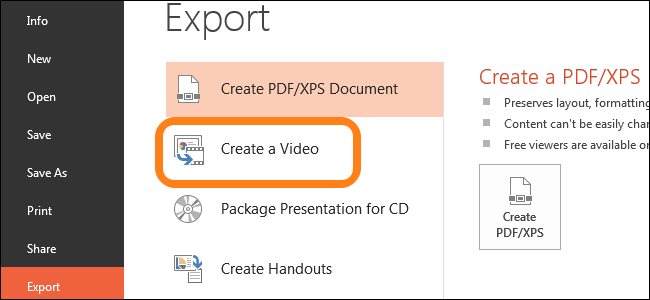
How to Convert PowerPoint 2007 to Video
Step 1: Get source PowerPoint 2007 files ready and launch Leawo PowerPoint to Video Pro
Step 2: Click the "Add" button to browse and add PowerPoint presentations
Step 3: Click the "Output" box to set an output directory
Step 4: Click the "Profile" drop-down box to set output format
Step 5: Finally, click the bottom "Convert" button to convert PowerPoint 2007 to video
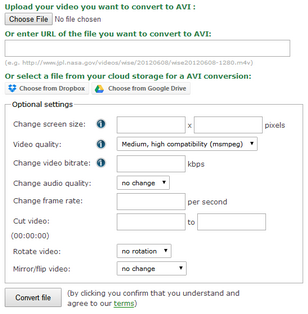
Step 1: Import PPTX files by clicking the "Add" button
Step 2: Set output format by clicking the "Profile" box
Step 3: Adjust video and audio parameters by clicking the "Settings" button and do other settings
Step 4: Convert PPTX to AVI video by clicking the "Convert" button

How to Open and View PowerPoint on iPhone
Step 1: Add PPT files PowerPoint to Video Pro by clicking "Add" button
Step 2: Open "Profile" box to choose an iPhone friendly output format
Step 3: Open "Output" box to set output directory
Step 4: Click the bottom "Convert" button to convert PPT to iPhone video
Step 5: Transfer converted PowerPoint file to iPhone
