How to Register Leawo UHD Drive Tool
Detailed information on differences of trial and Pro versions, and steps on how to purchase and register Leawo UHD Drive Tool.


- Home
- /
- Leawo UHD Drive Tool
- /
- User Guide
Leawo UHD Drive Tool Introduction
Leawo UHD Drive Tool provides both trial and purchase versions. But here is a note, people can’t commence downgrading the firmware in the free trial version. In order to start the downgrading process, clients are required to purchase the official edition and activate this program. Here are detailed steps on how to register Leawo UHD Drive Tool below:
Step 1: Launch Leawo UHD Drive Tool on PC
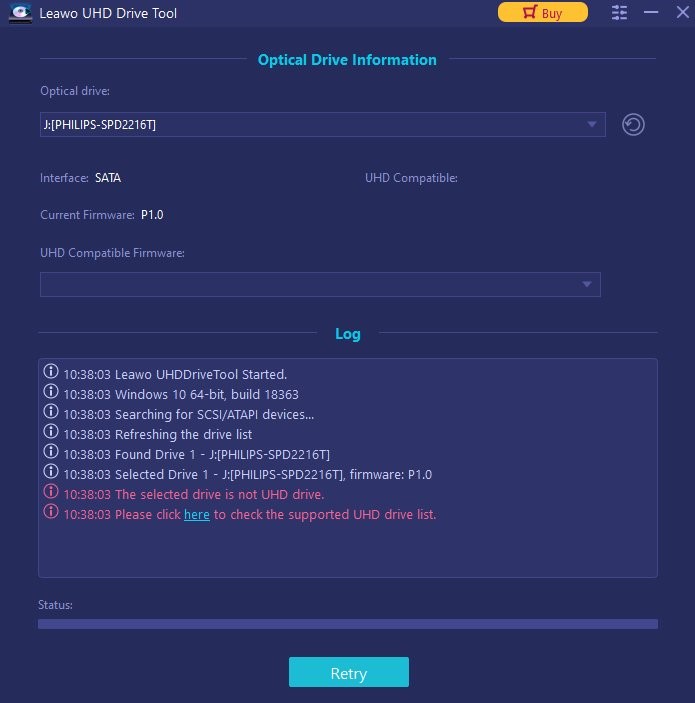
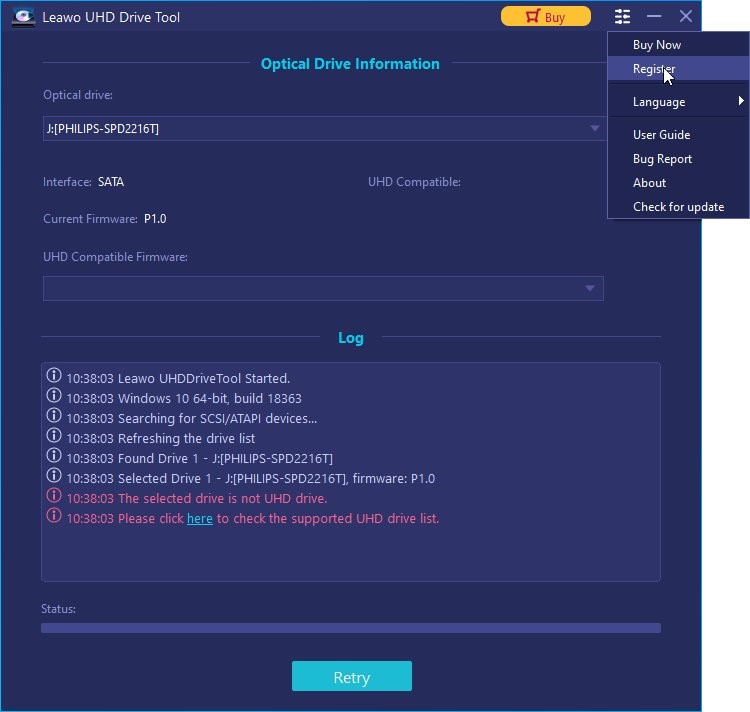
Step 2: Click on the Register tab to activate Leawo UHD Drive Tool
Click the  icon at the top of the panel to call out a pop-up window, in which you can select the Register tab.
Step 3: Input the registration code into the blank box
If you already have a registration code, just paste the code into the blank bar and then click the  to activate this tool.
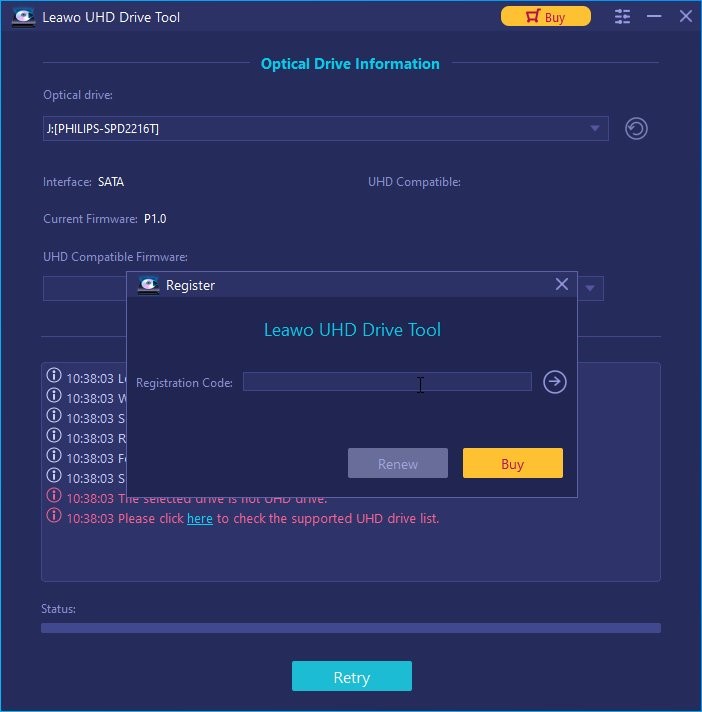
Note: If you don’t have any code, just click  on the panel to enter the purchase page of Leawo UHD Drive Tool to acquire the registration code.
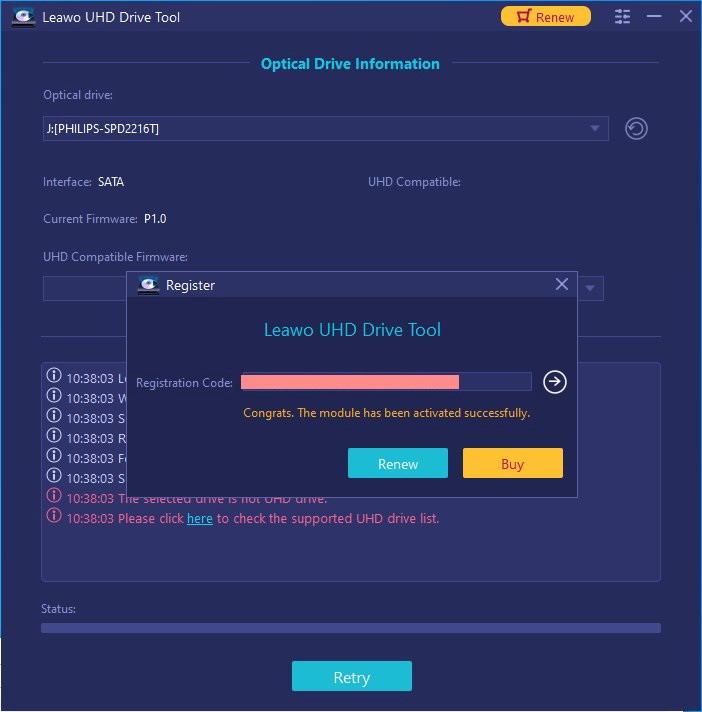
Step 4: Leawo UHD Drive Tool has been successfully activated
A pop-up window will prompt to remind that this module has been activated successfully.