
How to Clean up Local Music Files with Leawo Tunes Cleaner
Apart from cleaning up iTunes music library, the software also help users clean up local music folders. The following guide will show users how to finish the task.


- Home
- /
- Leawo Tunes Cleaner
- /
- User Guide
How to Clean up Local Music Files
Step 1. Launch Tunes Cleaner and Scan Local Music Library
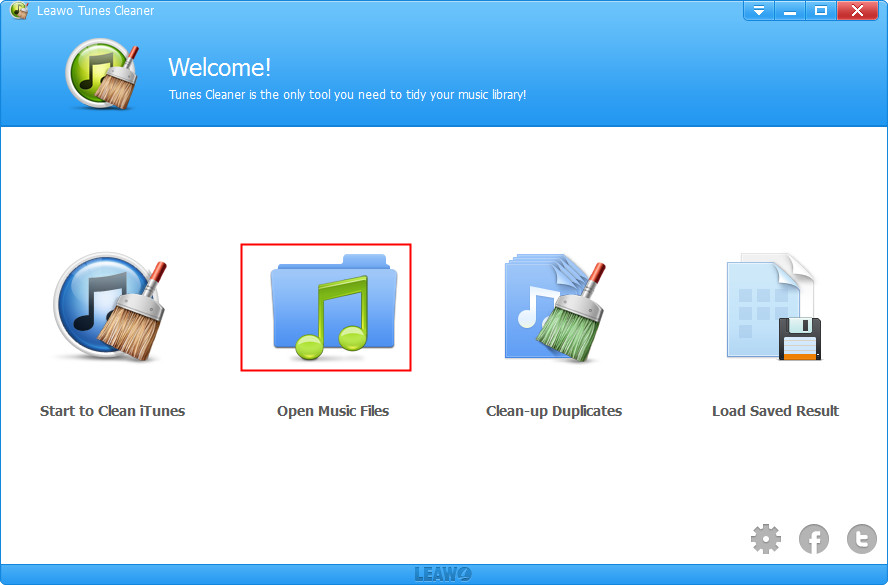
Install and launch Leawo Tunes Cleaner for Windows on your computer, then click "Open Music Files"  entry to choose local music files. The program would automatically scan your local music library.
Step 2. Fix Music Files
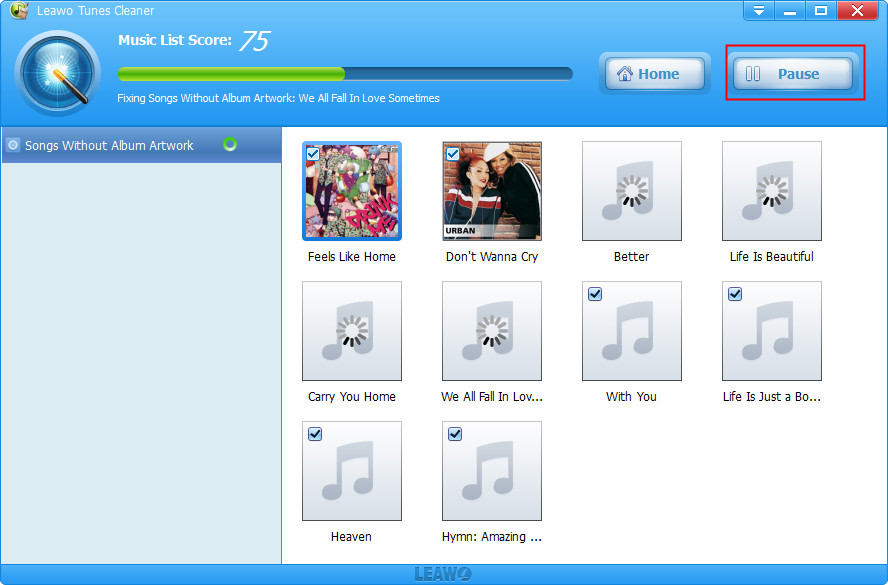
After automatically scanning, it will display all music files in problem in specific categories for you to fix. You could check each file for fixing or simply click "Fix All"  button to fix all music files. During fixing, you could click "Pause"
  button to pause fixing.
Step 3. Apply Fixed Music Files
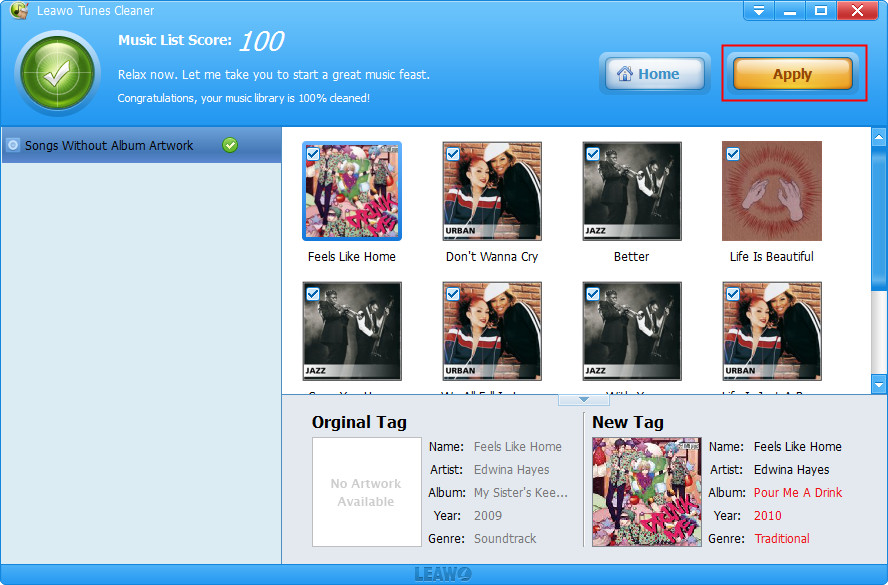
After finishing fixing, you could click "Apply"  to apply fixed music files to its original library or click "Save Project"
  to save unfixed music files for future fixing.