
How to Use Leawo Video Converter
Step-by-step video converter guide teaches you how to convert video and audio files to required formats with this professional video converter software.


- Home
- /
- Leawo Video Converter
- /
- User Guide
Introduction to Leawo Video Converter
Leawo Video Converter is a professional video/audio converting program, offering solutions for you to convert video/audio files between 180+ formats, such as MP4 to MKV, MP4 to AVI, MKV to MP4, MKV to MP3, MP3 to AAC, etc. The program accepts not only video/audio file, but also video/audio folder input, and conversion in batch is also available with the help of this professional video converter. Other features like merging, trimming, cropping, watermarking, adjusting video effect, applying 3D effect, etc. are provided as well.
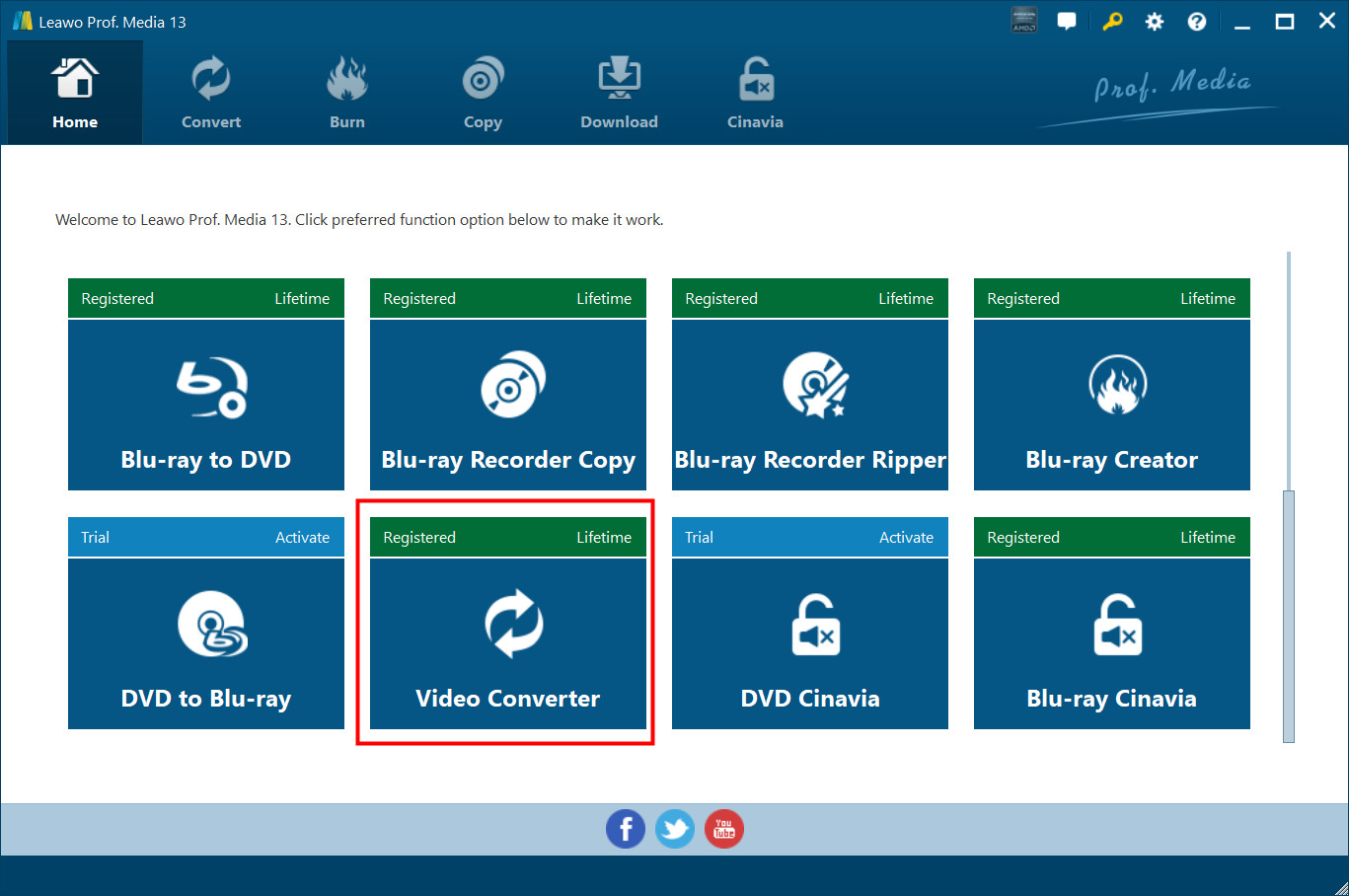
Leawo Video Converter is integrated into the program suite Leawo Prof. Media. After downloading, installing, and launching Leawo Video Converter, you will enter the main interface of Leawo Prof. Media. Click “Convert” button  on the sub-menu or click “Video Converter” button
  in the middle to enter the Video Converter module.
1. Feedback
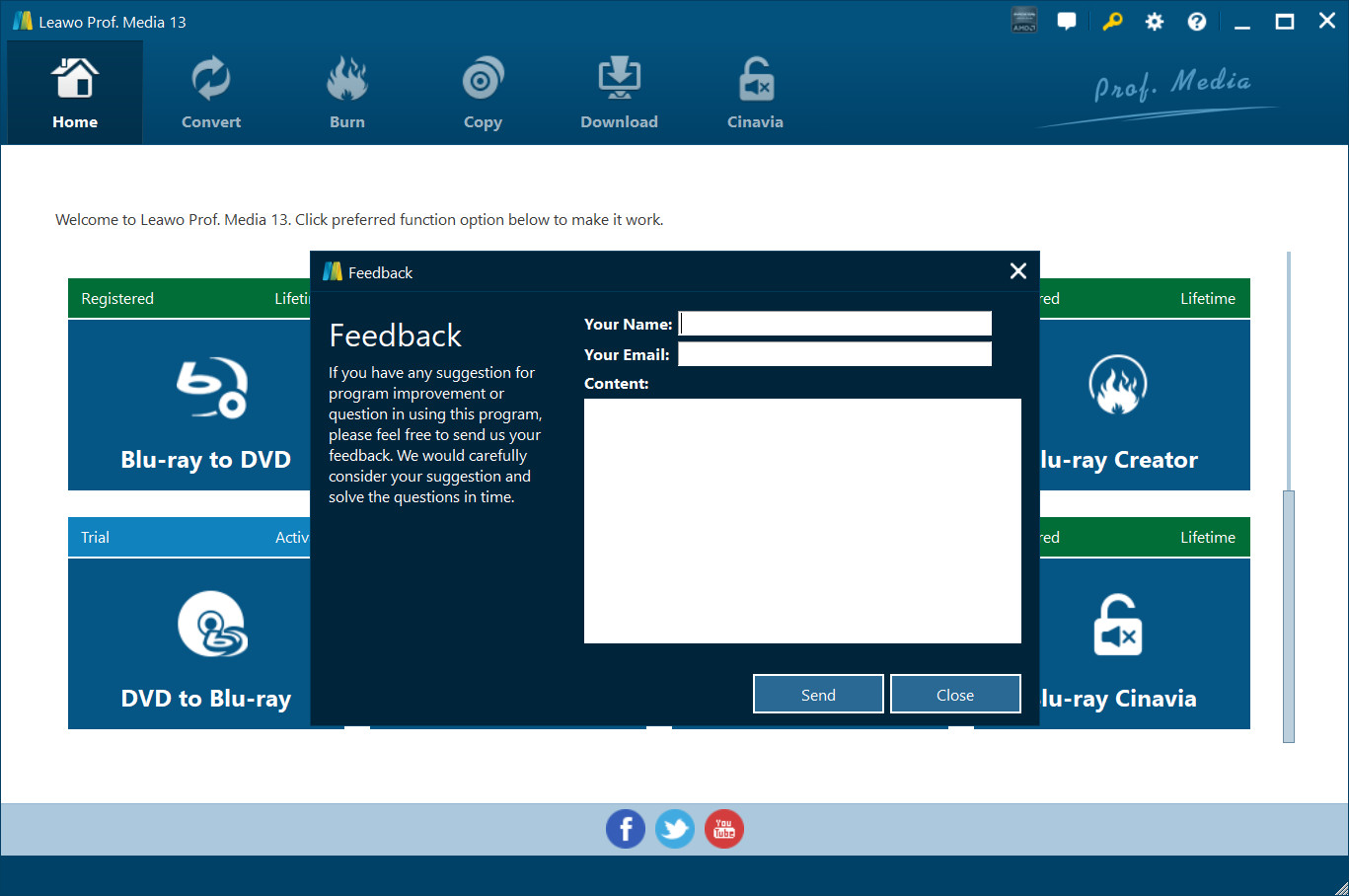
Click  button at the top menu bar to send your precious feedback to Leawo Software for improving the program.
2. Settings
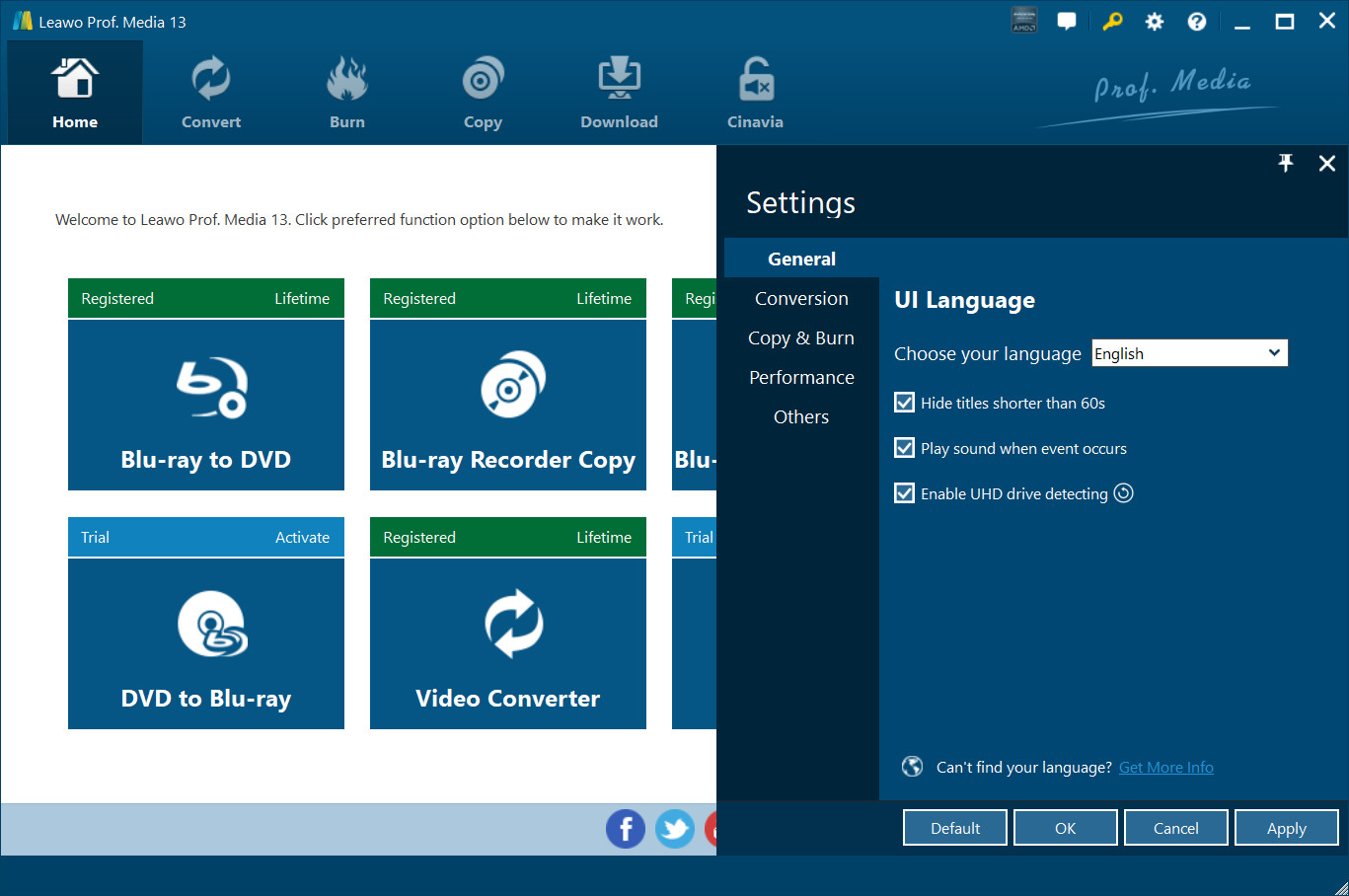
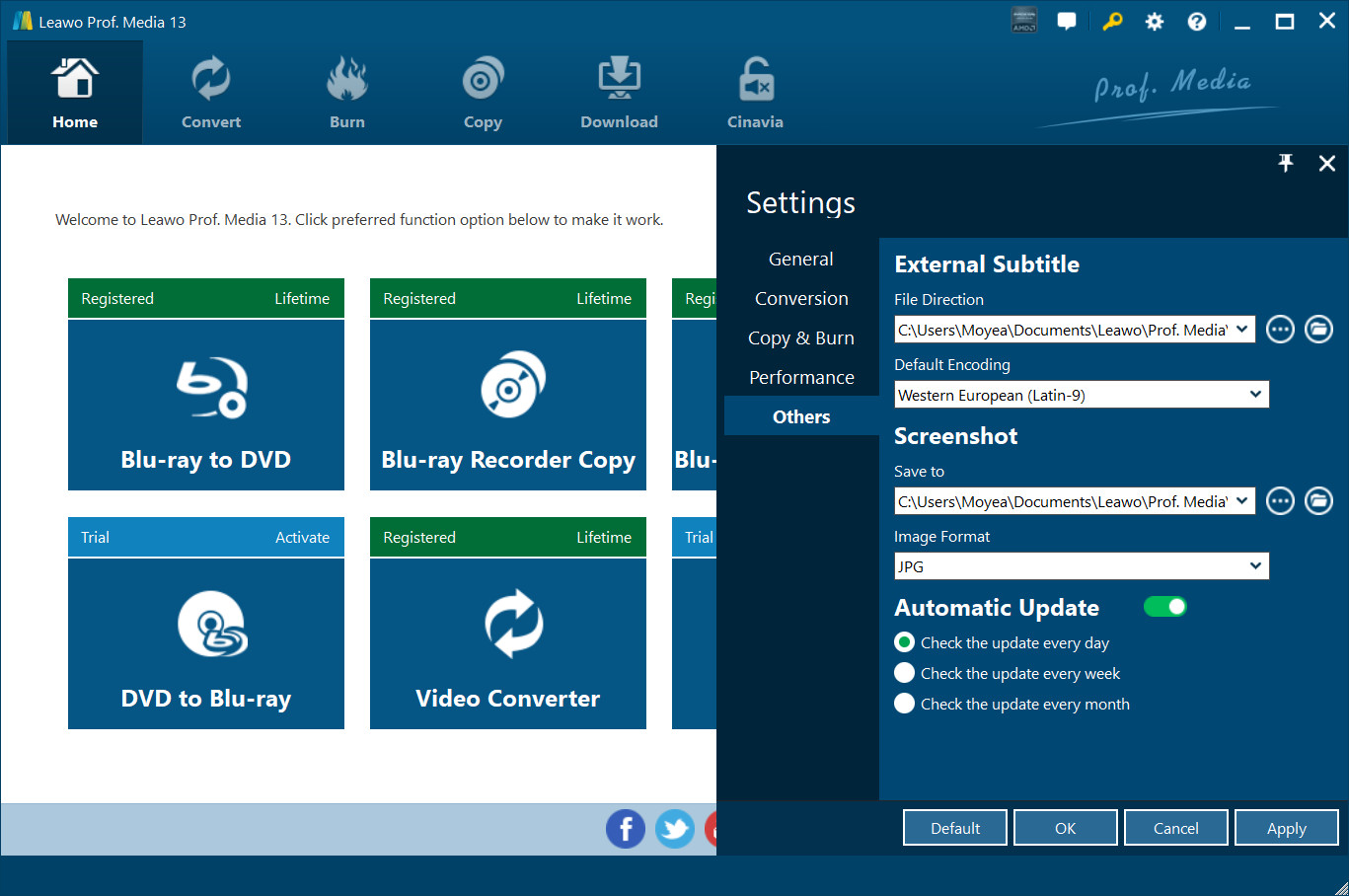
Click the gear icon  to pop up detailed settings panel.
2.1 General Settings
Under “General” tab, you can freely choose a language for the UI from 11 preset languages: English, German, Japanese, Simplified Chinese, Russian, Hungarian, Armenian, Spanish, French, Portuguese and Dutch.
2.2 Conversion Settings
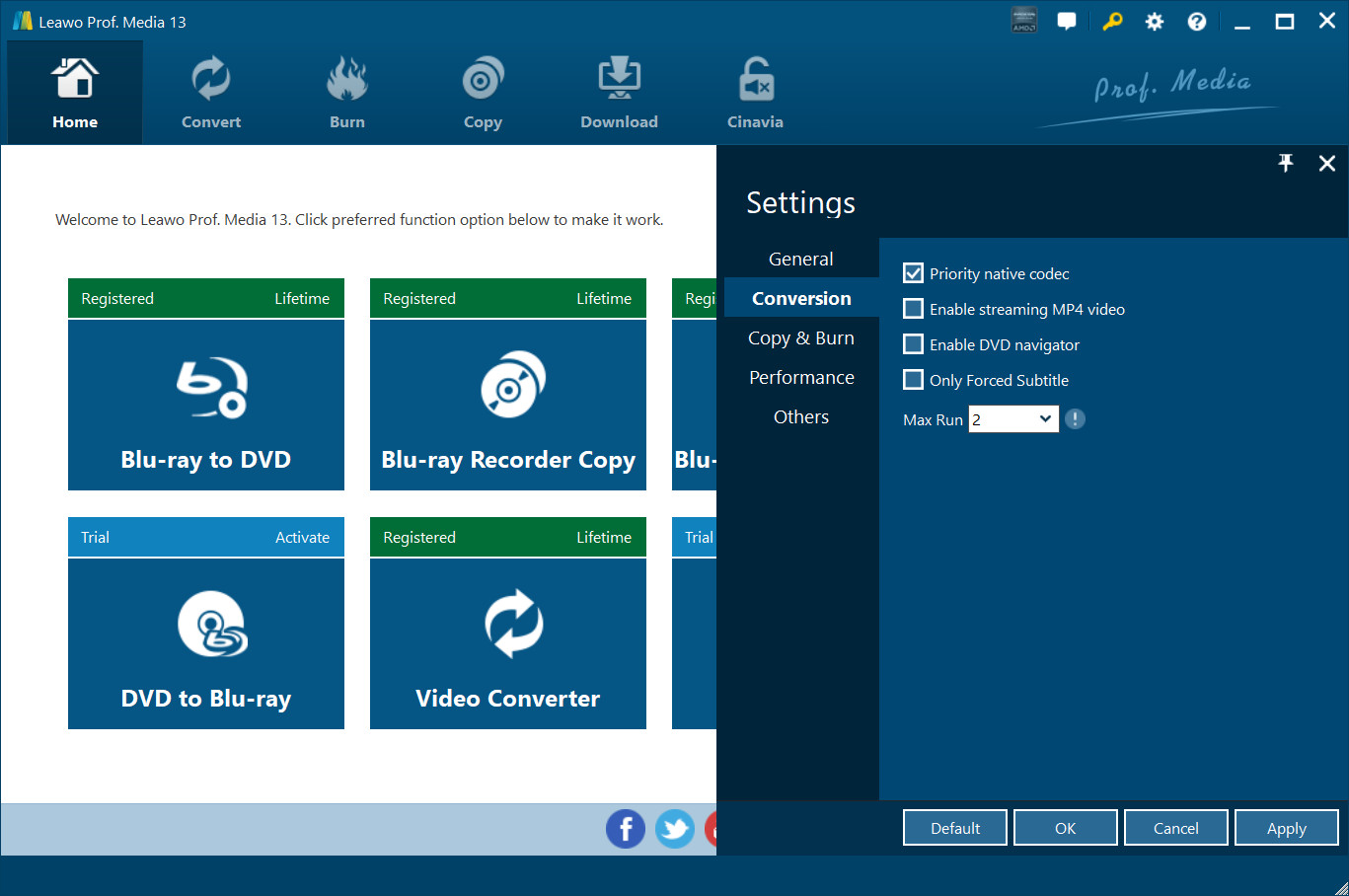
Under “Conversion” tab, you can choose whether or not to prioritize native codec, to enable streaming MP4 video, and to enable DVD navigator, and at the same time, you can set the maximum tasks for running.
2.3 Performance Settings
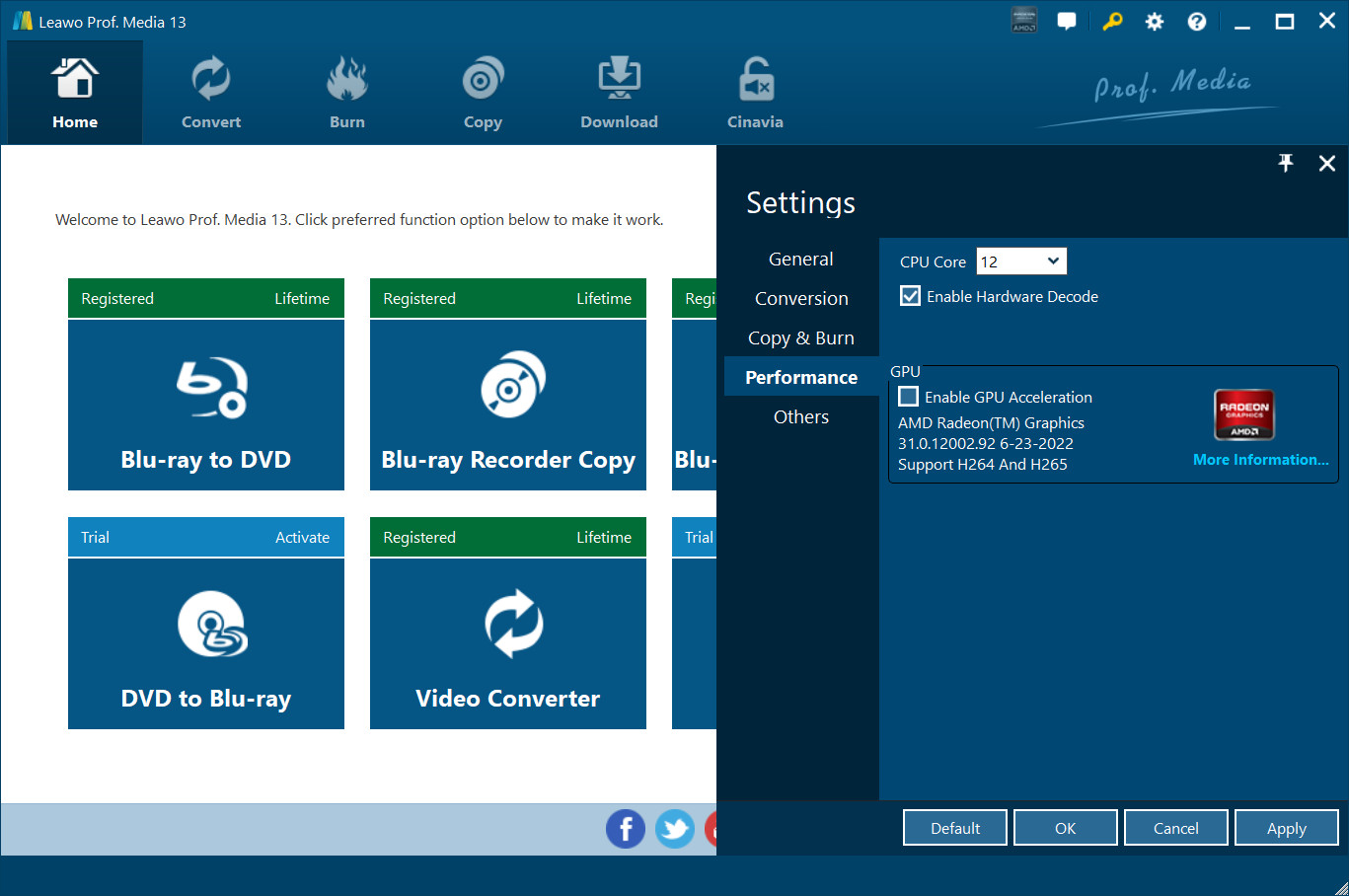
Under “Performance” tab, you can freely set CPU core.
2.4 Others Settings
Under “Others” tab, you can set the location of external subtitle, default encoding, screenshot image format, and the output directory for saving screenshot images.
3. Help Center
Click the question mark  to enter the Help Center, on which you can visit the product page of Leawo Prof. Media by clicking “Home”
  , learn how to properly use Leawo Prof. Media by clicking “Tutorial”
  , report problems you encountered during the usage of Leawo Prof. Media by clicking “Bug Report”
  , click
  to check program update, click
  and
and  to purchase and register the program, click
  to write user review of the program, click
  to get support from Leawo Software team, and click
  to check the version number of Leawo Prof. Media and other information.