
How to Convert 4K UHD Blu-ray
This guide shows you how to rip and convert 4K UHD Blu-ray to video with Leawo UHD Ripper.


- Home
- /
- Leawo UHD Ripper
- /
- User Guide
Convert 4K UHD Blu-ray
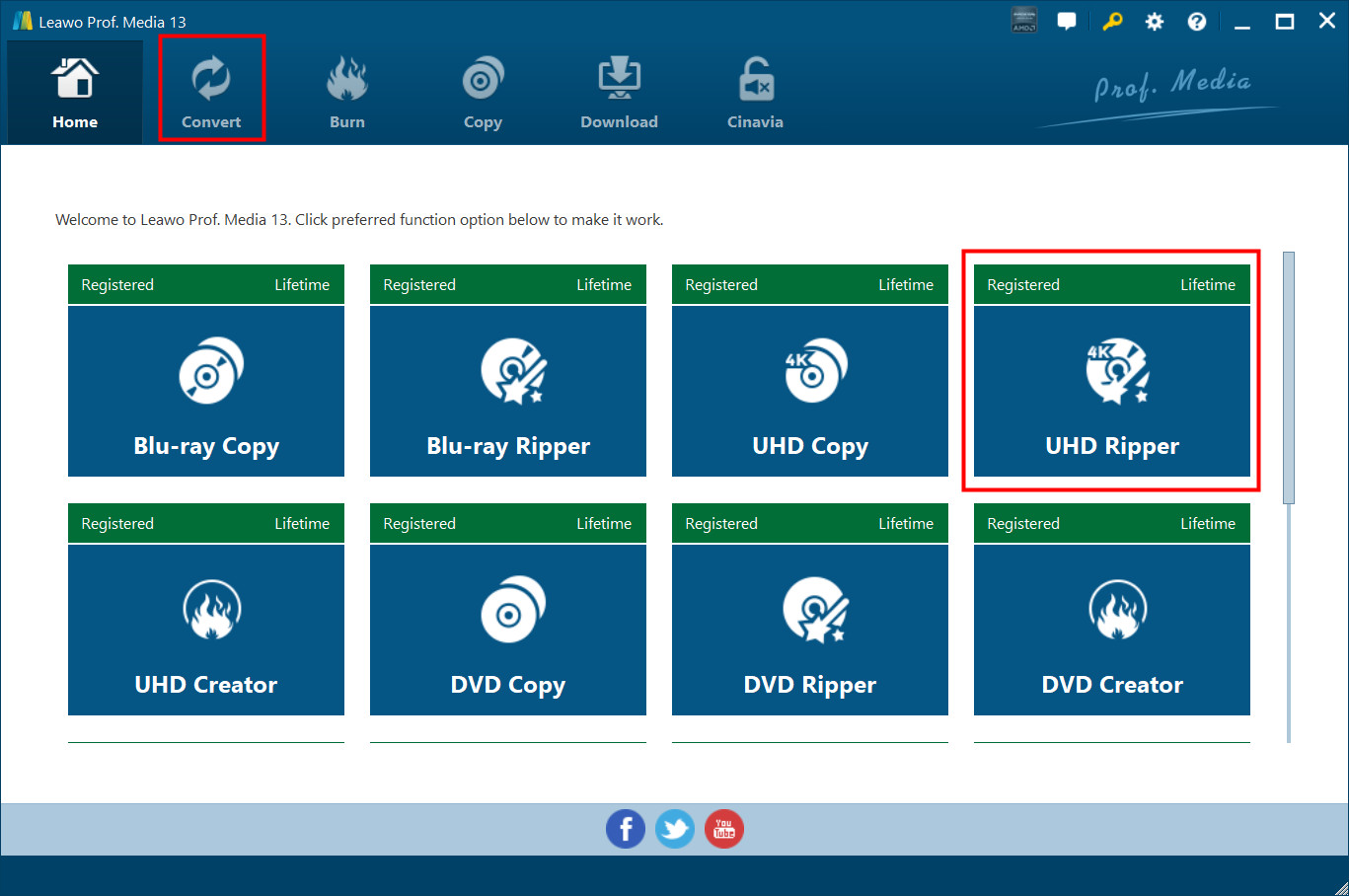
Kick off Leawo UHD Ripper to enter the home page, where you need to click "Convert" button on the sub-menu or "UHD Ripper" button in the middle to enter the converting interface.
Step 1. Import Source 4K UHD Blu-ray Files into Program
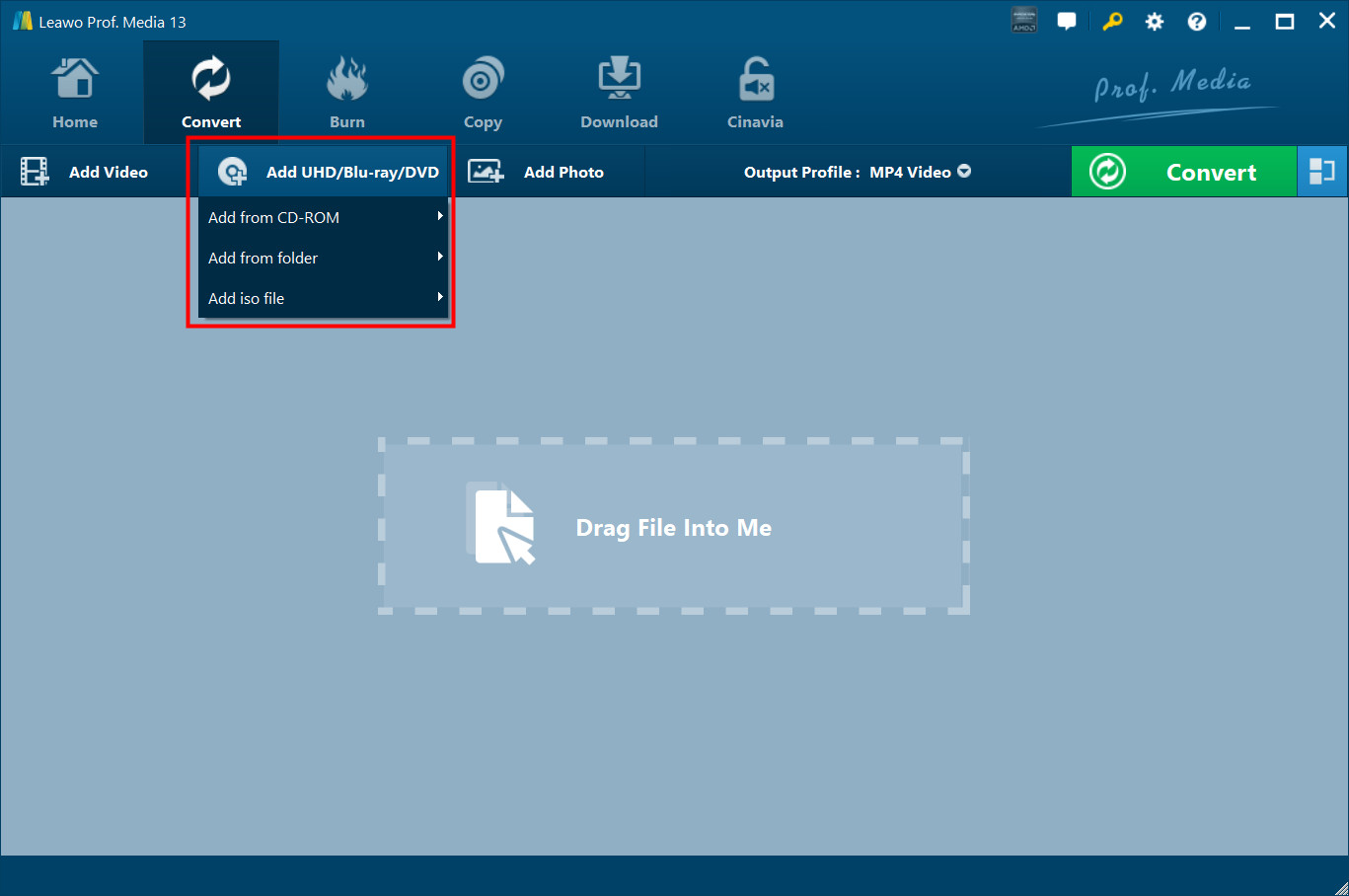
Insert the 4K UHD Blu-ray disc, Click "Add UHD/Blu-ray/DVD" to add source 4K UHD Blu-ray movie content to the software. You can choose to import 4K UHD Blu-ray content from CD-ROM, 4K UHD Blu-ray folder or 4K UHD ISO Image file for conversion.
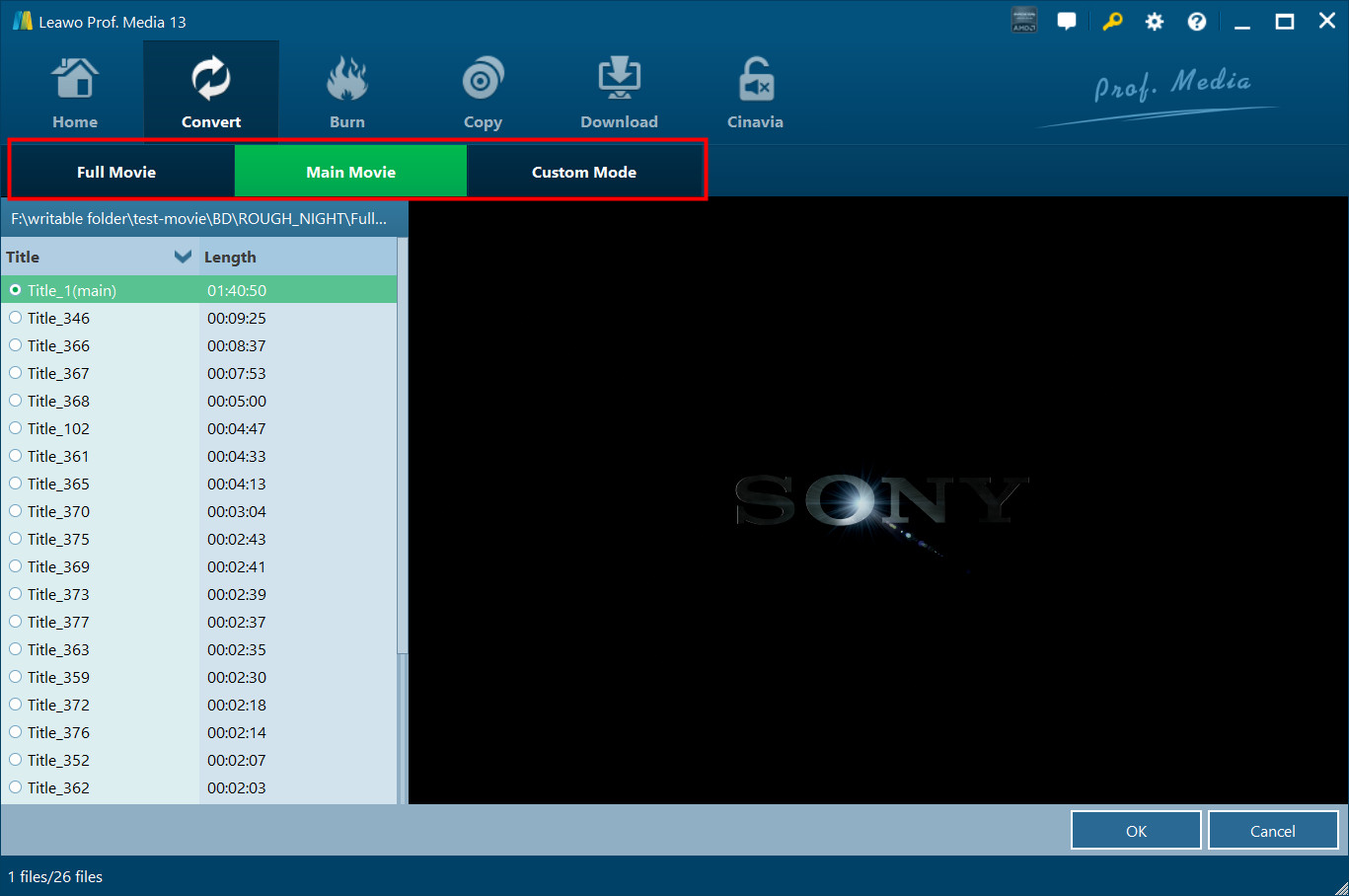
Note: Leawo UHD Ripper offers 3 different 4K UHD Blu-ray movie loading modes: Full Movie, Main Movie and Custom Mode. In Full Movie mode, you could load all content in source Blu-ray for converting, while Main Movie mode only imports the longest title. In Custom Mode, you will be able to select multiple titles for loading.
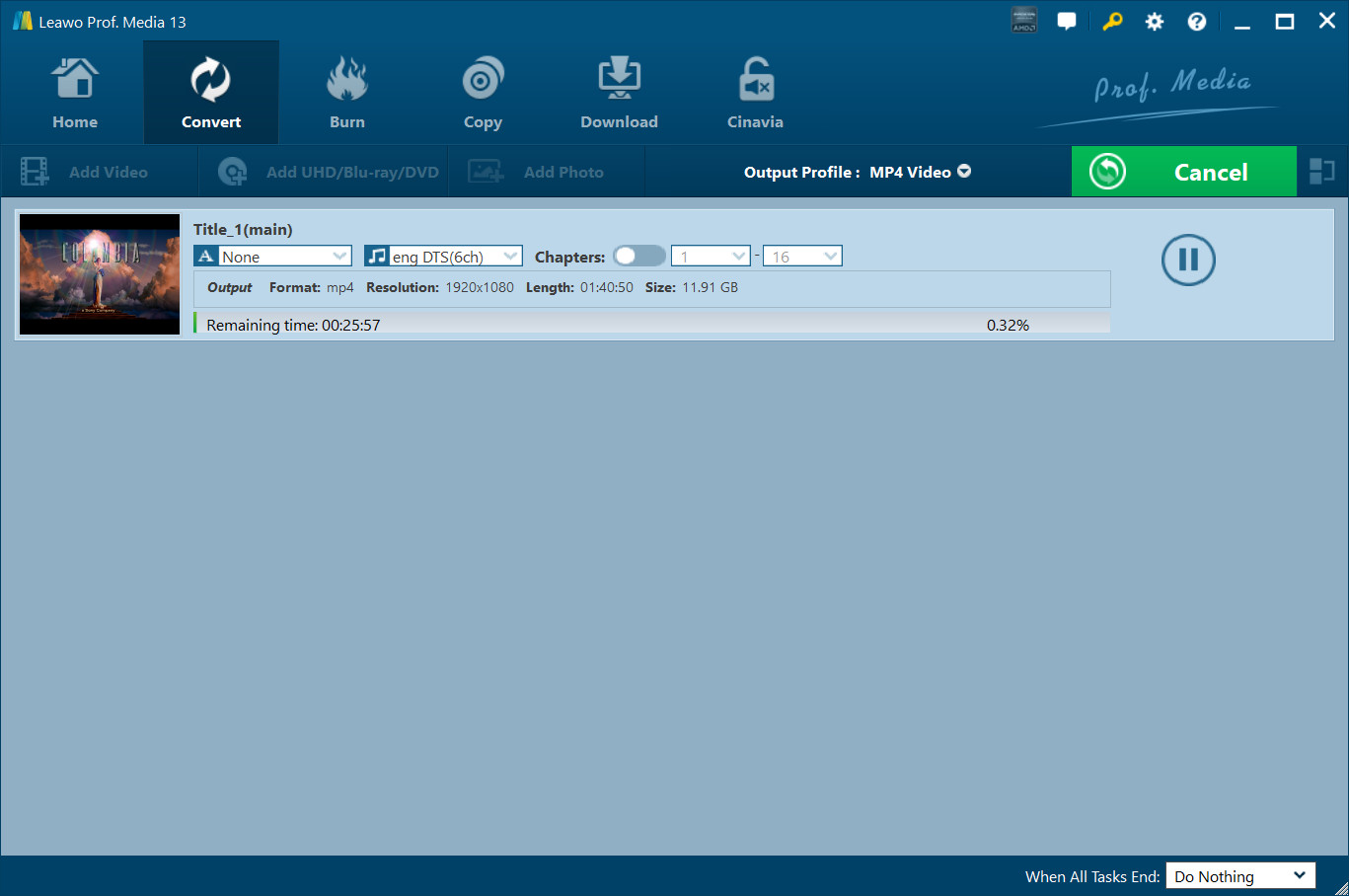
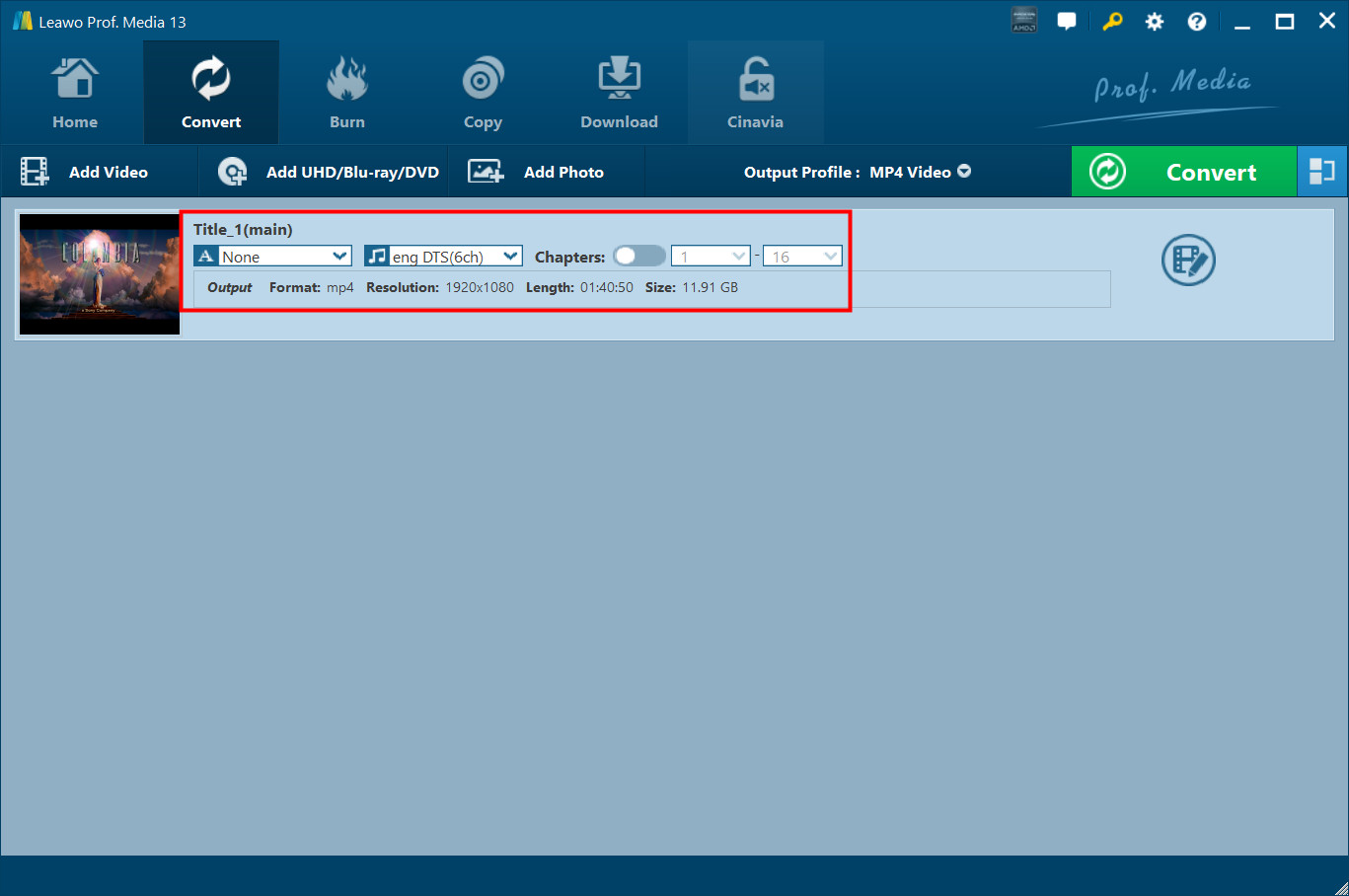
Once source files are imported, you can preview source files via the inbuilt media player, select subtitles and audio tracks, enable chapters to select chapters for converting from source 4K Blu-ray movie files if loaded titles contain multiple chapters, edit source files, etc.
Step 2. Choose Output Profile
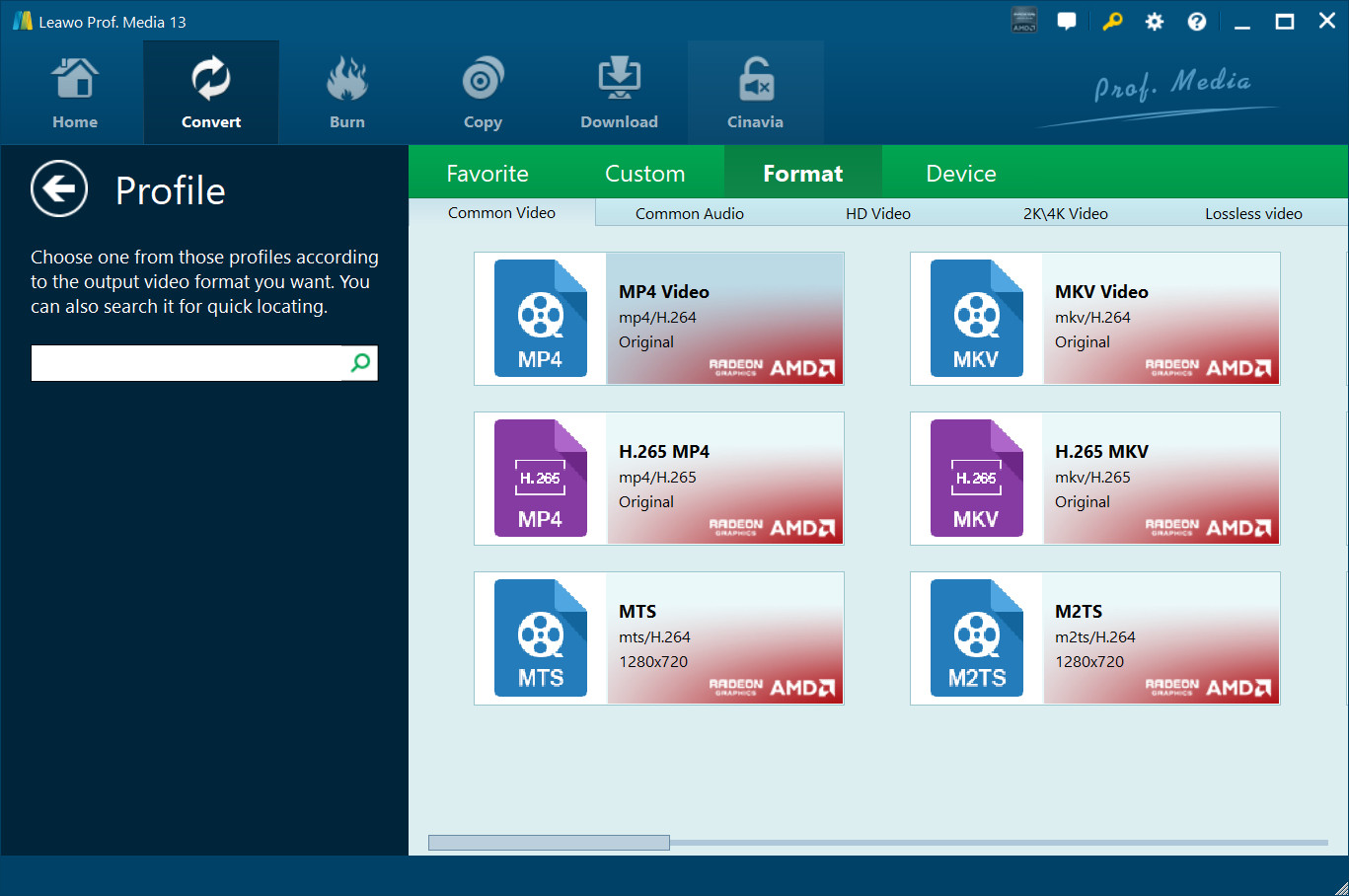
Hit on the drop-down panel next to the button of "Add Photo" and then tap on the "Change" icon 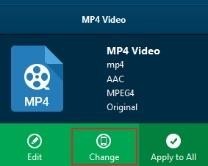 to choose your output format. You can select a proper group from Common Video, Common Audio, HD Video, 4K Video and even Lossless Video. You can even choose the output format based on your device under the tab of "Device". A variety of video/audio formats and device models are available, such as 4K MP4, 4K MKV, H.265 MP4, H.265 MKV, Apple TV, Xbox 360, etc.
Step 3. Set Video and Audio Parameters (Optional)
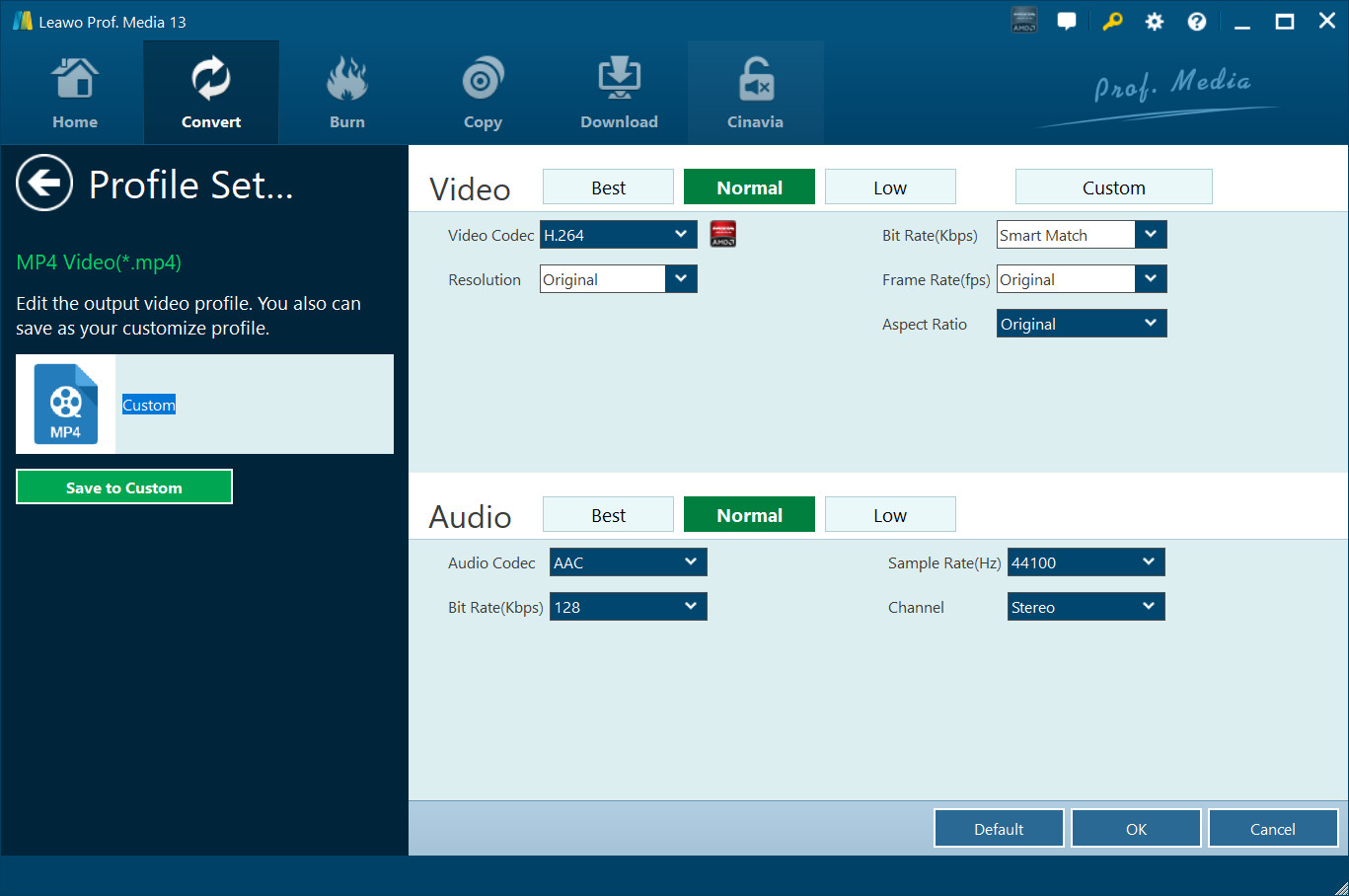
After setting output format, choose the "Edit" option to enter the "Profile Settings" panel, which lets you adjust video and audio parameters of output format, including: video codec, quality, bit rate, frame rate, aspect ratio, channel, audio codec, resolution, etc. After setting parameters, you could click "Save to Custom" option to add customized profile to "Custom" group.
Step 4. Set Output Directory
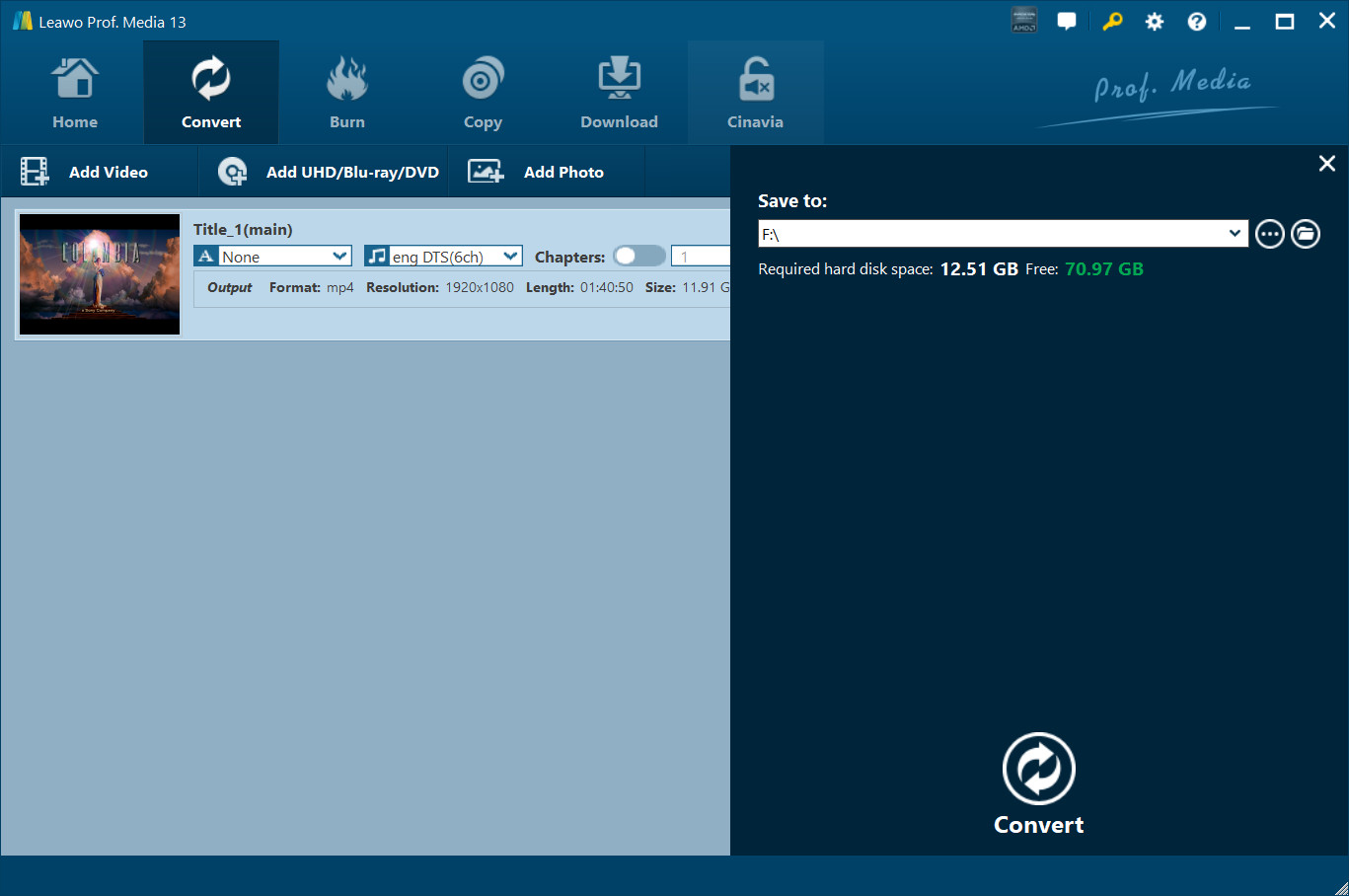
On the main interface of the program, hit on the "Convert" button in green and then hit on "Save to" option to choose a directory.
Step 5. Start Conversion Process
After that, click the "Convert" button on the pop-up sidebar to start ripping and converting 4K UHD Blu-ray movie immediately. During the conversion process, you could click "Cancel" button to call off the process.