


 100% Safe & Clean |
 License Instant Delivery |
 4.9(
4.9(Backup and restore iPhone contacts
- Back up or restore contacts
- Import contacts from Gmail
- Export contacts as CSV or VCF file
- Add, edit, group and create contacts

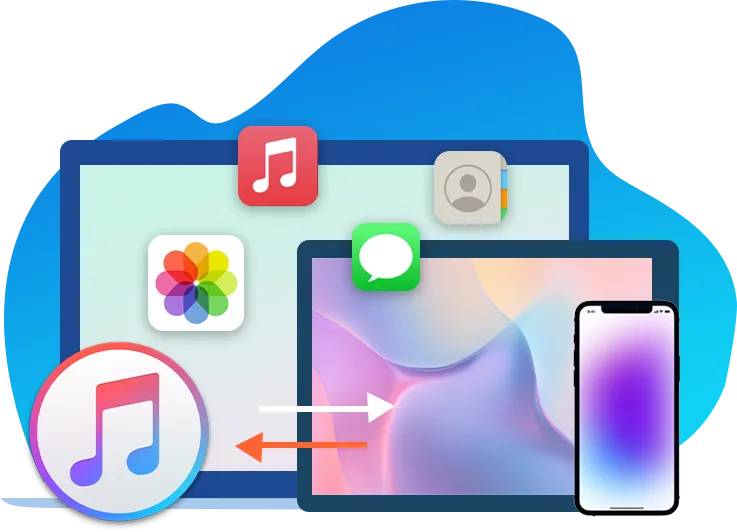
Backup and Transfer iOS Data
As a powerful iPod, iPad and iPhone transfer program, Leawo iTransfer provides perfect solutions for iPhone transfer, iPad transfer and iPod transfer issues. It’s quite nice to transfer 12 kinds of files, like photos, music, videos, SMS, contacts, and so on between iOS devices, iTunes and PCs. It can also back up iPhone, iPad and iPod (touch) files to computer. Additionally, Leawo iTransfer is an outstanding music manager, which allows users to manage the playlists of the iOS devices and iTunes without limits. Moreover, Leawo iTransfer supports the latest iOS devices (iPhone, iPad, and iPod), iOS and iTunes.

Core Features
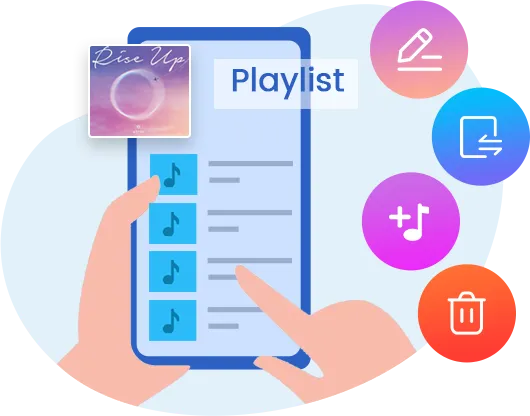
As an outstanding iPhone/iPad/iPod manager, Leawo iTransfer help users take full control of their media files. Playlists, contacts, SMS, notes, and more can be managed effectively.


Easy to Use
Without complicated operation process and obscure interface designed for experts, Leawo iTransfer can satisfy all iPhone/iPad/iPod users’ needs and better their digital life.
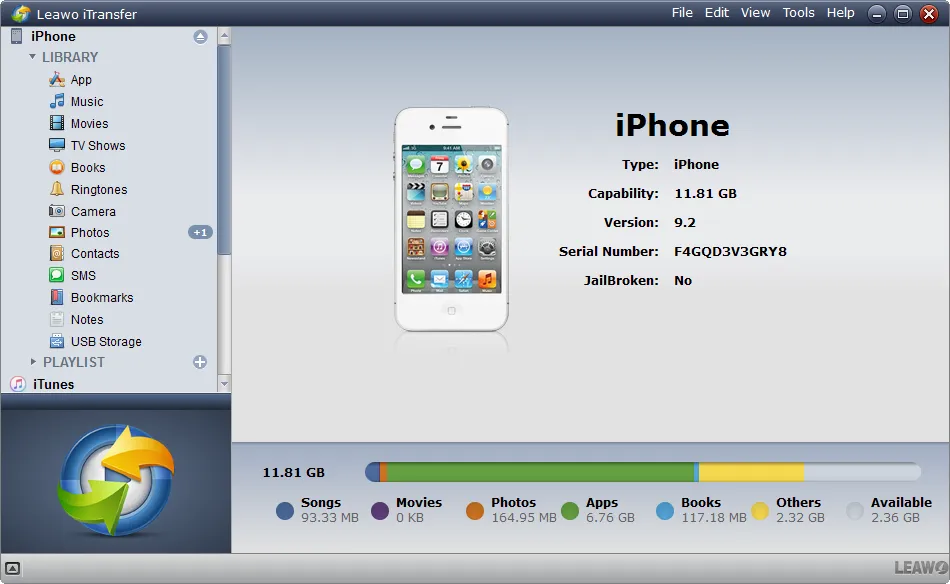
All features are laid out in a clear and organized way. Leawo iTransfer provides two categories: iOS device and iTunes. Even for the first-time users, all features can be accessed with ease.

With the professional iPhone/iPad/iPod transfer software, users only need to follow 3 steps: connect > select > transfer. And the files they need can be transferred quickly.

Leawo iTransfer enables users to preview music/photos/videos, and so on before transferring them to the target folder. The preview window will show up at the left bottom.
Ohter Features
Leawo iTransfer makes iPhone, iPad and iPod as flash drives. Users are able to put anything they want into the iOS devices, even if the files are not supported by the iOS devices.
Leawo iTransfer enables you to manage data on iOS devices from your computer, like editing contacts, deleting data and files.
Leawo iTransfer helps users get rid of the sync of iTunes. It won’t erase anything during the data transfer process, so the users don’t have to worry about losing data during the sync anymore.

20+ Years Experience

10,000,000+ Happy Clients

100% Safe & Clean

100+ Countries
Step 1: Connect iOS to computer
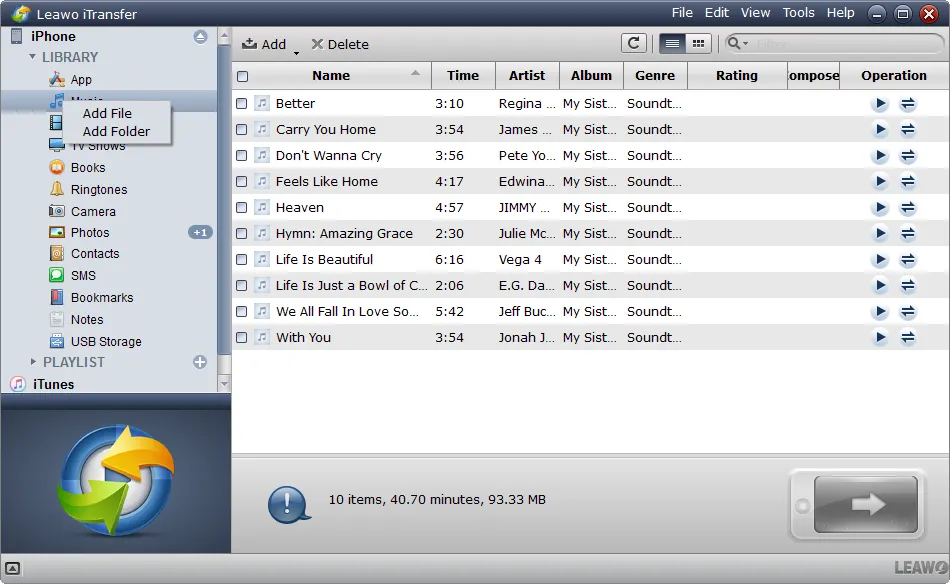
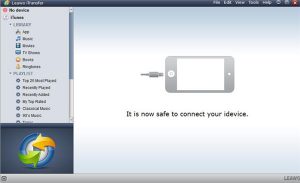
Connect iPhone to computer and then kick off iTransfer. Open the iPhone library on the left column.
Step 2: Choose file types
Right click the file type under iOS library and then choose “Add File” or “Add Folder” option.
Step 3: Add file to iOS
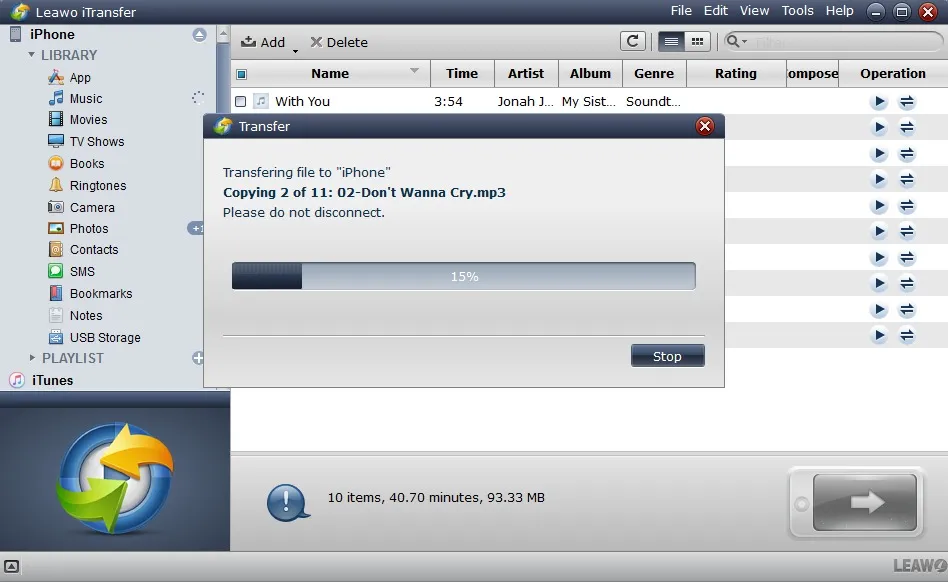
iTransfer will start transferring files immediately after files have been chosen.
Step 1: Connect iOS to computer
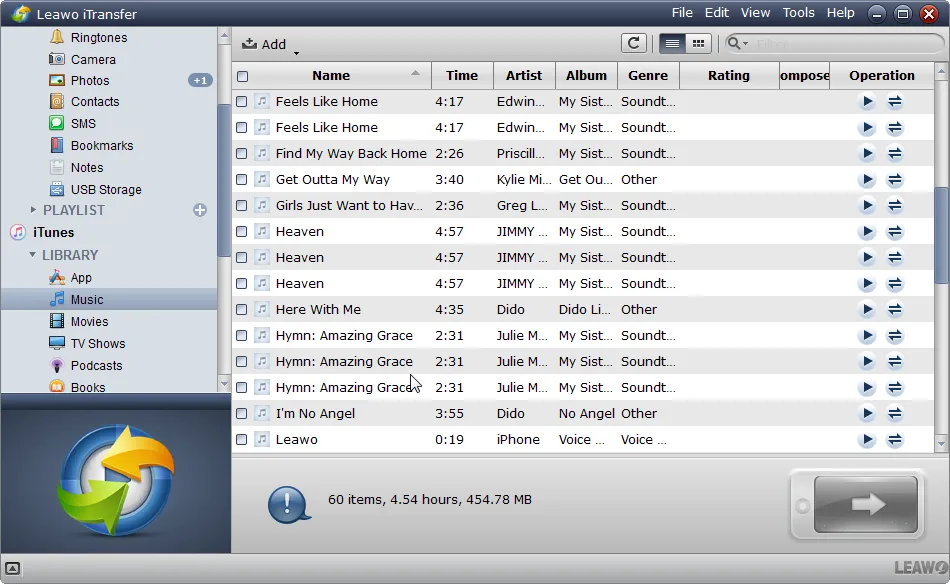
Connect iOS device to computer. Open iTunes library on iTransfer and choose the file type to transfer to iOS.
Step 2: Choose and transfer files
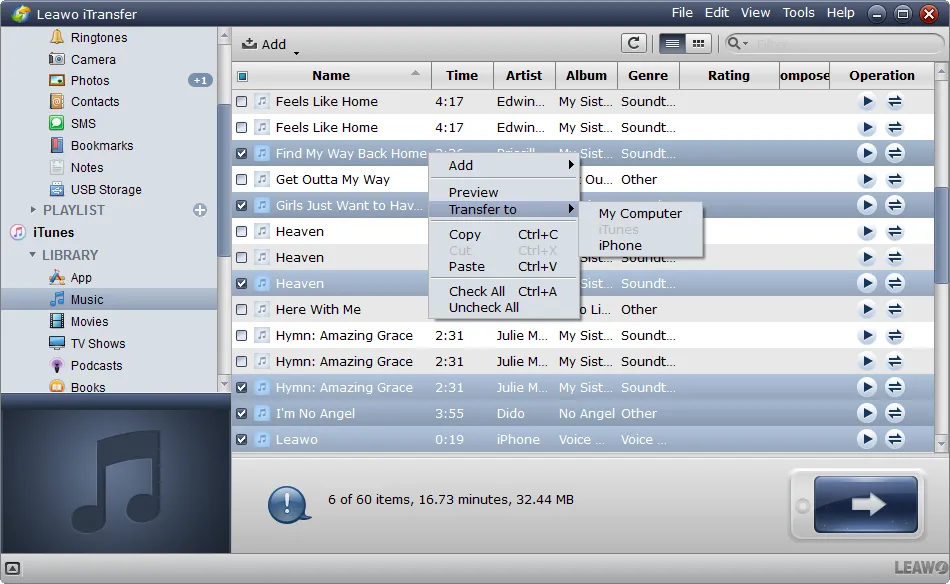
Choose files and then right click to choose “Transfer to > iPhone(target iOS)” for transferring.
Step 1: Connect iOS devices to computer
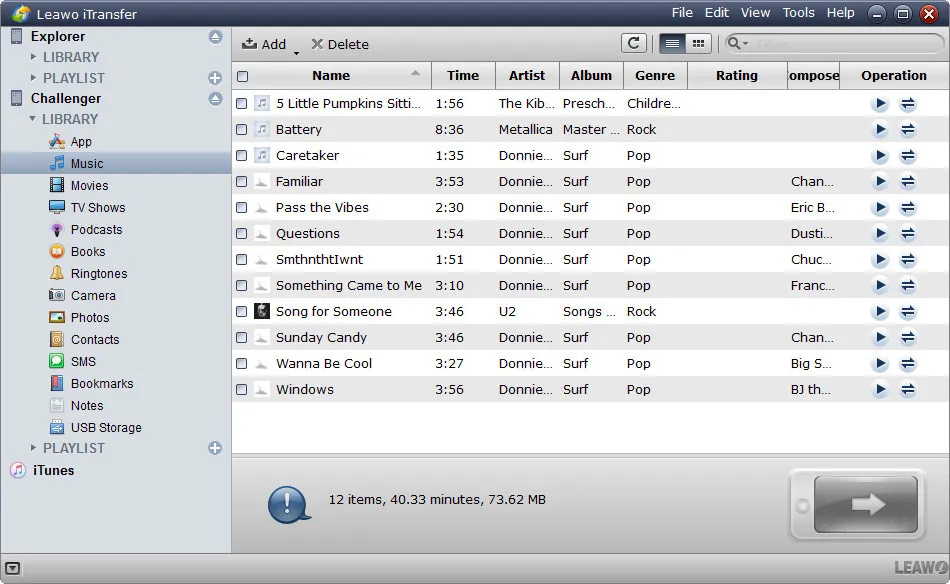
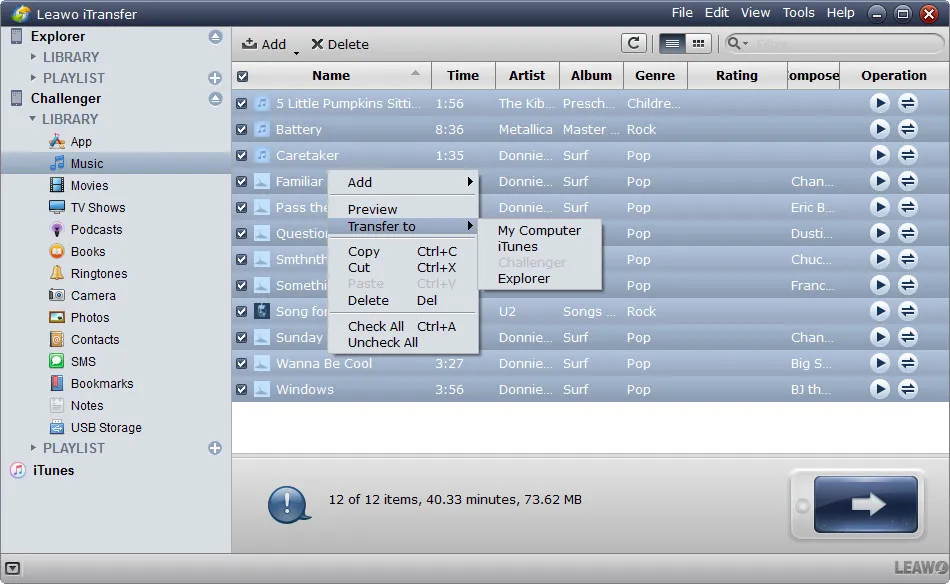
Connect both iOS devices to computer. Open the sending device library and then choose file type.
Step 2: Choose and transfer files
Choose files and then right click to choose “Transfer to > iPhone(target iOS)” for transferring.
Step 1: Connect iOS device to computer
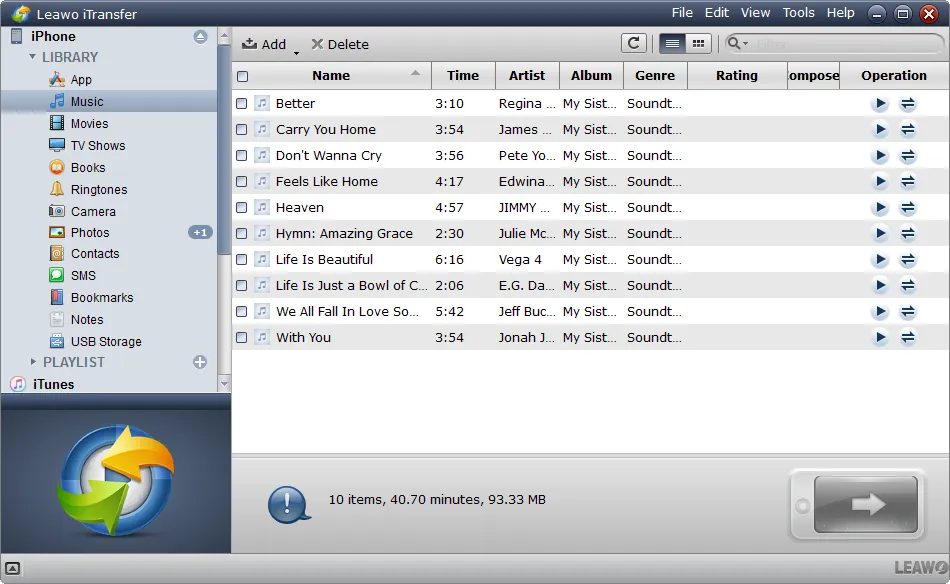
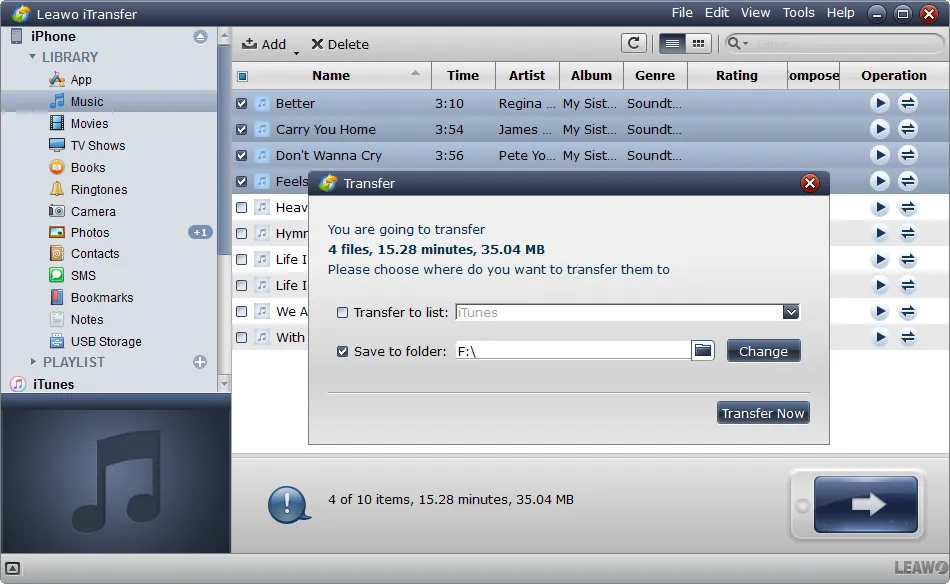
Connect iOS device to computer. Open the iOS device library and then choose file type.
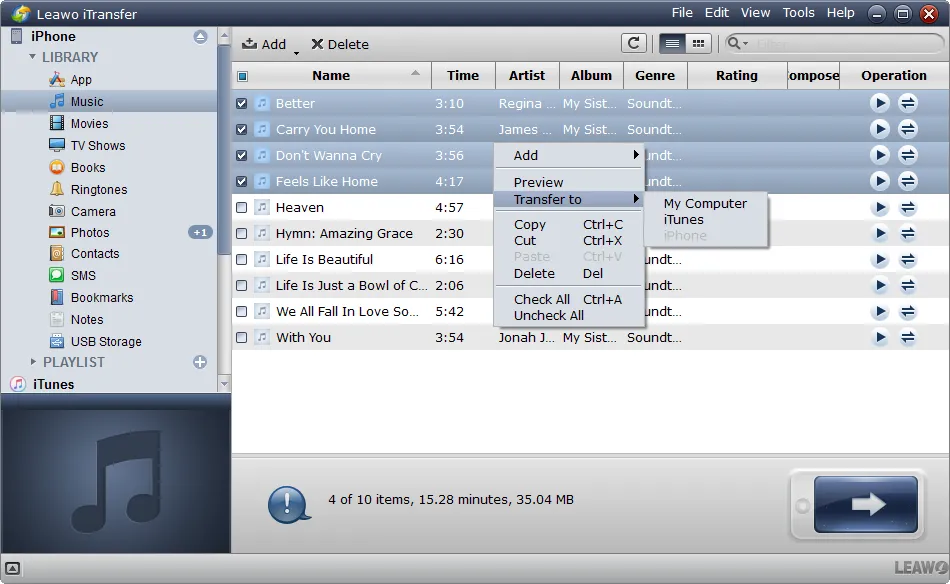
Step 2: Choose files to transfer
Choose files and then right click to choose “Transfer to > My Computer” for transferring.
Step 3: Set output folder
On the pop-up “Transfer” interface, set output folder and then click “Transfer Now” button.
System Requirments


Size 39 MB
Version
Update

Testimonials

"
The iTransfer is a much more polished tool for managing files on an Apple device, and the designers have put a lot of thought into streamlining the process of transferring files.

Benchmark Reviews Editor

"
If you are a music enthusiast and deal with a large number of tracks, you would need periodic clean ups. This kind of tool could be very useful. This is a very good tool.
Free Downloads Center Editor

"
I was shocked by how complete and thorough this program is! I had first downloaded and paid for a competitive program but it was horrible! I no longer need to look elsewhere!
Salik Khan
Latest Articles

Purchase Leawo iTransfer
$ 19.95

$ 29.95







Supported iOS Devices
iPad: iPad, iPad 2, iPad 3, iPad 4, iPad mini, iPad Air, iPad Air 2, iPad mini with Retina display, iPad Mini 3,iPad Pro.
iPod: iPod Classic 1/2/3, iPod Nano 3/4/5/6/7, iPod Shuffle 2/3/4, iPod touch 1/2/3/4/5.
Supported File Types