
How to Use Leawo DVD Ripper
This page shows you detailed steps on how to register Leawo DVD Ripper so as to enjoy the full feature of Leawo DVD Ripper and get better DVD movie ripping experience.


- Home
- /
- Leawo DVD Ripper
- /
- User Guide
How to Register Leawo DVD Ripper
1. Limitations of Trial Version
The trial version of Leawo DVD Ripper allows you to have a free trial before you purchase the registered version. It should be noted that the trial version is limited in features and functions. Here limitations of trial version are presented together with the method of getting the registered version.
Limitations of Trial Version:
The trial version allows you to convert only the first five-minute DVD content, and you cannot gain the free support from Leawo Software during the usage of the trial version.
2. Method of Getting Registered Version:
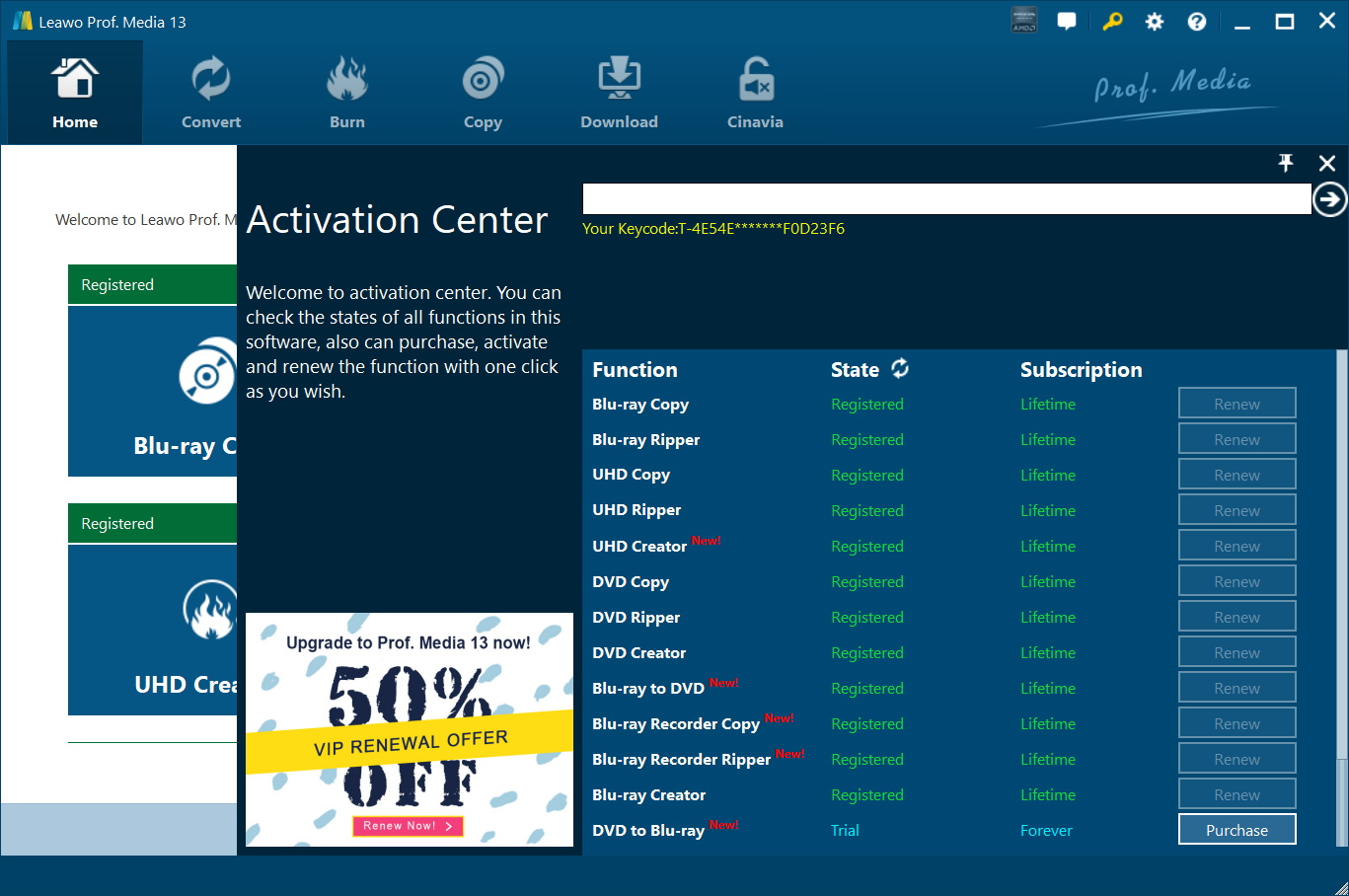
To enjoy the unlimited features of Leawo DVD Ripper, you need to purchase a registration code for getting the registered version. Click the key icon  at the top right to enter the activation center, where you need to click “purchase” button
  to get the registration code.
3. How to Register Leawo DVD Ripper
After receiving registration code, you are required to enter the code into the box and click  to activate the related functions.