



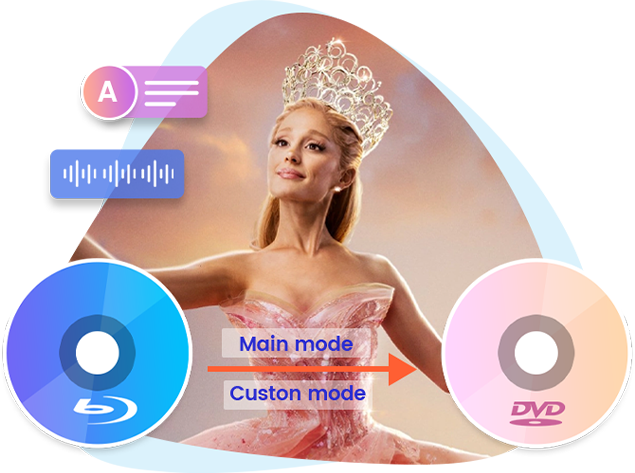
Convert Blu-ray to DVD with Selected Audio Track and Subtitle in Two Modes
100% Compatible with Any Popular DVD Player
6X Higher Conversion Speed

-

20+ Years Experience
-

10,000,000+ Happy Clients
-

100% Safe & Clean
-

100+ Countries
How to Convert Blu-ray to DVD
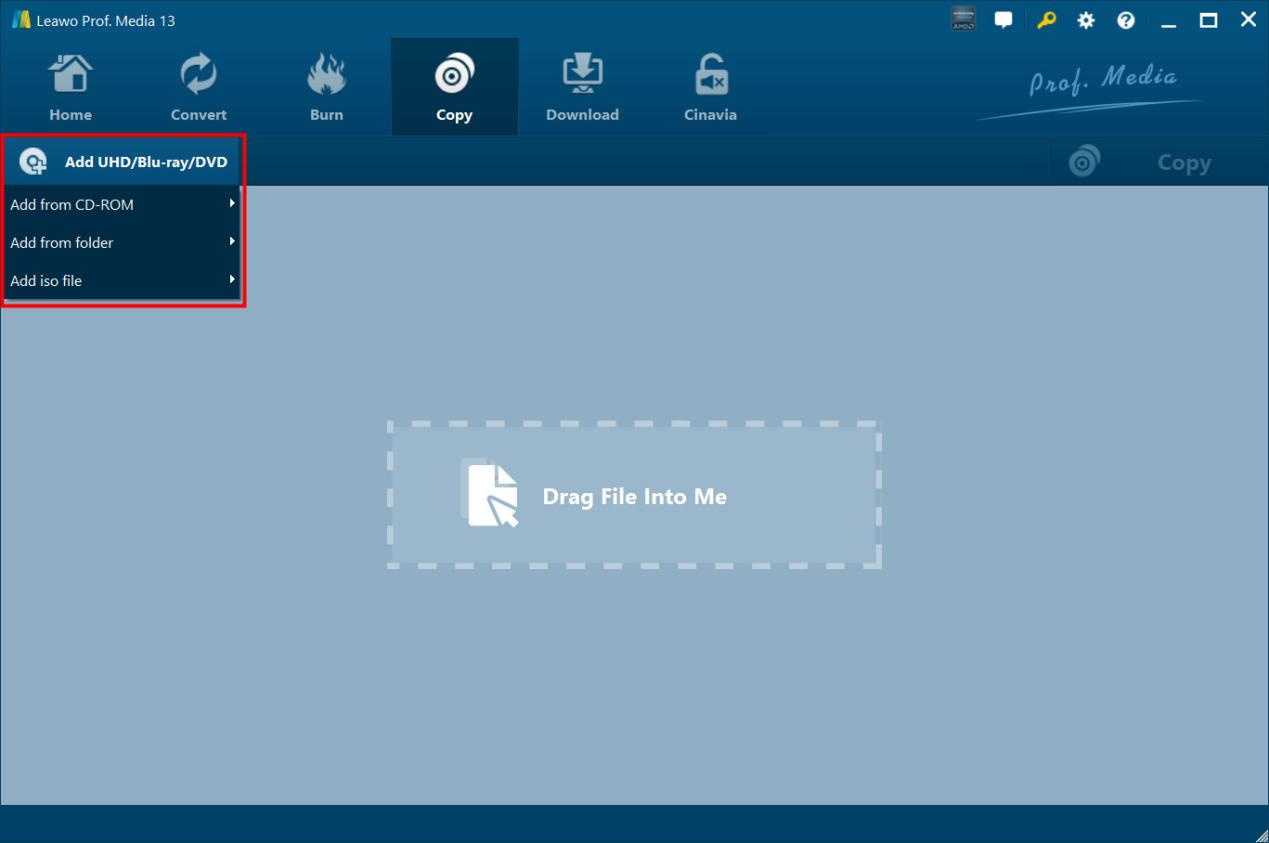
Step 1: Add source Blu-ray
On “Copy” tab, click “Add UHD/Bl-ray/DVD” drop-down button to add source Blu-ray.
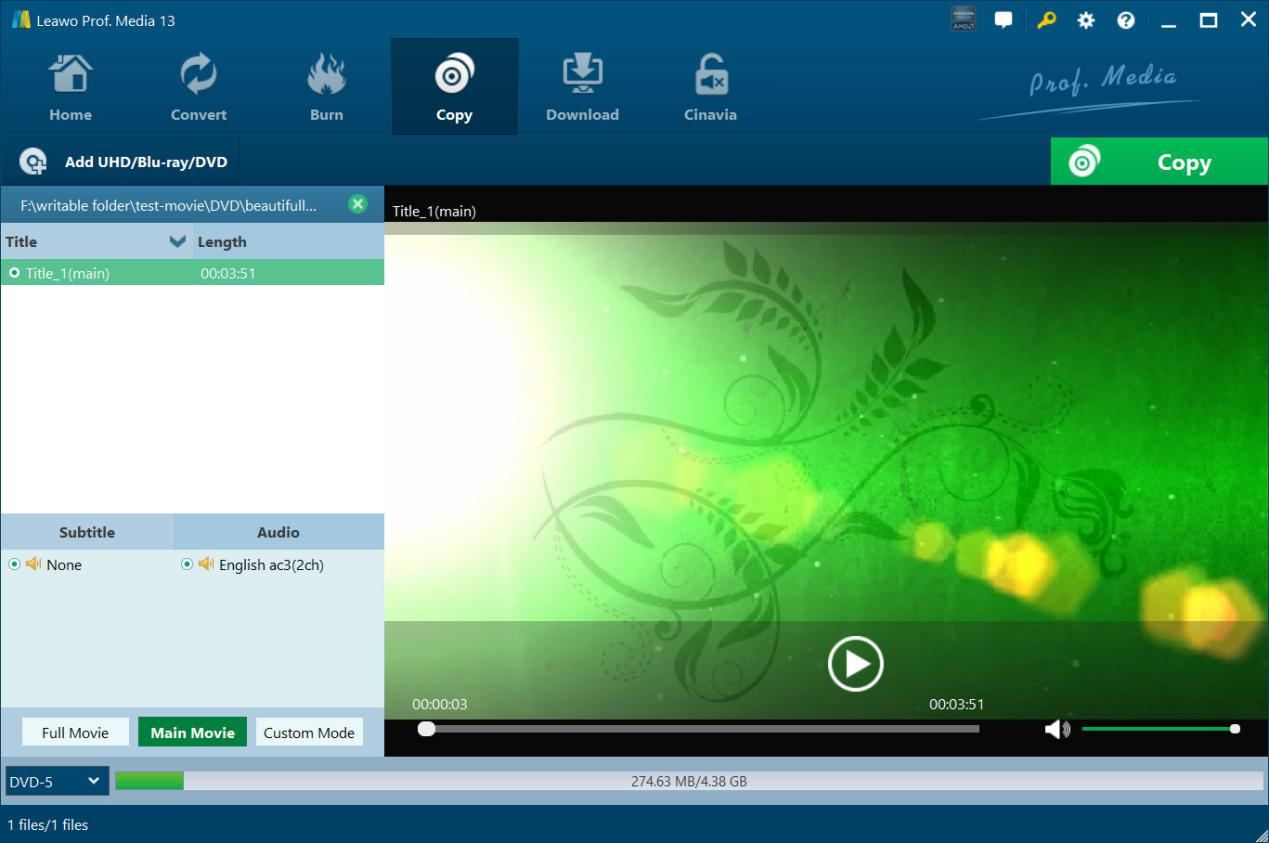
Step 2: Choose copy content
Choose copy mode, select copy content, audio tracks and subtitles, and set output DVD type.
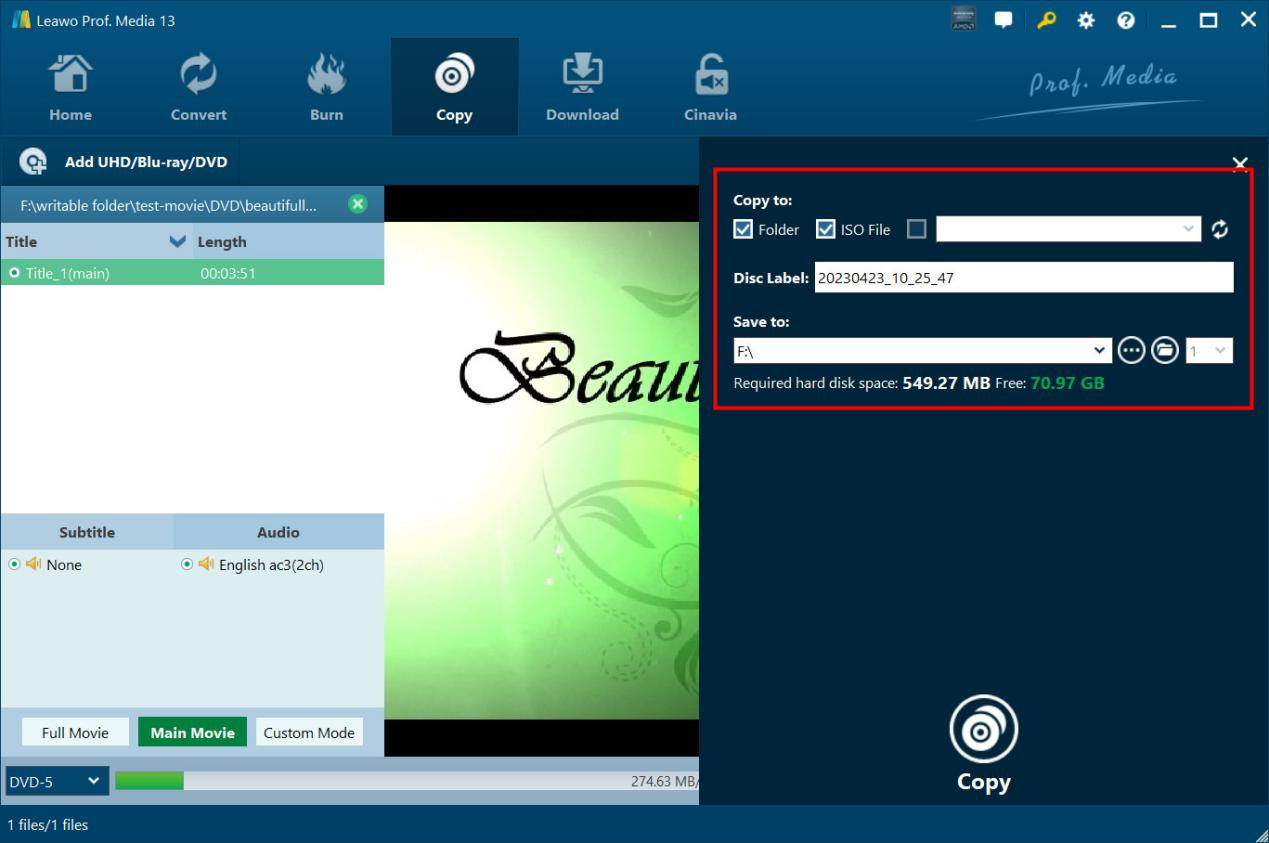
Step 3: Specify copy settings
Click the green “Copy” button to set Copy to, Disc Label and Save to options.
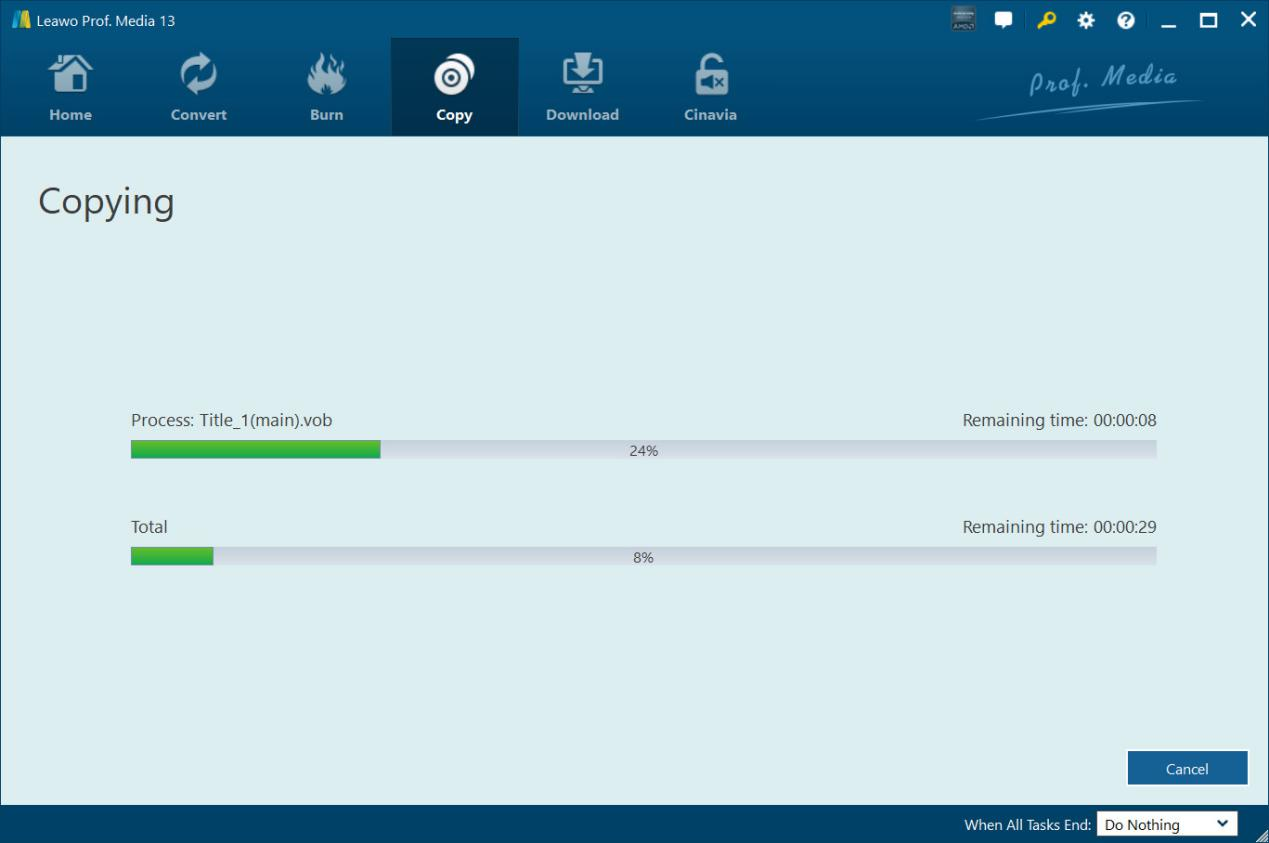
Step 4: Start copying Blu-ray to DVD
Click the bottom “Copy” button to start copying Blu-ray to DVD.
System Requirments


Size 186 MB
Version
Update
- Supported OS : Microsoft® Windows 7, Windows 8, Windows 8.1, Windows 10, Windows 11
- Processor : 1GHz Intel or AMD CPU
- RAM : 512MB RAM (1024MB or above recommended)
- Free Hard Disk : 25GB+ (Blu-ray Disc) hard disk space
- Graphic Card : NVIDIA GeForce GTX 260 and above
- Others : Blu-ray drive, DVD drive (optional), Internet Connection
- References
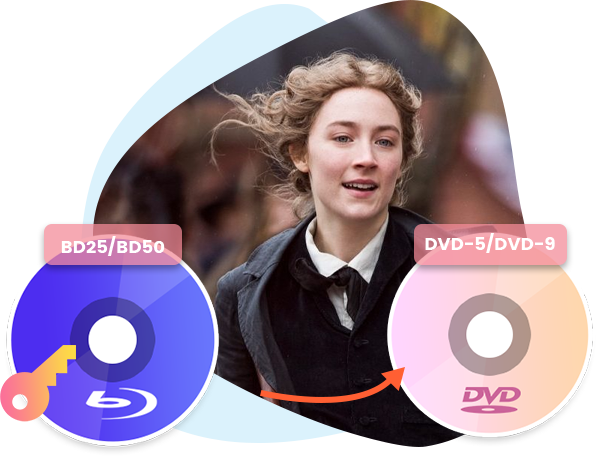
- Input File Format Supported : BD50/BD25 Blu-ray content in disc, folder and ISO image file
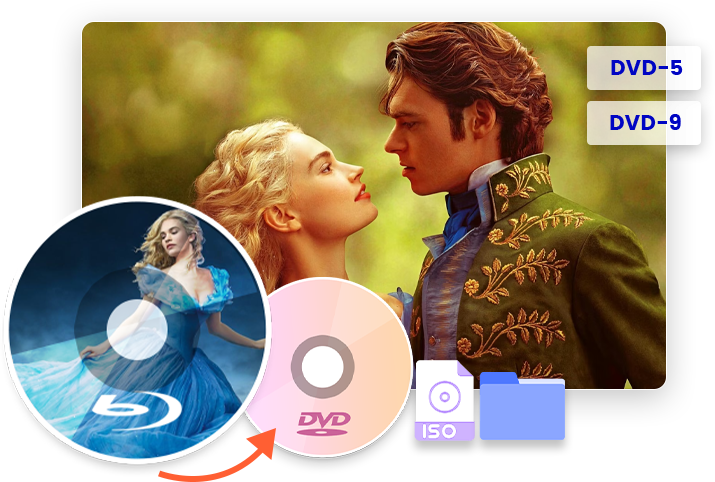
- Output File Format Supported : DVD-9/DVD-5 content in disc, folder and ISO image file
- Supported OS : macOS High Sierra (10.13), macOS Mojave (10.14), macOS Catalina (10.15), macOS Big Sur (11), macOS Monterey (12), macOS Ventura(13), macOS Sonoma (14), macOS Sequoia (15), macOS Tahoe (26)
- Processor : 1 GHz or above Intel Processor and Apple M1/M2 chip
- RAM : 512MB RAM (1024MB or above recommended)
- Free Hard Disk : 25GB+ (Blu-ray Disc) Free Hard Disk Space
- Others : Recordable Blu-ray drive, Internet Connection
- References
- Input File Format Supported : BD50/BD25 Blu-ray content in disc, folder and ISO image file
- Output File Format Supported : DVD-9/DVD-5 content in disc, folder and ISO image file

Testimonials
What Our Clients Say
-

"
The quality is the most important thing for copying Blu-ray to DVD. This tool performs quite well in this. High quality compression with little quality loss.
Michael Stan
-
-
"
This is excellent. Now I could back up my Blu-ray collections onto my DVD discs. This helps save my money. Wonderful.
Manney Williams
-
-
"
This tool is super easy to use and converts Blu-rays to DVDs fast. The quality is great, and I can choose subtitles and audio tracks. It’s definitely a keeper.
James Walker
-








Decrypt and Copy Blu-ray to DVD with High Quality