


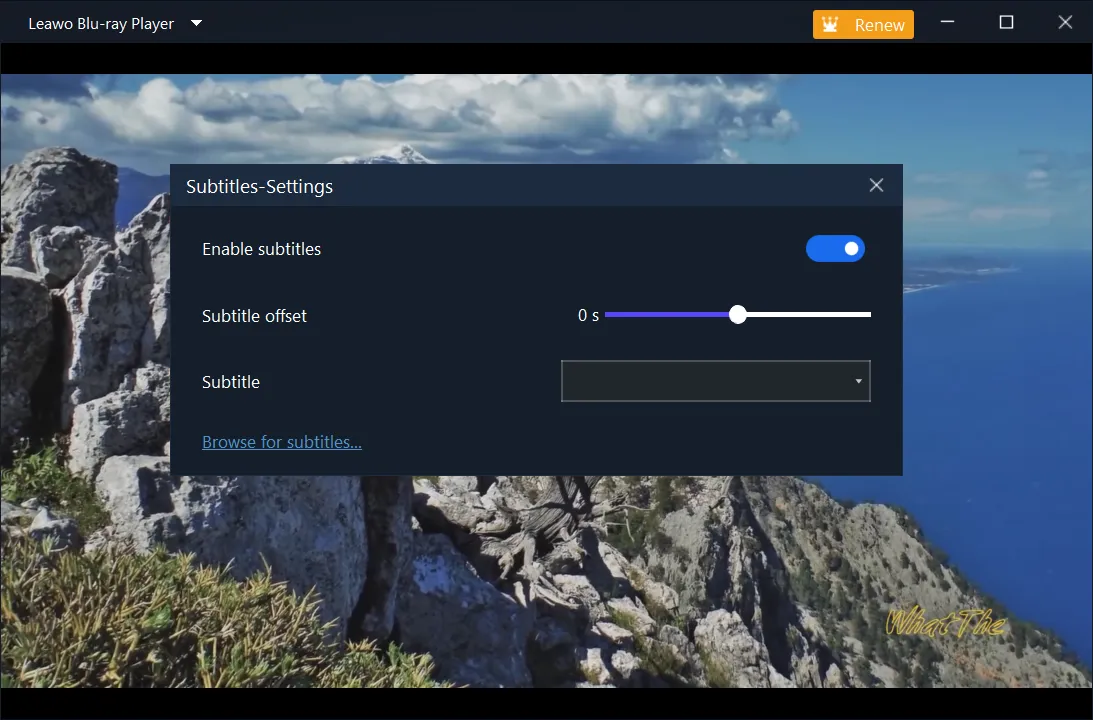
Freely select subtitles and audio tracks
During playback, this free Blu-ray playback software enables you to freely select subtitles and audio tracks from source media files, adjust subtitle effect, and even add external subtitles.
Blu-ray/DVD/4K HD Video Player in the World!
Downloads
 100% Safe & Clean |

 4.9(0)



Supported File Types
4K UHD Blu-ray disc, 4K UHD Blu-ray folder, 4K UHD Blu-ray ISO Image File
BD-R 1.1/BD-RE 2.1, BD-R 2.0/BD-RE 3.0, BDROM 2.2, BD-J, Blu-ray disc, Blu-ray ISO File
DVD-Video, DVD-VR, DVD+VR, DVD disc, IFO file, DVD ISO File
Blu-ray Disc (unencrypted and encrypted), DVDs, DVD-Video (including PAL DVD video), USB Flash Drives, and local Hard Disk Drives
AVI, MPEG, WMV, ASF, FLV, MKV/MKA (Matroska), QuickTime, MP4, M4A, AAC, NUT, Ogg, OGM, RealMedia RAM/RM/RV/RA/RMVB, 3gp, VIVO, PVA, NUV, NSV, NSA, FLI, FLC, DVR-MS and WTV
UPnP, NFS, SMB, Zeroconf
.AAC, .AC3, .APE, .DTS, .FLAC, .M4A, .MID, .MKA, .MP2, .MP3, .MPA, .OGG, .TTA, .WAV, .WMA
.M4V, .3G2, .3GP, .NSV, .TP, .TS, .TY, .RMVB, .IFO, .MOV, .QT, .DIVX, .XVID, .VOB, .PVA, .WMV, .ASF, .OGM, .M2V, .AVI, .AVC, .DAT, .MPG, .MPEG, .MP4, .MKV, .VIV, .DV, .FLI, .FLV, .WPL, .DVR-MS, .MTS, .M2T, .M2TS, .EVO, .OGV, .AVS, .VC1, .H264, .RCV, .WEBM, .BDMV, .WTV
Movie Experience
With advanced image and audio processing technology, Leawo Free Blu-ray Player software delivers superb movie experience, offering you cinema-like enjoyment on your home theatre system.


Multiple practical bonus features make Leawo Free Blu-ray Player software an even better choice for all media file playback. Get a wonderful movie watching experience in your own way.
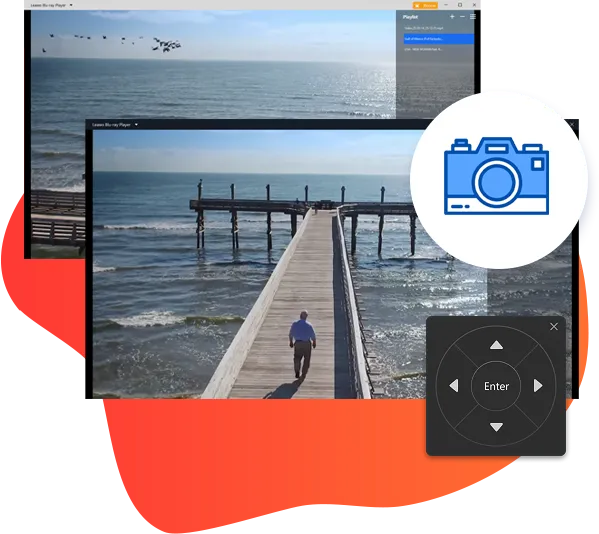
Through virtual controller, you can select what to play on disc menu during Blu-ray/DVD disc playback, such as Languages, Scene Selections, etc. (make sure there are menus on your disc)
This free Blu-ray playback software even allows you to change program skin, interface language and background according to your own preferences.
With a screenshot snapper built in, Leawo free Blu-ray Player software enables you to take screenshots during movie playback anytime you like and save in either JPG, PNG or BMP format.
Personalized Settings
Sophisticated program settings are displayed in a novice friendly way. Leawo Free Blu-ray Player software has done all program settings for you automatically, but, not against any of your willing of changes. These make it the best free software to play Blu-ray on Windows, and DVD, video, audio, ISO file, etc.

Freely select subtitles and audio tracks
During playback, this free Blu-ray playback software enables you to freely select subtitles and audio tracks from source media files, adjust subtitle effect, and even add external subtitles.

Determine file associations at will
Leawo Free Blu-ray Player software would automatically associate all files in the formats it could recognize and play back. However, on the program settings panel, you could change the file association as you like.

Change aspect ratio for different displays
For better movie experience, Leawo Free Blu-ray Player software allows you to freely change video aspect ratio from zoom, stretch 2:3, wide zoom, stretch 16:9, and original, or even custom aspect ratio.

Advanced hardware acceleration
With GPU graphics card hardware decoding supported, Leawo Free Blu-ray Player could decode source media files much faster to enable fluent and smooth media decoding and playback.

Multi-angles for immersive watching experience
Leawo Blu-ray Player also enables you to play multi-angle Blu-ray discs. You can select different watching angles to get more comprehensive view of the movie scene and enjoy an immersive watching experience as if you were in the movie.

20+ Years Experience

10,000,000+ Happy Clients

100% Safe & Clean

100+ Countries
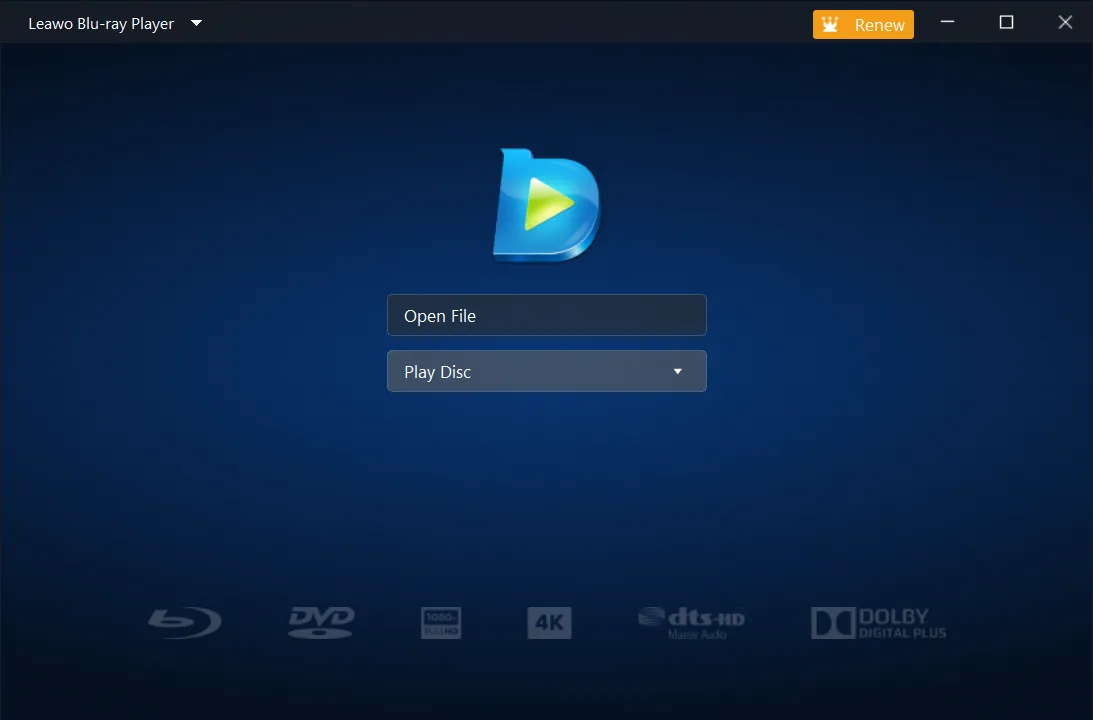
Step 1: Add source media file
Click to add either disc from disc drive or single file from hard drive.
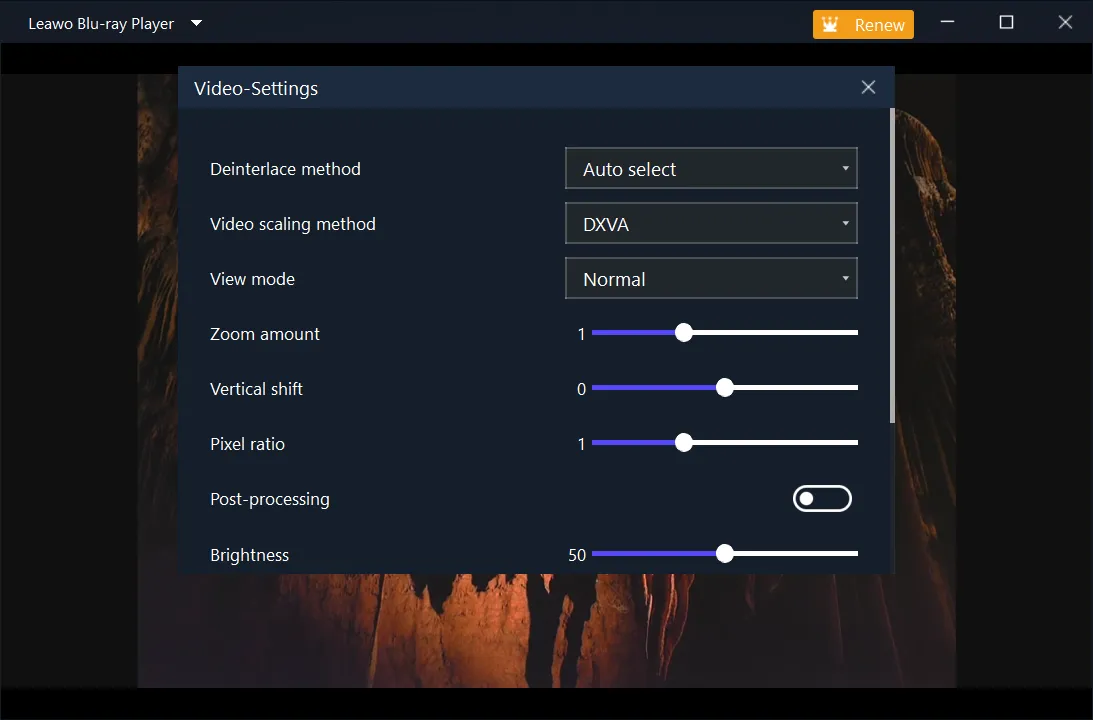
Step 2: Set video playback
Right click and then choose "Videos..." to set video playback effect.
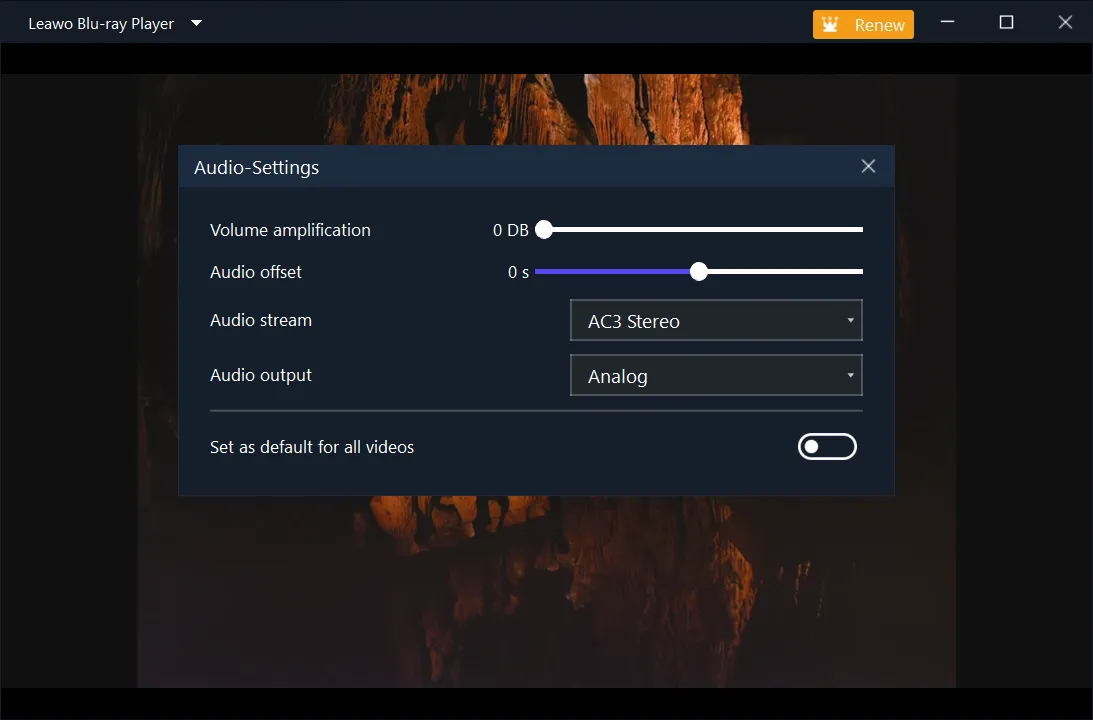
Step 3: Set audio effect
Right click and then choose "Audios..." option to set audio playback effect.
Step 4: Choose subtitle
Right click and then choose "Subtitles..." option to set subtitles.
System Requirments


Size 122 MB
Version
Update

Testimonials

"
You will definitely keep this software for its region-free and high-quality. Now it even supports free 4K Blu-ray playback.
CNET Editor

"
Leawo Free Blu-ray Player is easy to use for even beginners, practical in functions and powerful in performance.
Softpedia

"
With Leawo Free Blu-ray Player, HD movie enjoyment on Windows computer could be greatly improved.
Techspot
Yes, Leawo Blu-ray Player is totally free for you to play media files including 4K Blu-ray, Blu-ray, DVD, HD video, audio and ISO image file for free. It is free to download, install and use.
Yes, it is. Leawo Free Blu-ray Player is an all-region Blu-ray media player suite that could play back Blu-ray discs of region A, B and C, and DVD discs from region 0 to 6. There is no need to switch the region code. It automatically get rid of region restrictions and plays Blu-ray/DVD discs without limit.
Yes. Leawo Free Blu-ray Player could recognize and play back 4K Blu-ray discs smoothly and fluently.
Yes. Leawo Free Blu-ray Player could perform as 4K video player to play back 4K videos smoothly. Of course, the playback quality depends largely on your screen display.
The Leawo Blu-ray Player Premium is a combination of Leawo Free Blu-ray Player and Blu-ray to Lossless MKV Converter. Besides playing back media files of various types for totally free, Leawo Blu-ray Player Premium also enables you to convert Blu-ray to lossless MKV files. There is neither decoding nor encoding in Blu-ray to Lossless MKV conversion, therefore no quality loss happens.
Latest Articles

Purchase Leawo Blu-ray Player
$ 44.95

$ 99.95
41% OFF
1 License for 1 Mac
All Features for Lifetime
One-time Payment
14 Days Money Back Guarantee
Unlimited Free Upgrades







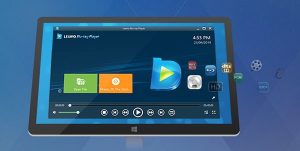
Quality-lossless image for even 4K video
Stereo audio enjoyment
Region-free Blu-ray/DVD player
Superb decryption performance