-
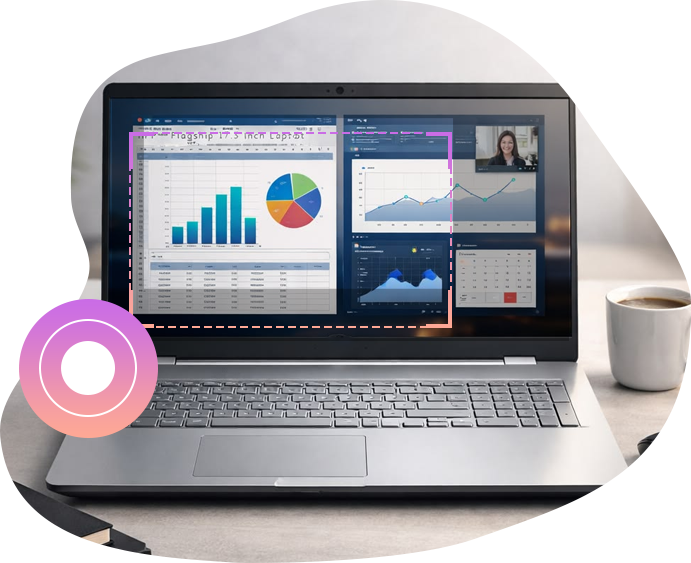
Screen Recorder
Record All Activities on Computer Screen as HD Screencast
-
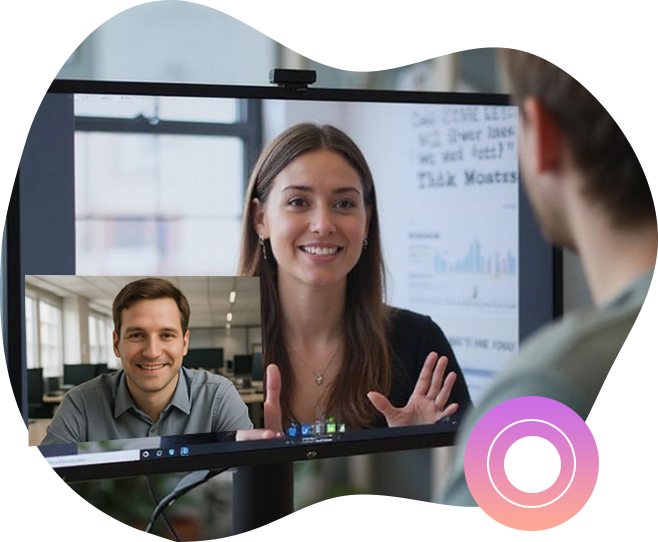
Webcam Recorder
Record Video from Your Webcam
-
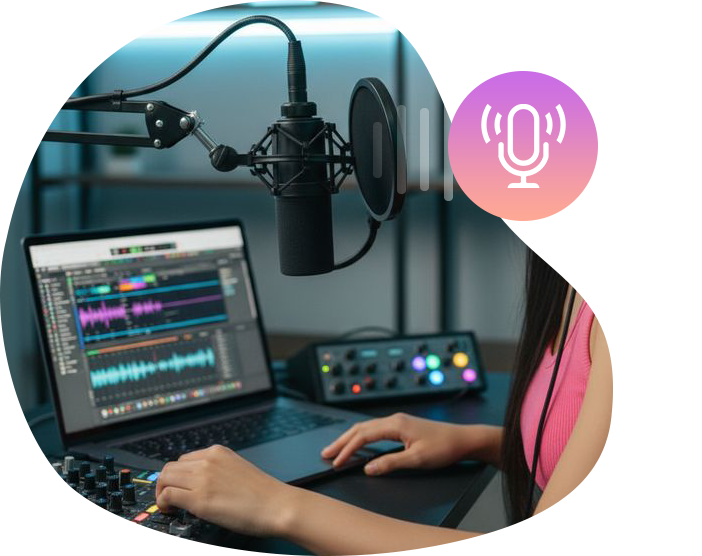
Audio Recorder
Record Sound from System and/or Microphone
-
Screen Capture
Capture Anything on Screen as Screenshot


 100% Safe & Clean |
 License Instant Delivery |

 4.9(0)

Application Scenarios
Multifunctional Screen Recorder for Various Occasions
The best screen recorder with audio to help you record video and audio with ease.
-

Built-in player
Built-in media player enables you to play loaded videos and generated photo slideshow. It could play up to 4K videos without quality loss.
-

Instant previewer
The Blu-ray burner software offers instant preview during video editing, 3D movie applying, photo slideshow editing, disc menu selecting and designing.
-

Screenshot snapper
With a built-in camera, during playing back loaded video, this Blu-ray DVD burner could take screenshots and save in JPG, BMP, or PNG format.
-

Batch burning
This Blu-ray burner software supports importing multiple media files at the same time and then burning to one Blu-ray/DVD file in batch.
-

Source Chapters Keeping
This burning program also enables users to save the chapters from MP4, MKV and Blu-ray source movies before the burning process and get better content organization in the output.
-

User-friendly Interface
Leawo Blu-ray Creator is designed with easy-to-use interface. Simple steps to import source, set directory and start the burning process. This comprehensive software is very friendly even for green hands.
Other Highligt Features
More Features for Better Screen Recording Experience
Apart from main features, this powerful screen recorder software also integrates more advanced functions to enhance screen recording experience.
-
Define recording area
Select to record full screen or any area of your screen
-
Scheduled recording
Set multiple screen capture tasks for more efficient screen recording
-
Mouse effects
Add mouse click animation while screen recording
-
Real-time drawing
Annotate or draw during recording to better present highlights
-
Add audio narration
Freely add audio narration and background music during recording
-
Add watermark
Add your own logo or watermark to your recording
-
Shortcut controls
Instantly capture screenshots from your recordings and then make an edit
-
Output HD video
Output your recordings in high quality with multiple preset formats
-

20+ Years Experience
-

10,000,000+ Happy Clients
-

100% Safe & Clean
-

100+ Countries
How to Record Screen Activity
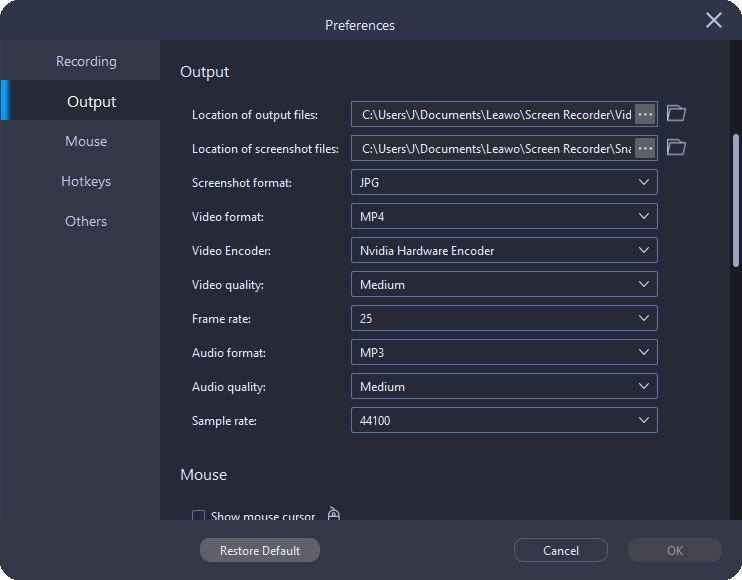
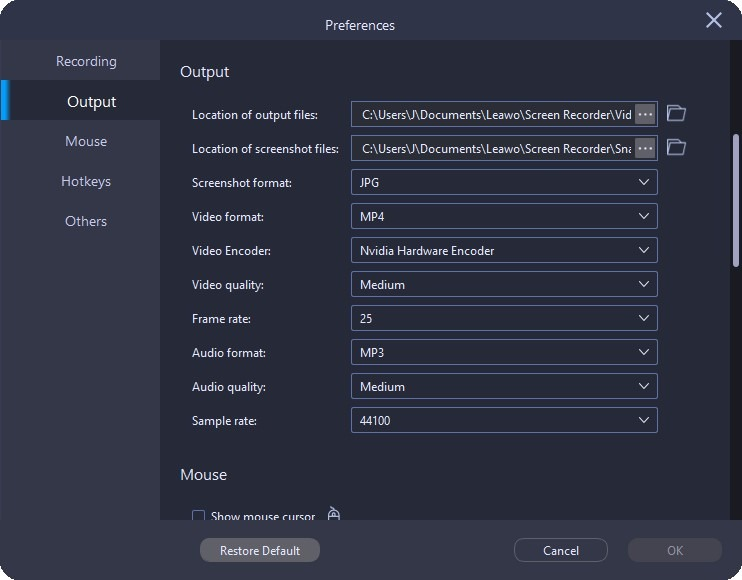
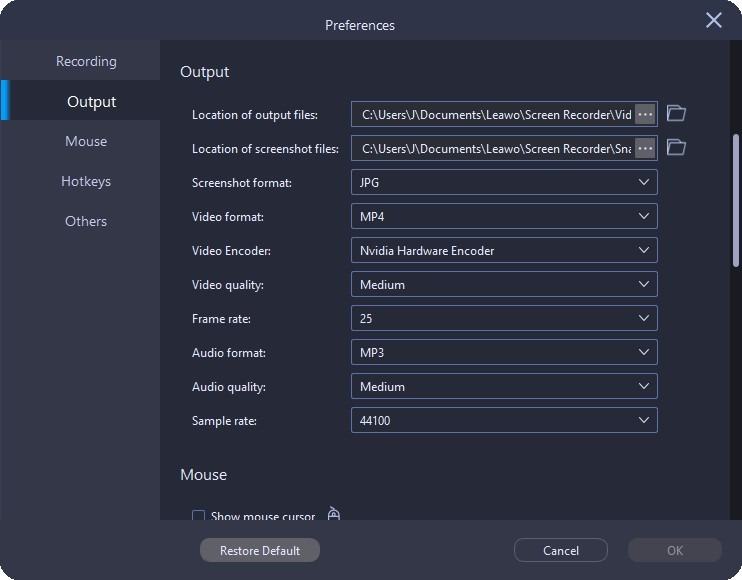
Step 1: Set output preferences
Open the “Preferences” panel to complete output settings.
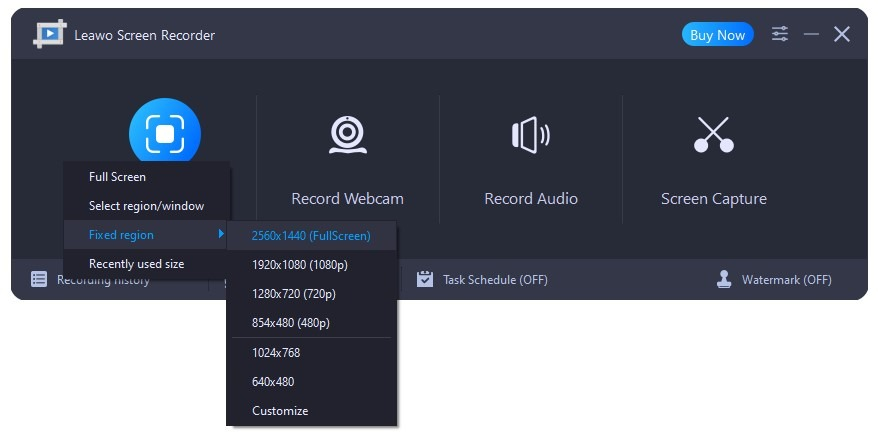
Step 2: Choose recording area
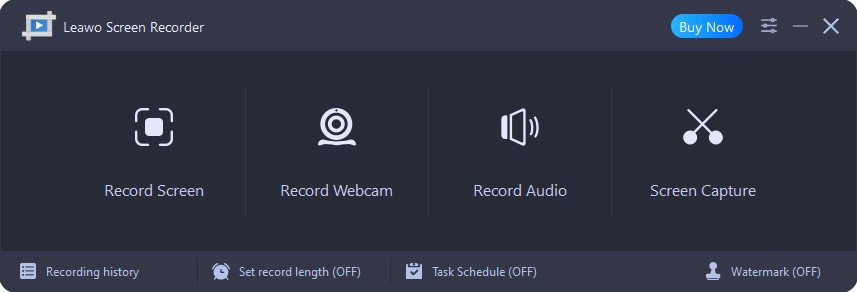
Click "Record Screen" button on the main interface to set recording area.
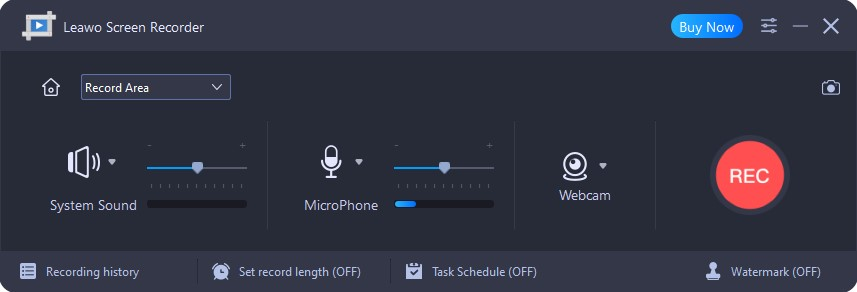
Step 3: Configure recording settings
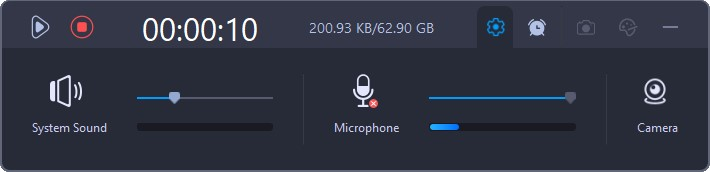
Choose recording audio, set record length, turn on Task Schedule, determine watermark, etc.
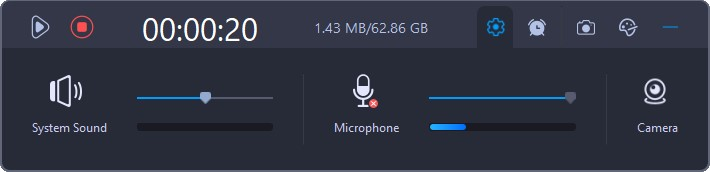
Step 4: Start recording
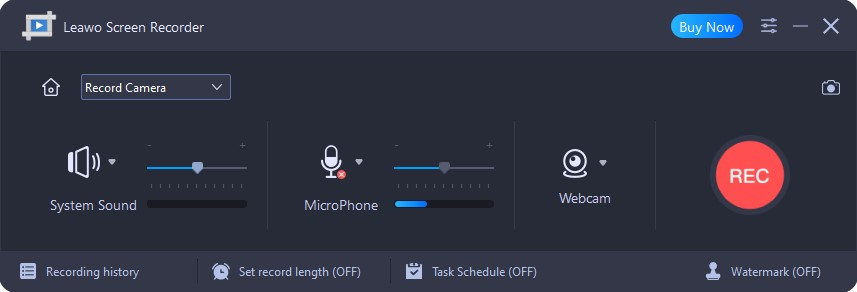
Click the red REC button to start recording.
How to Record Webcam Video
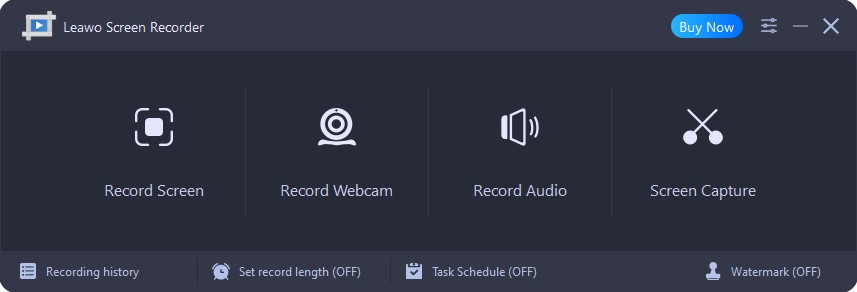
Step 1: Enter Webcam recorder
Enter the “Record Webcam” module.
Step 2: Set output preferences
Open the “Preferences” panel to complete output settings.
Step 3: Configure recording settings
Choose recording audio, set record length, turn on Task Schedule, determine watermark, etc.
Step 4: Start recording
Click the red REC button to start recording.
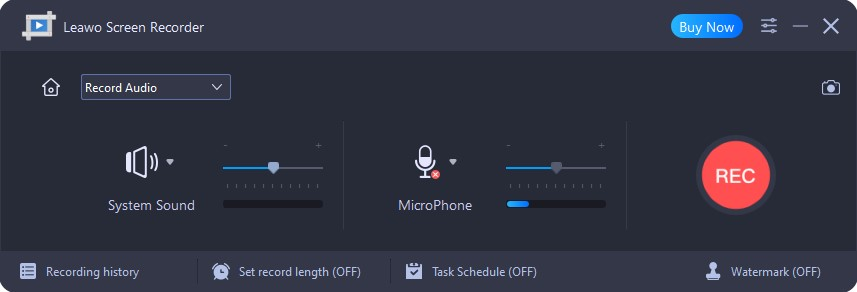
How to Record Audio
Step 1: Enter Audio recorder
Enter the “Record Audio” module.
Step 2: Set output preferences
Open the “Preferences” panel to complete output settings.
Step 3: Configure recording settings
Decide audio recording settings and then click the red REC button to start recording audio.
How to Snap A Screenshot
Step 1: Set output preferences
Open the “Preferences” panel to complete output settings.
Step 2: Enter Screen Capture
Enter the “Screen Capture” module.
Step 3: Start capturing screenshot
Choose a snapping mode to screenshot screen.
Step 4: Output screenshots
Add effects to screenshots and save them.
System Requirments


Size 64.7 MB
Version
Update
- Operating System : Microsoft Windows 7, 8, 10, 11 (64-bit)
- CPU : 1GHz or faster Intel/AMD processor
- RAM : 1G or above

Testimonials
What Our Clients Say
-

"
The epidemic has dealt a heavy blow to our company, and we were forced to work online. I happened to find this video recording software, which I can use to highlight key points and add audio annotations to my colleagues. Now everything is back to normal. Thank You!!
From G.K
-
-

"
Hi there, I found that this screen recorder offers much more features than others do. In addition to recording my computer screen, it can also record video from my webcam. And the most importantly, it is very simple to use!
From Fiona
-
-

"
I was preparing to be a game anchor, but when everything was ready, I found that there was no software that allowed me to record gameplay. Thank God for letting me find this software. It does an excellent job on recording gameplay in high quality.
From Jacob
-
Latest Articles