feature
Copy DVD to Blu-ray

Convert Various DVDs to Blu-ray Disc/Folder/ISO Files

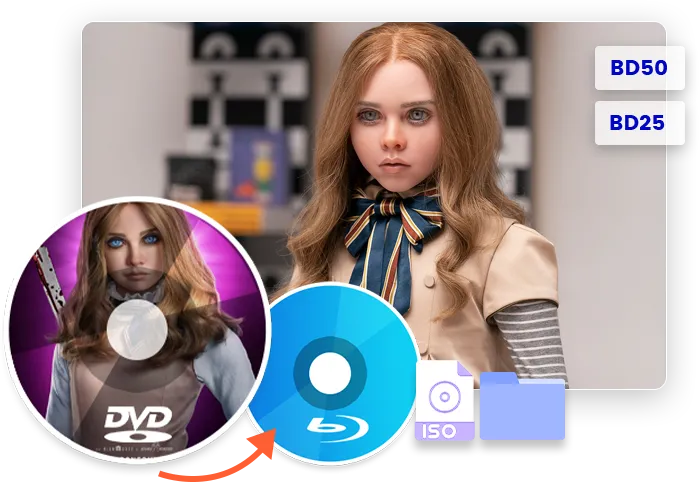
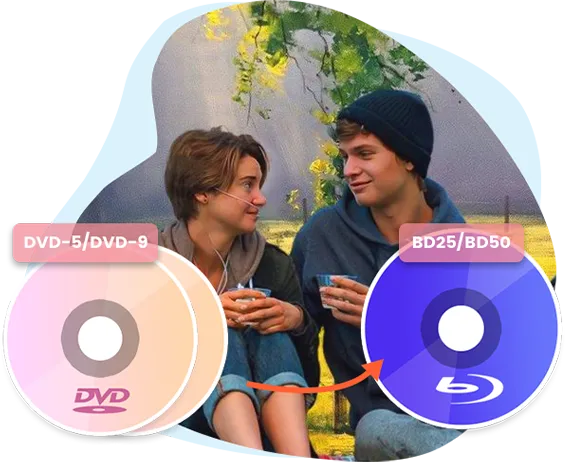
Leawo DVD to Blu-ray Converter could decode and convert DVD disc, folder and ISO image file to BD50/BD25 disc, folder, and/or ISO image file. It supports copying multiple DVDs into one Blu-ray, for playing DVD back on various Blu-ray players with Blu-ray level movie effect.
Copy Modes

Convert All or Selected Titles from DVD/Multiple DVDS to Blu-ray
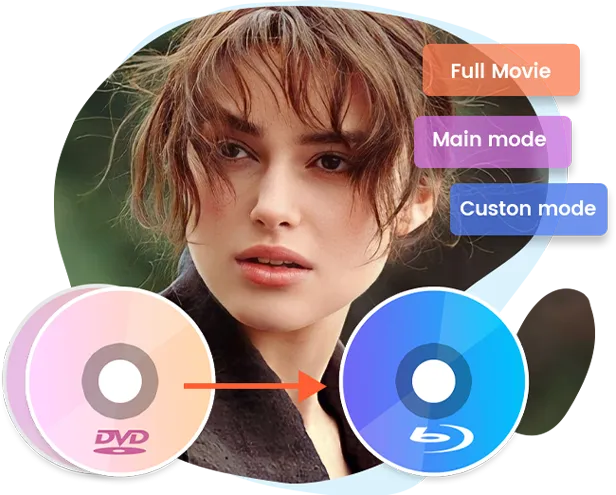
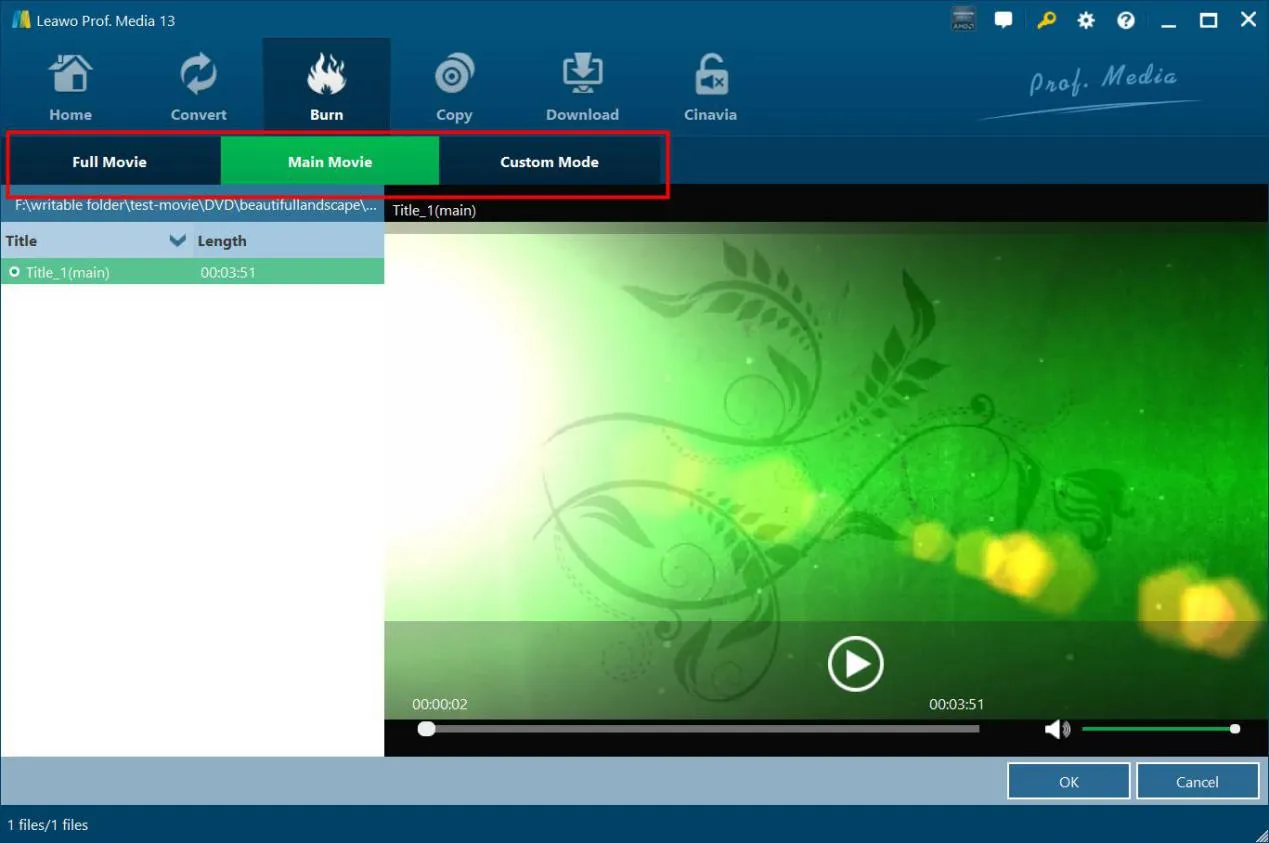
Leawo DVD to Blu-ray Converter could load and convert all or selected titles from one or multiple DVD sources to Blu-ray content, and enable title order adjusting to get Blu-ray content in desired order. The Full Movie, Main Movie and Custom Mode enable better and quicker source DVD content loading.
feature
feature
Customize DVD Menu

Add Preset Disc Menu or Even Design Personalized Menu Cover at Will

Leawo DVD to Blu-ray Converter provides quite a few preset disc menu templates for burning DVD to Blu-ray, allowing disc menu preview. Meanwhile, the internal disc menu editor provides disc menu customization features like adding background music, image or video, adjusting menu title and text font/color, etc.
Lossless Quality

Convert DVD to Blu-ray with Original Quality
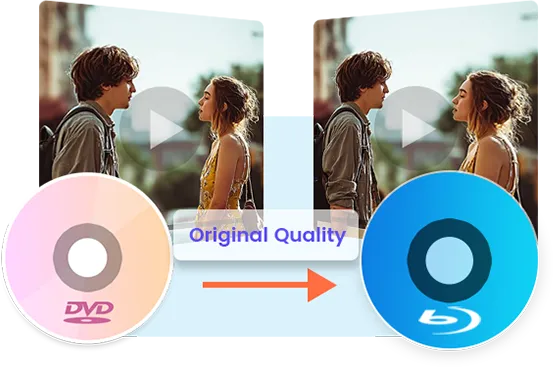
With advanced DVD to Blu-ray processing technology, Leawo DVD to Blu-ray Converter could not only convert DVD to Blu-ray, but complete DVD to Blu-ray conversion smoothly and without quality loss. No image distortion and audio loss in output Blu-ray.
feature
feature
Retain Audio Tracks & Subtitles

Retain All Subtitles and Audio Tracks in Output Blu-ray

No matter what subtitles and audio tracks are included in source DVD content, Leawo DVD to Blu-ray Converter helps retain all these subtitles and audio tracks in output Blu-ray content. Watching DVD content in Blu-ray format in desired language and subtitle is easy.
Download Leawo DVD to Blu-ray Converter for Mac Now !
  • 20+ Years Experience

  • 10,000,000+ Happy Clients

  • 100% Safe & Clean

  • 100+ Countries

How to Convert DVD to Blu-ray

Step 1: Add source DVD

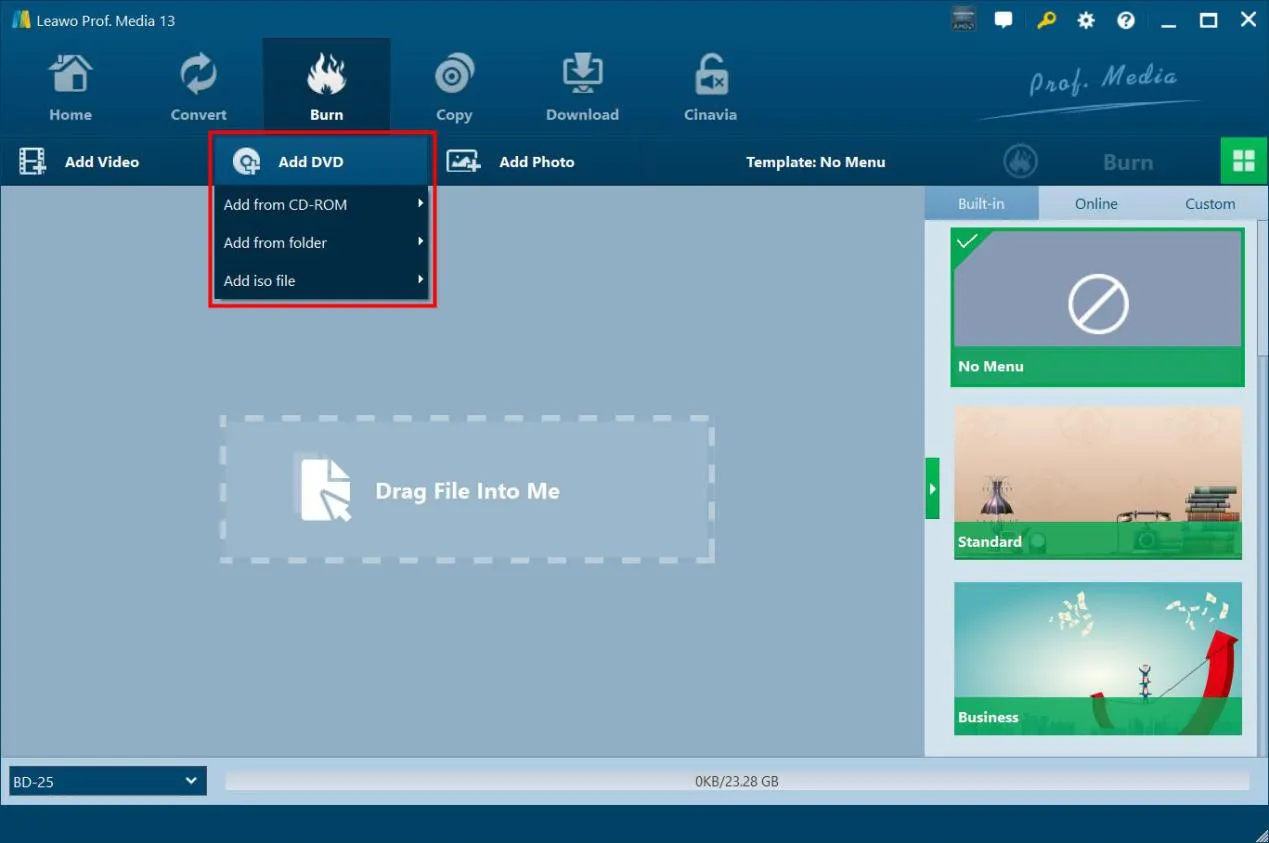
On “Burn” tab, click “Add DVD” drop-down button to add DVD disc, folder or ISO file.

Step 2: Choose copy mode

Select source DVD content, subtitles and audio tracks, set output Blu-ray type, add disc menu if needed.

Step 3: Specify DVD to Blu-ray settings

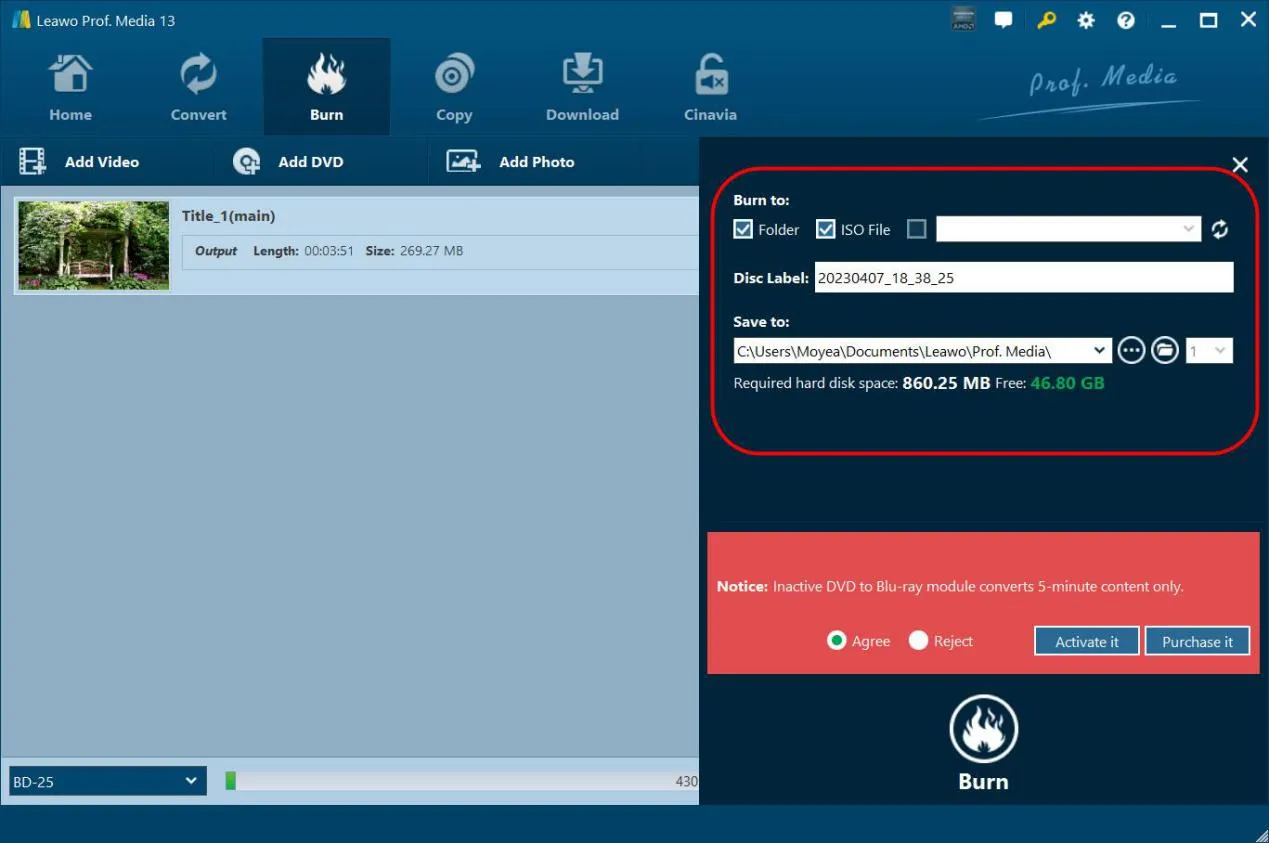
Click the green “Burn” button to set Burn to, Disc Label and Save to options for burning.

Step 4: Start converting DVD to Blu-ray

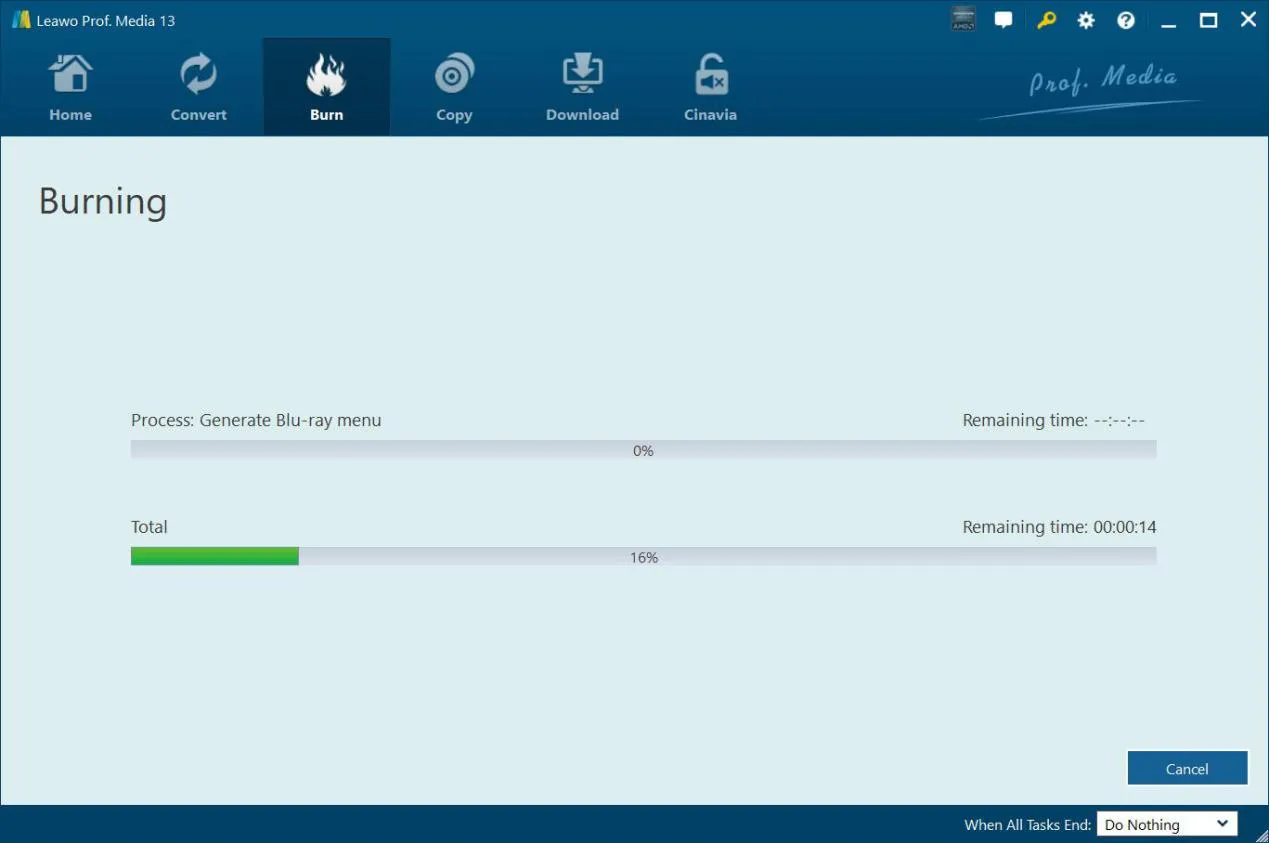
Click the bottom “Burn” button to start burning DVD to Blu-ray.
Visit Full User Guide >
Step1 Step2 Step3 Step4

    System Requirments

    Leawo DVD to Blu-ray Converter
    Languages
    中文 English Japan deutsch francais Italiano Español 한국어

    Size 186 MB

    Version

    Update

    • Supported OS : Microsoft® Windows 7, Windows 8, Windows 8.1, Windows 10, Windows 11
    • Processor : 1 GHz or above Intel/AMD Processor
    • RAM : 512MB RAM (1024MB or above recommended)
    • Free Hard Disk : 5GB+ (DVD) / 25GB+ (Blu-ray Disc) hard disk space
    • Graphic Card : NVIDIA GeForce GTX 260 and above
    • Others : Recordable Blu-ray drive, Internet Connection
    • Supported OS : macOS High Sierra (10.13), macOS Majave (10.14), macOS Catalina (10.15), macOS Big Sur (11), macOS Monterey (12), macOS Ventura(13), macOS Sonoma (14), macOS Sequoia (15), macOS Tahoe (26)
    • Processor : 1 GHz or above Intel Processor and Apple M1/M2 chip
    • RAM : 512MB RAM (1024MB or above recommended)
    • Free Hard Disk : 5GB+ (DVD) / 25GB+ (Blu-ray Disc) hard disk space
    • Others : Recordable Blu-ray drive, Internet Connection
    button

    Testimonials

    What Our Clients Say

    • avatar

      "

      The best DVD tool I have ever used for merging my many DVDs to Blu-ray discs. Greatly saved my time and space. Now my old DVD collections could be much better backed up and saved.

      • star
      • star
      • star
      • star
      • star

      Michael Stan

    • avatar

      "

      A very smart tool for backing up DVD contents. The movie-only DVD to Blu-ray conversion mode is especially useful.

      • star
      • star
      • star
      • star
      • star

      Milley Forbes

    • avatar

      "

      The best DVD tool I have ever used for merging my many DVDs to Blu-ray discs. Greatly saved my time and space. Now my old DVD collections could be much better backed up and saved.

      • star
      • star
      • star
      • star
      • star

      Stephen Miles

    button
    close

    Purchase Leawo DVD to Blu-ray Converter for Mac

    Windows
    Mac
    1 Year

    $ 44.95

    • 1 License for 1 PC
    • All Features for 1 Year
    • Auto-renewal. Cancel Anytime
    • 5 Days Money Back Guarantee
    • Unlimited Free Upgrades
    Top Seller
    Lifetime

    $ 69.95

    • 1 License for 1 PC
    • All Features for Lifetime
    • One-time Payment
    • 14 Days Money Back Guarantee
    • Unlimited Free Upgrades
    Blu-ray Ripper + Blu-ray Copy + DVD to Blu-ray Converter (Lifetime)

    $ 129.94 $269.85

    • 1 License for 1 PC
    • All Features of
      8 ModulesLeawo Blu-ray Ripper, Leawo DVD Ripper, Leawo Blu-ray Recorder Ripper, Leawo Blu-ray Copy, Leawo DVD Copy, Leawo Blu-ray Recorder Copy, Leawo Blu-ray to DVD Converter, Leawo DVD to Blu-ray Converter
      for Lifetime
    • One-time Payment
    • 14 Days Money Back Guarantee
    • Unlimited Free Upgrades
    41% OFF
    Prof. Media 13 + CleverGet Video Downloader (Lifetime)

    All of 17 modules included, provides full Solution to (4K UHD) Blu-ray, DVD and Video

    • Standard Price: $1269.15
    • Bundle Price: $389.88
    • Final Price: $229.95
    We Accept: