


 100%安全安心ショップ |
 ライセンス即時発行 |
 4.9(
4.9(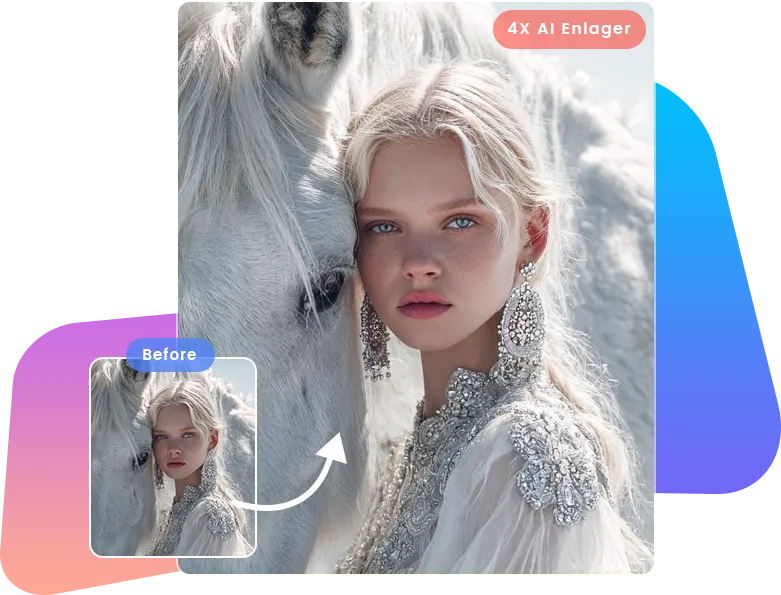

2023-08-03
【超簡単】写真をDVDに焼く方法まとめ!パソコンに保存可能!...
PCにたくさんのデータが保存されていて、ストレージがいっぱいになったことがあります...

Other Features
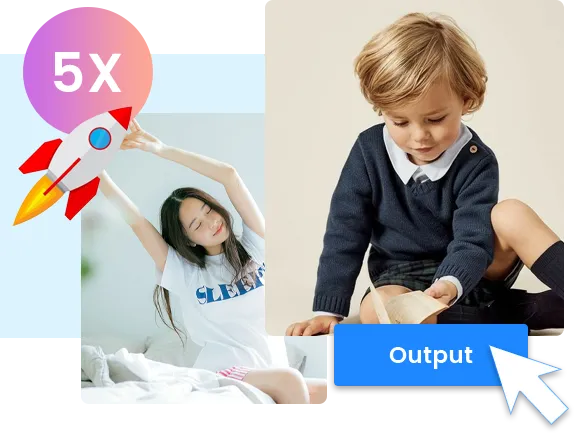
AI画像拡大機能だけでなく、Leawo Photo Enlargerは画像を0.5倍に縮小/ダウンスケーリングすることもできます。
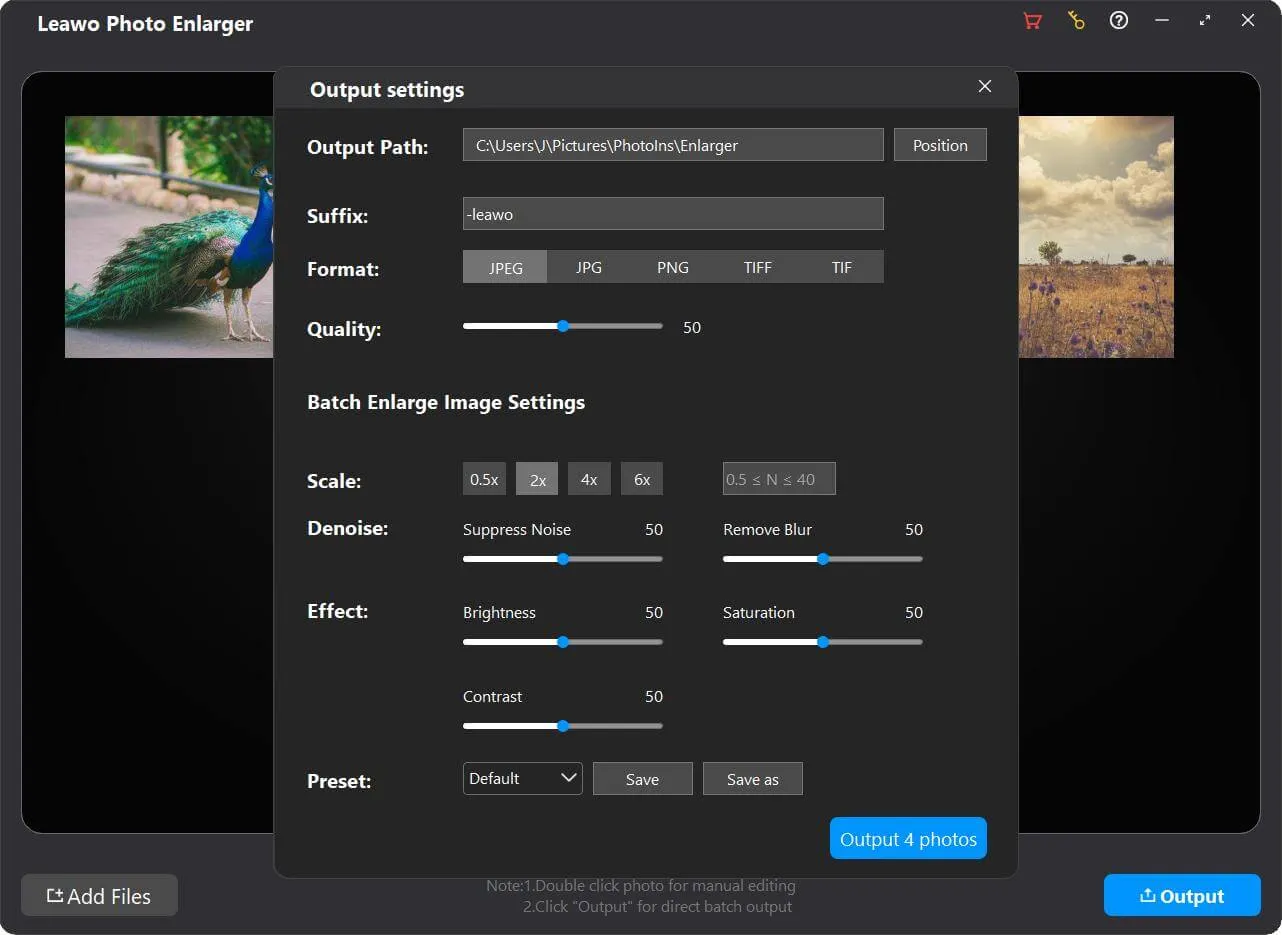
よく使うパラメータ設定をプリセットとして保存して、次回以降も簡単に適用できて便利です。
ワンクリックで画像の処理設定を任意の画像/すべての画像に適用できます。

20+ 年以上の経験

10,000,000+ 万人以上の満足顧客

100% 安全・クリーン

100+ ヶ国以上で利用
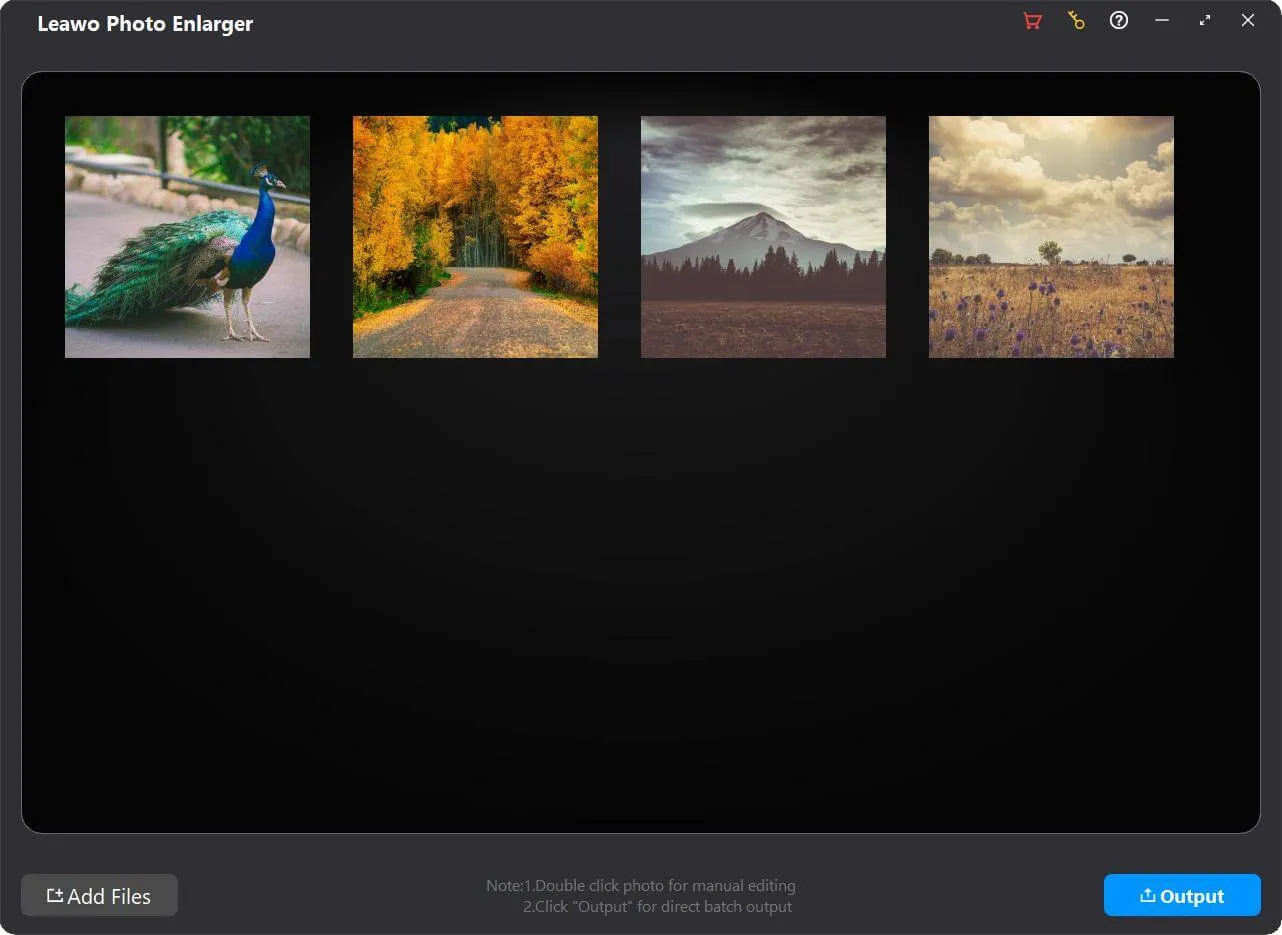
Step 1: Add source photos
Open the Photo Enlarger module and then click “Add Photo” button to add source photo files.
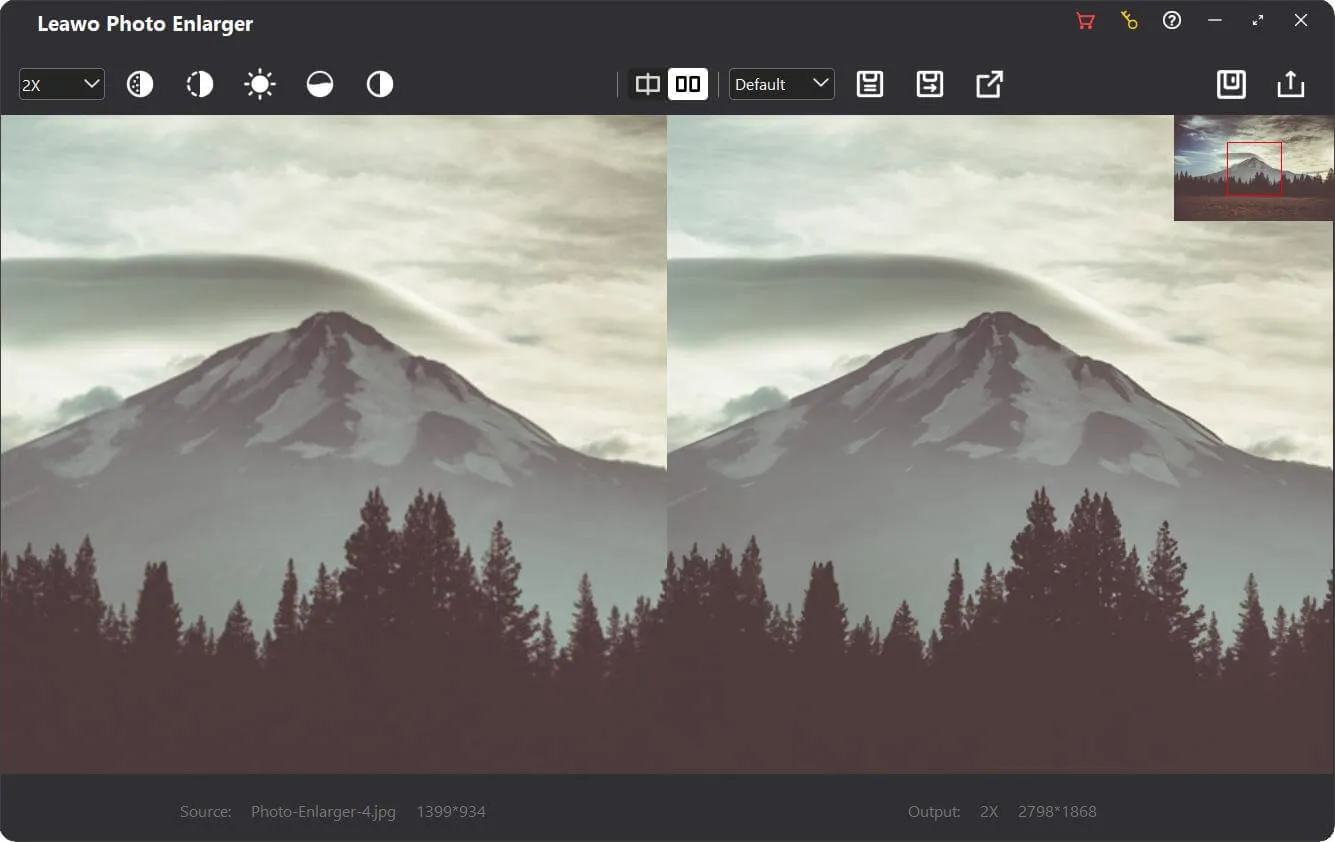
Step 2: Enlarge photos
Choose to enlarge photos in batch or manually enlarge photos one by one.
Step 3: Set output
Click the “Output” button to complete output settings recording photo enlargement.
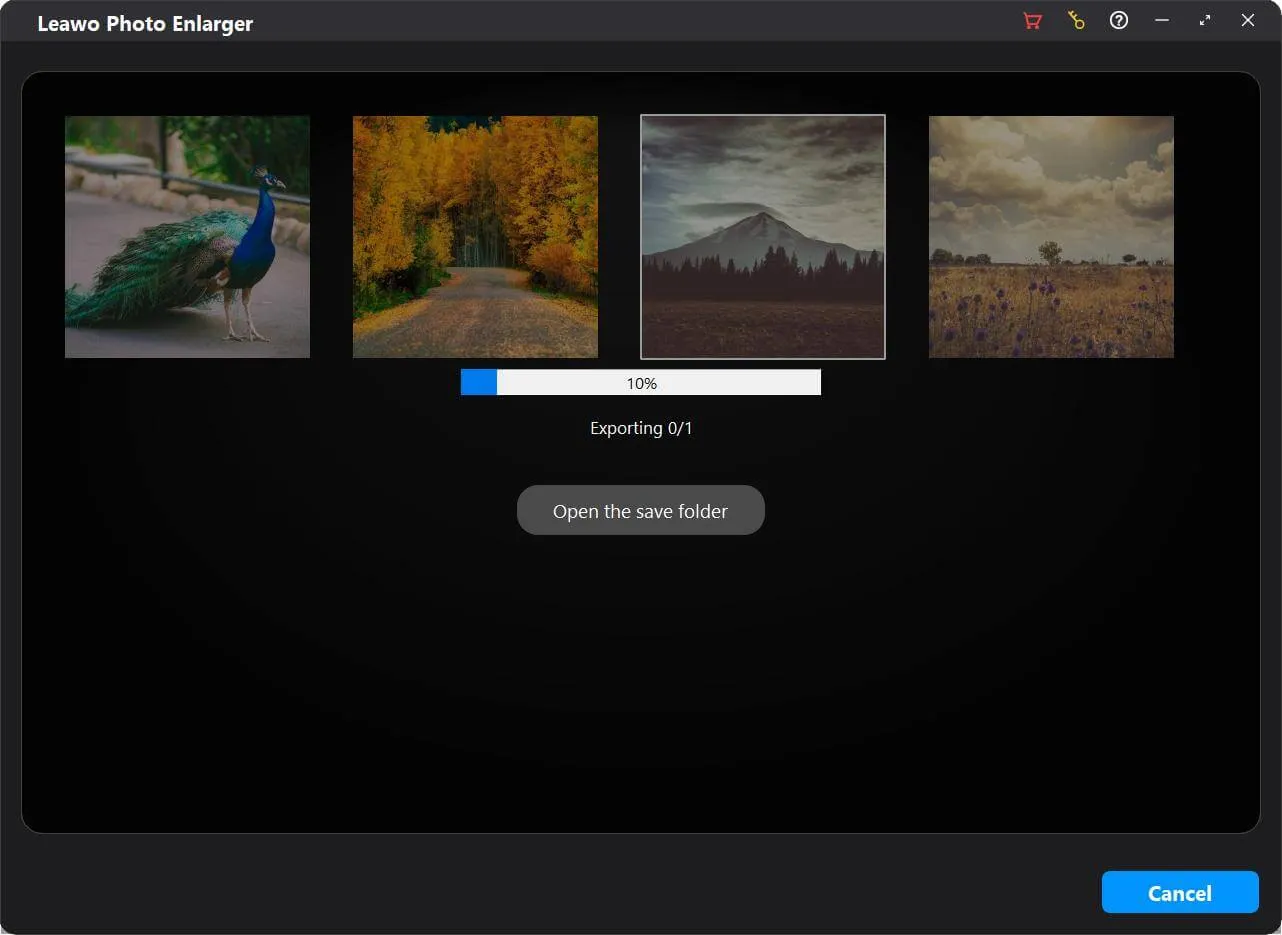
Step 4: Start photo enlarging
Click the blue “Output” button on the Output Settings panel to start enlarging photos.
動作環境


ファイルサイズ 3.4 MB
バージョン
更新日

レビュー

"
デジカメの写真の画質が粗くて、無理やり広げるとさらに荒い画像になります。そんな時にこのソフトに出会って、ほんと助かりました。簡単操作で常より綺麗に画像の拡大が可能で、細部まではっきりと見えます!

Lucia McDaniels

"
操作も簡単で、AIの自動最適化がとても便利。仕事の効率が上がりました。
田中昌平
"
ピクセルが荒れていた画像も自然に復元され、SNSでも好評です。
鈴木美穂
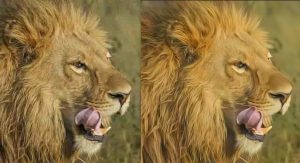

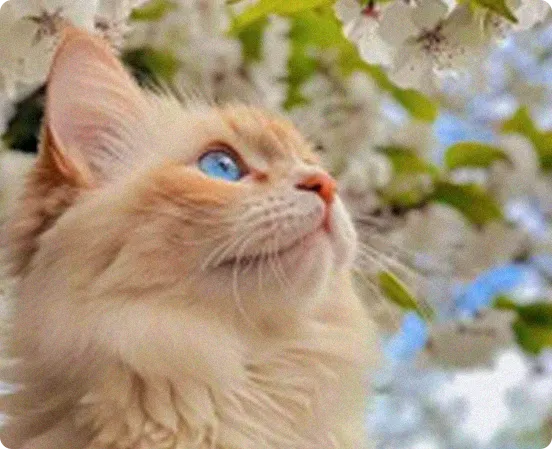
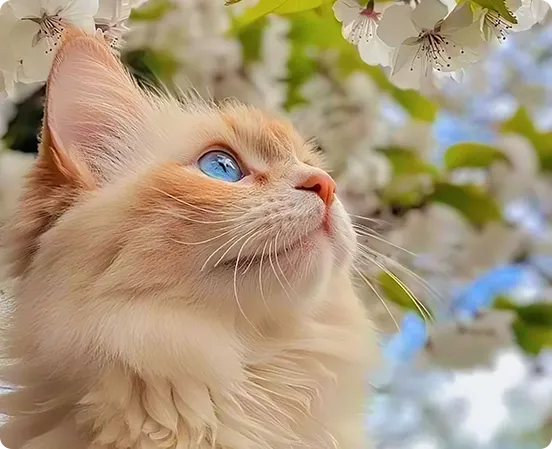
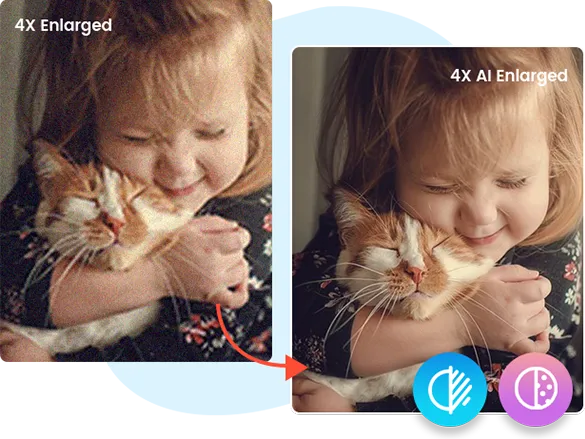
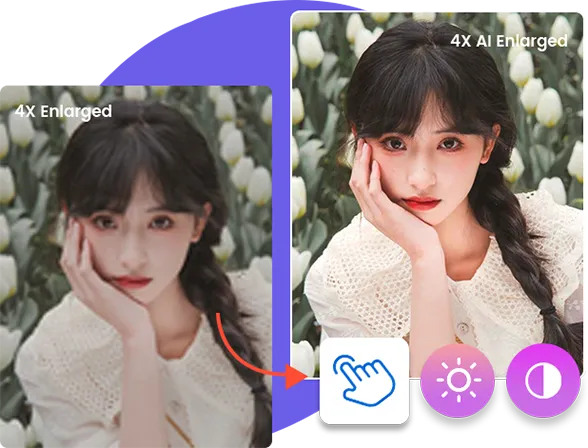
画像を高画質に拡大、解像度を上げて画像を綺麗にする