

 100% Safe & Clean |
 License Instant Delivery |

2025-07-08
How to convert ppsx to video online?...
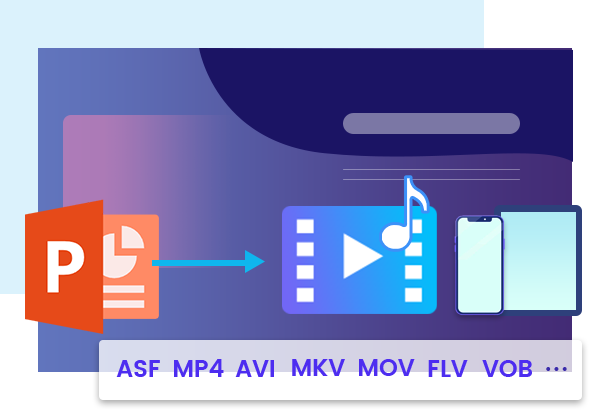
In the digital age, it's important to make your PowerPoint more a...

Other Features
The powerful PowerPoint to video converter can process multiple PPT files per conversion, and best of all, with no number limit. You are able to discretionarily import as many PowerPoint files as possible into this powerful PowerPoint converter and convert them all to videos just in one click.
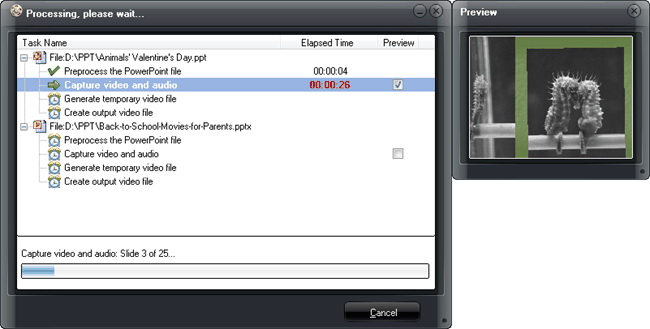
No need to worry about the conversion time since the efficient PPT to video converter can convert PowerPoint to videos in a minute. And you are able to see the exact process of each PPT file with precise conversion time. Moreover, you are allowed to real-time preview the output video during the PowerPoint to video conversion process.
Leawo PowerPoint to Video Pro is set with a concise interface in 7 most-spoken languages, i.e. French, German, Italian, Simplified and Traditional Chinese, to give you quick access to your video slideshow. The multi-lingual user interface can be adapted to different users, helping them accomplish their tasks with ease.

20+ Years Experience

10,000,000+ Happy Clients

100% Safe & Clean

100+ Countries
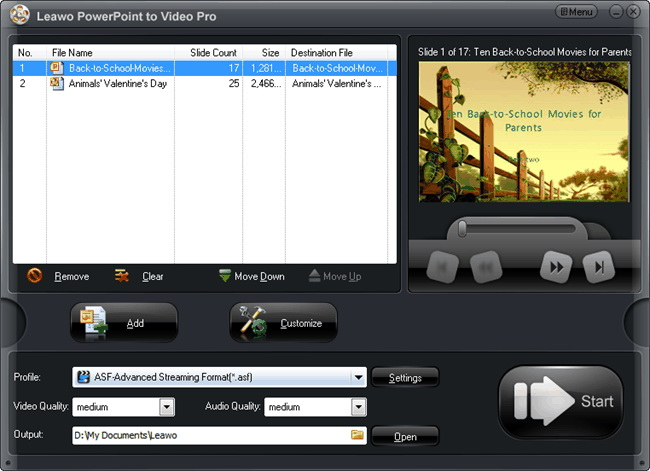
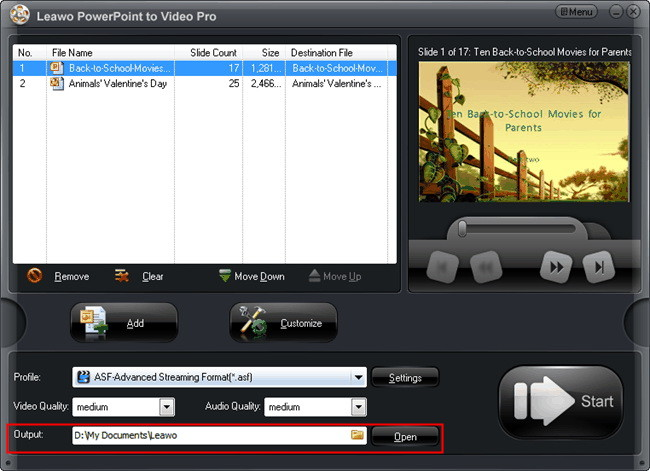
Step 1: Add source PowerPoint file
Click the “Add” button to browse and add source PowerPoint files from computer.
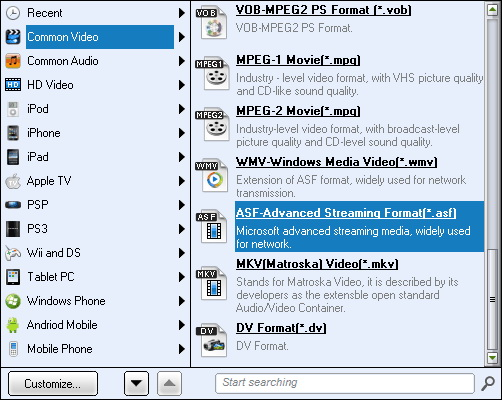
Step 2: Set output format
Open the “Profile” tab to set output format and change format parameters.
Step 3: Set output directory
Click the “Output” button at the bottom left corner to set output directory.
Step 4: Start converting
Click the “Start” button to start converting PowerPoint to video files.
System Requirments


Size 23.7 MB
Version
Update

Testimonials

"
Its professional layout, focused functions and simplicity make this a great choice for those seeking to view their PowerPoint presentations in new ways.


CNET Editor

"
PowerPoint presentations could be converted to video by this tool.This is a very good product. If you are looking for a similar solution, this is a good candidate for a trial in your exact set up.
Free Downloads Center Editor

"
I have their Video authoring and dvd production products and have been very pleased with the performance. This was a nice suprise as an easy way to convert powerpoints to video without having to screen record a presentation, big time saver. Good job guys.
Mike Vidal
Latest Articles

Purchase Leawo PowerPoint to Video Pro
$ 44.95

$ 69.95



Convert PowerPoint to Video in Any Format