


 100% Safe & Clean |
 License Instant Delivery |

 4.9(
4.9(
2 Repair Modes for Data Lossless or Thorough Fixing

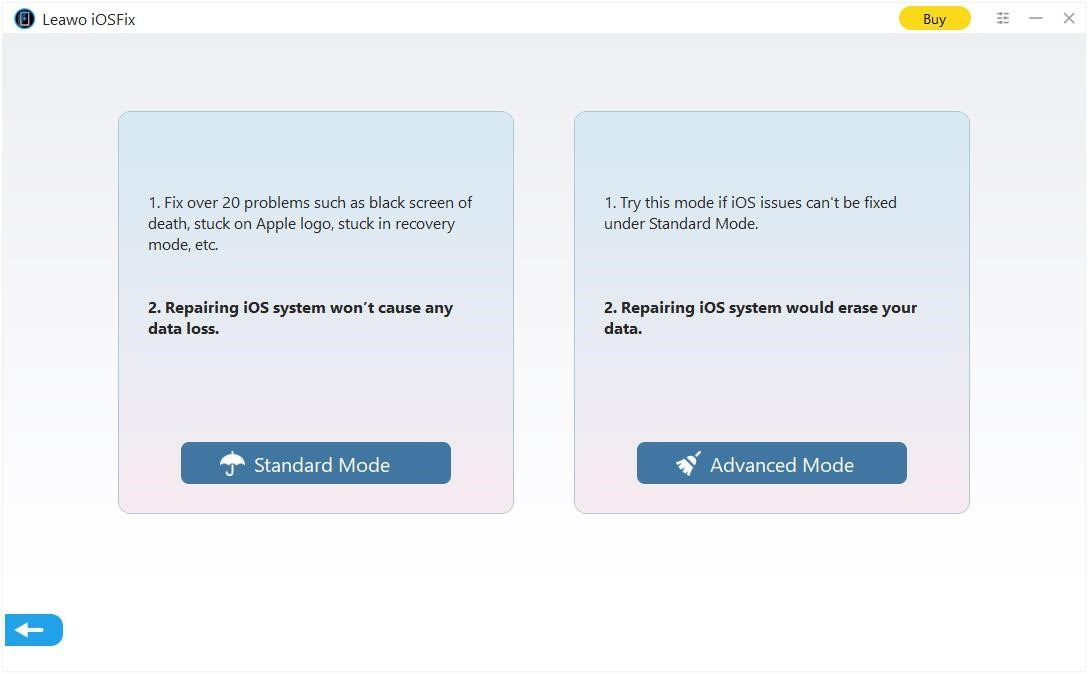
Standard Mode
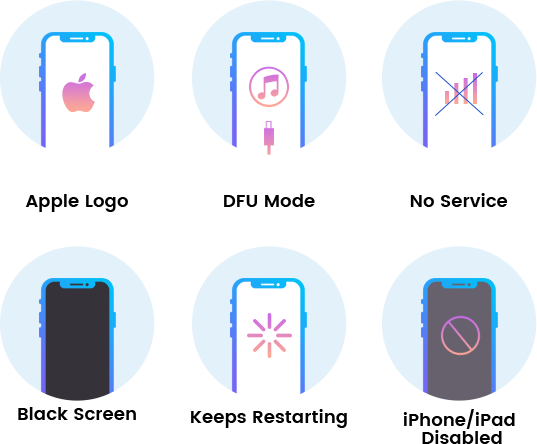
1. Fix over 20 problems such as black screen of death, stuck on Apple logo, and stuck in recovery mode.
2. Repairing iOS system won't cause any data loss.

Advanced Mode
1. Try this mode if iOS issues cannot be fixed under standard mode.
2. Repairing iOS system would erase your data.

Fix All iOS and tvOS versions in Clicks
Methods to Download iOS/tvOS Firmware
Multiple Ways to Download iOS/tvOS Firmware
With the practical iPod touch/iPhone/iPad data recovery software tool, you can recover data for iPhone/iPad/iPod touch easily, no matter the data has been lost/damaged/deleted due to: iOS update, iOS downgrade, device jailbroken, factory settings restored, mistake deletion, device broken, screen locked, device locked, device formatted, system crash, device stolen, password forgotten, switching to new iPhone
-

one-click smart online downloading
-

manual downloading from browser
-

loading firmware from local drive
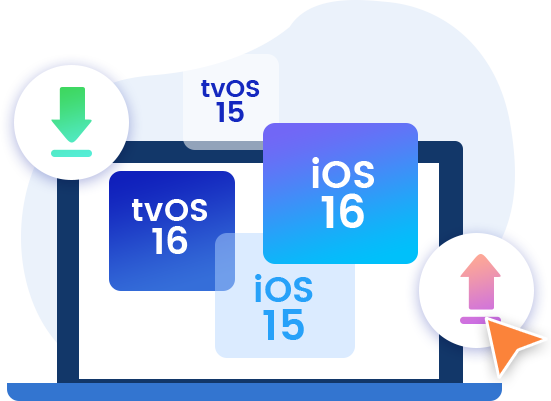
Upgrade And Downgrade iOS/tvOS Version in One-click

One-click Enter/Exit Recovery Mode (Totally Free to Use)
Troubleshoot iOS/tvOS Not Recognized Issues in Detail


User-friendly and Multi-lingual Interface
-

20+ Years Experience
-

10,000,000+ Happy Clients
-

100% Safe & Clean
-

100+ Countries
How to Fix iOS Device Errors
Step 1: Connect iOS device
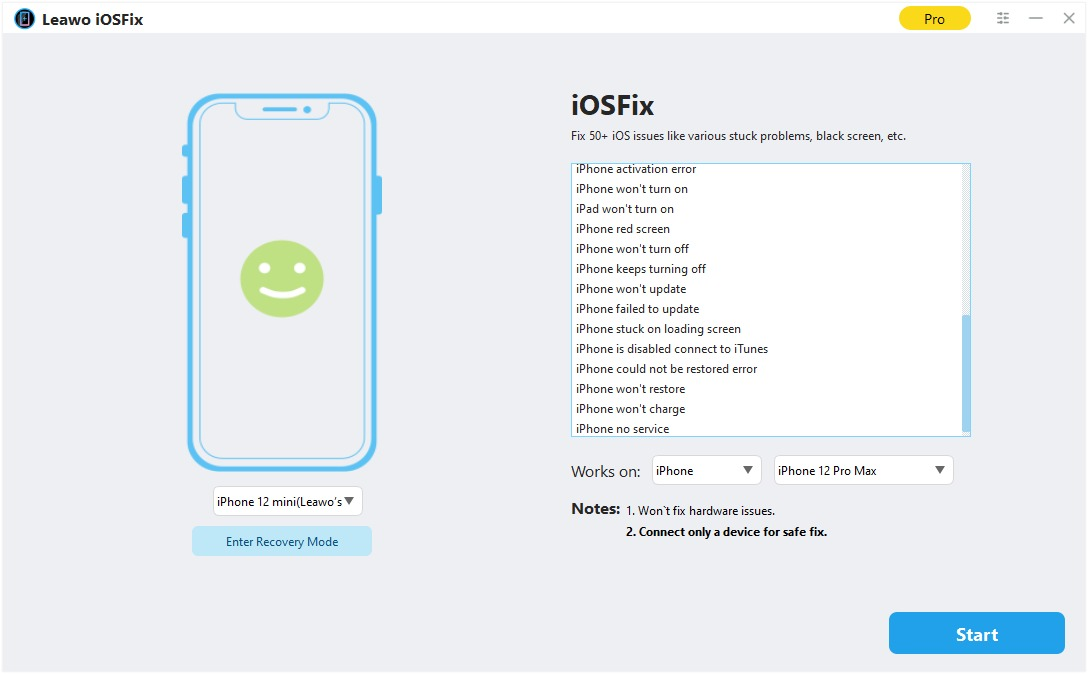
Connect iOS device to computer and kick off iOSFix.
Step 2: Choose mode
Choose either “Standard Mode” or “Advanced Mode” to fix iOS devices.
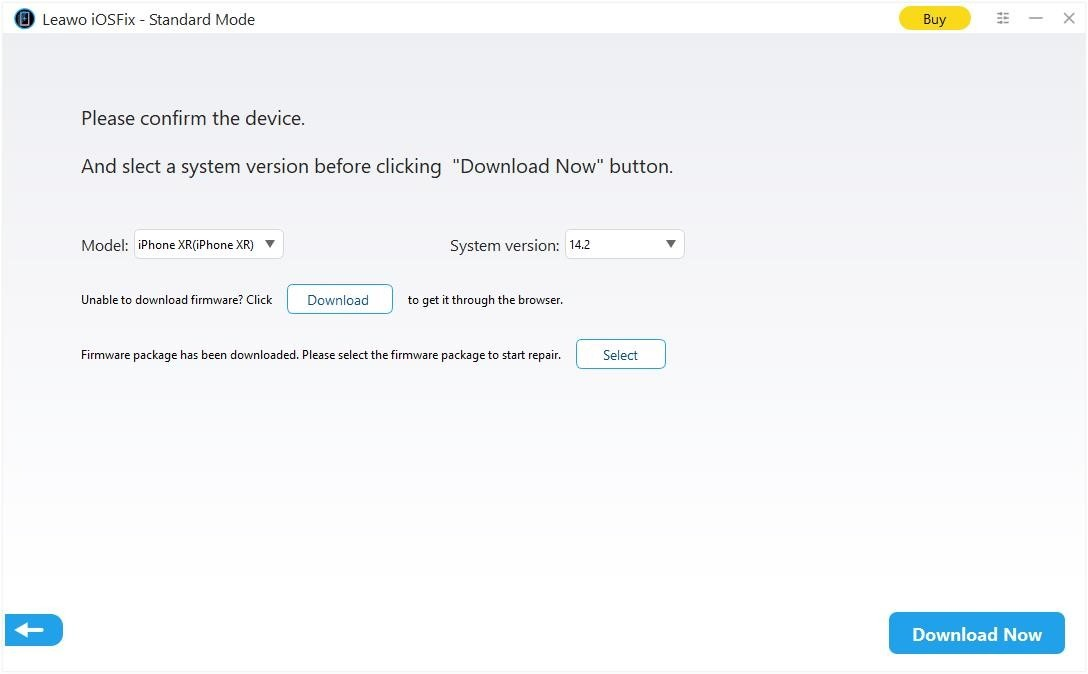
Step 3: Download firmware
Choose system version and then download firmware.
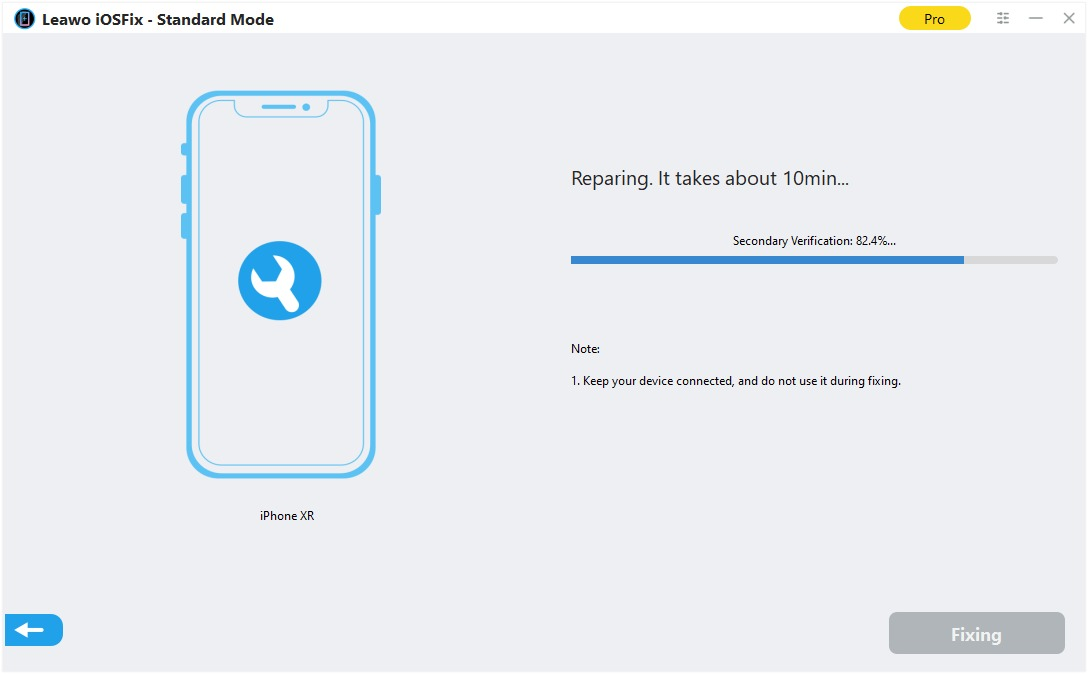
Step 4: Start fixing
Start fixing iOS device by clicking the “Fix Now” button.
System Requirments


Size 61.1 MB
Version
Update
- Supported OS : Microsoft® Windows 7, Windows 8, Windows 8.1, Window10, Windows 11
- Processor : 1GHz Intel/AMD processor (32-bit, 64-bit) or above
- RAM : 256 MB RAM (1028 or above recommended)
- Free Hard Disk Space : 200 MB or above
- Operating System : macOS Yosemite (10.10), macOS X El Capitan (10.11), macOS Sierra (10.12), macOS High Sierra (10.13), macOS Mojave (10.14), macOS Catalina (10.15), macOS Big Sur (11), macOS Monterey (12), macOS Ventura(13), macOS Sonoma (14), macOS Sequoia (15), macOS Tahoe (26)
- Processor : 1GHz or above Intel processor and Apple M1/M2 chip
- RAM : 512 MB RAM (1024 or above recommended)
- Free Hard Disk Space : 2GB or larger of free space

Testimonials
What Our Clients Say
-

"
Leawo was AMAZING!!! I'd lost all my data and got it all back! I was almost crying because my phone literally had nothing. Thank you!!
Ryan
-
Latest Articles




Fix 50+ iOS/tvOS Issues on iPhone, iPad, iPod or Apple TV