


 100% sécurisé et propre |
 Livraison instantanée de la licence |

 4.9(0)
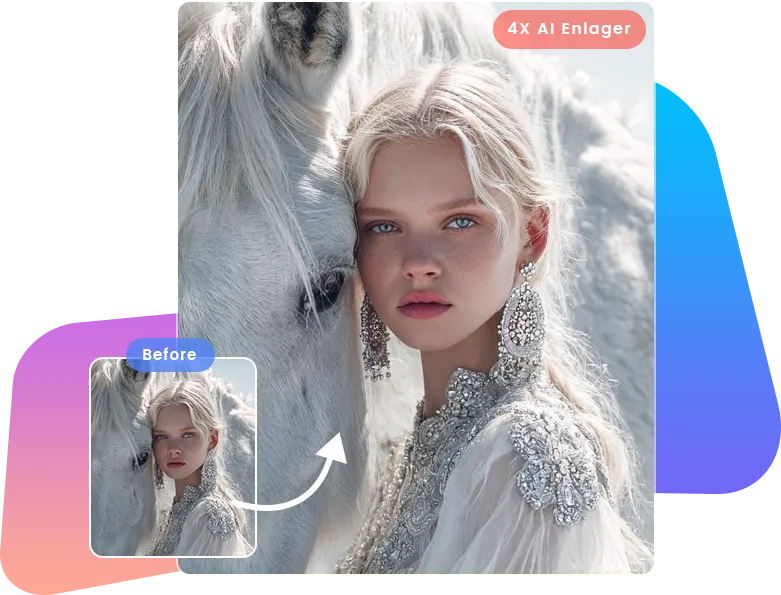



Supprimer le bruit et la brume pour corriger les images pixélisées, granuleuses et floues

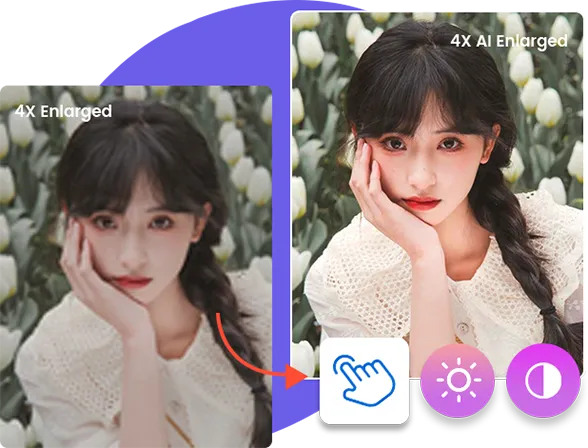
Optimiser le contraste, la netteté et la luminosité pour améliorer la qualité d'image
Traitement par lots avec une accélération matérielle 5X

Other Features
Other Helpful Features
-
Image downscale
In addition to image upscaling, Leawo Photo Enlarger can also shrink images to 0.5x.
-
Save preset project
Save preset parameters for further use, convenient and efficient.
-
Apply settings to all images
Apply the settings of a single picture to all images with one click.
-

20+ Ans d'expérience
-

10,000,000+ Clients contents
-

100% Sûr et propre
-

100+ Pays
How to Enlarge Photos
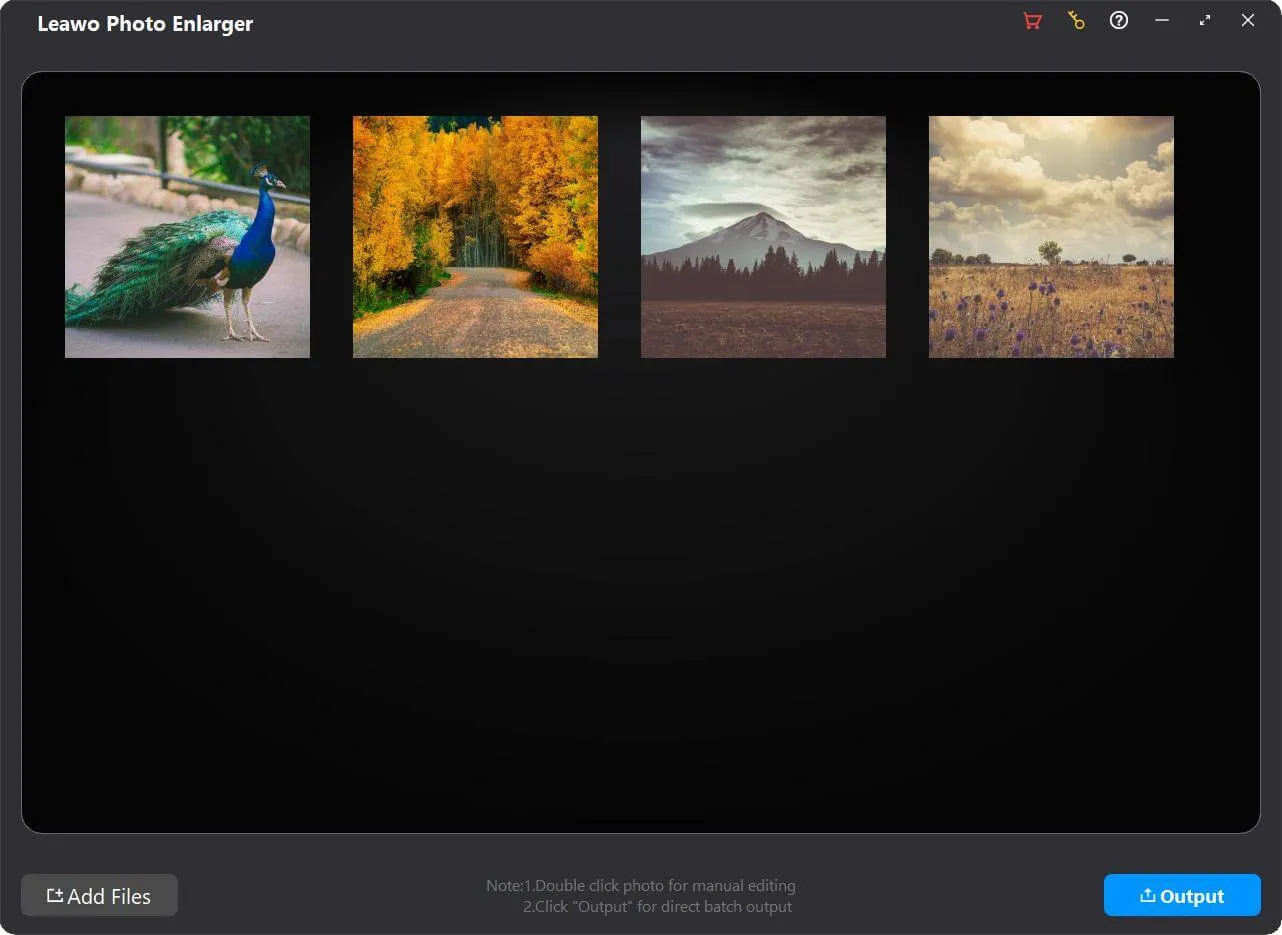
Step 1: Add source photos
Open the Photo Enlarger module and then click “Add Photo "button to add source photo files.
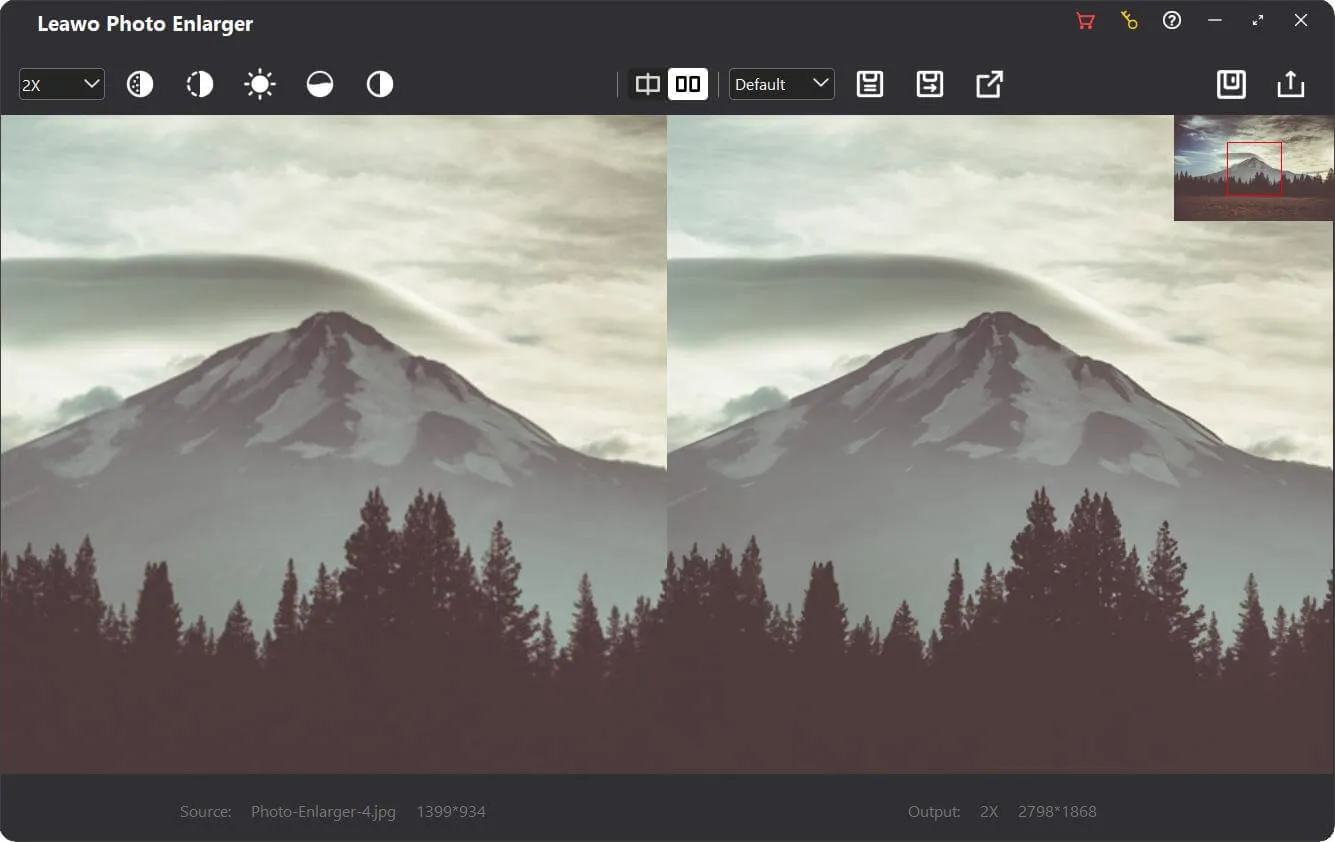
Step 2: Enlarge photos
Choose to enlarge photos in batch or manually enlarge photos one by one.
Step 3: Set output
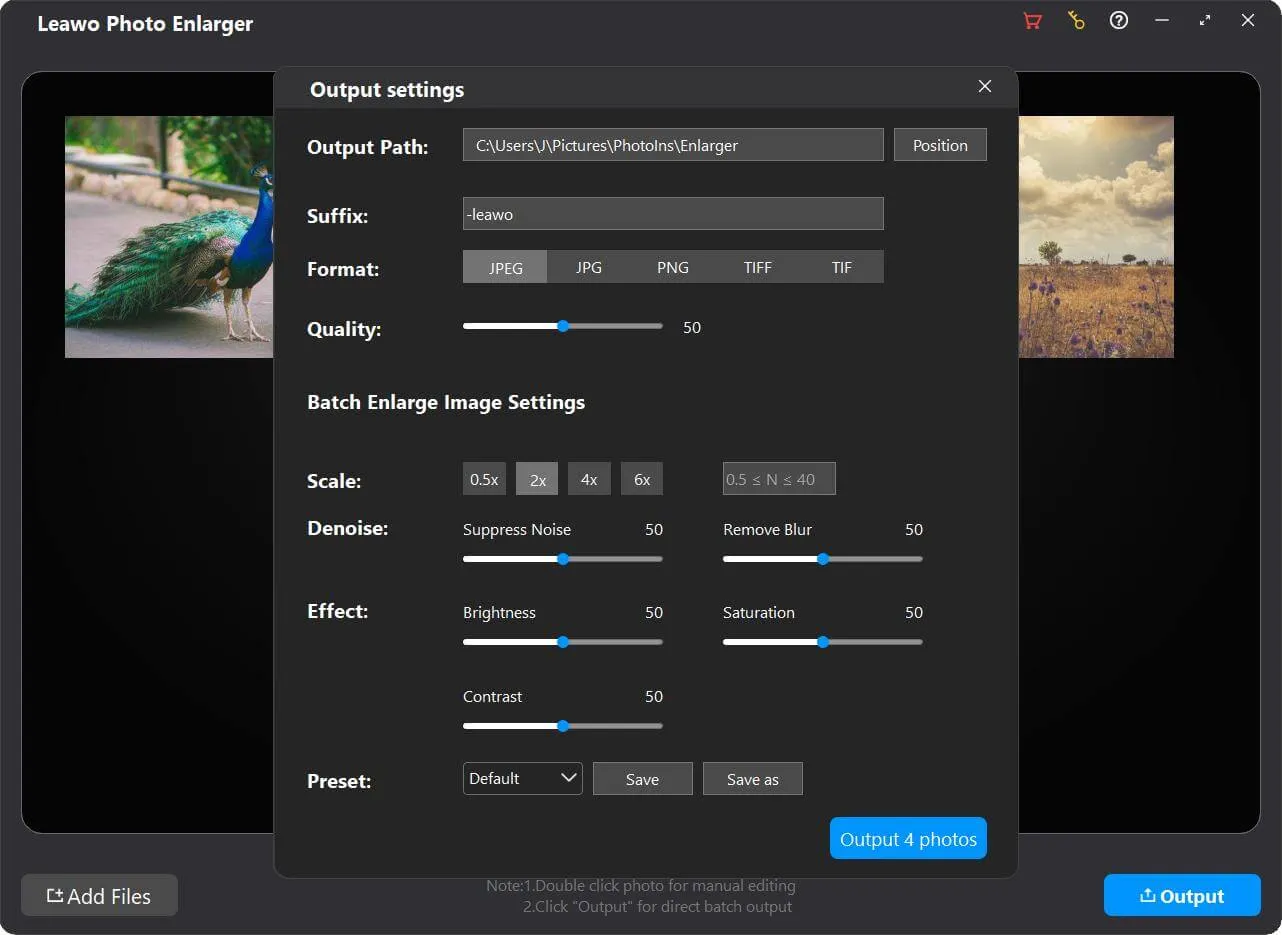
Click the “Output "button to complete output settings recording photo enlargement.
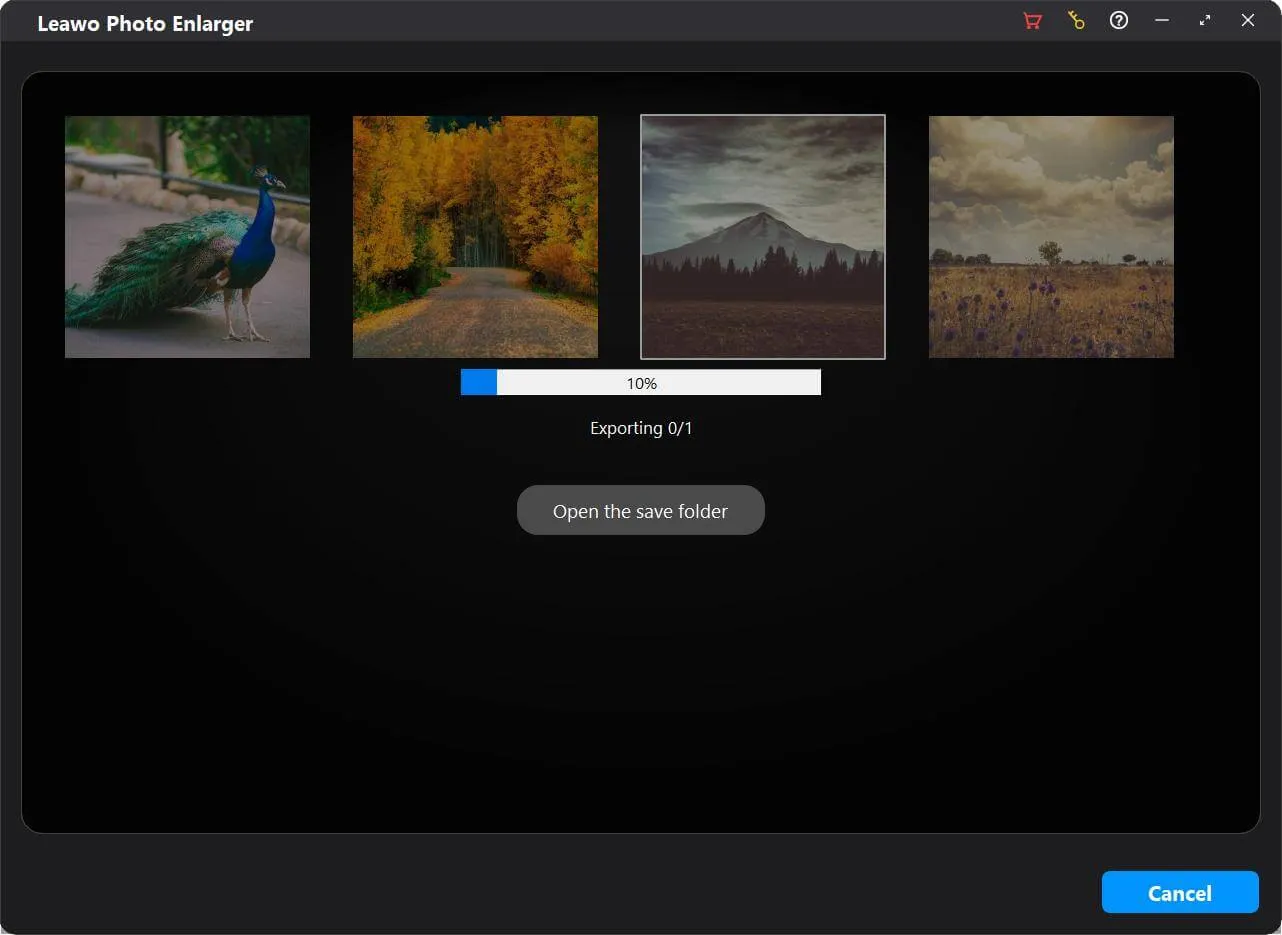
Step 4: Start photo enlarging
Click the blue “Output "button on the Output Settings panel to start enlarging photos.
Configuration requise


Size 3.4 MB
Version
Update
- Système d’exploitation : Microsoft Windows 10, 11 (64 bits)
- Processeur : Processeur Intel® Core i3 ou AMD Athlon® 64, 2 GHz ou plus rapide (processeur Intel® Core i3 de 6e génération, AMD Ryzen 3 de 1re génération ou plus performant recommandé)
- RAM : 4 Go (8 Go ou plus recommandé)
- Carte graphique : Cartes graphiques compatibles Open GL 3.3 ou versions ultérieures
- Espace disque : 4 Go d'espace disque disponible, SSD pour de meilleures performances
- Affichage : Résolution de 1024 x 768 pixels (1280 x 800 ou supérieure recommandée)
- Adaptateur : Adaptateur vidéo compatible DirectX 10
- Autres : La connexion Internet et l'enregistrement sont nécessaires pour l'activation logicielle, la validation des abonnements et l'accès aux services en ligne.
- Système d’exploitation : macOS Yosemite (10.10), macOS X El Capitan (10.11), macOS Sierra (10.12), macOS High Sierra (10.13), macOS Majave (10.14), macOS Catalina (10.15), macOS Big Sur (11), macOS Monterey(12), macOS Ventura(13), macOS Sonoma (14), macOS Sequoia(15)
- Processeur : Processeur Intel 1 GHz ou plus et puce M1/M2 d’Apple (Rosetta requise)
- Mémoire vive : 4 Go ou plus (8 Go est recommandé)
- Espace disque : 4 Go d'espace disque disponible, SSD pour de meilleures performances
- Résolution de l’écran : Résolution 1440x900 (1920x1080 ou supérieure est recommandée)
- Adaptateur : Adaptateur vidéo avec prise en charge de DirectX 10
- Autres : La connexion Internet et l'inscription sont nécessaires pour l'activation logicielle requise, la validation de l'abonnement et l'accès aux services en ligne.

Témoignages
Ce que nos clients disent
-

"
Great software! When I searched in Google, I saw many bg removers, but I downloaded this one. And it didn't disappoint me. It has a simple interface and is super easy-to-use, everything will be done automatically.
John
-
-
"
I love this software because it helps me remove background from my portraits, then I can change the background to various scenic spots, pretending that I have been anywhere in the world!
Jacob.W
-
-
"
To be honest, when it accurately cut out my girlfriend from the background, I was jaw-dropping. Then I put her in my photos. She left in an accident two years ago, I never thought we would meet again in this way. THANK YOU!
W.C
-

Agrandir les photos et améliorer la résolution d'image par l'IA