


 100% Safe & Clean |
 License Instant Delivery |
 4.9(
4.9(

2021-08-04
写真・画像の背景を簡単に切り抜きソフトおすすめ10選...
より良い視覚効果を得るために、一部の写真は、背景を削除して、別の写真に変更する必要...










20+ 年以上の経験

10,000,000+ 万人以上の満足顧客

100% 安全・クリーン

100+ ヶ国以上で利用
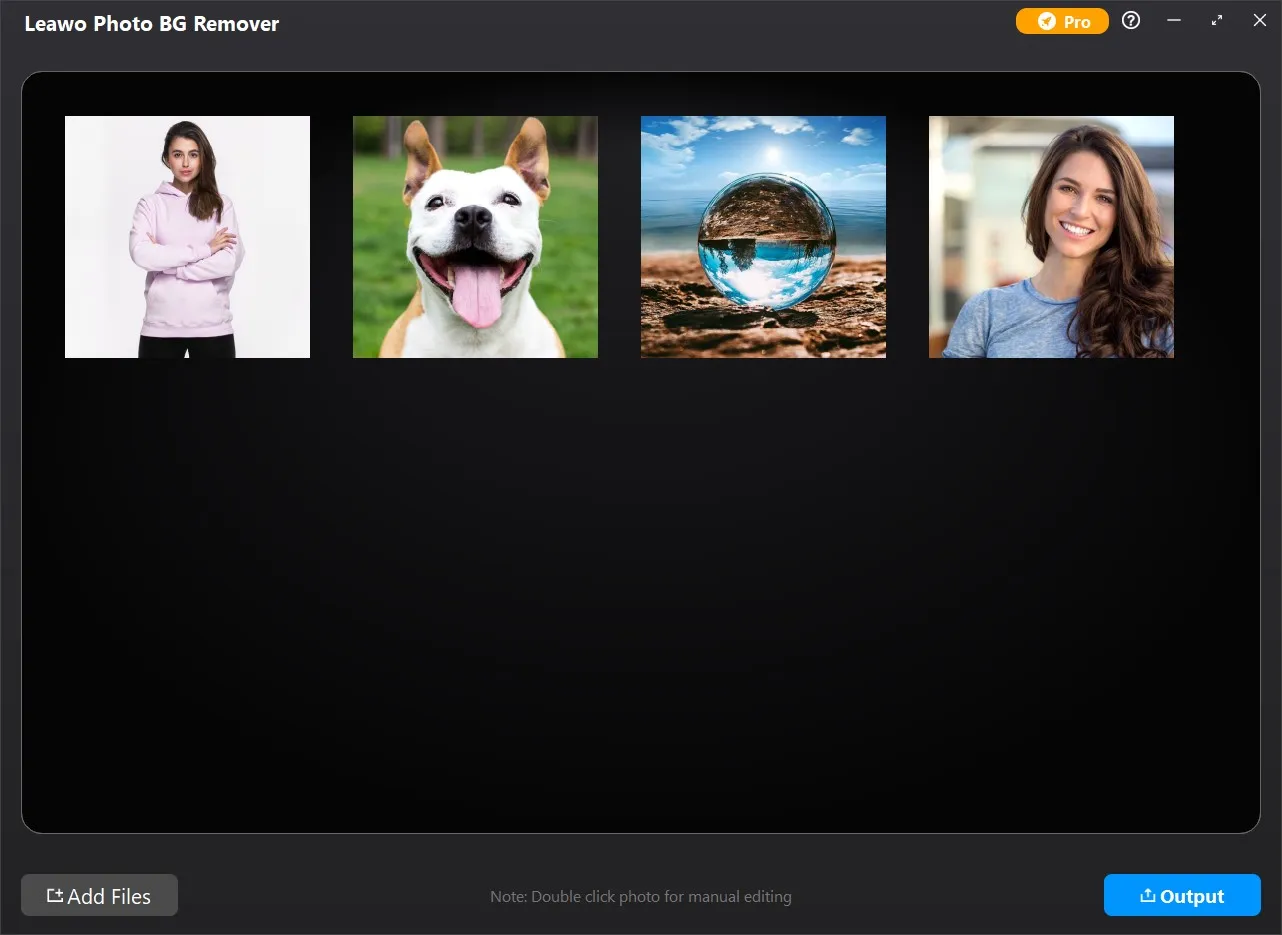
Step 1: Add source photos
Open the Photo BG Remover module and then click “Add Photo” button to add source photo files.
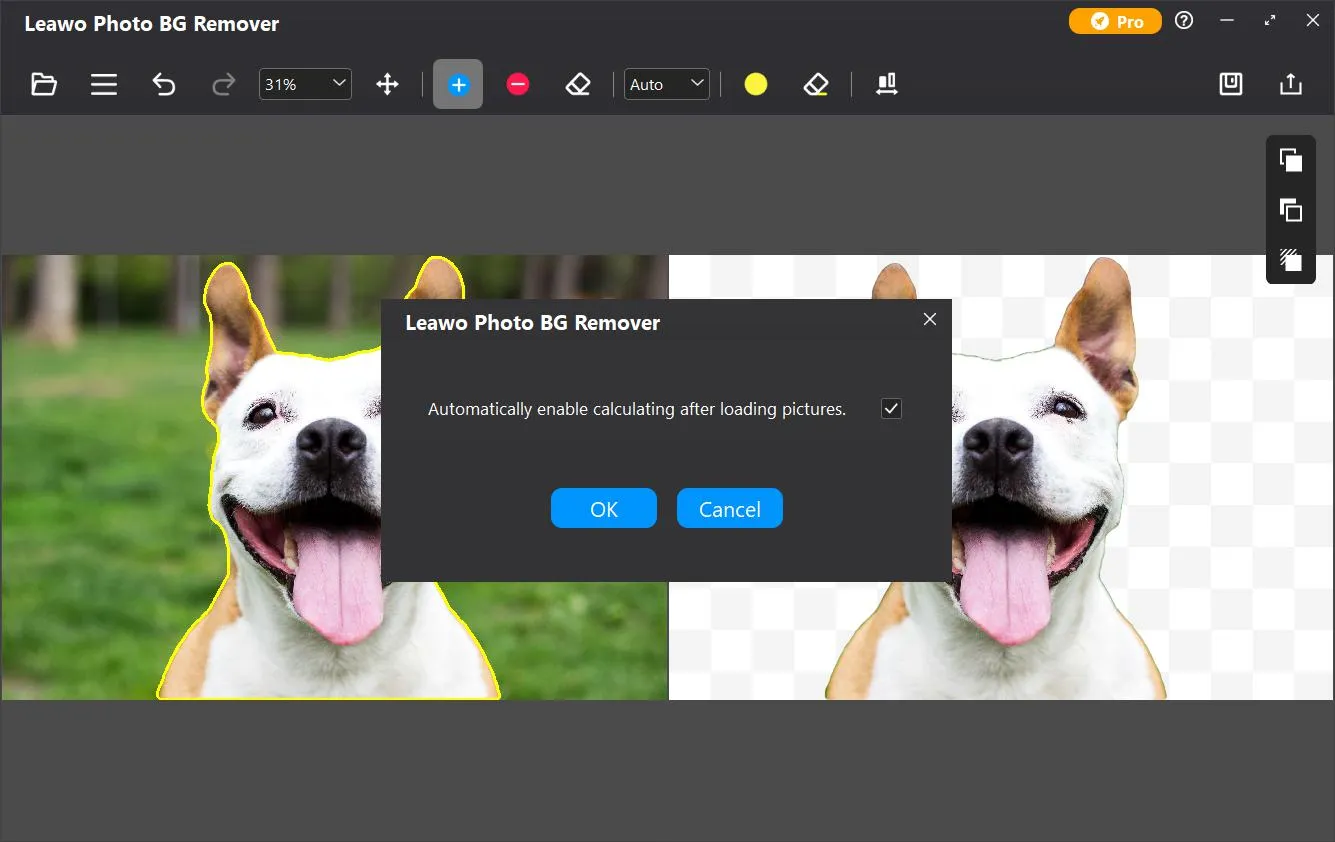
Step 2: Remove photo background
Choose to remove photo background in batch or manually remove/edit photo background one by one.
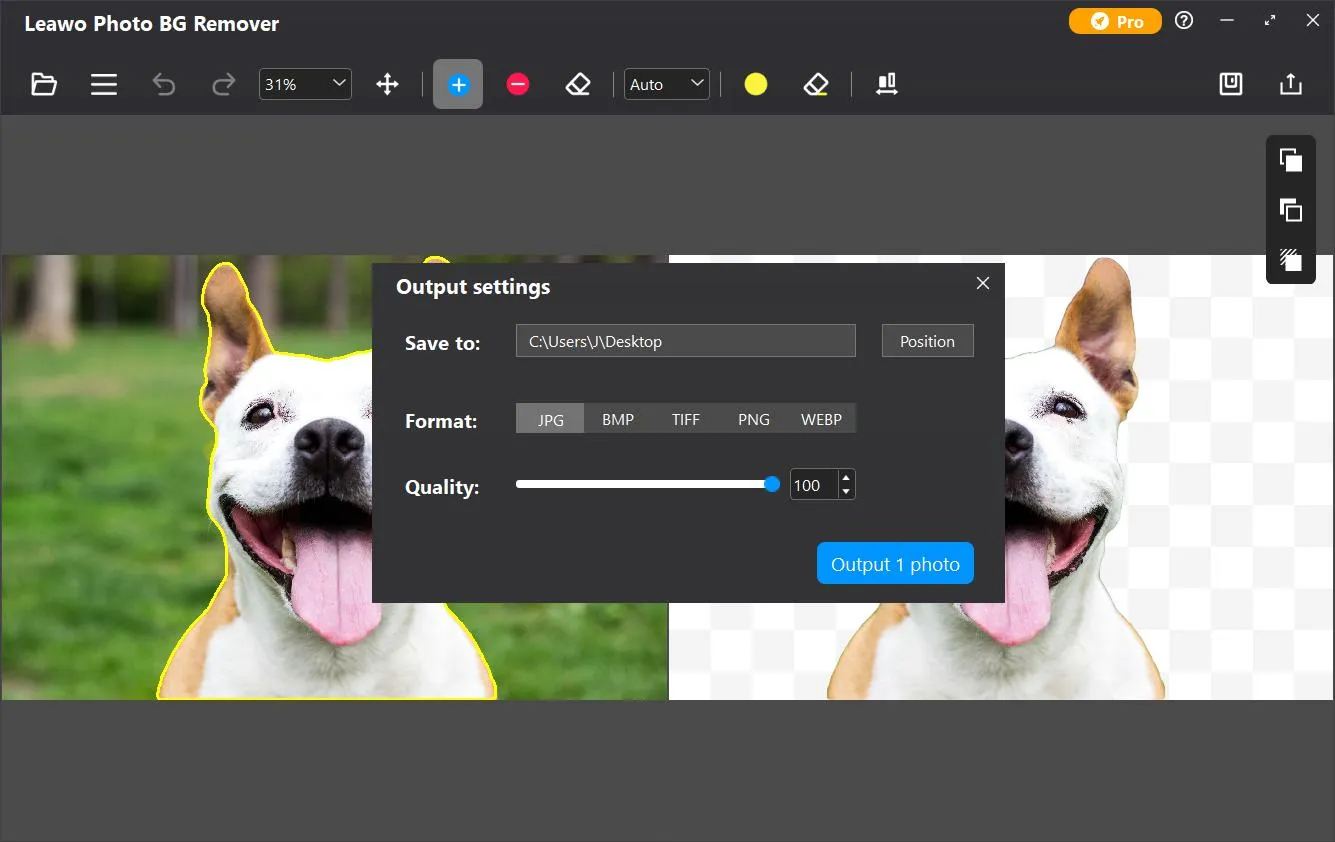
Step 3: Set output
Click the “Output” button to complete output settings for photo background removal/editing.
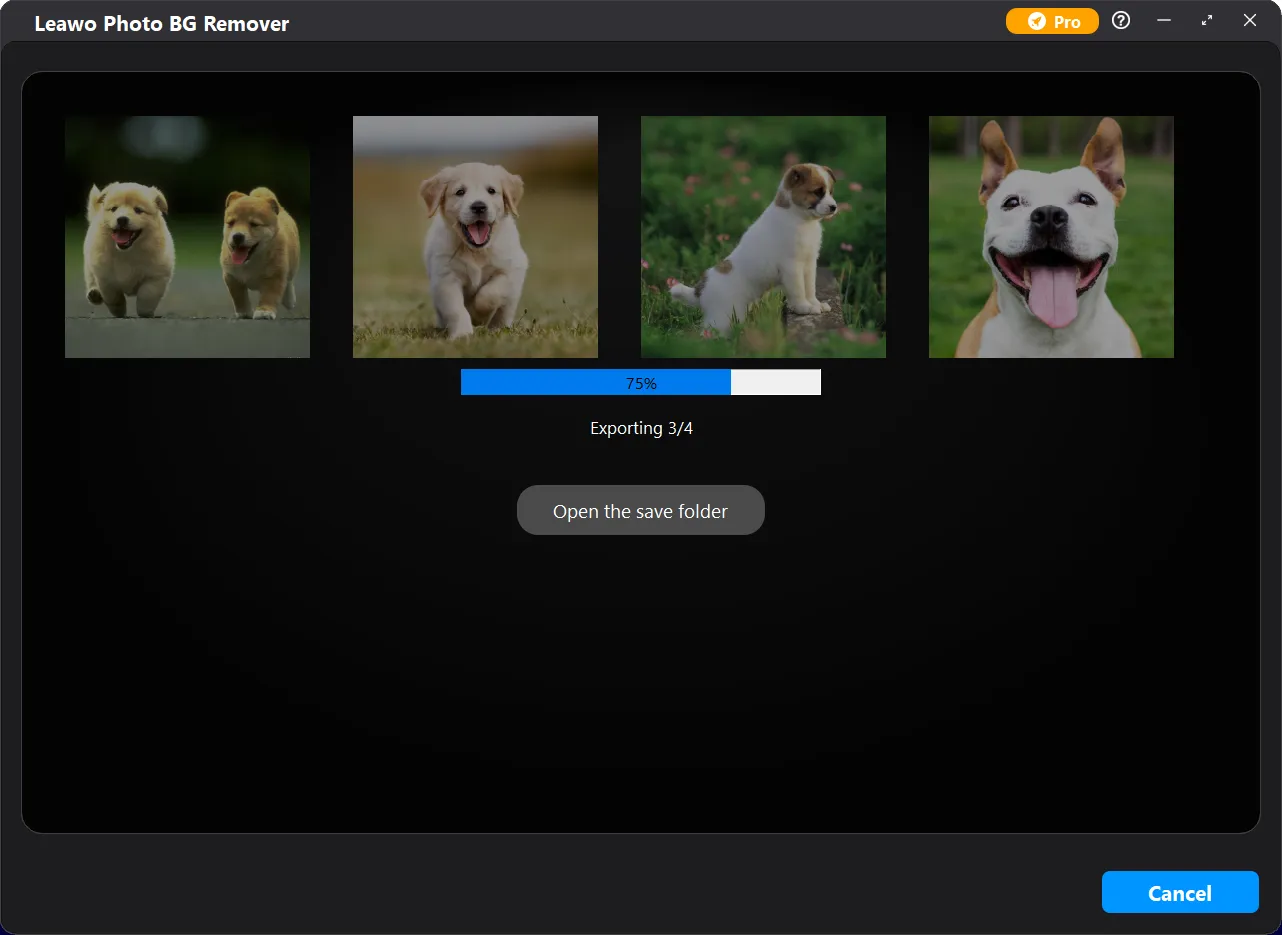
Step 4: Start removing photo background
Click the blue “Output” button on the Output settings panel to start removing photo background.
動作環境


ファイルサイズ 3.4 MB
バージョン
更新日

レビュー

"
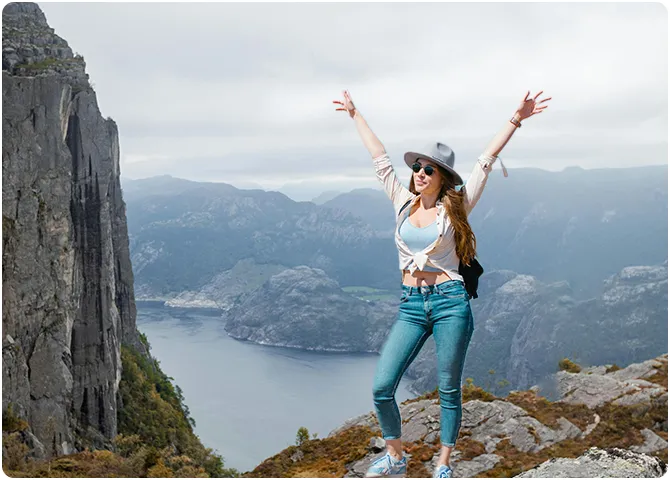
このソフトウェアが大好き!ポートレートから背景を削除することに役立ちます。これから全世界の景勝地と写真を取ることができます!(笑)

Jacob.W

"
素晴らしいソフトウェア!グーグルで検索したところ、たくさんの背景削除ソフトがありましたが、これをダウンロードしました。シンプルなインターフェースで非常に使いやすい。
John
"
Leawo Photo BG Removerを使って、大量の画像を一括で背景透過処理できるのがマジで助かります。透明感のある素材でも割とキレイに抜けます。時間の節約になるし、コスパも悪くないと思います。
山口 巧み
画像/写真の背景を自動的に切り抜く